
How To Share A Private Video [Step-by-Step Guide]

When you share a video online, sometimes you only want a few people to view it.
Whether it's for a client, work, or personal reasons, to share private videos, you need to be aware of privacy settings, encryption, access controls, and what are the best ways to share a large video file securely and privately.
Throughout this article, we will offer you tips and step-by-step guidelines on how to share private videos online.
Table of contents
- What is a private video?
- Why you need to share a video privately
- How to share a private video (step-by-step methods)
- Best platforms for sharing large private videos
- Tips to share a video privately
- Frequently asked questions
What is a private video?
A private video is a video you share online, but only so it can be viewed by the people you choose.
- Public: A public video can be seen by anyone and may appear in search results, recommendations, and on your channel page.
Example: Tutorials/reviews or any other public video posted on YouTube for everyone to find and watch.
- Unlisted: An unlisted video is a semi-private method to share a private video; it does not appear in search results or on your profile, but anyone with the link can watch it.
Example: A wedding video you share with friends and family using a direct link.
2. Private: A private video can only be viewed by specific people you invite using their accounts. No one else can access it.
Example: A password-protected link shared only with certain people.
When you publish or share a video online, whether it be via YouTube, cloud storage for videos, or file-sharing services, you can always configure the privacy settings to protect it with a password and create private links.
The main goal when you share private videos, therefore, is to secure your content and ensure it remains private and accessible only to those you choose.
Why you need to share a video privately
People share videos privately to keep content hidden from a broad or public audience.
Even when nothing is especially sensitive, people still often prefer a smaller, controlled audience simply because they don’t want just anybody viewing their content.
There’s also an additional security feature to keep in mind, which is the type of encryption used when uploading or sharing large video files.
When you upload a video to a cloud service such as Dropbox or Google Drive, your data is encrypted while stored, but the provider still holds the encryption keys. That means the provider can technically access or decrypt your files if needed, for example, for moderation, legal requests, or internal policies.
With zero-knowledge encrypted cloud storage, like Internxt Drive cloud storage for videos, your device encrypts the video before it is uploaded with post-quantum and zero-knowledge encryption, and only you hold the key.
Internxt stores the encrypted data but cannot read or access the contents because it doesn’t have the decryption key, allowing you to share large files securely and in total privacy.
When you should share private videos
You should share a video privately whenever you want to control and restrict access to who views your video, and for the following purposes:
- Encryption: You don’t want the cloud provider or file-sharing service to view the contents of your files.
- Privacy: The video may contain personal moments, family members, children, private conversations, or sensitive information you don’t want publicly visible.
- Limited audience: When you want only specific people, such as friends, relatives, coworkers, or clients, to see it.
- Security: Private sharing reduces the risk of unauthorized copying, misuse, or unwanted attention.
- Feedback: When you want opinions or corrections before publishing a video publicly.
- Professional or legal reasons: The video may contain confidential business information, proprietary content, or material subject to privacy agreements.
- Temporary sharing: The video may only be relevant to a small group for a short period of time.
How to share a private video (step-by-step methods)
Internxt Drive
Internxt Drive secure cloud storage offers zero-knowledge and post-quantum encrypted link sharing to share large videos privately. It also offers password protection and controlled sharing so you can restrict access to files whenever necessary.
To share private videos with Internxt Drive, follow these steps:
- Log in or create an Internxt account: You can sign up for a 1GB free cloud storage account, or upgrade to an annual or lifetime plan.
- Upload your video: Drag and drop your file or click the “Upload files” button to upload your video
- Choose your privacy settings: For private video sharing, choose “Restricted” to control who can view your video.
- Set a password: For further security, choose “Protect with password” to ensure only those you give the password to can access the video.
- Share file: Click “Copy link” to share the secure link, or “Invite” to share the video via email.
Internxt Send
Internxt Send is a free and secure file-sharing service for you to send large files securely via an encrypted link or email, and all files are protected with the same zero-knowledge encryption as Internxt Drive.
Here’s how to share a large video file with Internxt Send:
- Go to send.internxt.com
- Select “Upload Files” or “Select a folder”
- Once uploaded, click “Send link” or “Send email”
For security reasons, your link will automatically expire after 15 days.
YouTube/Vimeo
YouTube offers private or unlisted videos, so your video won’t appear in search results, or you can share a video privately with the link once you upload the file.
To share a large video file with YouTube, follow these steps:
- Log in or set up a YouTube account
- Upload your video: Select “Upload Video” in the top-right corner of the screen, and select the file you want to upload.
- Choose privacy settings: Once completed, you can pick your settings, so pick “Private.”
- Select the recipients: Click on the blue “Share Privately” link, and enter the email addresses for up to 50 people you want to see this YouTube video content.
YouTube doesn’t offer the same privacy controls as Internxt, but an alternative to YouTube you can try out is Vimeo. Vimeo offers password protection, private review links, restricted embedding, and domain-level access.
Here is how to share private videos with Vimeo:
- Sign in or register an account with Vimeo
- Upload your video
- Choose privacy settings: Choose between “Only people with the private link” or “Only people with the password”.
- Set up password protection: Select “Only people with a password” to control who can view your file.
- Restrict viewing access: Choose specific pre-approved email addresses.
- Save the video: Select “Save” or “Publish” to apply your chosen privacy settings.
- Share the video: share videos with the “Share” button, or copy the video’s URL.
Telegram
Telegram is an end-to-end secure messaging app to message, share private videos, and store chats in the cloud.
Video and file sharing limits
- Standard users can send files, including videos, up to 2 GB per file.
- Telegram Premium users can send files up to 4 GB per file.
How to share a video on Telegram step by step
- Open Telegram and go to the chat where you want to send the video
- Tap the attachment icon (paperclip or plus symbol)
- Choose Gallery or Files depending on where the video is stored
- Select the video you want to send
- Tap send
Best platforms for sharing large private videos
While there are many ways to share private videos online, if your needs are for privacy and military-grade encryption, these are your best options.
Internxt Drive
Internxt Drive is the best platform to share private videos, as it offers the best encryption for your files. As you hold the keys, nobody but you or those you share your files with can access your private videos.
It also offers password protection and restricted access for files for maximum control and privacy.
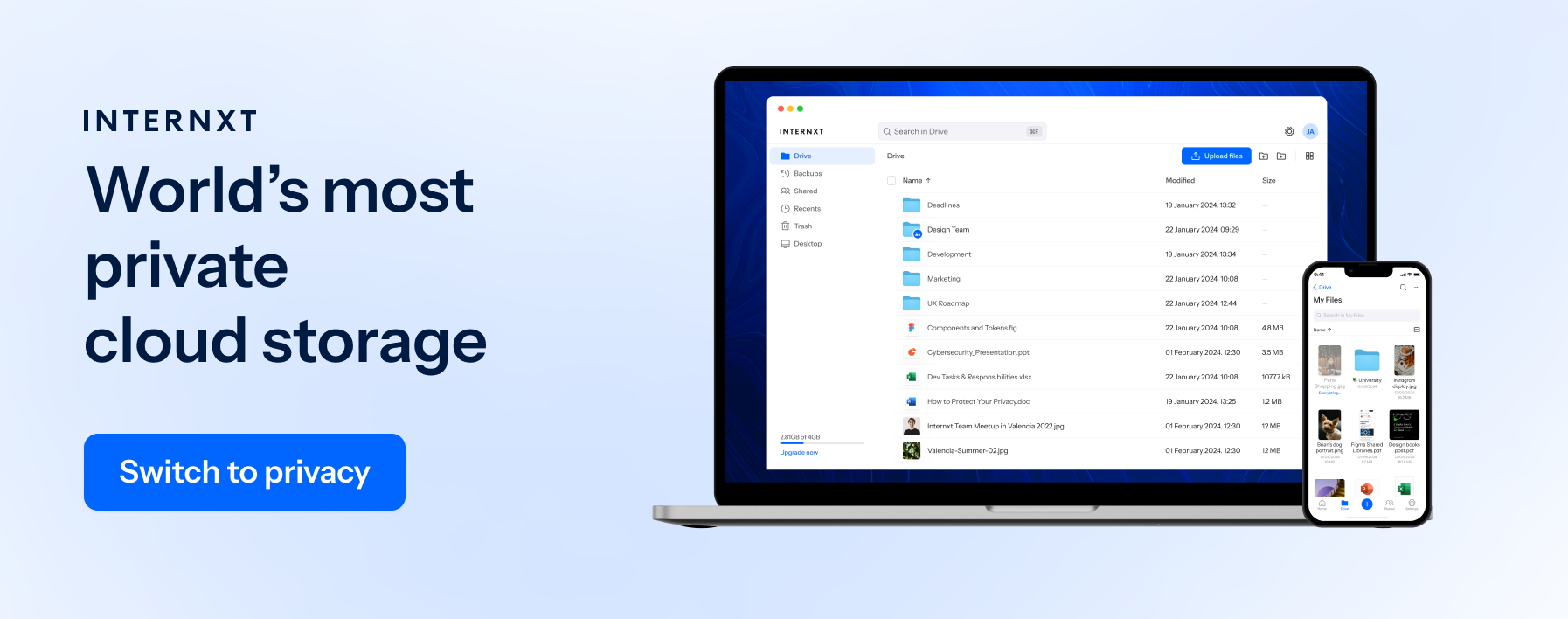
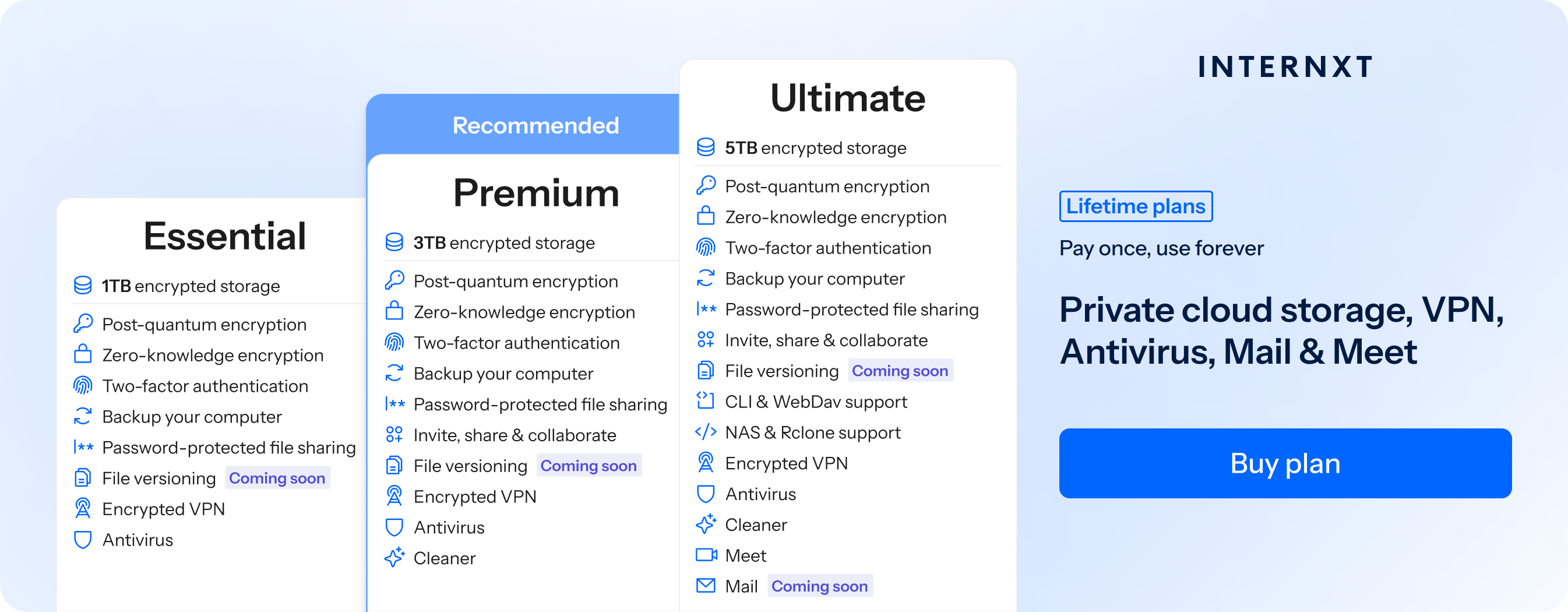
Aside from offering a private way to share large videos, Internxt plans include a full product suite to protect your privacy online, starting with Antivirus, VPN, Meet, Mail, and NAS and rclone support.
All Internxt products are open source, and its cloud data centers are based in Europe, meeting GDPR, ISO 27001, SOC 2, and HIPAA compliance standards, and Internxt Drive has been fully audited by an independent security firm.
To start sharing videos privately online with Internxt, join for free, or upgrade to a paid account for 85% off using the special offer link below.
| Plan | Storage | Features | Annual (Paid monthly) | Lifetime Cost |
|---|---|---|---|---|
| Essential | 1TB | €1.99/month | €380 | |
| Premium | 3TB |
|
€3.99/month | €580 |
| Ultimate | 5TB |
|
€5.99/month | €780 |
| *Prices are correct at the time of writing and are subject to change. For latest prices, check https://internxt.com/pricing | ||||
Internxt Send
For a free, secure method for sending encrypted files via link or email, Internxt Send is the best free file sharing service to share private videos securely with total control over who can view your private videos.
Other ways to share private videos
Aside from cloud storage and direct file-sharing services, other ways to share a large videos online include:
- Video platforms (YouTube unlisted or private upload)
Best for: sharing with select people without downloading
Use case: tutorials, presentations, personal videos you want viewed but not publicly searchable - Streaming links (self-hosted or video hosting platforms like Vimeo, private links)
Best for: high-quality viewing without sending the file - File compression and splitting
Best for: reducing size when sharing files via email - Telegram
Best for: quick sharing with some quality control
Tips to share a video privately
To help you share a large video efficiently, here are some extra tips to help you out:
- Use a file compressor: For sending videos via email, the file sizes are much more restricted, but if you want to reduce the size of the file and keep the quality, use Internxt’s file compressor for free.
- Choose an MP4 file: Formats like MP4 videos are widely supported and use efficient compression compared to less optimized formats like MOV or AVI.
- Reduce the resolution or bitrate: Lowering resolution with free tools reduces file size because there is less visual data.
- Split large files: If a single file exceeds upload limits, online tools can split a large video into smaller parts, which are sent separately and reassembled by the receiver with the same tool.
Frequently asked questions
How do I send a video that is too large?
You can send a large video by uploading it to Internxt Drive or Send and sharing the link via email or message. This avoids email attachment limits and makes it easy for recipients to access the file.
How can I share a video privately with someone?
Using Internxt Drive lets you control who can view or download the video by providing an encrypted link, requiring password protection, and the option to restrict access to specific people.
What is the safest way to send large video files?
The safest option is to use Internxt Drive for zero-knowledge encryption and access controls. This helps protect your video during transfer and prevents unauthorized access.
Can I send large videos without losing quality?
Yes. Upload the original video file to a file-sharing or cloud storage service instead of sending it through apps that compress videos. This preserves the video's original quality and resolution.
Also of interest to you...