
Cloud Storage vs Local Storage: Everything You Need to Know

In 2026, the world is expected to generate roughly 450 to 500+ million terabytes of data per day due to continued rapid growth in:
- Video streaming and short-form content
- AI model training and inference data
- IoT devices and sensors
- Cloud services and enterprise data systems
All this data needs to be stored somewhere, but is cloud storage or local storage best to manage your data?
Throughout this article, we will cover
- Cloud vs local storage
- Cloud storage vs local storage security
- Cloud storage vs local storage: pros and cons
- Cloud vs local storage costs
This way, you will gain a deeper understanding of both storage models and determine which best suits your personal, business, or enterprise use case.
Table of contents
- What is cloud storage?
- What are the different types of cloud storage?
- Pros & cons of cloud storage
- What is local storage?
- Cloud storage vs local storage: pros and cons
- Pros & cons of local storage
- Cloud storage vs local storage: quick comparison
- Best cloud storage alternative to local storage
- Internxt Drive
- Internxt S3
- Internxt cloud storage vs local storage cost
- How to choose between cloud storage vs local storage
- Related articles
- Frequently asked questions
What is cloud storage?
Cloud storage is a way to store your files on remote servers rather than on your own device. These servers are owned and managed by a cloud provider and are accessed over the internet.
When you upload a file to the cloud, it is stored in a secure data center and can be accessed from any device, anywhere, as long as you have an internet connection.
Below, we will cover the different types of cloud storage available, so when comparing cloud vs local storage, you have an in-depth idea of how both storage models work.
What are the different types of cloud storage?
When you’re choosing between cloud vs local storage, some of the most popular options for storing files in the cloud come from big tech companies (Google Drive, OneDrive, etc), but there are other options you can choose from, depending on your use case.
Public, hybrid, and private
Cloud storage stores data on remote servers that are accessed over the internet instead of relying only on local hard drives.
For the deployment model, data is stored in servers in data centers managed either by third-party providers or the organization.
The three main types of cloud storage are public, private, and hybrid cloud.
Public
In a public cloud model, such as Internxt Drive secure cloud storage, storage and computing resources are run in European data centers, encrypted on your device, and sent to its servers to ensure nobody can access your files.
Public cloud storage is commonly used for personal cloud storage backups, file syncing across devices, media storage, web applications, and large-scale data storage, where strict control over infrastructure is not required.
Choose a public model for: low cost, simplicity, and scalability
Private
For private cloud storage, the infrastructure runs on dedicated servers used by a single organization. It can be hosted on-premises in a company’s own data center or by a provider in a dedicated environment.
Choose a private model for: maximum security, control, or compliance
Hybrid
A hybrid cloud storage model is a combination of private and public cloud environments that are connected together. You choose this model when you need to separate your data.
Sensitive or regulated data stays in the private cloud, while large-scale storage, backups, testing, or temporary workloads run in the public cloud.
It is commonly used by businesses that have mixed requirements, such as keeping customer or financial data secure while using public cloud resources for scaling, analytics, or cost efficiency.
Object, block & file storage
Cloud storage can also be classified by storage type, which describes how data is organized and stored.
The three main storage types are
- Object storage
- Block storage
- File storage.
Object Storage
Cloud object storage, such as Internxt S3, stores data as individual objects containing the file, metadata, and a unique identifier to quickly retrieve data.
Objects are stored in a flat structure, so it has unlimited availability and is a cost-effective solution used by enterprises for backups, archives, photos, videos, media libraries, cloud storage services, and large datasets.
Choose object storage for: scalability and storing terabytes or petabytes of unstructured data.
Block Storage
Block storage stores data in fixed-size blocks, each of which has a unique address, allowing applications to access and modify data quickly, providing high performance and low latency.
This storage is commonly used for databases, virtual machines, and enterprise applications.
Choose block storage for: high performance and low latency
File Storage
File storage stores data in a hierarchical structure using files, folders, and directories. If you use Windows, macOS, or Linux file systems, it’s the same organizational model, making it familiar and easy to manage.
File storage is commonly used for shared drives, team collaboration, document management systems, network-attached storage (NAS), and applications that require traditional file paths.
Choose file storage for: shared access and file management
Pros & cons of cloud storage
When choosing between cloud vs local storage, it’s important to be aware of the advantages and disadvantages.
Advantages
Accessibility: Access files from anywhere with an internet connection, making it easy to work from any device or when working remotely.
Backups: Protect data from common threats to data, such as ransomware, hardware failures, theft, or accidental deletion.
Scalability: Cloud storage plans offer terabytes of storage. With Internxt Drive plans, you can get 5TB to up to 100TB of storage.
File sharing and collaboration: Share large files and folders quickly and securely via a secure link or email.
Redundancy: Cloud storage stores your data across multiple servers or locations to improve reliability and availability, and ensure you can always access your files
Synchronization: Keep files updated across computers, smartphones, and tablets automatically so you always have the most recent version of your files available.
Security: Encryption (end-to-end or zero-knowledge), access controls, and 2FA are all handled by the provider to ensure your files are kept secure.
Disadvantages
- Reliance on an internet connection: Accessing, uploading, and syncing files typically requires a stable internet connection, which may not be convenient or totally secure if using public wifi.
- Ongoing subscriptions: Monthly or annual fees can become more expensive than local storage over time, but you can avoid this with an Internxt lifetime plan.
- Privacy: Data is stored on third-party servers, requiring trust in the provider's security and privacy practices. Some companies hold the encryption keys to your data, meaning they could access your files without your knowledge.
- Vendor lock-In: Migrating data to the cloud can be time-consuming and costly.
- Storage limits: Plans often include storage caps, requiring upgrades as data requirements grow, although some services offer unlimited cloud storage
- Compliance: Certain industries may face legal or regulatory requirements that limit where and how data can be stored.
What is local storage?
Local storage stores data directly on physical hardware rather than on remote cloud servers, such as:
- Hard drives
- SSDs
- USB drives
- On-premises servers (data stored on an infrastructure or device owned by you or an organization)
Local storage can also include internal or external hard drives, file servers within a company, Network Attached Storage (NAS) systems such as QNAP or Synology devices.
The key difference between local storage vs cloud storage is that data remains physically close to the user or organization, giving full direct control over how it is stored, secured, and managed.
Unlike cloud storage, local storage requires the owner to handle all maintenance, upgrades, backups, and security. This includes managing hardware failures, software updates, and physical protection of the systems.
While it offers high control and potentially faster local access speeds, it also comes with higher responsibility and upfront hardware costs.
Cloud storage vs local storage: pros and cons
Pros & cons of local storage
Like cloud storage, local storage has its benefits and disadvantages, which you can consider when making your decision between local storage vs cloud storage.
Advantages
- No internet required: Files can be accessed anytime without needing an internet connection, offering more reliability and convenience in offline environments.
- Control over your data: Users or organizations have complete control over where data is stored, how it is managed, and who can access it.
- One-time Hardware Cost: Storage is typically a one-time investment in physical hardware, but costs may increase over time if more storage is required
- Faster access: Data can be accessed at high speed over local networks or directly from the device, reducing latency.
- More predictable and reliable performance: As local storage is not affected by internet speed or cloud infrastructures, it is often more reliable.
- Custom security: Security measures can be fully customized and managed internally based on specific needs or policies.
- No subscription costs: After the initial hardware investment, there are no monthly costs for the storage capacity.
- Better for compliance: Local storage offers complete control over your data, so for businesses with compliance needs and regulatory standards like SOC 2, ISO 27001, and HIPAA, this can be a better option.
Disadvantages
- High initial investment: Requires significant initial investment in hardware such as servers, hard drives, and networking equipment.
- Limited Scalability: Expanding storage requires purchasing and installing additional physical hardware.
- Risk of damage or loss: Local storage is at high risk of hardware failure, theft, fire, or other physical damage, meaning properly backing up data is essential.
- Maintenance: All updates, repairs, and system management must be handled internally, which could compromise the system if improperly managed.
- IT management requirements: Local storage requires skilled personnel to manage infrastructure, security, and performance, all of which add to business costs.
- Slower Collaboration: Sharing and accessing files across different locations can be less efficient compared to cloud storage.
Cloud storage vs local storage: quick comparison
Now that we’ve covered cloud storage vs local storage in detail, you can check below for a quick overview of both storage models.
| Feature | Public | Private | Hybrid |
|---|---|---|---|
| Definition | Shared infrastructure managed by provider | Dedicated infrastructure for one organization | Mix of public and private systems |
| Cost | Low pay-as-you-go | High hardware and maintenance cost | Medium to high depending on usage |
| Security | Provider managed security | Highest control and isolation | Balanced security model |
| Scalability | Very high | Limited by hardware | Very high |
| Maintenance | Provider handles it | User handles it | Shared responsibility |
| Infrastructure | Provider owned | Organization owned | Mixed ownership |
| Updates | Automatic | Manual | Mixed |
| Use cases | Backups, apps, SaaS | Finance, healthcare, government | Mixed enterprise workloads |
Best cloud storage alternative to local storage
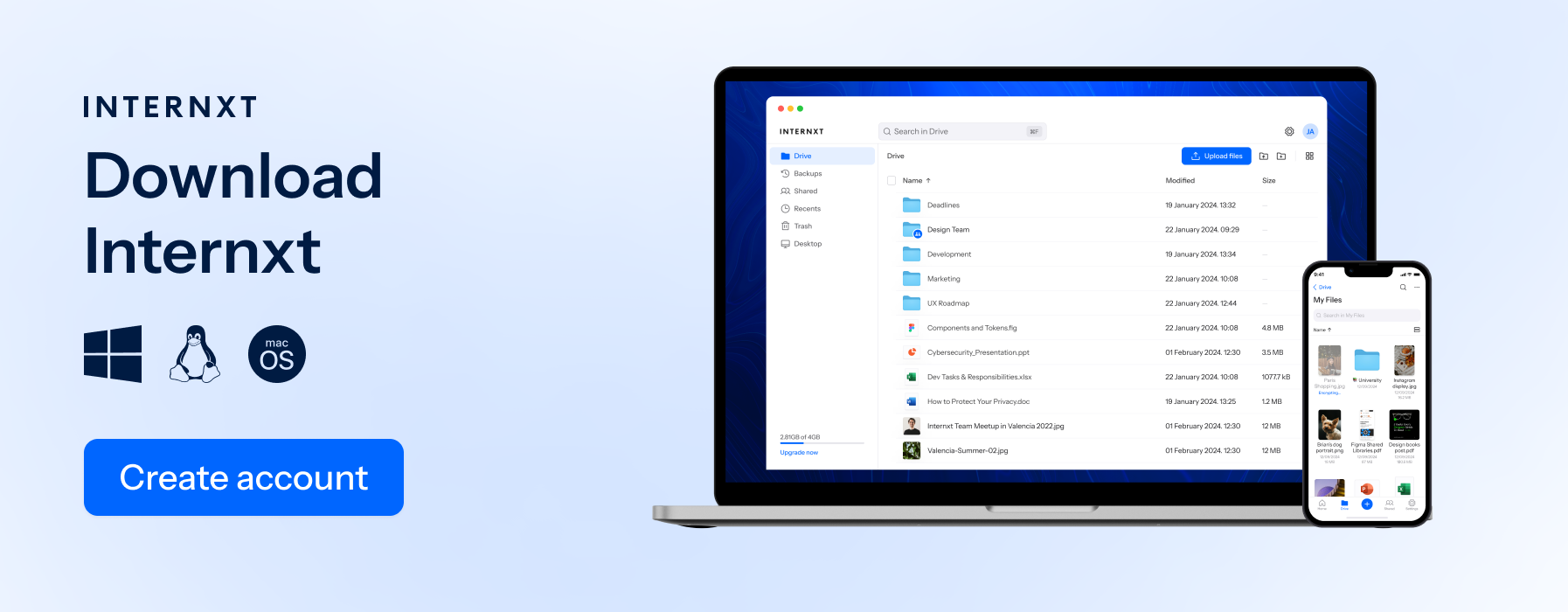
Internxt Drive
Encryption
Internxt Drive is a secure cloud storage solution that protects your data with AES-256 zero-knowledge encryption, and it’s the first cloud storage to implement post-quantum encryption for all free and paid plans.
All files are encrypted on your device before they are sent to Internxt’s cloud data centers, and only you hold the keys, meaning Internxt nor anybody else can access your files.
This makes Internxt stand out from cloud providers such as Google Drive, which can access or hand over your files to law enforcement if required.
In contrast to local storage, Internxt handles all the security and encryption, meaning you never have to worry about your files being hacked.
Backups & redundancy
All paid Internxt plans offer encrypted backups that you can schedule to ensure your files are protected against ransomware or accidental data loss. From Internxt’s side, all your files are stored in multiple data centers to ensure a copy of your file always remains accessible.
File versioning
Premium and Ultimate plans also offer file versioning of up to 30 days, allowing you to store, track, and restore different versions of a document.
Secure sharing
Thanks to Internxt’s award-winning encryption, you can store your files privately and also share large files in total privacy with Internxt’s advanced sharing features.
You can protect files with a password, control access, restrict who sees your files, and share large files with an encrypted link. With zero-knowledge encryption, nobody but you and those you choose to share your files with can access them.
Full privacy suite
Aside from post-quantum encrypted cloud storage, Internxt also offers several features to protect your privacy online, and advanced cloud management features such as WebDAV and Rclone support.
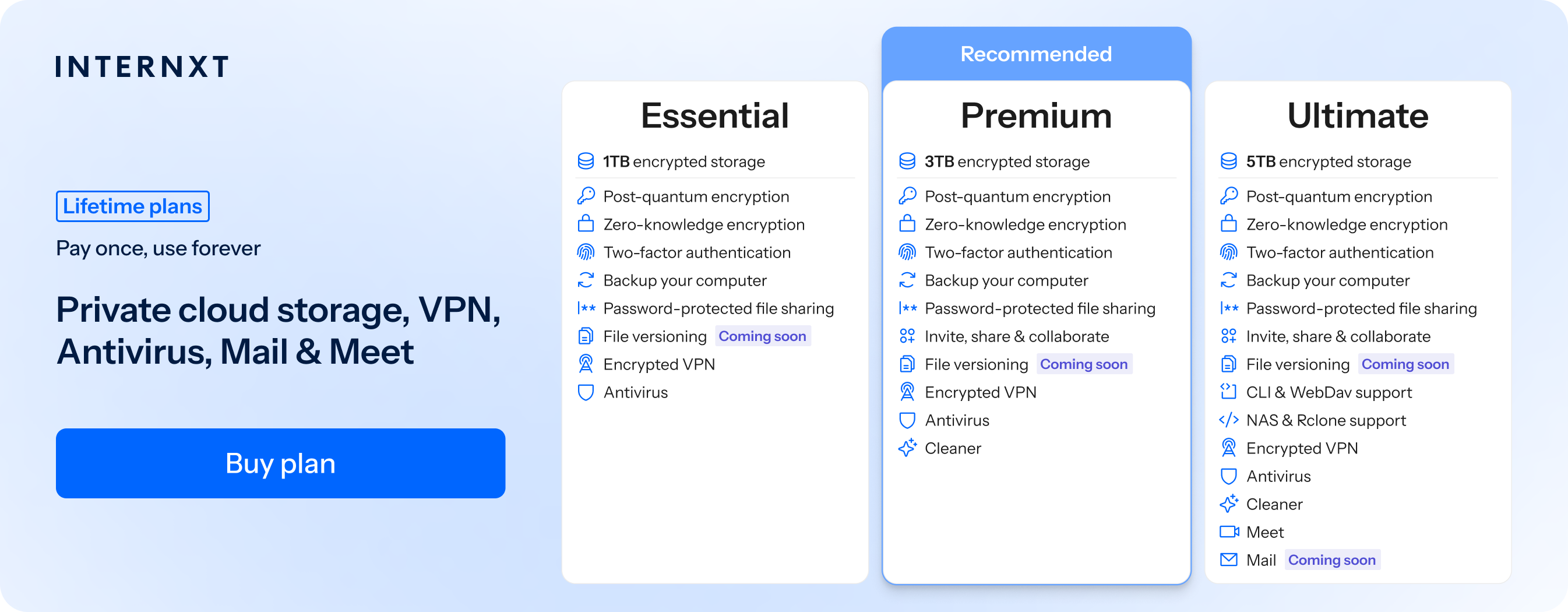
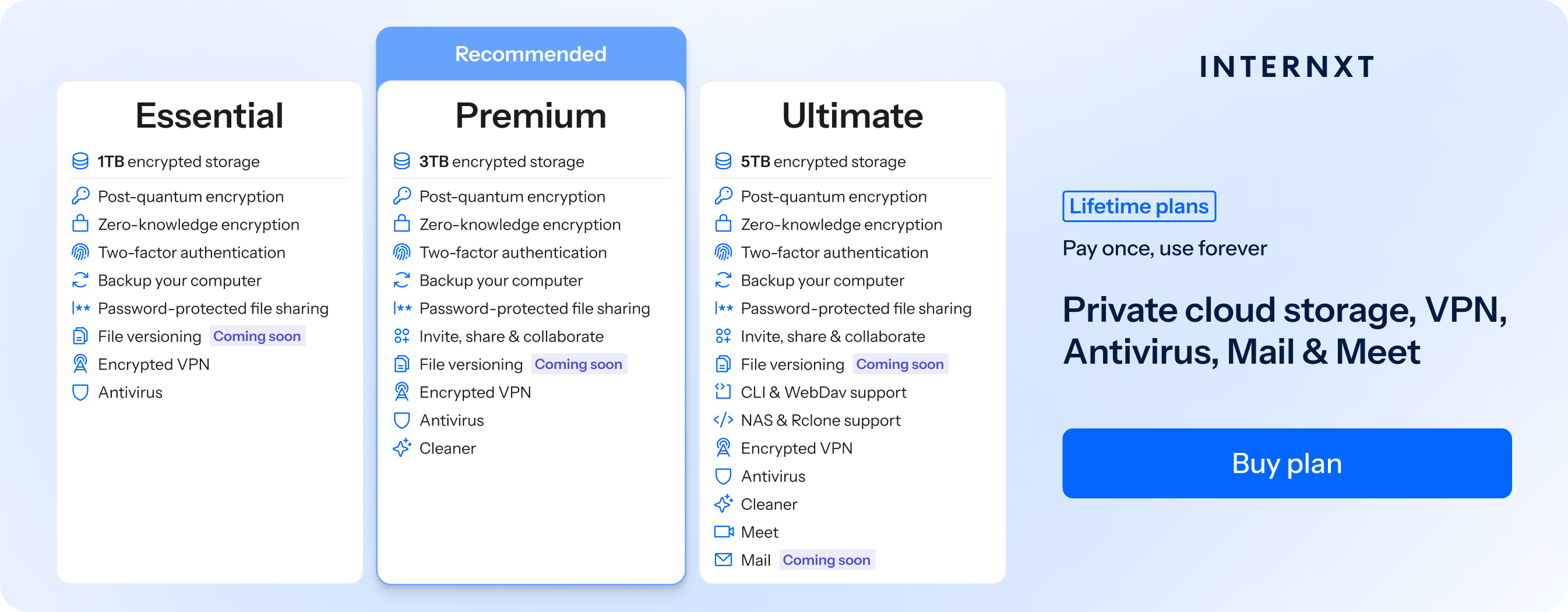
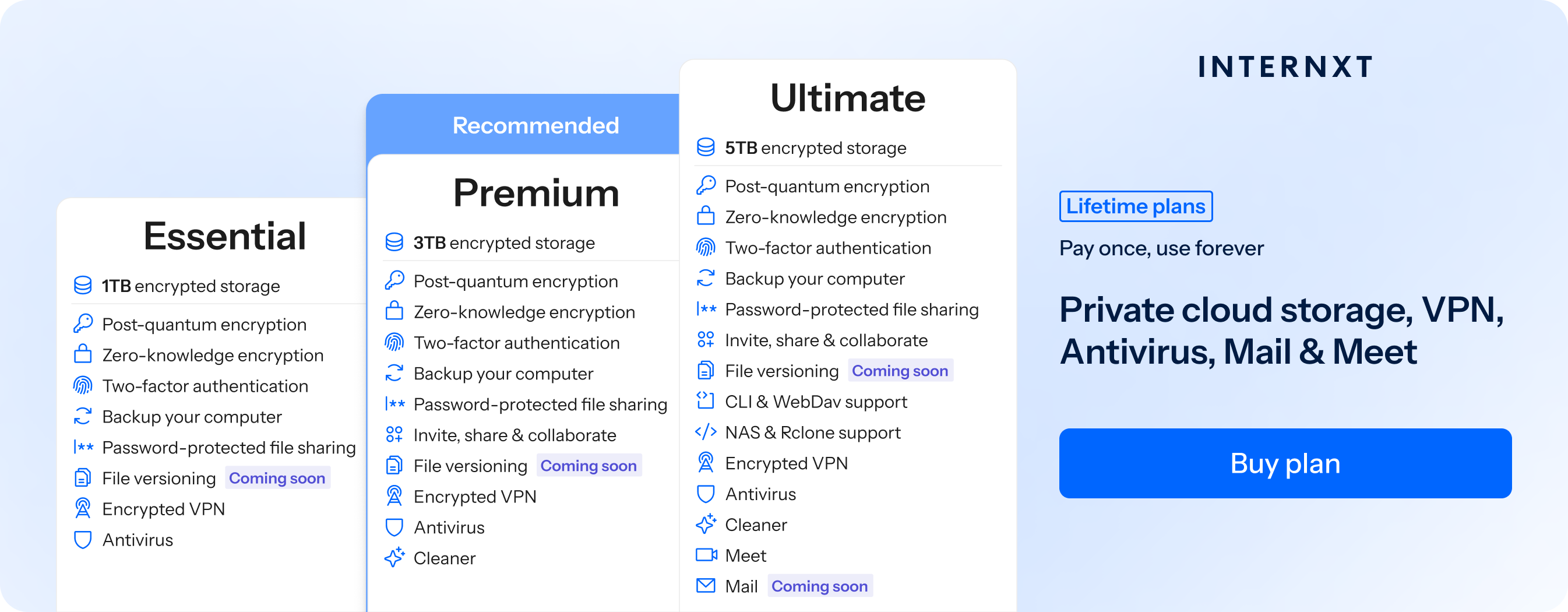
For the full list of features of a paid Internxt plan, such as Internxt VPN, Meet, Mail, and more, visit our website to claim your 85% Internxt special offer on all annual and lifetime plans, and check the full list of features below.
| Plan | Storage | Features | Annual (Paid monthly) | Lifetime Cost |
|---|---|---|---|---|
| Essential | 1TB | €1.99/month | €380 | |
| Premium | 3TB |
|
€3.99/month | €580 |
| Ultimate | 5TB |
|
€5.99/month | €780 |
| *Prices are correct at the time of writing and are subject to change. For latest prices, check https://internxt.com/pricing | ||||
Hybrid cloud support
If you own your own QNAP or Synology NAS device, you can connect your Internxt Drive to your NAS system, giving you a secure way to sync, back up, and access your cloud files directly from your local storage environment.
Compliance
Internxt is based in Valencia, Spain, and follows GDPR compliance, giving you total control over your personal data.
Internxt is also ISO 27001, SOC 2, and HIPAA compliant, meaning it offers total security for all types of business and enterprise data.
Open source and audited
To validate Internxt’s security, Drive has been audited twice by an independent security company, Securitum, verifying that the platform is secure against cyberattacks.
All Internxt’s products are open source, so anyone with the right knowledge can check and verify the security of Internxt’s privacy suite.
Internxt S3
Internxt S3 is a cloud object storage solution for enterprises that need to store, backup, and access petabytes of data.
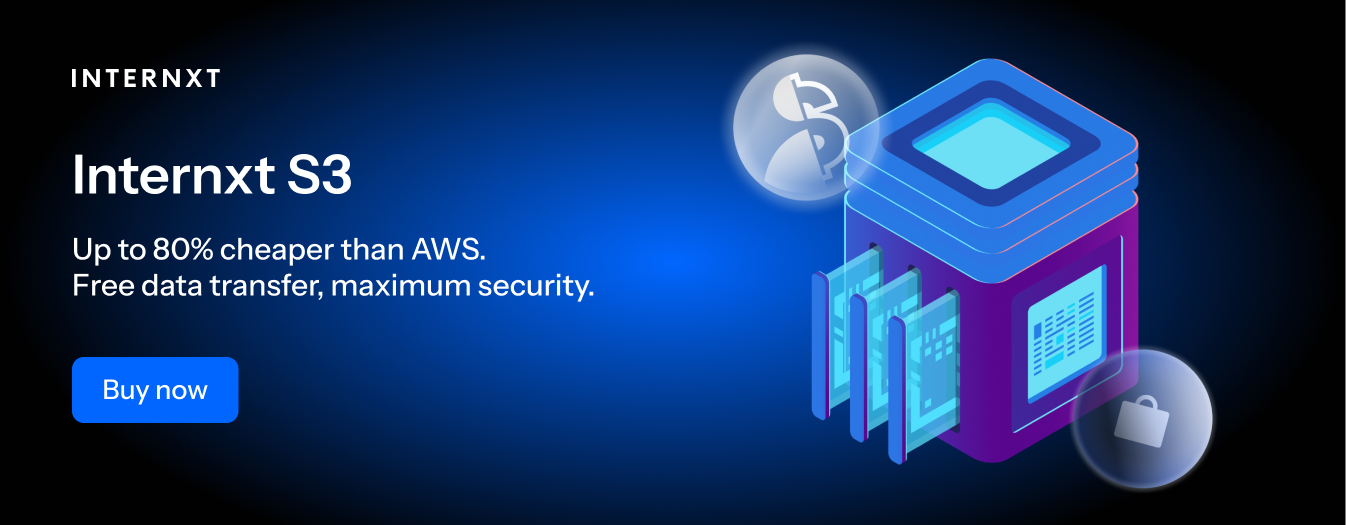
Unlike AWS, Google Cloud, or Azure, Internxt S3 offers a fixed price of €7/TB/month, with no additional data transfer fees.
Choose Internxt Drive if you need zero-encrypted cloud storage, and Internxt S3 if your enterprise needs secure, scalable, and affordable object storage for large amounts of data.
Internxt cloud storage vs local storage cost
If you choose an Internxt 5TB lifetime plan, you only need to pay once to access your storage and features forever. After that, there are no recurring storage fees as Internxt handles infrastructure, updates, redundancy, and maintenance, so the cost stays fixed over time.
With local storage, say you choose a 5TB NAS system, the initial cost ranges from €500 to €760, not including ongoing electricity usage, and upgrading your hardware for more storage over time.
As local storage only includes cloud storage, with Internxt, you get more privacy online and more value for your money.
Internxt S3 cloud vs local storage cost
For object cloud storage vs local storage, we will consider Internxt S3 and local storage for the cost of 50 terabytes of storage.
Average initial local storage costs
- NAS/server: €1,000 – €5,000
- 10TB enterprise HDDs (6–10 drives): €1,500 – €4,000
- RAID redundancy overhead (lost capacity): +20–40% extra drives
Total upfront cost: €2,500 – €9,000
Ongoing costs (annual)
- Electricity: €100 – €400
- Cooling / infrastructure: €100 – €500
- IT maintenance/support: €500 – €3,000+
- Drive replacement (every 3–5 years): €1,500 – €4,000 (amortized yearly: ~€300 – €1,000)
Total yearly ongoing: ~€1,000 – €5,000+
Internxt S3 (50TB)
- €7 / TB / month × 50TB = €350/month
- €4,200/year
Includes storage, redundancy, infrastructure, maintenance, and scaling.
- Enterprise local storage: €2,500 – €9,000 upfront + €1,000 – €5,000+ yearly
- Internxt S3: €4,200/year, no hardware or maintenance costs
Savings over 5 years for 50TB:
- Low-end enterprise setup: Internxt S3 is ~44% more expensive
- Mid-range enterprise setup: Internxt S3 is ~0% to 30% cheaper
- High-end enterprise setup: Internxt S3 is ~38% to 70% cheaper
For more information about local storage vs cloud storage costs, visit our article below.
How to choose between cloud storage vs local storage
Choosing between cloud storage and local storage depends on how you need to access your data, how much control you want, and how much you are willing to manage.
Cloud storage is best when you need flexibility, remote access, and automatic backups.
Local storage is better when you want full control, faster local performance, and no reliance on the internet.
Another option for personal or business cloud storage is a hybrid approach, using cloud storage for flexibility and local storage for sensitive or high-performance workloads.
Related articles
 Nathan James Turner
 Nathan James Turner
 Nathan James Turner
 Nathan James Turner
Frequently asked questions
Is cloud storage better than local storage?
Neither option is universally better. Cloud storage like Internxt Drive offers accessibility, scalability, and easy collaboration, and a full product suite included for extra online privacy.
Local storage provides greater control, faster access speeds, and independence from an internet connection.
What is the difference between cloud storage and local storage?
The main difference is where the data is stored. Cloud storage keeps files on remote servers accessed online, while local storage keeps files on physical devices such as hard drives, SSDs, or network storage systems.
Cloud storage vs local storage security: which is more secure?
Both can be secure when managed properly. Cloud storage providers invest heavily in security measures, while local storage gives users direct control over data protection. Security ultimately depends on how each solution is configured and maintained.
Is cloud storage cheaper than local storage?
Cloud storage typically has lower upfront costs but ongoing subscription fees, which you can avoid if you choose a cloud storage lifetime plan like those offered by Internxt Drive.
Local storage usually requires a larger initial investment but may cost less over the long term, depending on storage requirements.
What are the risks of local storage vs cloud storage?
Local storage can be vulnerable to hardware failures, theft, accidental damage, and data loss if backups are not maintained. Without redundancy, a single device failure can result in lost files.
Cloud storage risks include service outages, account compromises, vendor lock-in, and dependence on internet connectivity. These risks can often be reduced through proper security practices and backup strategies.
Also of interest to you...