
Everything You Need to Know About Cloud Data Migration

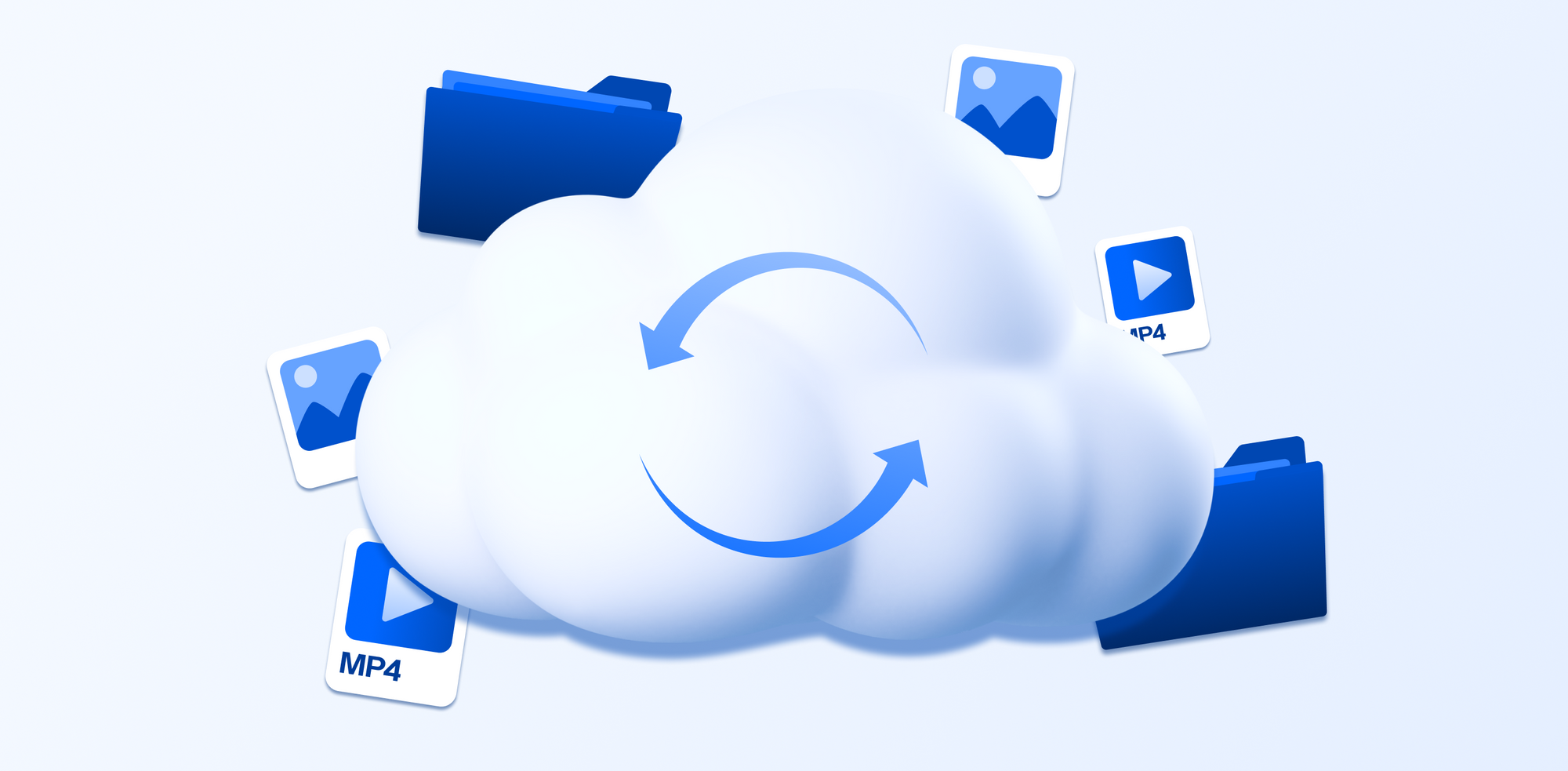
Cloud data migration is an important topic for enterprises and businesses as it helps companies switch to a more affordable, scalable, and secure data storage method compared to on-premises storage.
To help understand this topic, we will cover everything you need to know about cloud data migration, including:
- Strategies for data migration to the cloud
- Cloud data migration strategy
- Challenges and checklists
- Benefits
- Best cloud storage for enterprises
Table of contents
- What is cloud data migration?
- How cloud data migration can help your enterprise
- Different types of cloud data migration
- Checklist for cloud data migration
- Cloud data migration strategy
- Cloud data migration challenges
- What is the best cloud storage to migrate enterprise data?
- Related articles
- Frequently asked questions
What is cloud data migration?
Cloud migration is the process of moving digital systems, data, applications, and IT resources from physical computers or private servers into cloud-based infrastructure managed over the internet.
In simple terms, instead of a company storing everything on computers inside its own building, it uses online services provided by cloud companies such as Internxt S3, or other popular cloud providers such as Amazon Web Services, Microsoft Azure, or Google Cloud.
The cloud allows businesses to access computing power, storage, databases, and software whenever needed without owning all the hardware themselves.
A typical cloud migration may include moving:
- Applications such as websites or internal business tools
- Files and databases
- Email system
- Customer information
- Entire servers and workloads
To support this transition, organizations use migration tools and cloud services that help transfer, synchronize, test, and optimize systems while minimizing downtime and operational disruption.
A successful cloud migration depends on careful planning, system compatibility analysis, security controls, performance testing, and ongoing optimization, steps which we will cover later in this article.
How cloud data migration can help your enterprise
Around 50% to 60% of businesses globally are actively using paid cloud services.
About 53% of European businesses were using cloud computing services in 2025, with usage growing steadily each year.
Other large-scale industry reports estimate that over 90% of enterprises use some form of cloud service, even if not fully migrated, meaning cloud is already deeply embedded in business IT systems and has many benefits for companies, which we will explain below.
Reduced infrastructure costs
Moving from on-premises systems to the cloud reduces the need for physical servers, storage hardware such as NAS systems, maintenance, and dedicated data center space.
Enterprises can lower operational costs by paying only for the computing resources they use instead of continuously investing in expensive infrastructure upgrades.
The potential cost savings when migrating to the cloud can range from 20 to 40 percent, depending on workload, scale, and migration strategy.
Improved scalability
Cloud environments allow businesses to quickly scale storage, processing power, and applications based on demand. Unlike on-premises systems, which require additional physical hardware to expand capacity, cloud services can increase or decrease resources almost instantly.
For example, with Internxt S3 for enterprises and businesses, you can start with just 1TB of data at a fixed cost of €7 and upgrade whenever needed at the same cost with no extra fees, allowing for an unlimited amount of cloud storage at a predictable cost.
Better accessibility and remote collaboration
Cloud-based systems enable employees to securely access data and applications from different locations and devices. This improves collaboration between teams, supports remote work, and allows businesses to operate more efficiently across multiple regions.
Enhanced security and disaster recovery
Data migration to the cloud includes advanced security features such as encryption, automated backups, identity management, and threat monitoring handled by the provider.
This takes the pressure off local storage security, which must be constantly monitored and updated to prevent data breaches or other cybersecurity attacks.
Cloud migration also improves disaster recovery by storing data across multiple secure locations, reducing the risk of data loss caused by hardware failure or cyberattacks.
Faster deployment and innovation
Cloud platforms allow enterprises to deploy applications, updates, and new services more quickly than traditional on-premises environments. This increases agility and helps organizations respond faster to changing business needs and market demands.
Improved performance and reliability
Modern cloud infrastructure is designed for high availability and consistent performance. Businesses can benefit from faster processing speeds, reduced downtime, automatic updates, and more reliable system performance compared to aging on-premises hardware.
Simplified data management
Data migration to the cloud centralizes data management and makes it easier to monitor, organize, and analyze enterprise information.
Object storage is a perfect example of managing and accessing large amounts of data.
With object storage, data is stored as individual objects, allowing businesses to store virtually unlimited amounts of information, retrieve it quickly, and access it from anywhere without relying on traditional file storage and folder structures.
Support for business growth
As enterprises grow, cloud environments provide the flexibility needed to support expanding operations without major infrastructure redesigns. Businesses can add new services, users, and workloads without the limitations commonly associated with on-premises systems.
Different types of cloud data migration
Now that we know the benefits, there are a few types of cloud data migration strategies available to meet your cloud migration needs.
Lift-and-shift (rehosting)
This method moves applications and data from on-premises systems to the cloud with minimal or no changes. The goal is to quickly migrate existing systems as they are, without redesigning them.
It is often the fastest and simplest migration method because it avoids the need to modify existing applications, rewrite code, or change system architecture, allowing businesses to move quickly with minimal disruption to operations.
Best for: Enterprises that want a fast, low-risk migration from legacy systems and are not ready to redesign applications.
Replatforming
Replatforming involves moving applications to the cloud while making small optimizations to improve performance, scalability, or cost efficiency. The core architecture stays the same, but certain components are adjusted to better fit cloud environments.
Best for: Businesses that want better cloud performance and efficiency without the cost and complexity of a full system redesign.
Refactoring
Refactoring means redesigning or rewriting applications to fully take advantage of cloud-native capabilities such as auto-scaling, microservices, and advanced automation. This approach combines speed and optimization and can result in increased performance and cost savings.
It is the most complex and time-consuming, but it offers the greatest long-term benefits.
Best for: Organizations aiming for long-term digital transformation and maximum scalability, performance, and innovation in the cloud.
Hybrid / multi-cloud strategies
A hybrid cloud model combines on-premises infrastructure with cloud services, while multi-cloud uses multiple cloud providers at the same time. These strategies allow businesses to distribute workloads based on cost, performance, security, or compliance needs.
Best for: Enterprises with complex systems or regulatory requirements that need flexibility, risk reduction, and control across different environments.
Checklist for cloud data migration
Before migrating to the cloud, you should cover your needs and requirements to ensure the migration process runs as smoothly as possible.
While every company is different, the general things you should consider before migrating to the cloud include:
- Clearly defined goals: Identify what you want to achieve, such as improved performance, cost reduction, scalability, or better security.
- Assess and inventory systems: Review all applications, databases, and data sources to understand what exists and what should be prioritized when moving to the cloud.
- Research and choose a cloud provider: Select the most suitable cloud model and provider based on business needs, compliance, cost, and performance requirements.
- Plan the migration strategy: Decide how each system will be moved, assign responsibilities, and create a structured timeline.
- Prepare and clean data: Organize, remove duplicate files, and ensure data is accurate and compatible with the cloud environment before migration.
- Address security and compliance: Put in place encryption, access controls, and regulatory safeguards to protect data during and after migration.
- Test before full migration: Run tests to check performance, functionality, and integration in the cloud environment before going live.
- Migrate and optimize: Move systems to the cloud, switch users over, and continuously monitor performance while making improvements where needed.
Cloud data migration strategy
A cloud data migration strategy focuses on how the migration is executed in practice and can be executed in the following ways:
- Big bang vs phased migration: Big bang migration moves everything to the cloud at once in a single switch. It is much quicker but can be riskier. Phased migration moves systems in stages over time, reducing risk, but it is more time-consuming.
- Incremental replication vs full cutover: Incremental replication continuously copies only changed data to the cloud until the final switch. Full cutover moves all data at once and switches completely in one step.
- Downtime minimization techniques: These methods are used to reduce service interruption during migration, such as running systems in parallel, migrating during low usage times, and using automation tools.
- Data synchronization strategies: These ensure data stays consistent between on-premises and cloud systems during migration, using either real-time updates or scheduled batch updates.
Cloud data migration challenges
While there are many benefits of cloud data migration, it does come with some challenges to be aware of. However, if you know the challenges and how to avoid them, you can successfully migrate to the cloud without issues if you are fully prepared.
Downtime and service disruption
During migration, systems may be temporarily unavailable or slow, which can affect users and business operations. This usually happens when systems are being switched or data is being transferred.
How to avoid it: Use phased migration, run systems in parallel, and schedule migration during low usage periods.
Data loss or corruption
Data can be lost or become damaged during transfer if it is not properly backed up or validated.
How to avoid it: Perform full backups before migration, use data validation checks, and test transfers in advance.
Latency and performance issues
After migration, systems may run more slowly due to network delays or improper configuration in the cloud.
How to avoid it: Choose the right cloud region or cloud providers offering multiple locations, and test performance before going live.
Cost overruns
Cloud costs can become higher than expected if resources are not monitored or optimized properly.
How to avoid it: Use cost monitoring tools, right-size resources, and turn off unused services. You can also choose S3 storage costs with a fixed price, such as Internxt S3.
Compatibility problems
Some applications may not work properly in the cloud because they were built for older systems or are specific to on-premises environments.
How to avoid it: Assess applications early, update or refactor where needed, and test compatibility before full migration.
What is the best cloud storage to migrate enterprise data?
Internxt S3 is the best cloud storage for enterprises and is the official cloud provider of Valencia CF. It is an open source object storage solution based in Europe, offering a platform to store vast amounts of unstructured data that can be accessed whenever needed.
For data protection, all files are encrypted in transit and at rest to prevent data leaks or hackers. Data is also stored across multiple European data centers for increased redundancy, to ensure all files are backed up and protected against data loss.
For companies, choosing Internxt S3 gives you GDPR, HIPAA, ISO 27001, and SOC 2 compliance, ensuring all data types meet the necessary security requirements to ensure it is protected.
Unlike AWS, Azure, or Google Cloud, Internxt S3 offers pay-as-you-go pricing for your object storage solution, offering cloud data migration savings at a fixed cost of €7 per TB, per month. There are also no additional ingress or egress fees, so you can plan and scale your cloud storage and budget accordingly.
To get started with Internxt S3 and to talk to one of our experts about your cloud data migration strategies, visit our website and fill out our contact form, and a member of our team will get back to you as soon as possible.
Related articles
Top object storage solutions for enterprises
Frequently asked questions
What is cloud data migration?
Cloud data migration is the process of moving data, applications, and other business elements from on-premises systems or other clouds into a cloud environment.
Why do companies migrate data to the cloud?
Companies migrate to the cloud to reduce infrastructure costs, improve scalability, increase data accessibility, and enhance disaster recovery capabilities.
What are the main types of data migration to the cloud?
The main types are lift and shift, replatforming, refactoring, and hybrid migration. Each involves different levels of modification to existing systems.
How long does data migration to the cloud typically take?
The time varies depending on data size, system complexity, and migration strategy. It can take days for simple moves or several months for large enterprise systems.
How much does cloud data migration cost?
Costs depend on data volume, tools used, cloud provider pricing, and labor. Some costs are upfront, while others are ongoing storage and usage fees.