
The Truth About Dropbox Encryption and How to Protect your Files

Dropbox encryption uses the standard AES 256 technology to protect your files, but it is not end-to-end encrypted.
So what does this mean?
Dropbox manages the encryption keys itself and stores your files in servers they own, so if they, or government authorities, wanted to access your files, they technically could.
So while Dropbox is a secure cloud option, it is not the most private, and this article will cover why by exploring:
- The encryption Dropbox uses
- Dropbox vs zero-knowledge encryption
- How to secure your files in Dropbox
- Alternatives to Dropbox
Table of contents
- Are Dropbox files encrypted?
- How to secure Dropbox files
- Alternatives to Dropbox encryption
- Is Dropbox encryption enough?
- Related products
- Frequently asked questions
Are Dropbox files encrypted?
Yes. Dropbox encrypts files both in transit and at rest, here's how Dropbox encryption works:
- In transit: Files are encrypted using TLS (Transport Layer Security) while they're being uploaded or downloaded, helping protect them from interception.
- At rest: Once stored on Dropbox's servers, files are encrypted using AES-256 encryption.
This is what’s known as server-side encryption, meaning:
- Dropbox manages the encryption keys.
- Dropbox's systems can decrypt your files when necessary to provide features like previews, search, syncing, and sharing.
- In some circumstances (such as complying with valid legal requests), Dropbox may be able to access file contents.
So if you’re wondering “are my Dropbox files encrypted?”, then yes, but they can be decrypted by Dropbox, meaning it’s not a fully private cloud storage solution.
You can learn more about Dropbox security and safety features in our article below.
Dropbox encryption vs end-to-end encryption
The main difference between Dropbox and zero-knowledge encryption is that if you choose cloud storage with zero-knowledge encryption, you manage and hold the encryption keys, and your files are encrypted on your device before being sent to the cloud.
This means nobody but you, or people you share files with, can access your files. As only you hold the encryption keys, even if a company was asked by law enforcement to access your files, it wouldn’t be possible.
Below is a summary of Dropbox encryption vs end-to-end encryption.
| Dropbox-style encryption | Internxt Drive encryption | |
|---|---|---|
| Who encrypts the data? | Dropbox encrypts it on its systems | Your device encrypts it before it leaves |
| Who holds the keys? | Dropbox manages the keys | Only you (and intended recipients) have the keys |
| Can the provider decrypt your files? | Potentially yes | No |
| Protection against server breaches | Strong, stolen storage data is encrypted | Stronger, attackers get encrypted data without your keys |
| Features like search, previews, collaboration | Easier to provide | More difficult because the provider cannot see file contents |
| Recovery if you lose your password/key | Usually possible through account recovery | Often impossible without your recovery key |
Not all companies use end-to-end encryption, but Internxt Drive encrypted cloud storage combines post-quantum and zero-knowledge encryption for maximum privacy of your files. Not even Internxt can access your files, which can be verified by its open-source software and independent security audits.
This makes Internxt the best alternative to Dropbox for private encryption, plus a full product suite for maximum protection for your cloud, data, and devices online, with Meet, VPN, Mail, and Photos also available.
If you need end-to-end encryption as the default for your personal and confidential files, make the switch to Internxt for free, or choose from our paid and annual plans.
When Dropbox encryption is not enough
Dropbox cloud storage is often sufficient for everyday files where storage, backups, syncing, and collaboration are a higher priority than maximum privacy.
Dropbox also offers features for teams, and personal cloud storage with Dropbox offers a maximum of 2TB, with other Dropbox pricing plans available.
So while Dropbox is enough for general cloud storage, if you add zero-knowledge encryption to your files by learning how to encrypt a file with third-party tools, you can provide a stronger security model for your files to keep them private, even from Dropbox.
When Dropbox encryption is enough: everyday files such as documents, photos, and general work files where convenience, sharing, and easy access are the priority. It provides strong protection against data theft and unauthorized access.
When to use alternatives to Dropbox: when you need maximum privacy and zero-knowledge encryption for confidential business files, financial records, sensitive personal data, or information you do not want the cloud provider to access. These services give you control of the encryption keys, so only you can decrypt your files.
Why zero-knowledge is better than Dropbox encryption
End-to-end encrypted cloud storage is a better alternative to Dropbox because you have total control over your privacy, and you have the guarantee that only you can access your files in the cloud.
Aside from that, other benefits include:
- Your privacy does not depend on trusting the company: With traditional cloud encryption, you must trust the provider's employees, security practices, and key management systems. Zero-knowledge reduces the amount of trust required.
- A data breach reveals less: If attackers compromise a zero-knowledge cloud service, they may obtain encrypted files, but without your keys those files remain unreadable.
- Better protection for sensitive information: personal documents, financial records, business files, medical information, private photos and archives are all protected from data breaches.
However, one thing to be aware of with zero-knowledge cloud storage is the additional security you need to add to your account.
If you forget your password to your account, the provider cannot reset it or access your files because they do not hold your encryption keys.
This is why it is important to securely store your backup key or recovery phrase, without it, you could lose access to your files unless they are backed up via another method.
How to secure Dropbox files
If you’re wondering how to secure Dropbox files for your account, then the following methods will help, and we will cover encryption alternatives afterwards.
To secure files in Dropbox, follow these steps, and the security and privacy from external hackers will greatly be increased.
- Use a strong, unique password and 2FA
- Manage sharing permissions carefully with password-protected links
- Regularly review connected devices and apps
- Back up important files separately
- Monitor account activity
These methods will secure your files from external threats to your account, but if you have a Dropbox account and are wondering how to secure Dropbox files with zero-knowledge encryption, then keep reading, as we give you the best options below.
Alternatives to Dropbox encryption
Zero knowledge cloud storage
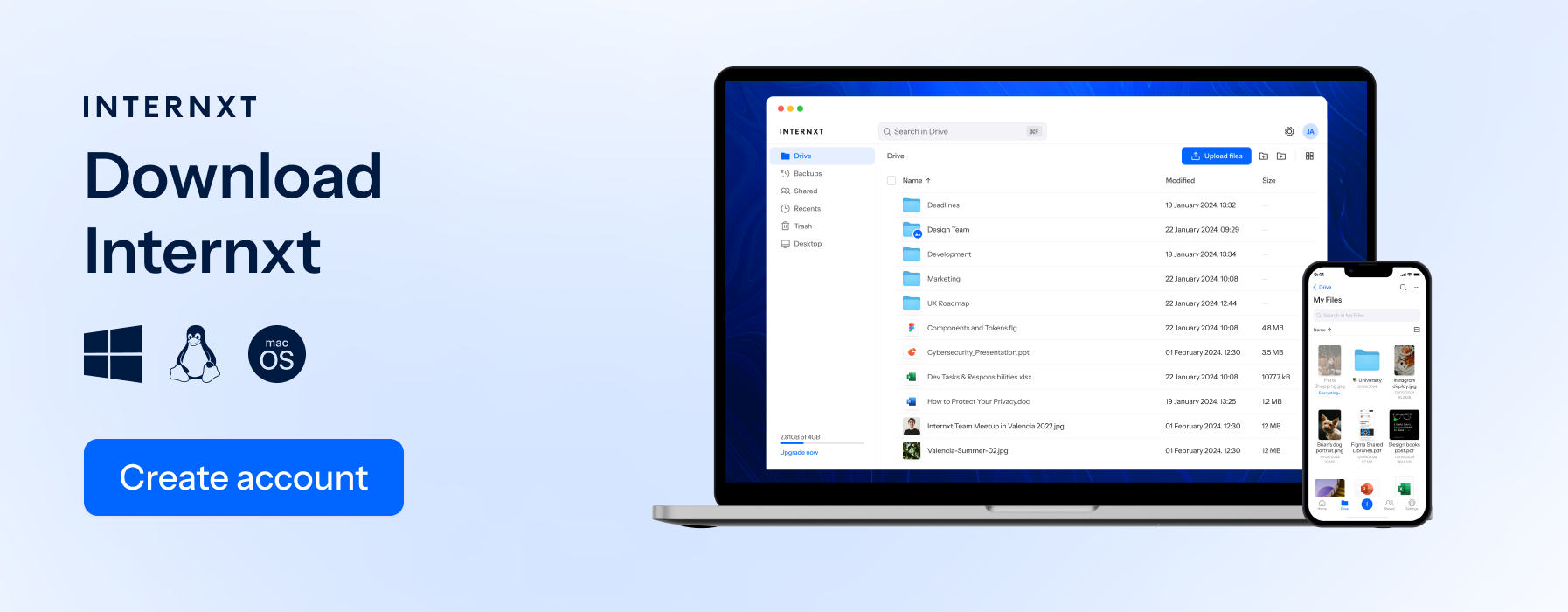
Services like Internxt Drive encrypt files directly on your device and give you total control over the encryption keys so not even the service provider can access your files.
Internxt is the first cloud storage with post-quantum cryptography, future-proofing your files against quantum computer threats which could break current encryption protocols like those used by Dropbox in the next few years.
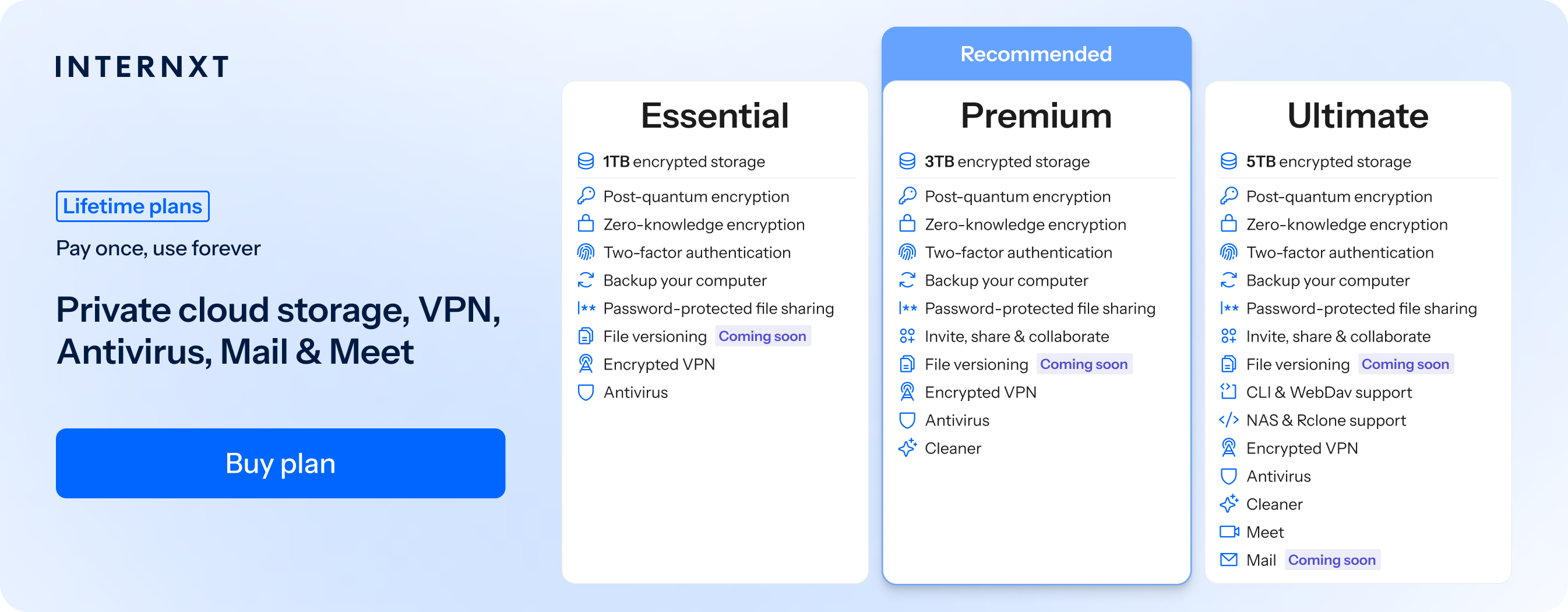
Internxt therefore offers the best private cloud storage and a full product family to protect not only your cloud storage but also your personal data, devices, and online presence.
| Plan | Storage | Features | Annual (Paid monthly) | Lifetime Cost |
|---|---|---|---|---|
| Essential | 1TB | €1.99/month | €380 | |
| Premium | 3TB |
|
€3.99/month | €580 |
| Ultimate | 5TB |
|
€5.99/month | €780 |
| *Prices are correct at the time of writing and are subject to change. For latest prices, check https://internxt.com/pricing | ||||
Best for: People who want secure cloud storage with maximum privacy and easy access across devices.
Cryptomator
Cryptomator adds an encryption layer to existing cloud services like Dropbox, Google Drive, or OneDrive. It’s an open-source app and is easy to set up with little to no tech knowledge required.
You can download it for Mac, Windows, or Linux, and it will create an encrypted vault in your cloud and encrypt your files to any cloud storage without ZKE, like Dropbox, OneDrive, or Google, who will only be able to see the unreadable, encrypted data.
Best for: People who want to keep using Dropbox or another cloud service while adding stronger encryption.
Self-hosting
Self-hosted cloud storage options, like Nextcloud, mean storing your files on your own server or hardware instead of relying on a third-party cloud provider. You control the storage, security settings, and access permissions.
It can be quite difficult to set up if you don’t have previous knowledge, and if you don’t configure the security settings properly, it could add even more security risks to your data.
Best for: Advanced users who want maximum control over their data and infrastructure.
Encrypted external drives
External hard drives or USB drives can be encrypted to protect files if the device is lost or stolen. Encryption tools like VeraCrypt or built-in device encryption prevent unauthorized access.
Best for: Offline backups, additional backup protection and protecting large amounts of sensitive data.
Network Attached Storage (NAS)
A NAS is a personal storage device connected to your home or office network that allows you to store, access, and manage your own files. It works like a private cloud where you control the hardware, storage, and security settings.
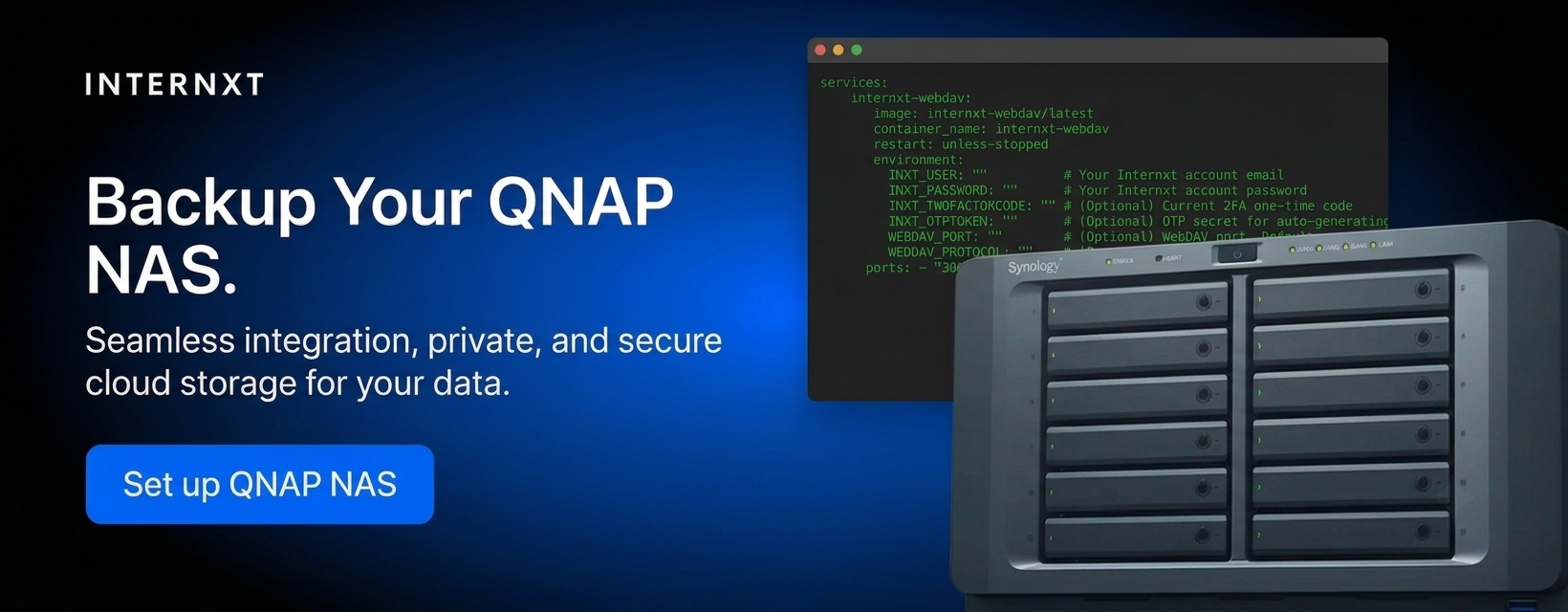
Many NAS systems support encryption, user permissions, backups, and remote access. Some cloud providers allow you to connect your NAS to your cloud account, and Internxt is one of these cloud providers that provides QNAP and Synology support, offering the benefit of Internxt’s private encryption, and the privacy of a NAS device.
Is Dropbox encryption enough?
If you want to store general documents and files, yes, Dropbox is a secure option for your files. But for true privacy and to guarantee nobody but you can access your files, you should consider encrypting files before uploading them to Dropbox if you already store a lot of files there.
For the best encrypted alternative to Dropbox, Internxt is the best cloud storage with zero-knowledge encryption for all files that is open source, built in Europe, and compliant with multiple regulations.
Start protecting your privacy with end-to-end encryption and enjoy all the privacy features Internxt has to offer to give you greater freedom and control online.
Related products
Frequently asked questions
Does Dropbox use end-to-end encryption?
No, Dropbox does not use end-to-end encryption for standard cloud storage. Dropbox encrypts files on its servers, but the company manages the encryption keys. End-to-end encryption means only the user controls the keys needed to decrypt files.
Can Dropbox see my files?
Dropbox can potentially access your files because it manages the encryption keys. This allows features such as file previews, search, syncing, and sharing. With zero-knowledge encryption, the provider cannot access your files because only you hold the encryption keys.
How to secure Dropbox files if I have a lot of private files stored there?
Use apps like Cryptomator to create an encrypted vault, monitor your privacy and security settings, and make sure your Dropbox account has all the security protocols required to protect it from hackers.
Is Dropbox safer than Google Drive or OneDrive?
Dropbox, Google Drive, and OneDrive all provide strong security features. However, none of these mainstream providers offer full zero-knowledge encryption by default for normal cloud storage, so privacy-focused alternatives may provide stronger protection.
Also of interest to you...