
A Beginner's Guide to the 7 Types of Cloud Storage


Cloud storage comes in many forms, and not all of them are the same or will suit your needs. Some cloud services can be too complex for personal use, and for businesses, they can become too costly or lack the needed features to run your business efficiently.
So, if you’re interested in finding out more about all the types of cloud storage available or if you need a new cloud storage solution or infrastructure, then this article will go into detail about how these types of cloud storage work and how much does cloud storage cost for each type, so you can decide which is right for you.
Table of contents
- What is cloud data storage?
- Why you should choose cloud storage
- 7 types of cloud storage
- How to choose from the different types of cloud storage
- Related products
What is cloud data storage?
Cloud data storage is a service that allows businesses or personal cloud storage users to save their data on remote servers managed by a cloud provider, rather than relying solely on physical devices such as hard drives.
Once the data is stored in the cloud, the customer can access the data from the internet, normally from any device or desktop application.
Cloud providers are responsible for managing the cloud infrastructure and often keep copies of data in multiple cloud data centers to improve availability and reduce the risk of data loss.
Cloud storage can hold many types of information, including documents, photos, videos, backups, and application data.
For example, a business could store petabytes of data with object storage, allowing for immediate access to large amounts of data with S3 object storage, and individual users can store their photos, videos, or documents in the cloud.
Why you should choose cloud storage
There are many benefits of cloud storage for personal and business use, which include:
- Security: All cloud providers encrypt your files to prevent data breaches and unauthorized access to your data by hackers. Cloud storage backups ensure additional security against data loss.
- Cost savings: Businesses can avoid large upfront investments in physical storage equipment and pay for the storage capacity they need. Costs can also be adjusted as the business grows or its requirements change. Personal users can avoid subscriptions, with some services offering a one-time payment lifetime cloud storage plan.
- Scalability: Cloud storage makes it easier to increase or reduce storage capacity to meet future storage needs.
- Accessibility and reliability: You can access your data from the cloud on any device, so files are always accessible to view, download, or share.
- Data compliance: GDPR cloud storage offers secure processing of all personal and business data from European cloud storage providers, while other cloud providers offer other compliance standards for businesses, such as ISO 27001, SOC 2, and HIPAA for healthcare data.
There are four types of cloud storage covered in this article, including:
- Public
- Private
- Hybrid
- Community
There are also different types of cloud storage that describe how data is organized and accessed, which is relevant to this article when choosing the type of storage you need. These types are:
- Object storage
- File storage
- Block storage
All have similarities, differences, pros, and cons, so deciding which is best for you depends on your personal or business data management strategy.
7 types of cloud storage
These are the different types of cloud storage available to meet personal, business, or enterprise needs.
Alongside an explanation of how they work, we will also cover the advantages, disadvantages, and use cases for each type of cloud storage.
Public
Public cloud storage provides storage, servers, and applications over the internet by a third-party provider. Public cloud resources are hosted, owned, and maintained by the provider in data centers and shared with other users (tenants). The tenants use the same infrastructure while keeping their data separate and secure.
The types of cloud storage related to the public cloud include:
- Infrastructure as a Service (IaaS): IaaS provides virtual machines, storage, and networking. Popular platforms that offer IaaS are Amazon Web Services, IBM, and Microsoft Azure.
- Platform as a Service (PaaS): Offers tools for developers to build and deploy applications without handling the underlying infrastructure.
- Software as a Service (SaaS): Delivers software applications like cloud storage over the internet, such as Internxt Drive. Internxt provides cloud storage that can be accessed from any device with an internet connection for Windows, Mac, Linux, iOS, Android, and via WebDAV, Rclone, and NAS devices
Pros of public cloud storage
- There are subscriptions, pay-as-you-go, or pay by GB, and other customizable ways to manage your subscription so you can choose the right option to fit your budget.
- The public cloud ensures data security and protection with end-to-end encryption. For additional privacy, other cloud providers offer zero-knowledge encryption, so the keys are managed and owned on your device, and only you can access them.
- All you need to set up cloud storage is an internet connection; once your account is created, you can store, sync, and back up files in the cloud with little to no additional setup required.
Cons
- There is less configuration or control as the provider manages cybersecurity protocols.
- It may be difficult to switch providers due to proprietary technologies and data migration complexities.
- Not all public cloud storage uses zero-knowledge encryption, so providers could potentially access your files.
Public cloud use cases
Public cloud storage is the most popular and common kind of cloud storage for individuals and businesses due to its convenient and easy way to store, access, and share personal files from different devices.
For personal use, public cloud storage offers easy setup, and everything is managed by the cloud provider, so you can store and secure your documents in the cloud with little tech knowledge.
Small to medium-sized businesses looking for storage solutions for multiple users from one cloud account or to manage large amounts of data without the cost and maintenance of physical servers can benefit from a public cloud model.
Private
Private cloud storage is an on-premises cloud solution dedicated to a single organization; hardware, security, maintenance, and storage planning are all managed in-house by the company and its employees.
Private cloud storage offers higher control, security, and customization, so businesses with highly private and confidential data can choose this option to meet strict compliance requirements and higher protection against data breaches.
Pros of private cloud storage
- Security is handled in-house by a dedicated team to manage these protocols, reducing the risk of breaches and unauthorized access.
- A private cloud environment can be tailored to meet specific requirements and meet storage, performance, and compliance needs.
- Businesses can add and scale storage when required, and costs can be more predictable.
Cons of private cloud storage
- Setting up a private cloud can be too expensive for smaller businesses, which we cover in our cloud storage vs local storage article.
- Managing a private cloud requires skilled IT staff for configuration, maintenance, and troubleshooting, which can increase operational complexity and can lead to greater problems if not appropriately managed.
- Private clouds can incur extra costs, such as energy consumption, that also need to be considered.
Private cloud storage use cases
This cloud storage model can benefit healthcare, legal, finance, government agencies, and any business with sensitive and private data. Private cloud storage is also available for individual users with the right knowledge to self-host their cloud for total control of the privacy of their files.
Hybrid
Hybrid cloud storage is one of the best types of cloud storage if you want the benefits of a private and public cloud, as data can be shared between both these models. A hybrid cloud model means storing sensitive data in a private cloud and less sensitive data in a public one.
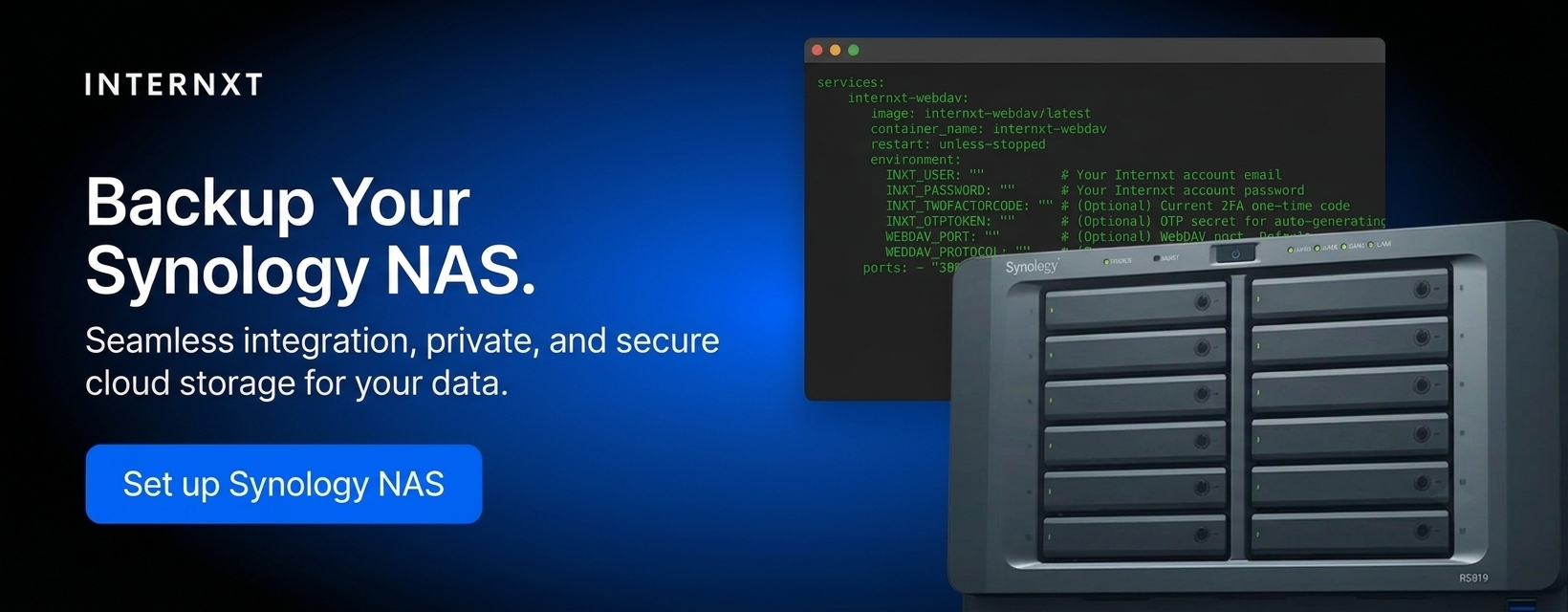
One example is using your own personal NAS device for cloud storage, connected to a public cloud with NAS support such as Internxt.
Pros of hybrid cloud
- Helps industries meet compliance laws with a private cloud model.
- Combines a full private storage model with a public, more affordable model to reduce costs.
- Businesses can choose where to store their data based on security needs: private cloud storage for confidential documents, and public for general documents.
- Better disaster recovery options to ensure business continuity through extra data backup and recovery options.
Cons
- Complex management across private and public cloud environments can be challenging, requiring specialized knowledge to ensure smooth integration, security, and performance.
- Integration challenges can be complex and require additional tools and resources, increasing overall costs.
Hybrid cloud use cases
Large enterprises or businesses with storage needs can benefit from a hybrid cloud model as it combines privacy with the cost-efficiency and scalability of a public cloud model.
For personal users, hybrid cloud storage can be used to keep private files on personal devices while backing up photos, videos, and documents to the cloud. It also allows frequently accessed files to remain locally available while other files are stored online.
Community cloud storage
Community cloud storage is a shared cloud infrastructure within several organizations, such as healthcare, government, or finance, using the community cloud to store and manage data.
The community can manage community cloud storage or use third-party providers, and it’s a way for organizations to save money and meet data storage and security needs.
Pros of community storage
- Cost efficiency: by sharing resources, organizations get a reduced cost for storage without compromising security.
- Compliance and security with regulators such as HIPAA.
- Collaboration between different departments or industries is easier for the community.
Disadvantages of community storage
- Limited control is one disadvantage of these types of cloud storage, as the shared model means there is less control over data than in a private cloud.
- Increased security risks may occur if the proper access controls and security protocols are not implemented.
- Depending on the community, performance or security issues in one community could spread to the others.
Community cloud storage use cases
Governments, education, NGOs, and any industry that must meet compliance requirements and store and share data privately.
Object storage
Object storage is a method of storing data where files are saved as individual "objects." Each object contains the data, metadata, and a unique identifier, making it easier to locate and retrieve.
Object storage uses a flat structure, so data is accessed by its unique identifier, which makes it easier to scale, manage, and access large amounts of data.
For more information, you can check out all the details of this type of cloud storage in our What Is Object Storage article.
Pros of object storage
- Easy access and retrieval, as each object is accessed by its unique identifier.
- Object storage offers flexibility and speed for unstructured data, such as videos.
- Another advantage is cost efficiency, as many services offer payment plans that allow customers to pay only for the storage they use and need.
Disadvantages of object storage
- Object storage is better for large, unstructured data; storing many small files can lead to inefficiencies and unnecessary costs.
- Hidden costs for data fees may also be included as an additional cost, which may not be in your company's budget.
- Due to the proprietary nature of the services, migrating to a different provider or system can be complex and costly.
Object storage use cases
Businesses or individuals who need to store large amounts of unstructured data, such as files, backups, or archives, are served well by object storage plans.
Internxt offers S3-compatible cloud object storage with a fixed pay-as-you-go pricing model of €7/TB/month. Compared to AWS or Azure, Internxt S3 could save you up to 80% in comparison. There are no additional charges for data transfer, and you can scale your storage to meet your company's needs.
File storage
File storage stores data in a hierarchical system organized in folders and subfolders. It is one of the types of cloud storage that works like a traditional computer’s file system.
Each file is stored with its name, extension, and location in the directory structure, making data easy to organize and retrieve.
Pros of file storage
- Files can be organized and accessed simply from a hierarchical structure.
- It can be accessed from most devices and operating systems.
- File storage can include password protection and other password controls for added security.
Disadvantages of file storage
- File storage is less flexible for handling large and unstructured data than object or cloud storage solutions.
- As data grows, file storage can become challenging to manage and scale, especially when dealing with large volumes of files.
- Large amounts of data or multiple users accessing the system simultaneously may lead to slowdowns or delays in file retrieval.
File storage use cases
File storage is also ideal for users who prefer a familiar, easy-to-manage system for organizing and retrieving their data without dealing with more complex storage models.
Block storage
The last entry in the types of cloud storage is block storage. Unlike file storage, which organizes data in a hierarchy, block storage stores data in fixed-sized blocks, each acting as an individual data storage unit.
Now we know about the different types of file storage, you can compare the three in this object vs file vs block storage article, which goes into more detail so you can pick the best option.
Block storage use cases
Block storage is commonly used by enterprise-level organizations that run databases, virtual machines, or high-performance applications that need low-latency data access.
How to choose from the different types of cloud storage
Although there are many types of cloud storage to choose from, based on the specific needs of you, your team, business, or enterprise, one or two options will meet your requirements.
Below is a summary of the different types of cloud storage to give you a general idea of how cloud infrastructure is deployed or shared and how data is organized and accessed with file, block, and object storage.
| Type | How it works | Main advantage | Best for |
|---|---|---|---|
| Public cloud | Storage managed by a third-party provider and shared across customers. | Affordable and easy to scale. | Personal files, backups and general storage. |
| Private cloud | Cloud storage dedicated to one organization. | Greater control and customization. | Sensitive data and strict security requirements. |
| Hybrid cloud | Combines private storage with public cloud services. | Balances control and flexibility. | Backups, remote access and changing storage needs. |
| Community cloud | Infrastructure shared by organizations with similar requirements. | Shared costs and tailored security. | Government, healthcare and research organizations. |
| Block storage | Splits data into fixed-size blocks that can be stored and retrieved separately. | Fast performance and low latency. | Databases, virtual machines and applications. |
| Object storage | Stores data as individual objects with metadata and unique identifiers. | Scalable storage for large amounts of unstructured data. | Photos, videos, backups and archives. |
| File storage | Organizes data into files and folders within a hierarchy. | Simple organization and familiar access. | Shared documents, folders and team files. |
For encrypted cloud storage with a full privacy suite for your online privacy, Internxt Drive offers private cloud storage across all devices, with full security and privacy guaranteed with post-quantum encryption.
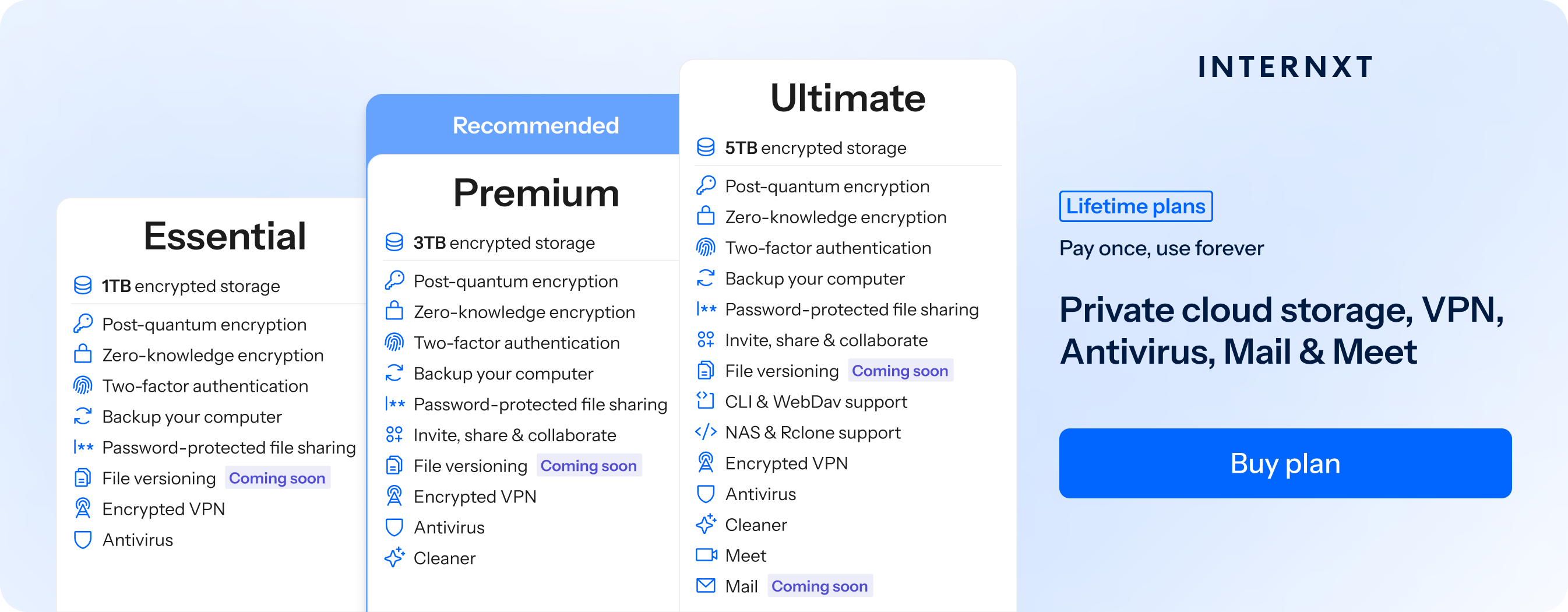
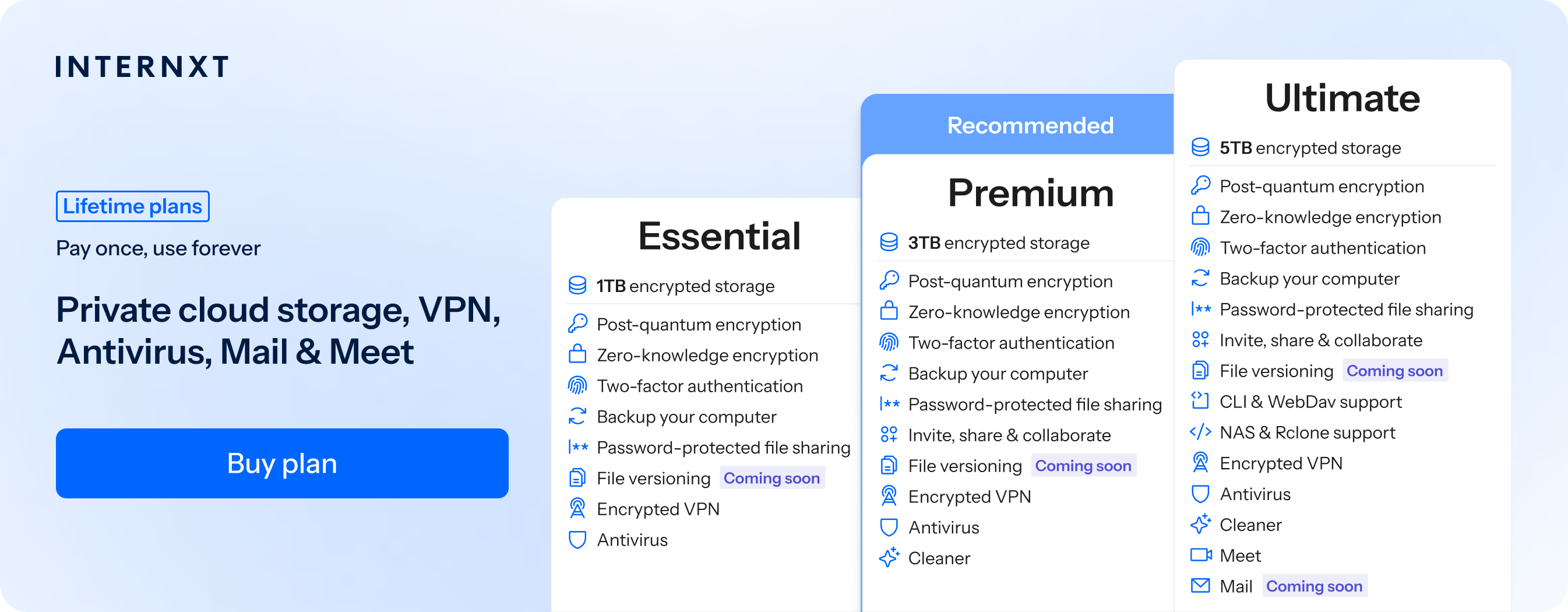
To protect your personal cloud, you can get 85% off all Internxt plans, which offer monthly or lifetime cloud storage plans, and check out the additional features included with these plans below.
| Plan | Storage | Features | Annual (Paid monthly) | Lifetime Cost |
|---|---|---|---|---|
| Essential | 1TB | €1.99/month | €380 | |
| Premium | 2TB |
|
€3.99/month | €580 |
| Ultimate | 5TB |
|
€5.99/month | €780 |
| *Prices are correct at the time of writing and are subject to change. For latest prices, check https://internxt.com/offerblogen | ||||
For object storage or personal use, Internxt Drive and Internxt S3 offer a GDPR cloud storage solution protected with zero-knowledge encryption for guaranteed privacy against data breaches.