
Google One Pricing: Every Plan, Tier, and a Private Alternative


Google One offers 15GB of free storage, but what is Google One?
Google One is a paid subscription to Google’s additional storage and Gemini AI features, offering monthly and annual plans in case you run out of cloud storage or need more storage or features with your Google account.
We will go into detail about all of the Google One plans, costs, features, when to choose Google, or when to choose a private alternative.
Table of contents
- Difference between Google One and Google Drive
- Is Google One free?
- How to increase your Google Drive space
- How much do Google One plans cost in 2026?
- Features included in Google One plans
- How much do Google One plans cost for business?
- Which Google One plan should you pick?
- When to choose a Google Drive alternative
- What’s a private alternative to Google?
- Internxt vs Google Drive cost
- Related products
- Frequently asked questions
Difference between Google One and Google Drive
Google Drive is the cloud storage service that comes with 15 GB of free cloud storage when you sign up for an account.
Google One is the paid plan that upgrades your storage and adds extra perks.
Google Drive is where you store and access your files, such as documents, photos, videos, and backups.
But if you don't want to get locked into Google's ecosystem, we offer alternatives in our alternative to Google Sheets and best Google Docs alternative articles.
Google One is the paid service that gives you access to other features, such as more advanced Gemini AI features.
To learn more about the differences, we cover this in more detail in our Google One vs Google Drive article.
Is Google One free?
No. Google One is a paid subscription service that offers more storage and access to Google features such as Gemini AI.
However, every Google account includes 15 GB of free storage shared across Google Drive, Gmail, and Google Photos, which includes automatic backups and file syncing.
You only need Google One if you want more storage or its additional benefits.
How to increase your Google Drive space
If you want more Google Drive storage, you will have to purchase a Google One subscription, but by following the tips and tricks below, you can use them to get the most out of Google’s free 15 GB storage plan.
Compress large files
One easy trick you can use to save space and get more out of your Google Drive space is compressing files.
There are many tools available, such as Internxt’s free file compressor, which compresses many file formats, from MOV files to Excel file compression.
On Windows, you can compress files by:
- Select your folder, then right-click > Compress to > Additional options.
- In the new window, set Archive format to ZIP and slide the Compression Level to Smaller (9). Make sure to check the Retain symbolic links box.
- Now, click Create, and you are all set.
You can also use tools like 7-Zip, which is a free tool to compress larger files to help you save space for videos or large photo albums, and then compress ZIP files with Internxt to take up even less storage.
Manage your photos
To manage the space with Google Photos and free up storage, follow these steps:
- Open Google Photos.
- Review your photos and videos, and delete any you no longer need.
- Empty the Bin to permanently remove deleted items and free up storage.
- Go to Settings > Backup quality and select Storage Saver to reduce the storage used by future uploads.
Delete hidden data
Some third-party apps that we connect to our Google Drive, such as WhatsApp, can take up your storage without you knowing due to hidden app data or automatic backups.
To delete this unnecessary data, follow these steps:
- Open Google Drive and go to Settings.
- Select Manage Apps to see which apps are using storage in your Drive.
- Review the apps and identify any unnecessary or outdated data.
- Delete old backups, data from apps you no longer use, or backups and app data you no longer need to free up storage.
If after following these steps you still need more storage, you may want to consider upgrading to a Google One plan, the prices and details of which are below.
Or you may want to consider choosing a private alternative to Google Drive, with a cheaper cloud storage cost and end-to-end encryption, such as Internxt.
How much do Google One plans cost in 2026?
With a Google One subscription, all your storage is shared across Drive, Photos, and Gmail, so depending on how heavily you use these services, you may need to upgrade your Google Drive free account to a 100GB or 2TB plan.
You can also share storage with up to five others, so this should also be taken into account when checking the Google One cost.
Google One plans (Monthly)
Google One offers monthly plans; when you sign up, you get a discount for the first three months; afterwards, you pay the full price, both of which are shown below.
| Google One Plans (Monthly) | Storage | First Three Months | After |
|---|---|---|---|
| Basic | 100 GB | €0.49 | €1.99 |
| Google AI plus | 400 GB | €1.29 | €4.99 |
| Google AI Plus | 2 TB | €2.49 | €9.99 |
| Google AI Pro | 5 TB | €5.49 | €21.99 |
Google One plans (Annual)
With annual plans, you can save up to 37% depending on which plan you pick. The discount applies for the first year; afterwards, you pay the full price. The discounted year and full price are shown below for all Google One plans.
| Google One Plans (Annual) | Storage | First Year | After |
|---|---|---|---|
| Basic | 100 GB | €16.99 | €19.99 |
| Google AI plus | 400 GB | €37.99 | €49.99 |
| Google AI Plus | 2 TB | €84.99 | €99.99 |
| Google AI Pro | 5 TB | €164.99 | €219.99 |
Features included in Google One plans
The Google One basic plan only covers cloud storage, so you get 100GB of storage shared between Drive, Photos, and Gmail.
Both AI Plus plans include:
- 2x higher usage limits and access to the Gemini 3 Flash thinking model
- Google Flow: Google’s AI filmmaking tool
- Gemini in Gmail
- NotebookLM to conduct research
For more advanced AI features, the Google AI Pro plan includes:
- 4x higher usage limits and access to the Gemini 3 Pro model, deep research, and more
- Google Flow: Google’s AI filmmaking tool with expanded access
- Gemini in Gmail, Docs, Vids and more
- NotebookLM to conduct research
- Google Health Premium
How much do Google One plans cost for business?
Finally, Google One also offers business plans, offering a professional email and premium business versions of tools you already know, like Gmail, Calendar, Drive, Docs, and more, with AI in every plan, with storage plans going up to 5TB.
Starter
- €7/user/month
- 30 GB of pooled storage
- Custom emails
- Generate AI videos
- Up to 300 users
- Integrated Gemini features
Standard Includes all of Starter, plus:
- €14/user/month
- 2 TB of pooled storage
- Custom emails
- Generate AI videos
- Up to 300 users
- Integrated Gemini features
- E-signature with Docs and PDFs
- Data migration tools
Plus includes all of Standard, plus:
- €22/user/month
- 5 TB of pooled storage
- Custom emails
- Generate AI videos
- Up to 300 users
- Integrated Gemini features
- Advanced endpoint management
- Enhanced security and management controls
Enterprise includes all mentioned features, plus:
- Contact sales for pricing
- 5 TB of pooled storage
- Data loss protection
- Enhanced customer support
- Enterprise data regions
- No minimum or maximum user limits
Which Google One plan should you pick?
Based on the Google One cost and storage offered for each plan, you should choose the following plans to meet your needs:
Choose Basic (100 GB) if you only need extra cloud storage for Google Drive, Photos, and Gmail and without needing the additional features of Gemini.
Choose Google AI Plus (400 GB) if you want AI tools such as Gemini in Gmail, Google Flow, and NotebookLM, and need to store documents or photo albums without needing large amounts of storage.
Choose Google AI Plus (2 TB) if you need significantly more storage for videos while keeping the same AI features as the 400 GB plan.
Choose Google AI Pro (5 TB) if you need the most storage and Google's most advanced AI features, including Gemini 3 Pro, higher usage limits, expanded Google Flow access, Google Health Premium, and Gemini across more Google apps.
Choose a Google One Business plan if you need professional email, shared storage for a team, business productivity tools, and administrative features. Business plans support up to 300 users, while Enterprise is designed for larger organisations that require advanced security, data protection, and dedicated support.
If you’re an Apple user looking for cloud storage, then you can check out our iCloud vs Google One and iCloud pricing articles.
When to choose a Google Drive alternative
For private files
If you need to store sensitive information such as work documents, NDA’s, or other confidential and private files, you should choose a different cloud provider than Google.
A Google Drive encrypted folder is encrypted by Google, but the decryption keys are stored on servers Google owns, so your data and the contents of sensitive and personal files can be accessed by Google at any time and can lead to them deleting your account without notice.
For end-to-end encryption
Cloud providers with end-to-end encryption, such as Internxt Drive encrypted cloud storage, offer a private solution to ensure nobody but you can access your files.
Instead of the company managing the encryption keys, Internxt encrypts files directly on your device, and you manage the keys, meaning nobody but you can access your files.
This can be verified thanks to Internxt’s open source model, meaning security experts can verify the privacy and security of Internxt Drive.

More online privacy
Not only is Google Drive’s lack of E2E encryption concerning, but when you sign up for a free Google Drive account, you are giving them more than access to your personal files.
Google collects your data from Google Drive but also Gmail, Google Photos, Search, Maps, Chrome, Android, and YouTube, to personalise your experience, improve its products, and show relevant ads.
We cover this in more detail in our Google activity article below:
We also cover other services to switch from Google to help you deGoogle your life, which you can check in this article:
Avoid subscription costs
If you want to avoid subscriptions and prices that can increase over time, there are lifetime cloud storage options available with a one-time payment, giving you access to cloud storage for a lifetime.
For a full list of lifetime providers, we cover these in our blog, which you can check below.
What’s a private alternative to Google?
Internxt Drive
Internxt Drive is a European, open-source, and private cloud storage solution offering an alternative to Google Drive and other US Big Tech companies like OneDrive or Dropbox.
Unlike these companies, Internxt protects your cloud storage with AES-256 and Kyber-521 post-quantum zero-knowledge encryption, protecting your data against the future threats of quantum computers and giving you total control over your data, storage, and shared files.
You can get started with Internxt for free, with no credit card details required. For maximum privacy online, you can choose from Internxt’s monthly plans, which start at €1.99 for the first month, or choose from any of our lifetime plans, which you can stack to get up to 100TB of cloud storage.
Paid plans include additional features to take control of your privacy online, including an alternative to Google Photos, Internxt Photos, plus Antivirus, VPN, Meet, and NAS support.
For full details, check out our website or pricing plans below.
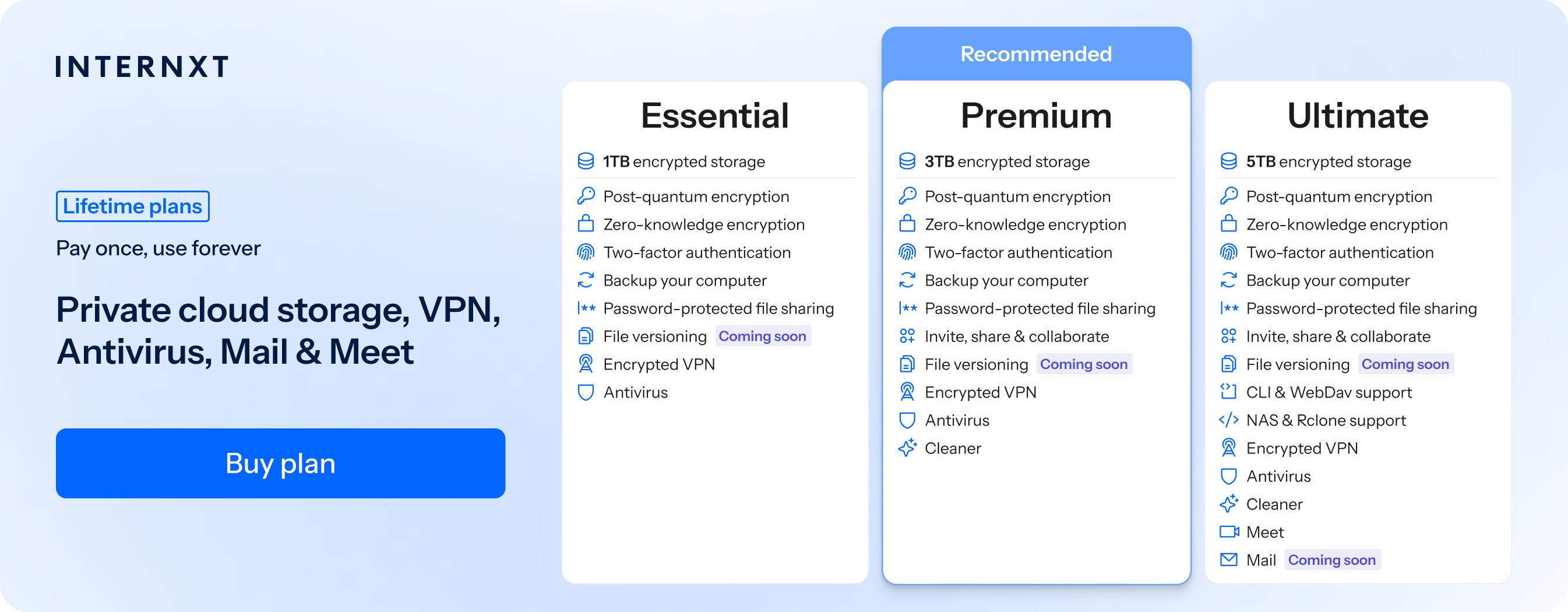
| Plan | Storage | Features | Annual (Paid monthly) | Lifetime Cost |
|---|---|---|---|---|
| Essential | 1TB | €1.99/month | €380 | |
| Premium | 3TB |
|
€3.99/month | €580 |
| Ultimate | 5TB |
|
€5.99/month | €780 |
| *Prices are correct at the time of writing and are subject to change. For latest prices, check https://internxt.com/pricing | ||||
To get started with a paid Internxt plan, get your exclusive 85% special offer from our website below.
Internxt vs Google Drive cost
Below is a monthly comparison of Internxt vs Google One monthly subscription costs.
| Provider | Plan | Storage | Monthly Price | Intro Price |
|---|---|---|---|---|
| Google One | Basic | 100 GB | €1.99/month | €0.49/month (first 3 months) |
| Google One | Google AI Plus | 400 GB | €4.99/month | €1.29/month (first 3 months) |
| Internxt | Essential | 1 TB | €1.99/month | — |
| Google One | Google AI Plus | 2 TB | €9.99/month | €2.49/month (first 3 months) |
| Internxt | Premium | 3 TB | €3.99/month | — |
| Internxt | Ultimate | 5 TB | €5.99/month | — |
| Google One | Google AI Pro | 5 TB | €21.99/month | €5.49/month (first 3 months) |
| *Prices are correct at the time of writing and are subject to change. | ||||
When choosing an Internxt Ultimate plan, you get 5TB of cloud storage with a one-time payment, plus access to all of Internxt’s features.
Compared to Google’s 5TB annual plan, the following table shows how much you can save over time when investing in a lifetime plan.
| Comparison | Google One (5 TB Annual) | Internxt (5 TB Lifetime) |
|---|---|---|
| Initial Cost | €164.99 (first year) | €780 (one-time payment) |
| Renewal Cost | €219.99/year | €0 |
| Total Paid After 3 Years | €604.97 | €780 |
| Total Paid After 4 Years | €824.96 | €780 |
| Break-even Point | Around 3.8 years. After this point, Internxt's lifetime plan becomes the cheaper option. | |
| Savings at Year 4 | €824.96 spent | €780 spent Total savings: €44.96 |
| Savings After 9 Years | €1,924.91 spent | €780 spent Total savings: €1,144.91 |
Related products
Frequently asked questions
How much is Google One per month?
Google One plans start at €1.99/month for 100 GB of storage. Higher-tier plans cost €4.99/month for 400 GB, €9.99/month for 2 TB, and €21.99/month for 5 TB. New subscribers receive a discounted price for the first three months.
Google One vs Google Drive - what's the difference?
Google Drive is Google’s cloud storage service. Google One is the subscription plan you pay for additional storage and features.
Is Google One worth it?
A Google One free plan offers a generous amount of storage, but it comes in exchange for your privacy, as you pay with your personal data. If you want to store general files that don’t need the additional privacy of E2E encryption from services like Internxt, Google Drive may be worth it.
What's the cheapest Google One plan?
The cheapest Google One plan is the 100 GB monthly plan, which is €0.49 for the first three months, and €1.99 per month after the third month.
Also of interest to you...