
The Best Google Docs Alternatives for Writers [2026]

Google Docs is a popular document creation tool and a free service included with Google’s product suite for live collaboration, sharing, syncing, and more.
However, like Google Drive, Gmail, and other services provided by Google, Google Docs does not offer privacy for your documents as it is not end-to-end encrypted. This lack of privacy, and other features that writers may need, mean you need an alternative to Google Docs that meets your requirements.
To cover this, we cover what is the best alternative to Google Docs so you can create, manage, and protect your files with the services we cover within this article.
We also cover the best alternative to Google Sheets, if you're looking to move away from the Google Workspace entirely.
Table of contents
- Why writers look for alternatives to Google Docs
- What makes the best Google Docs alternative?
- Best Google Docs alternatives for writers
- Google Docs alternative for writers: Comparison of services
- Related products
- Frequently asked questions
Why writers look for alternatives to Google Docs
Writers look for the best Google Docs alternative for several reasons.
Privacy is a major concern, as Google is not end-to-end encrypted or open source, so it lacks the transparency and privacy of your files, as Google may access the contents of your sensitive documents stored on the servers they manage.
Some writers also need more advanced writing features than Google Docs provides, such as tools for long-form writing, research management, detailed formatting, version control, and professional editing.
Cost and flexibility can also influence the decision; not everybody needs the services Google offers, and instead prefer a one-time payment or tools dedicated to content creation specifically.
What makes the best Google Docs alternative?
The best Google Docs alternatives for writers will depend on what features you need most from the software. A strong alternative should offer reliable document creation and editing, while improving on areas where Google Docs may fall short.
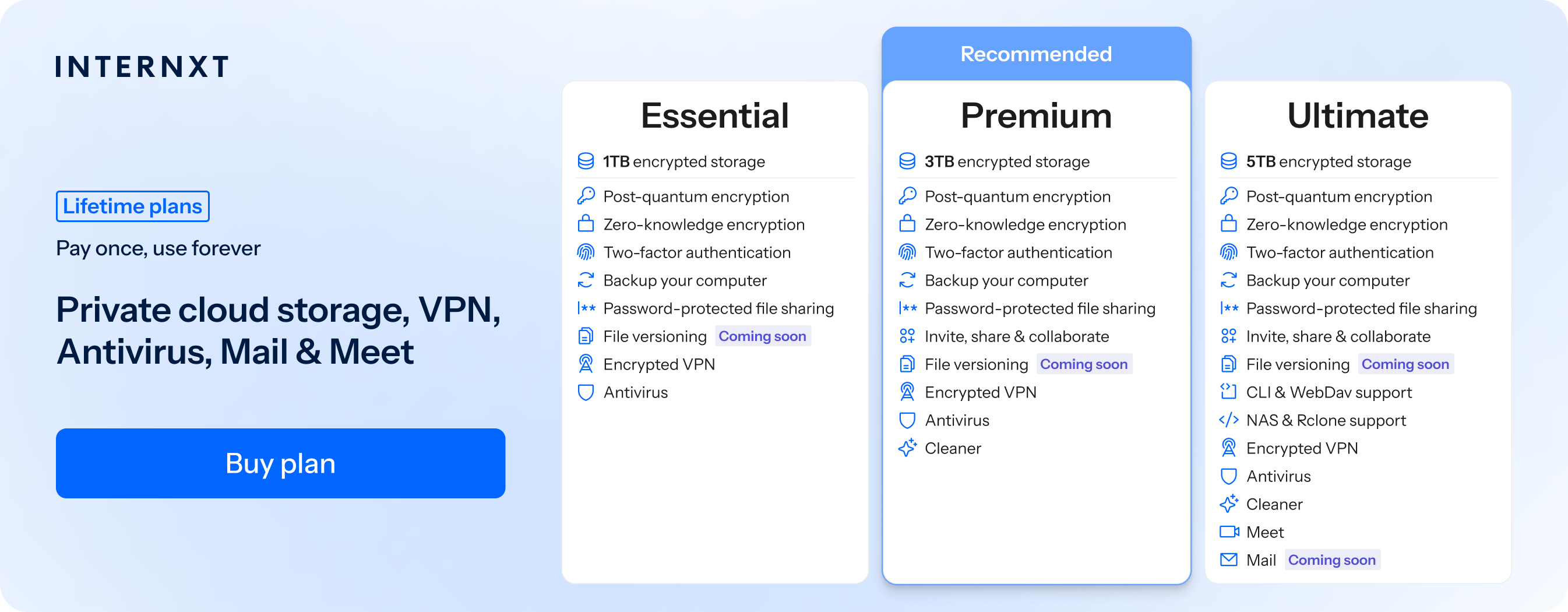
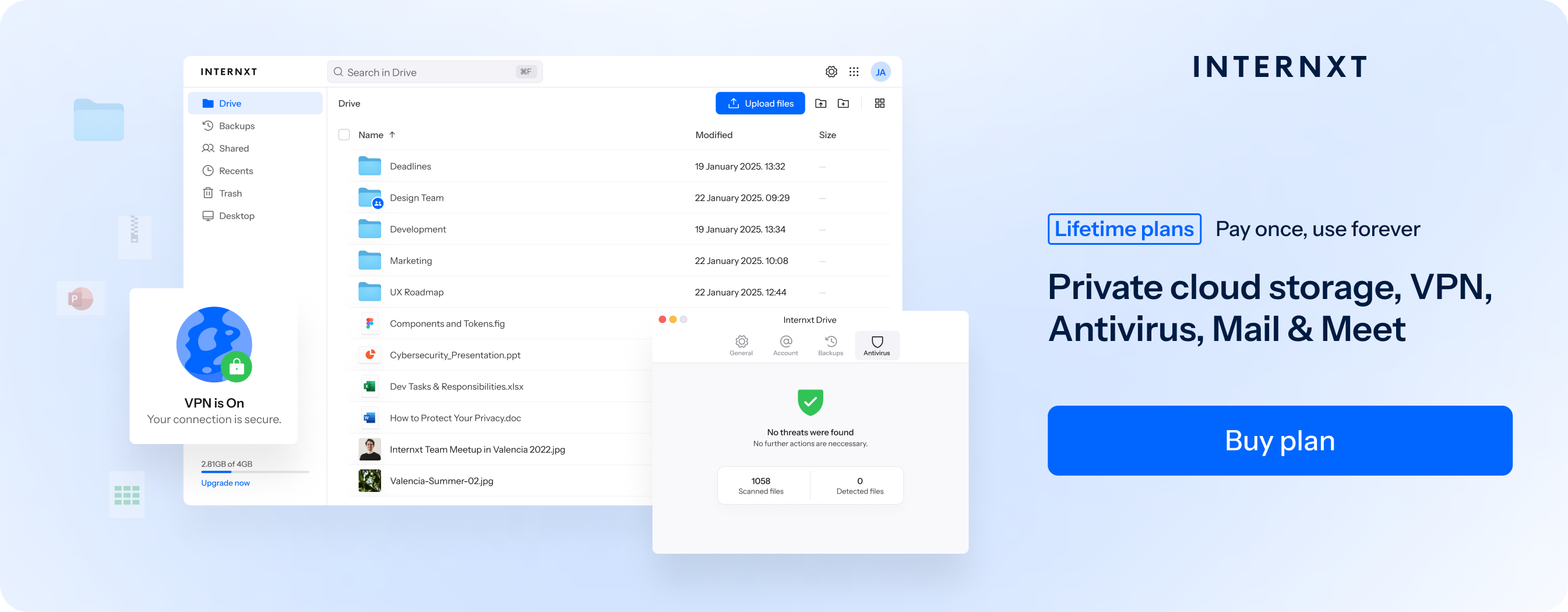
If your focus is on private cloud storage for the projects you store in the cloud, then an encrypted cloud such as Internxt Drive offers private cloud storage for your files with zero-knowledge encryption.
Collaboration, offline access, pricing, and advanced writing features and organization are also factors that you should consider, which will cover with the Google Docs alternatives mentioned in this article.
Best Google Docs alternatives for writers
Below is a comprehensive list of Google Docs alternatives for writers from cloud storage, project management, tools for writers, and more.
Internxt Drive
Best for writers who prioritize privacy, secure cloud storage, backups, and syncing to protect and store documents with end-to-end encryption.
Internxt Drive is the best Google Docs alternative for writers who want to store, backup, and sync their work in the cloud in total privacy.
Internxt Drive plans include end-to-end post-quantum encryption, meaning you can store your work in the cloud knowing it's protected from big tech companies spying on your documents. With Internxt’s encrypted cloud storage, everything is encrypted on your device, so nobody but you can view the contents of your work.
As an alternative to Google Drive and Google Docs, Internxt also offers the following features in its cloud storage:
- Secure file sharing: Send files privately with encrypted file sharing and password-protected documents.
- Encrypted backups: Keep your documents backed up in the cloud to protect against ransomware and accidental data loss.
- File syncing: Keep your files up to date and accessible across all devices and operating systems, including Linux.
- Invite, share, and collaborate: Share your files with others to edit, upload, and make changes to your documents.
- File versioning: If you need to go back to a previous version, Internxt allows file versioning to restore documents.
- Full privacy suite: Other alternatives Internxt offers to Google include: Photos, Mail, and Meet.
Internxt offers monthly and lifetime plans for up to 5TB, 3TB more than Google One plans. You can also save 85% on all plans using the link below, and check out the full list of features that make Internxt the best Google alternative for Docs, Drive, Gmail, and more.
| Plan | Storage | Features | Annual (Paid monthly) | Lifetime Cost |
|---|---|---|---|---|
| Essential | 1TB | €1.99/month | €380 | |
| Premium | 3TB |
|
€3.99/month | €580 |
| Ultimate | 5TB |
|
€5.99/month | €780 |
| *Prices are correct at the time of writing and are subject to change. For latest prices, check https://internxt.com/pricing | ||||
Google Docs alternative for writers: Comparison of services
Now we have covered all the alternatives to Google Docs, below you can find a summary of other services to help you choose the best Google Docs alternative for you.
| Google Docs Alternative | Price | Encryption | Open Source | Writing Features |
|---|---|---|---|---|
| Internxt Drive | Free plan; paid monthly, and lifetime plans | End-to-end, zero-knowledge, AES-256, and post-quantum encryption | Yes | Cloud storage, file sharing, backups, file versioning |
| Microsoft Word | Free web version; Microsoft 365 paid plans | Encryption in transit and at rest; no standard end-to-end encryption | No | Advanced formatting, templates, spelling and grammar tools, Track Changes, word count, long-form writing |
| Scrivener | Paid one-time license; 30-day free trial | Local file encryption available; not an end-to-end encrypted cloud service | No | Binder, Corkboard, Outliner, writing targets, Snapshots, research management |
| Notion | Free plan; paid Plus, Business, and Enterprise plans | Encryption in transit and at rest; additional end-to-end encryption available for Enterprise | No | Pages, templates, databases, AI writing tools, notes, outlines |
| Zoho Writer | Free plan; paid plans available | Encryption in transit and at rest | No | Document formatting, templates, grammar tools, AI assistance, Track Changes |
| Dropbox Paper | Free with a Dropbox account; paid plans for additional Dropbox storage | Encryption in transit and at rest; no standard end-to-end encryption | No | Simple editor, notes, outlines, images, tables, checklists, basic formatting |
| ONLYOFFICE | Free open-source desktop editors; free DocSpace option; paid business plans | Encryption in transit and at rest; end-to-end encryption supported in certain configurations | Yes, AGPL 3.0 | Advanced formatting, templates, Track Changes, comments, document comparison, AI tools |
| Apple Pages | Free on supported Apple devices | Encryption in transit and at rest; end-to-end encryption available with Advanced Data Protection for supported iCloud data | No | Templates, advanced formatting, page layouts, images, tables, EPUB export |
Related products
Frequently asked questions
What is the best Google Docs alternative for writers?
The best Google Docs and alternative to Google’s service is Internxt Drive, as it offers full privacy and end-to-end encryption, allowing you to store, back up, sync, and share files securely.
For dedicated writing software, alternatives like Scrivener is a good choice.
Is there a better alternative to Google Docs?
Yes. Alternatives can offer features that Google Docs does not focus on, including more advanced formatting, dedicated long-form writing tools, stronger privacy, offline functionality, or better project organization. The best choice depends on what you need from your writing software.
What is the best free alternative to Google Docs?
For writing and cloud storage, Internxt and Microsoft offer free plans and alternatives to Google and Google Docs.
Zoho Writer is another strong free option with extensive writing, editing, and document features.
Is Microsoft Word better than Google Docs for writers?
For writers who need advanced formatting, professional document creation, templates, reviewing tools, and long-form writing features, Microsoft Word can be a better choice, but it also doesn’t offer end-to-end encryption.
What do professional writers use instead of Google Docs?
Professional writers use different tools depending on their work.
Scrivener is popular for books and complex manuscripts; Notion is useful for writing combined with research and project management, and specialized privacy-focused tools like Internxt is better for storing and sharing your work privately.