
The Best Alternative to Google Sheets [2026]

Google Sheets is a necessary tool for many businesses and individuals and is popular due to its live collaboration, ease of use, accessibility, and seamless integration with other Google Workspace applications.
However, as part of the Google Drive workspace, Google Sheets is not end-to-end encrypted, so if you need to store your sensitive spreadsheets privately, then this article will offer a secure and encrypted cloud storage solution to store your folders and protect them with end-to-end encryption.
We also cover the best Google Docs alternative, so you can get everything you need for your spreadsheets and documents without compromising your privacy.
Table of contents
Why choose an alternative to Google Sheets?
Privacy and data ownership
Privacy and data ownership are important reasons when considers what the best Google Sheets alternative is, especially when spreadsheets contain personal, financial, or business information.
Google operates a broad ecosystem of services, and information from your Google account is collected across those services (Chrome, YouTube, etc) and used for personalization and other purposes, depending on the applicable service and your Google activity history settings.
For Google Sheets specifically, Google may process or collect:
- Spreadsheet content you create, upload, or receive
- Comments and notes
- Formulas and other spreadsheet data
- Search queries you make within Google Sheets
- Your email address, used for account access, synchronization, and notifications
- Your location information in certain circumstances
- Performance data
- Crash and diagnostic information
- Data stored on your device if you enable offline access
Outside of Google Sheets, the broader Google ecosystem collects a large amount of personal data across its services, so you may not only need the best alternative to Google Sheets, but alternatives to Google in general.
To learn more about what information Google collects and processes, visit our website below.
End-to-end encryption
Google Sheets and, by extension, Google Docs, Gmail, and Google Photos all encrypt your data both:
- In transit, when data moves between your device and Google's servers.
- At rest, meaning while your files are stored on Google's servers, they are encrypted using AES-256 encryption.
- Files are not encrypted on your device before data is moved between your device and Google’s servers.
A Google Drive encrypted folder is not end-to-end encrypted, as Google retains control of the encryption keys, meaning the company can technically access the decrypted data when required to provide its services, meaning Google could access and view:
- Customer names, contact details, and other personal information
- Financial records, budgets, and revenue figures
- Employee information and payroll data
- Business plans and confidential strategies
- Contracts and pricing information
- Intellectual property and proprietary data
- Passwords, API keys, or other credentials if users store them improperly
The best alternative to Google Sheets to protect this sensitive information from data breaches or big tech surveillance offers cloud storage with zero-knowledge encryption, such as Internxt Drive, where the provider encrypts files on your device and can never access the contents of your files.
Reduced dependence on Google
While Google’s integration is convenient, it can make users or businesses increasingly dependent on one provider to manage their data.
For example, if you need to back up your spreadsheets as extra insurance to protect your files against accidental deletion, ransomware, or data loss, then Internxt Drive and Internxt S3 cloud object storage offer end-to-end encrypted backups as an extra security measure to back up your files and get a private Google Drive alternative.
Different pricing options
Google Sheets is free for personal users, but using Google Workspace for businesses requires a subscription; and Google One pricing offers more storage and features, so choosing between these depends on your needs.
This can make costs increase as a business grows, particularly when more employees need access to the service.
The best option to avoid Google One subscriptions is to choose companies that offer lifetime plans, such as Internxt Drive, or if your business uses Google Cloud object storage, then alternatives such as Internxt S3 offer fixed S3 storage costs per month, with no egress or ingress fees.
European alternatives
Google has paid over 100€ million in fines due to violations of European privacy laws managed by GDPR, causing many businesses to switch to European tech companies for stronger European business and personal data protection laws.
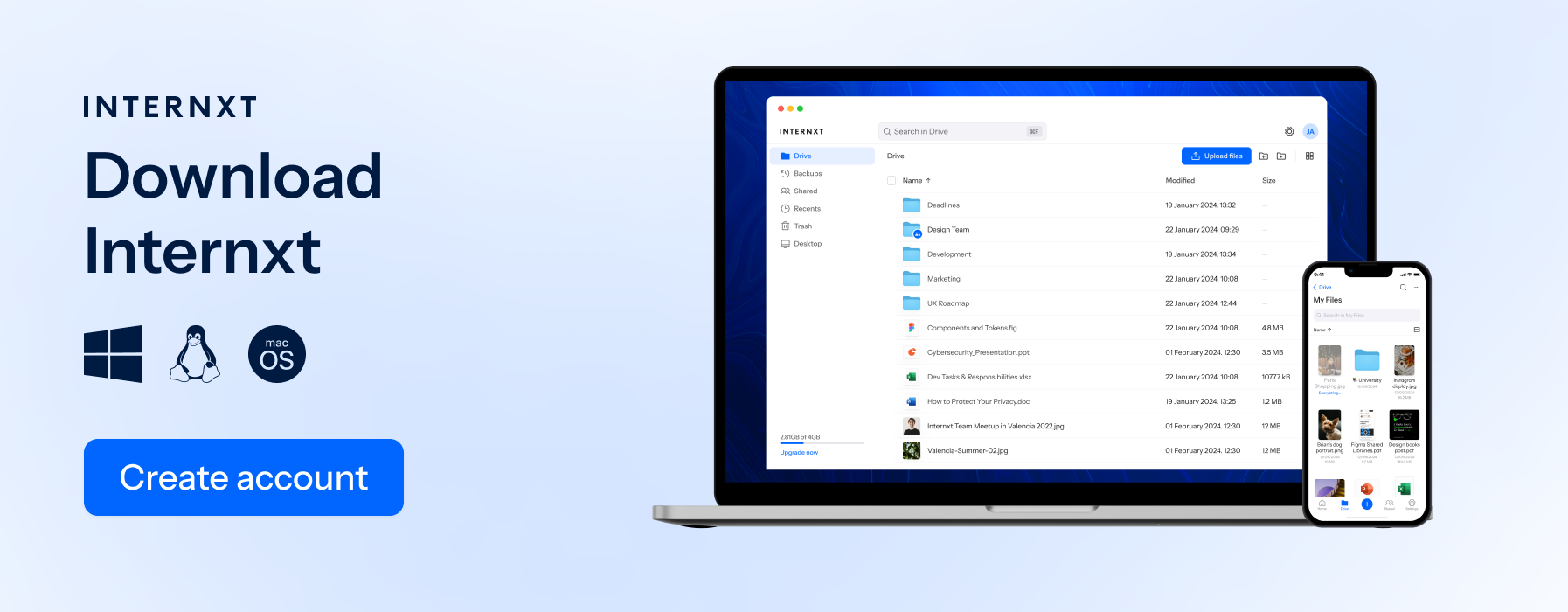
For European cloud storage and the best Google Sheets alternative to back up, store, and sync your spreadsheets, Internxt Drive and S3 is a European cloud storage provider based in Valencia, Spain, and is also ISO 27001, HIPAA, and SOC 2 compliant, offering the best data protection for all industries.
Features of the best alternative to Google Sheets
Automatic backups
Automatic backups protect your spreadsheets from accidental deletion, corruption, or unwanted changes. A good Google Sheets alternative should regularly save copies of your files in the cloud, allowing you to restore an earlier version when needed.
Internxt Drive lets you automatically back up your files every 1, 6, or 12 hours, or manually if you need to back up files less often.
Internxt S3 also allows back ups for petabytes of data, and S3 object lock, which makes objects immutable for a period of time to prevent accidental changes or deletion.
Syncing
Automatic synchronization keeps spreadsheets updated across your devices. With Internxt Drive, you get syncing across all major devices, including Windows, Mac, Linux, iOS, and Android.
Ultimate plans include cloud management for WebDAV and rclone, plus NAS support for QNAP and Synology.
Any changes you make to a spreadsheet in Internxt Drive on one device are automatically reflected on your other connected devices, ensuring you always have access to the latest version.
File versioning
File versioning keeps previous versions of your spreadsheets, allowing you to review or restore an earlier version if important data is accidentally changed or deleted.
Secure file sharing
Secure file transfer allows you to share spreadsheets with others while controlling who can access, view, edit, or download them. Features such as password protection and access controls are both available with an Internxt plan to send up to 10GB of files via an encrypted link or email.
If you want to share files online privately for free, then Internxt Send is a free file sharing service to send files that are protected with end-to-end encryption.
Storage and pricing
The best Google Sheets alternative should offer enough cloud storage for your needs at a reasonable price.
Google Drive offers 15GB of free storage, which can be upgraded with a Google One plan, with storage going up to 2TB for monthly or annual plans.
If you want to avoid subscriptions completely, or choose a cheaper monthly plan with more storage, then Internxt offers plans starting from 1TB and up to 5TB, with affordable lifetime cloud storage plans available so you can avoid the cost of a Google subscription completely.
What is the best alternative to Google Sheets?
Internxt Drive
Internxt Drive is the best alternative to Google Sheets if you want to store, back up, sync, share, and protect your spreadsheets in the cloud with post-quantum and zero-knowledge encryption.
Unlike Google, it is also open source and fully transparent for security experts to review and check the code to ensure there are no backdoors to your data.
If you want to migrate your files from Google Drive, Internxt Drive offers a fully end-to-end encrypted vault for your spreadsheets, accessible only to you.
Aside from cloud storage, Internxt also offers alternatives to other Google products, including:
- Internxt Meet: the best video conferencing tool for privacy
- Internxt Mail: encrypted email
- Internxt Photos: the best alternative to Google Photos
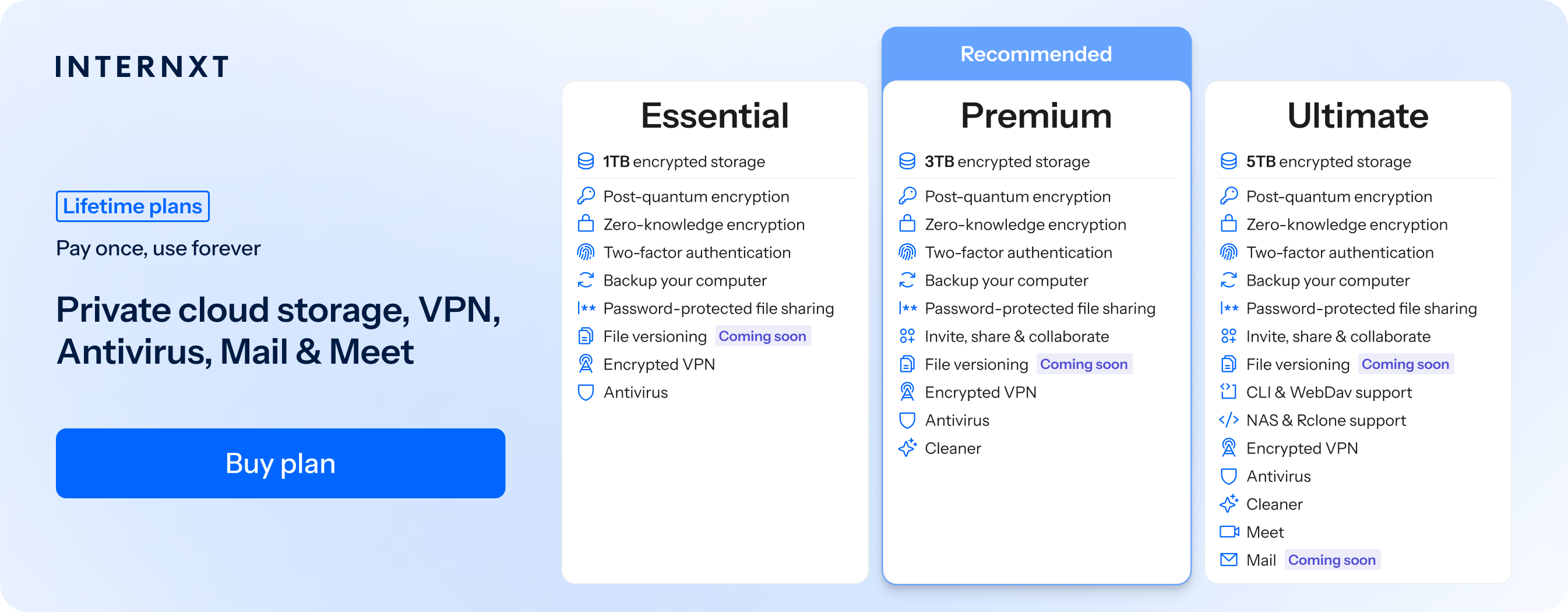
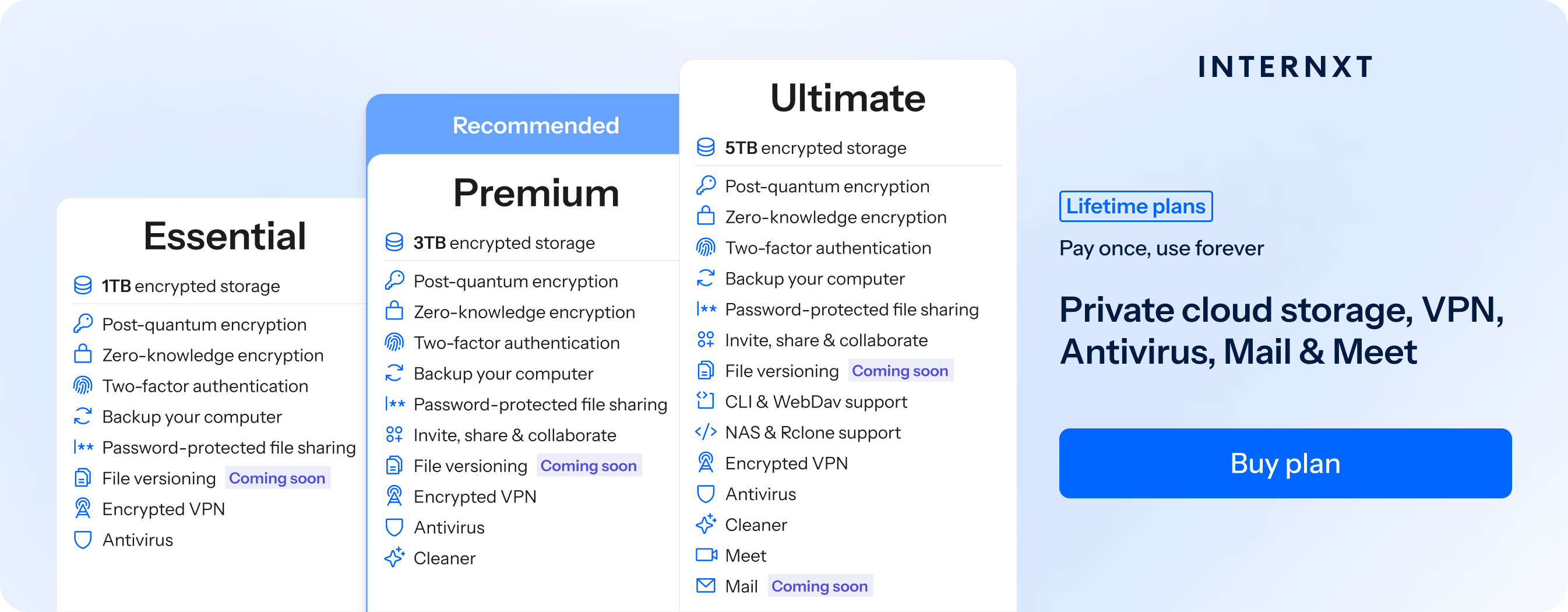
Get started with an Internxt free cloud storage plan, or get an exclusive 85% discount on all plans following your exclusive link below and check out all the features of our Essential, Premium, and Ultimate plans.
Internxt vs Google comparison
Now we have covered why Internxt is the best alternative to Google Sheets to store your spreadsheets in privacy, below you can find an overview of Internxt vs Google Drive.
| Feature | Internxt Photos | Google Sheets |
|---|---|---|
| Pricing | From €1.49/month for 1 TB | From €0.49/month for 100 GB |
| Lifetime plans | Yes | No |
| Maximum storage | 5 TB | 2 TB |
| Based in | Europe | United States |
| End-to-end encryption | Yes | No |
| Can access your files | Never | Under certain circumstances |
| Features | Drive, Mail, Meet, Photos, VPN, Antivirus, Cleaner | Drive, Mail, Meet, Photos, Office |
| Data collection | No | Yes |
| AI surveillance | No | Yes |
| Open source | Yes | No |
Related products

Frequently asked questions
What is the best alternative to Google Sheets?
Internxt Drive is a strong alternative to Google Sheets for users who want to store, sync, back up, and share spreadsheets with a focus on privacy. It uses zero-knowledge encryption to protect files so that only the user can access their contents.
Is Google Sheets secure?
Google Sheets uses encryption in transit and at rest and provides security features such as access controls and two-factor authentication. However, users looking for zero-knowledge or end-to-end encrypted cloud storage may prefer a privacy-focused alternative to store their spreadsheets, like Internxt Drive.
What is the best cloud storage for spreadsheets?
The best cloud storage for spreadsheets depends on your requirements. Users prioritizing privacy should look for end-to-end encryption, secure sharing, file versioning, synchronization, automatic backups, and strong access controls.
Can I use Google Sheets without Google Drive?
Google Sheets files are integrated with Google Drive for storage and management. If you want to store spreadsheet files separately from Google's ecosystem, you can export them and store them in Internxt Drive.