
What Are The Best Video Conferencing Tools in 2026?

Since COVID hit in 2020, video conferencing has become a booming industry, allowing individuals, businesxses, and enterprises to host video calls, webinars, classes, and more.
In a similar manner to cloud storage and local storage options, there are many video calling platforms available with different features available depending on personal or business needs.
For this reason, we will cover the best video conferencing tools and apps available by covering:
- Features
- Pricing
- Security and privacy
- Collaboration tools
So whether you’re looking for a dedicated video conferencing tool such as Wire or a full privacy product suite such as Internxt, this article will help you choose the best video conferencing platform for you.
Table of contents
- How to choose the best video conferencing tools
- Overview of the best video conferencing apps
- The 6 best video conferencing tools
- Which of the best video conferencing tools is right for you?
- Related articles
How to choose the best video conferencing tools
Video and audio quality
Check whether calls stay stable without dropping, how clear and noise-free the audio is, whether it supports HD video, how much delay there is between speakers, and whether the quality automatically adjusts to different internet speeds, browsers, or mobile devices.
Collaboration
If you only need to chat with friends or family, then simple video calling is enough, but if you need more, you should check whether the platform supports screen sharing, file sharing, chat, whiteboards, or breakout rooms.
Privacy and security
If you want to keep your video calls private, then it's best to stay away from big tech companies such as Google or Microsoft. This is because they manage the encryption and could access your chats or use your calls to train their AI learning models.
Therefore, for maximum privacy and security, the best video conferencing calls will use zero-knowledge encryption to ensure your chats and calls remain private. For this, the best option is Internxt Meet, which has zero-knowledge and post-quantum encryption to ensure your video calls are totally private.
Support
Check whether the service offers live, email, phone, or other methods of support so you can get the help you need as soon as possible.
Pricing & other features
Check whether there are limitations for free plans, and what other services are offered within the subscription. Some services only offer video conferencing, whereas other providers, like Internxt, offer encrypted cloud storage and a full privacy suite to ensure you get the best protection online.
Overview of the best video conferencing apps
| Company | Pricing | Number of minutes | Max participants | Key features | Best for |
|---|---|---|---|---|---|
| Internxt | From €2/month | Unlimited minutes (Ultimate plan) | 5 | Drive, Antivirus, Cleaner, Meet, Mail, Photos | Private and encrypted video calls for small groups |
| Google Meet | From €1.99/month | 1 hour for free plans, up to 24 hours for paid | Up to 100 | Drive, Gemini, Mail, Meet, Workspace | Individuals and organizations that are already integrated with Google services |
| Zoom | From €15.99/month | 40 minutes for free plans, up to 30 hours for paid | Up to 100 | Video conferencing, whiteboard, chat, breakout rooms | Enterprises needing large-scale video meetings and webinar events |
| Microsoft Teams | From €1.99/month | 60 minutes for free plans, up to 30 hours for paid | Up to 100 | OneDrive, Mail, Office | Business/or enterprises integrated with Office 265 |
| Wire | From €7.45/month | 40 minutes for free plans, up to 30 hours for paid | Up to 100 | Screen and file sharing, chat, virtual whiteboard | For people who need small group video calls |
| Whereby | From €10.99/month | 30 minutes for free plans, no strict limit for paid plans | Up to 50 | Virtual whiteboard, screen sharing, file sharing, chat | Users who need browser-based video meetings |
The 6 best video conferencing tools
Internxt Meet
Internxt Meet is a video conference platform with an emphasis on privacy thanks to its zero-knowledge and post-quantum encryption.
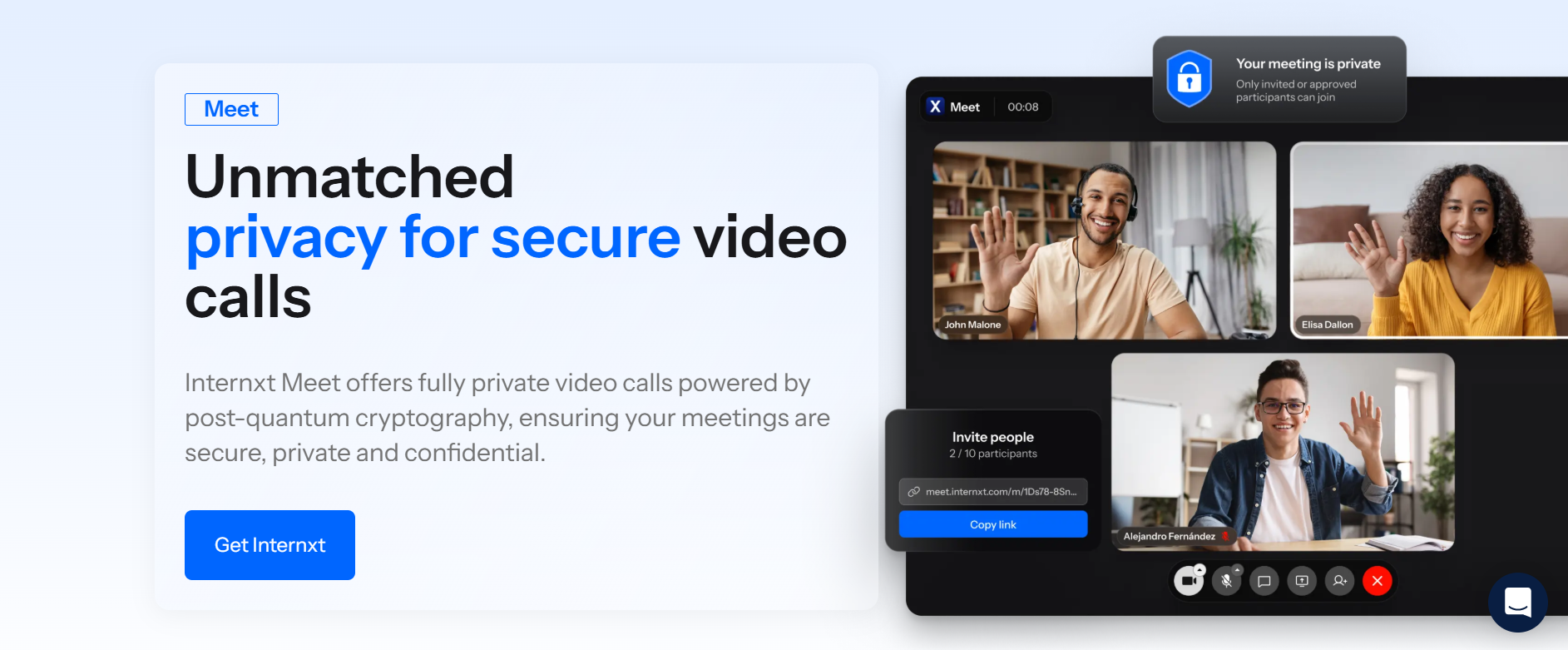
Meet is part of Internxt’s privacy-focused product suite, and if you have an Ultimate plan, you can share a secure link with up to 5 participants, and they can join your call, or you can schedule a meeting for participants to join at a time that suits you.
If you have an Internxt Ultimate plan, you can share your meeting link; other users do not need an Internxt account to join your meeting. Meet also users AI to ensure you get the best video speeds and audio quality.
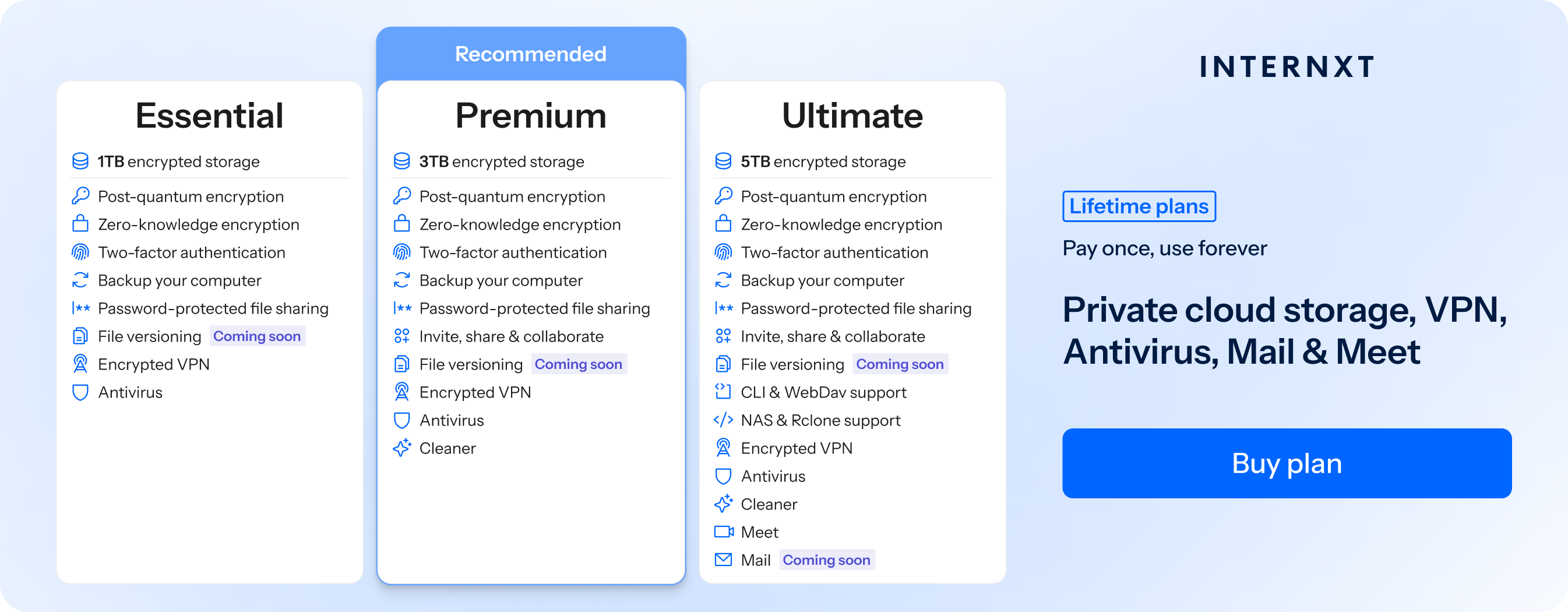
With an Internxt Ultimate plan, you not only get access to Meet, but all of Internxt’s products, including encrypted cloud storage, Mail, Photos, and more.
Annual and lifetime plans are available, and the full services of Internxt can be viewed below.
Stand-out features
- Post-quantum encryption
- Screen sharing
- Private chats
- Open-source and audited
Best for
- Fully private video calls
- Privacy-focused users
- Combined with secure cloud storage and sharing
Limitations
- Maximum 5 participants
- No dedicated mobile app
To get started with any of our Internxt plans, visit our website for 85% off all annual and lifetime plans, and for the best video conferencing platform, choose our Ultimate plan to get access to Meet, Drive, Mail, and more!
Google Meet
Google Meet is part of the Google Workspace ecosystem, which includes Google Drive, Photos, Gmail, Gemini, and more.
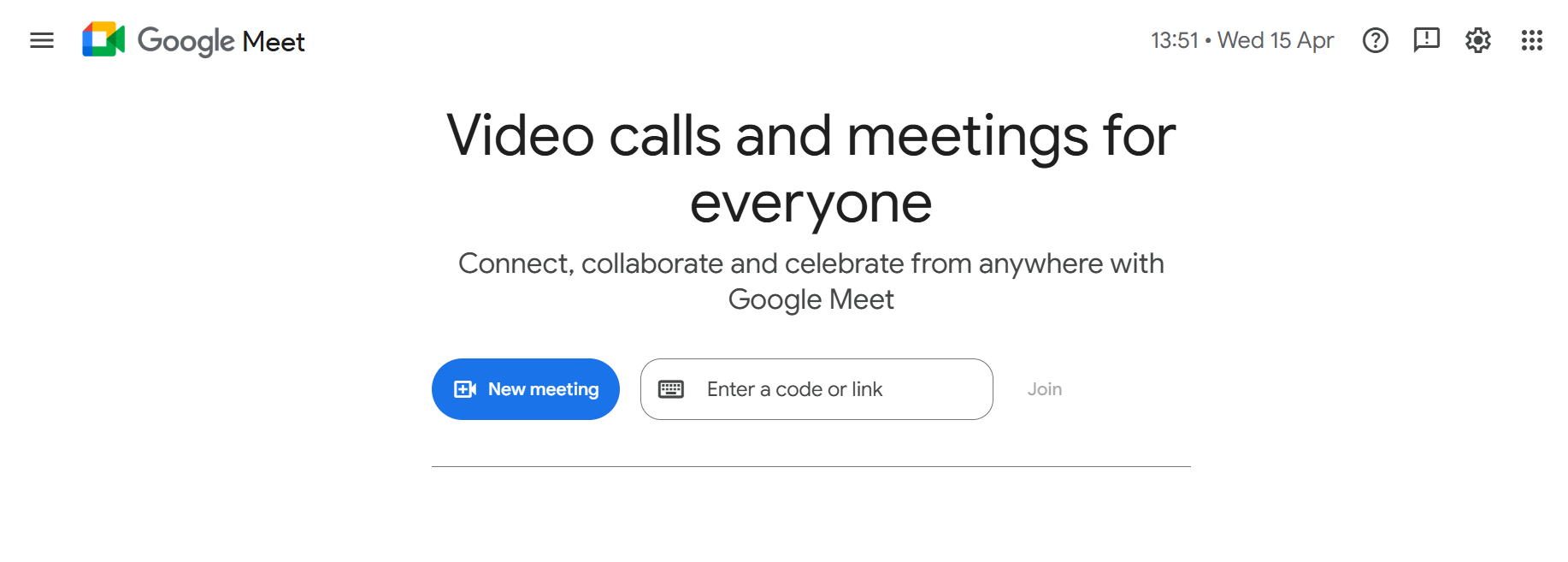
Google Meet is free to use, but it also comes with premium features, which include:
- Host longer calls
- Live stream to YouTube
- Capture and share recordings
- Intelligent noise cancellation
Stand-out features
- Integration with the Google Workspace ecosystem
- Live captions and real-time translation
- Recording and meeting transcription
- High participant capacity
Best for
- Team meetings and workplace collaboration
- Users already using Google Meet within Google Workspace
- Large group calls, webinars, and classrooms

Limitations
- Advanced features require a paid Google Workspace plan
- No zero-knowledge encryption
- Google can view your chats and calls
- Limited customization compared to some competitors
Zoom
Zoom gained huge popularity during the COVID era, with over 300 million daily meeting participants using the service to connect with friends and family during the lockdown period.
It also became widely used due to online classrooms, thanks to its breakout room feature, allowing learners to chat in separate video conferencing rooms to discuss topics.
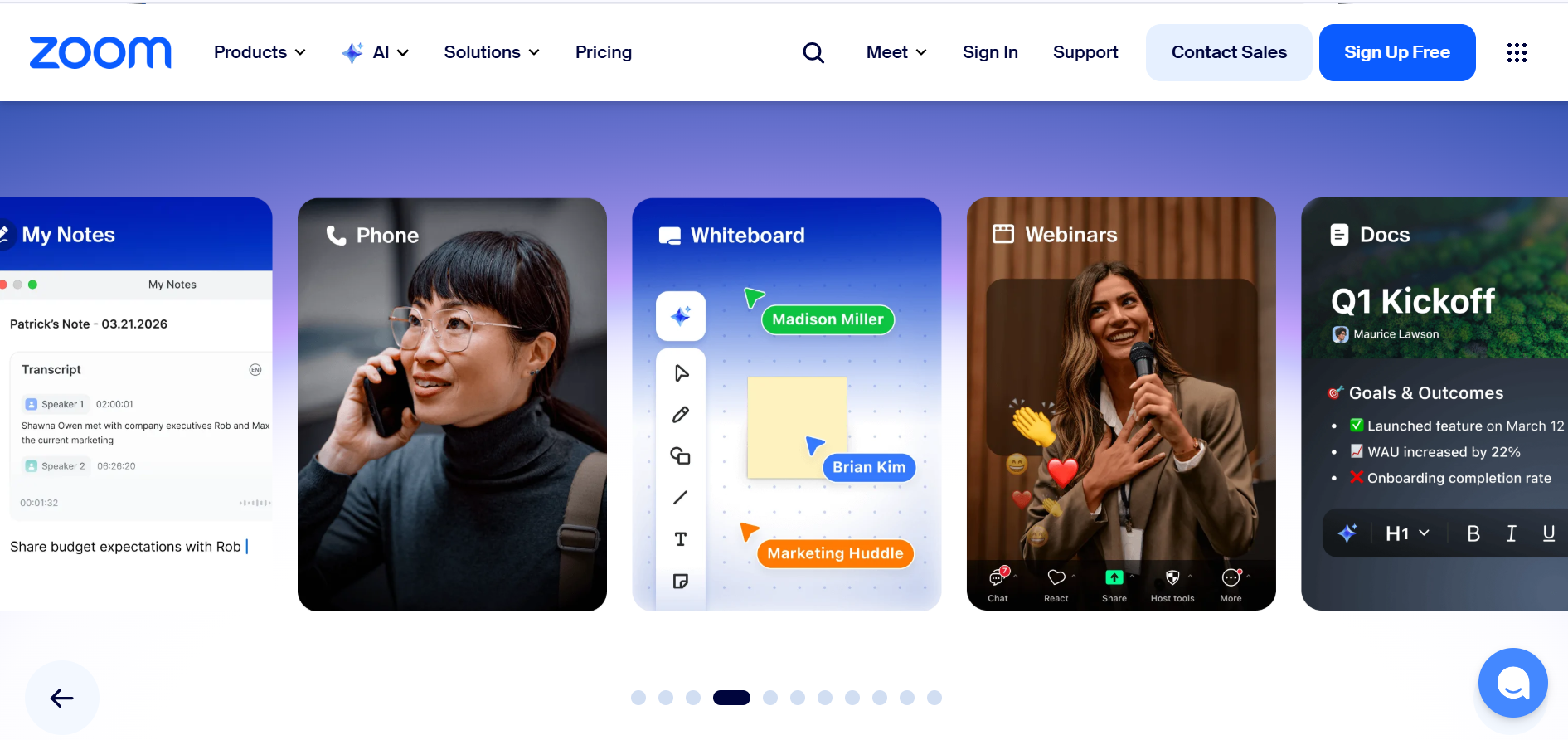
Since then, Zoom has expanded its service by offering features such as webinars, cloud recording, team chat, virtual whiteboards, AI-powered meeting summaries, and integrations with third-party apps for collaboration and productivity.
However, there have been past security concerns regarding Zoom’s platform, which have included:
Uninvited users were able to join meetings as they were set up with publicly shared links with no waiting rooms or passwords enabled by default. This led to disruptions in schools, businesses, and public meetings.
Zoom marketed end-to-end encryption, but it was later clarified that meetings were not fully end-to-end encrypted in the strict technical sense at the time. Zoom later updated its security architecture and introduced true end-to-end encryption options.
Stand-out features
- Webinars and large meeting add-ons
- AI-powered meeting summaries and smart features
- Screen sharing with advanced controls
- Recording and transcription options
Best for
- Remote teams and business meetings
- Online classes, webinars, and large events
- Flexible collaboration tools
Limitations
- 40-minute limit on group meetings for free plans
- Advanced features require a paid plan
- Resource-heavy on low-end devices
Microsoft Teams
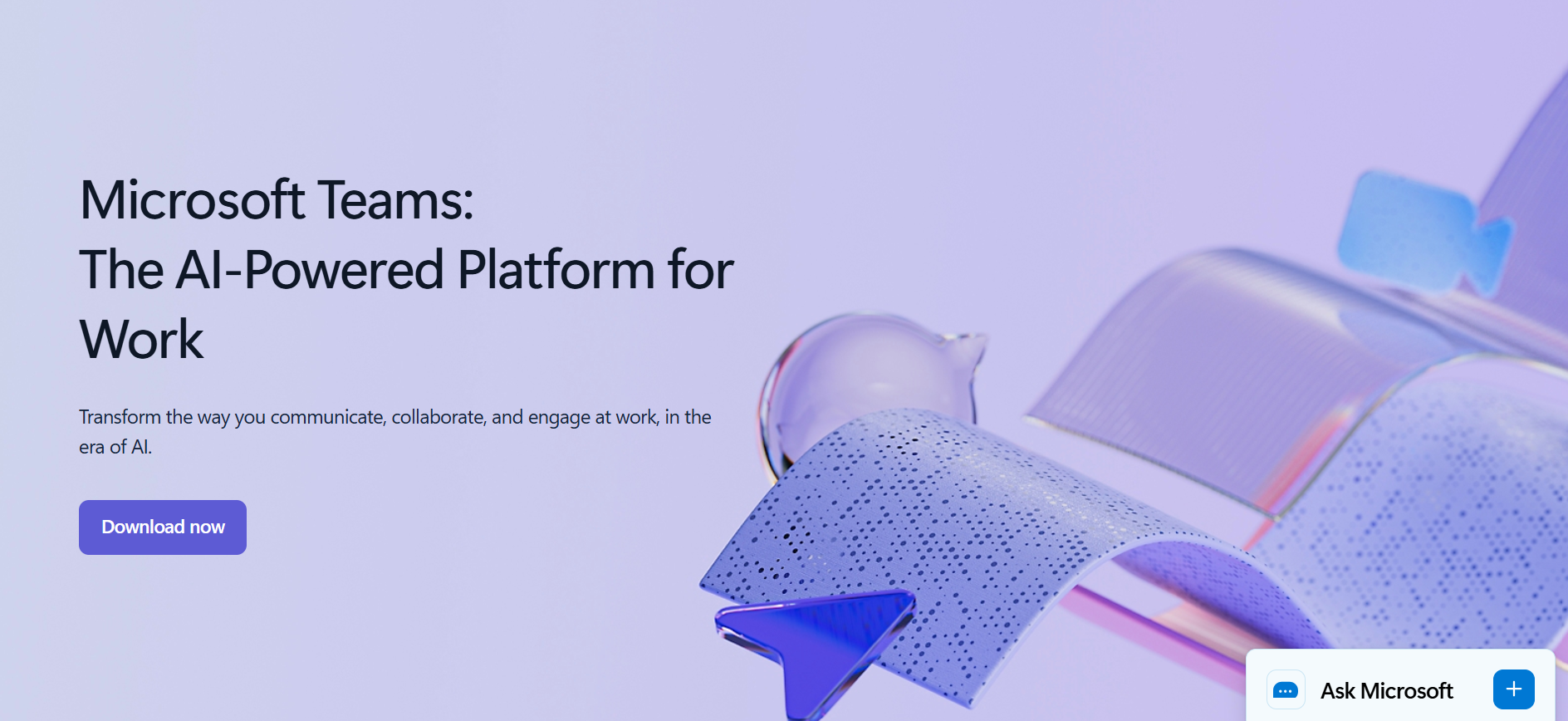
Microsoft Teams is Microsoft’s addition to the video calling industry and is the best video conferencing tool for Windows and OneDrive users.
Teams works especially well for its Business Basic and Business Standard plans, which have built-in access to Outlook, Word, Excel, and PowerPoint. You can also add its generative AI assistant, Microsoft CoPilot.
Teams does not offer a free plan, but the Essentials plan starts at $4 per user/month, allowing for video meetings of up to 30 hours, 10GB of cloud storage, and several advanced features, including recording, transcripts, live captions, and polling.
Stand-out features
- Webinars and large meeting capabilities (with Microsoft 365 plans)
- AI-powered meeting summaries, Copilot integration, and smart collaboration tools
- Screen sharing with advanced presenter controls
- Recording, transcription, and live captions
Best for
- Remote teams and business collaboration
- Online classes, webinars, and large-scale meetings
- Windows users who need workflows with Microsoft 365 apps (Word, Excel, PowerPoint, etc.)
Limitations
- Free plan has meeting duration limits (typically up to 60 minutes for groups)
- Advanced features (webinars, Copilot, enhanced security) require paid plans
- Limited privacy; videos encrypted by Microsoft
Wire
Wire is a secure messaging system that also allows you to make video calls over the internet using the Wire app.
Wire is designed with privacy in mind, using end-to-end encryption to keep conversations safe. It can be used on phones, tablets, and computers, making it useful for personal calls, teamwork, and business communication.
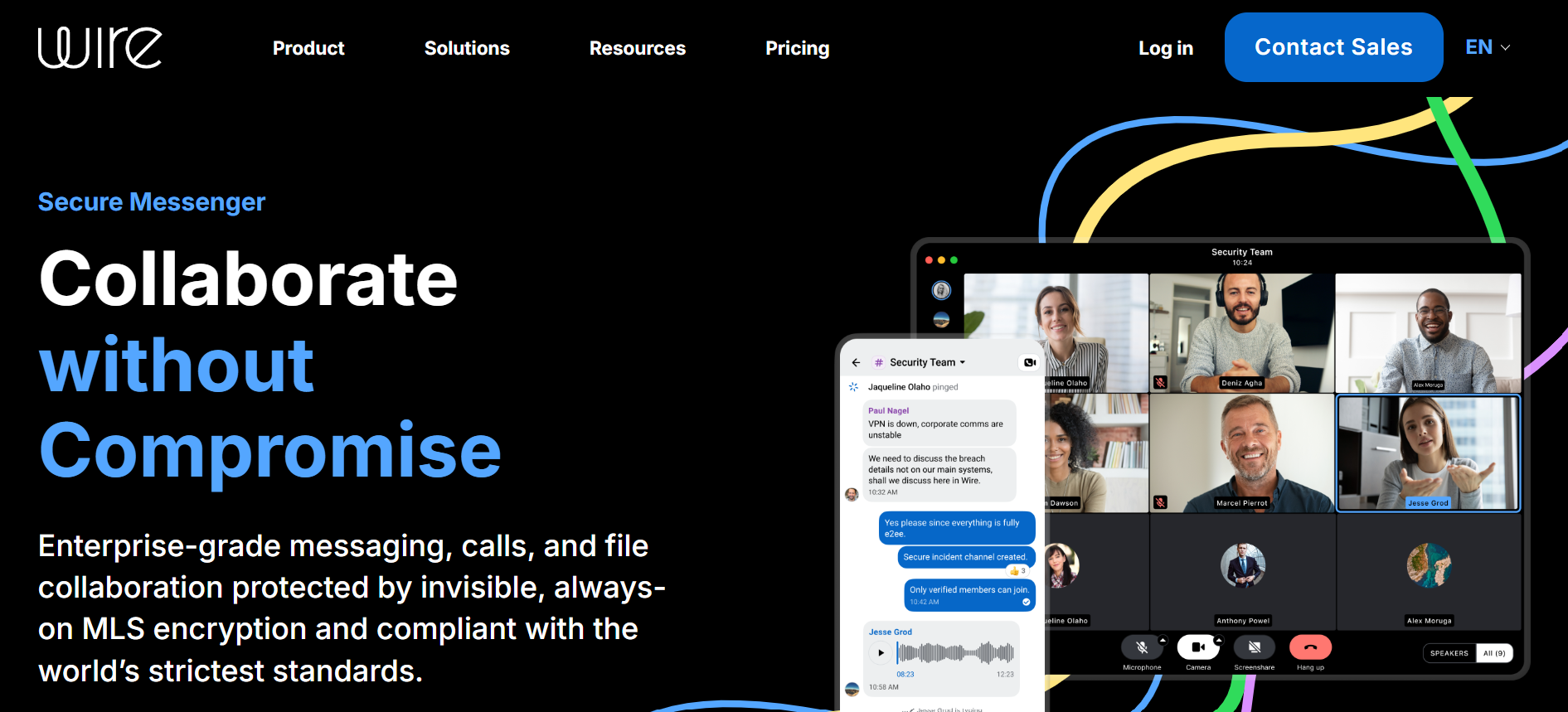
It also includes features such as group video calls, screen sharing, file and message sharing, and voice calls within the same app. Users can create group chats, collaborate in real time, and switch easily between messaging and video, making communication simple and flexible.
In larger meetings, however, media is decrypted on Wire’s servers and then re-encrypted for delivery. This means Wire can access unencrypted streams, so it does not provide true zero-knowledge encryption like Internxt Meet.
Stand-out features
- End-to-end encryption for all calls and messages
- Ability to enable strong privacy controls
- Cross-platform use on mobile, desktop, and web
Best for
- Privacy-focused users and organizations
- Secure business communication and teamwork
- Teams that need encrypted messaging and video in one place
Limitations
- Fewer large-scale webinar and event features
- Less integration with widely used office tools
- No zero-knowledge encryption for large meetings
Whereby
Whereby offers a simple way to meet face-to-face online directly in your web browser using the Whereby platform without needing to download or install anything.
This makes it quick to set up and accessible for people who want a straightforward calling experience.
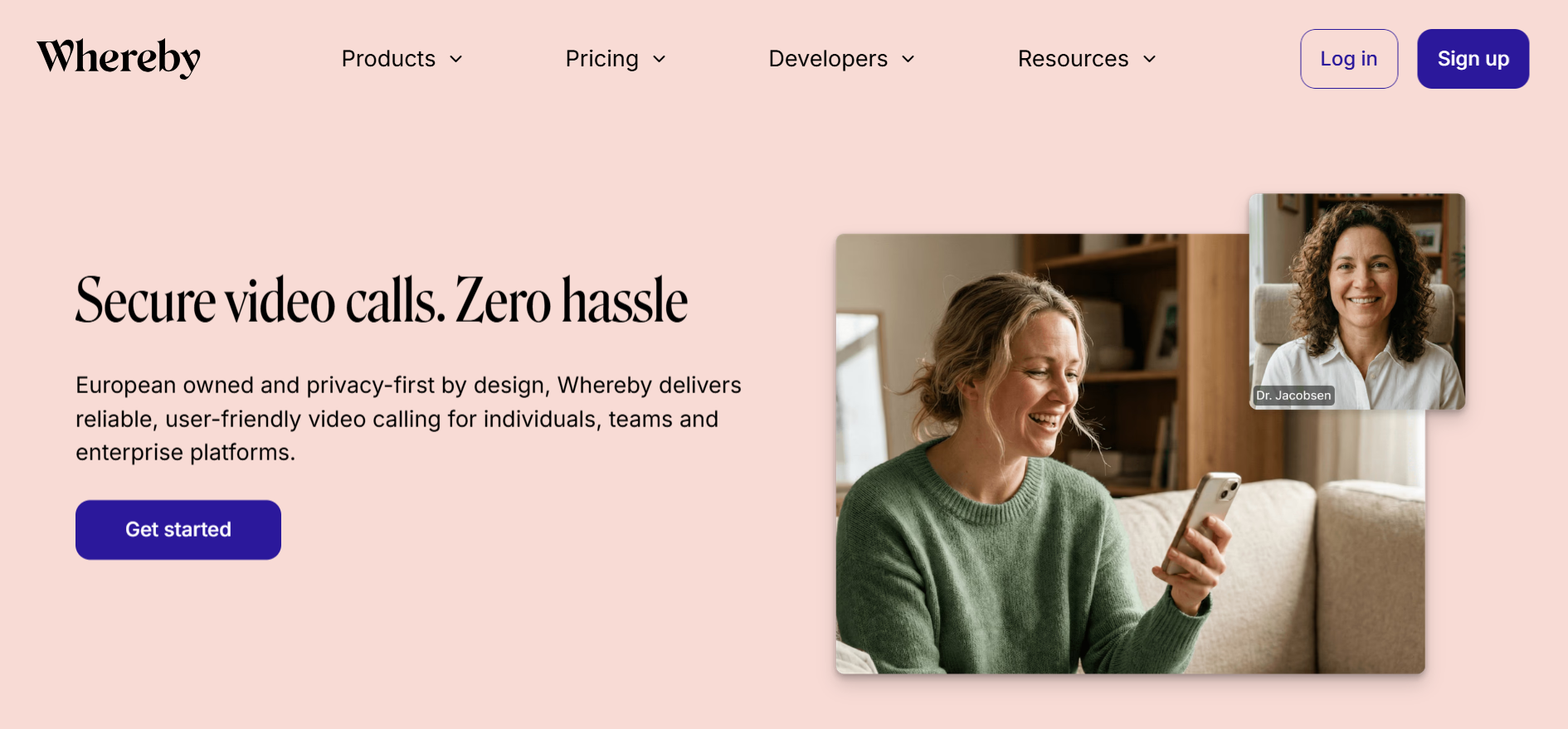
Whereby includes features such as customizable meeting rooms, the ability to lock rooms for privacy, and integrations with tools like Google Docs and Trello. It supports group video calls, screen sharing, and recording options on certain plans.
Whereby is designed to work smoothly across different devices, making it suitable for casual meetings, small team collaboration, and client calls where simplicity and convenience are important.
It’s important to note that Whereby uses cookies and third‑party tracking technologies for analytics, advertising measurement, and improving services.
These include tools from Google Analytics, Amplitude, YouTube, Facebook, Instagram, Twitter, and LinkedIn, which limit the privacy and security of your personal data.
Stand-out features
- End-to-end encryption for all calls and messages
- Strong privacy controls and secure communication design
- Cross-platform use on mobile, desktop, and web
Best for
- Privacy-focused users and organizations
- Secure business communication and teamwork
- Teams that need encrypted messaging and video in one place
Limitations
- Whereby exposes personal behavior and usage patterns to multiple external companies, increasing privacy risks.
- Whereby is not open source, so it is not possible to verify the security or privacy of its platform
- Videos are encrypted by Whereby
Which of the best video conferencing tools is right for you?
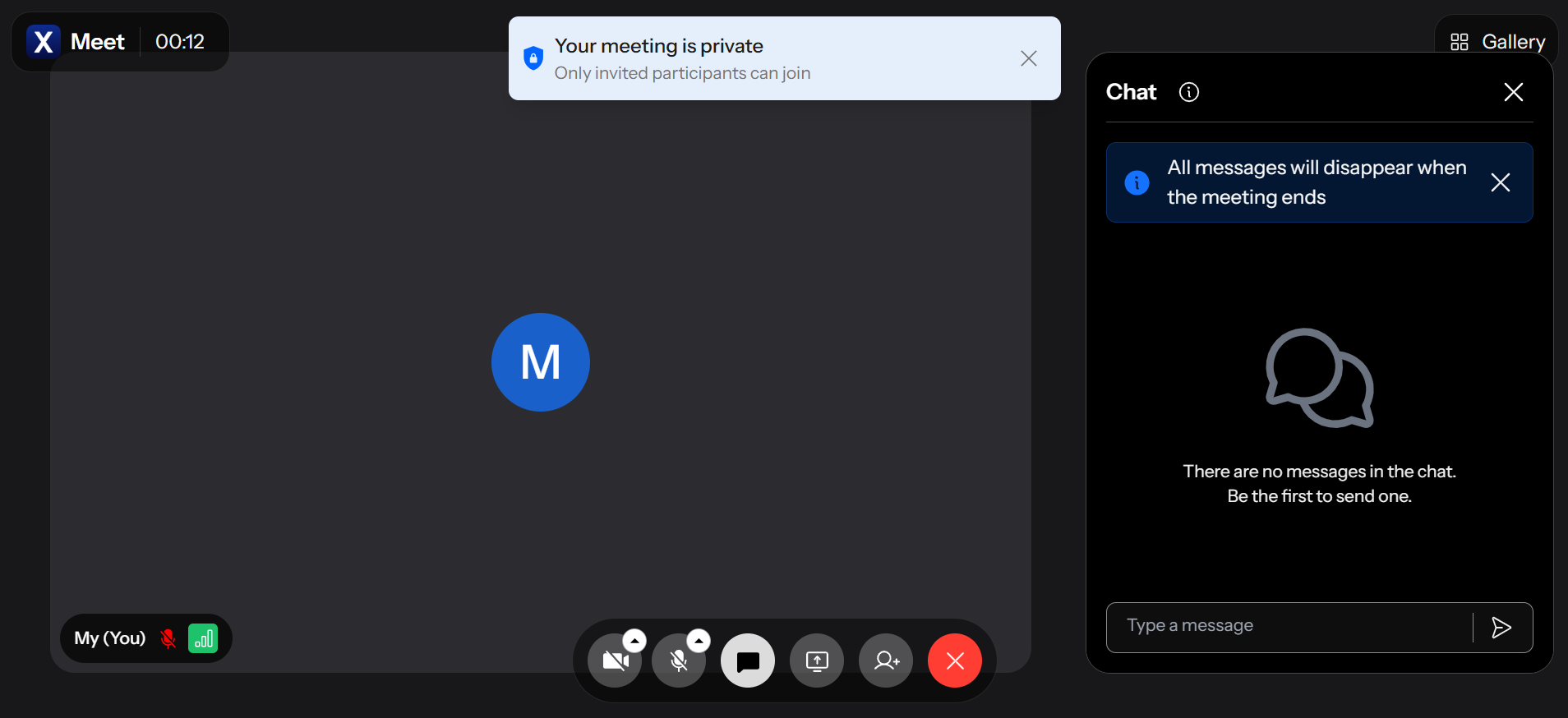
Internxt Meet is the best video conferencing platform, as it is the only service that offers post-quantum and zero-knowledge encryption, ensuring nobody can access your personal meetings, and chats are automatically deleted once you leave the meeting for increased privacy.
As Meet is included in Internxt’s full privacy plan, you also get access to Internxt’s full privacy suite, including cloud storage with rclone, WebDAV, and NAS support, Antivirus, VPN, Mail, and much more.
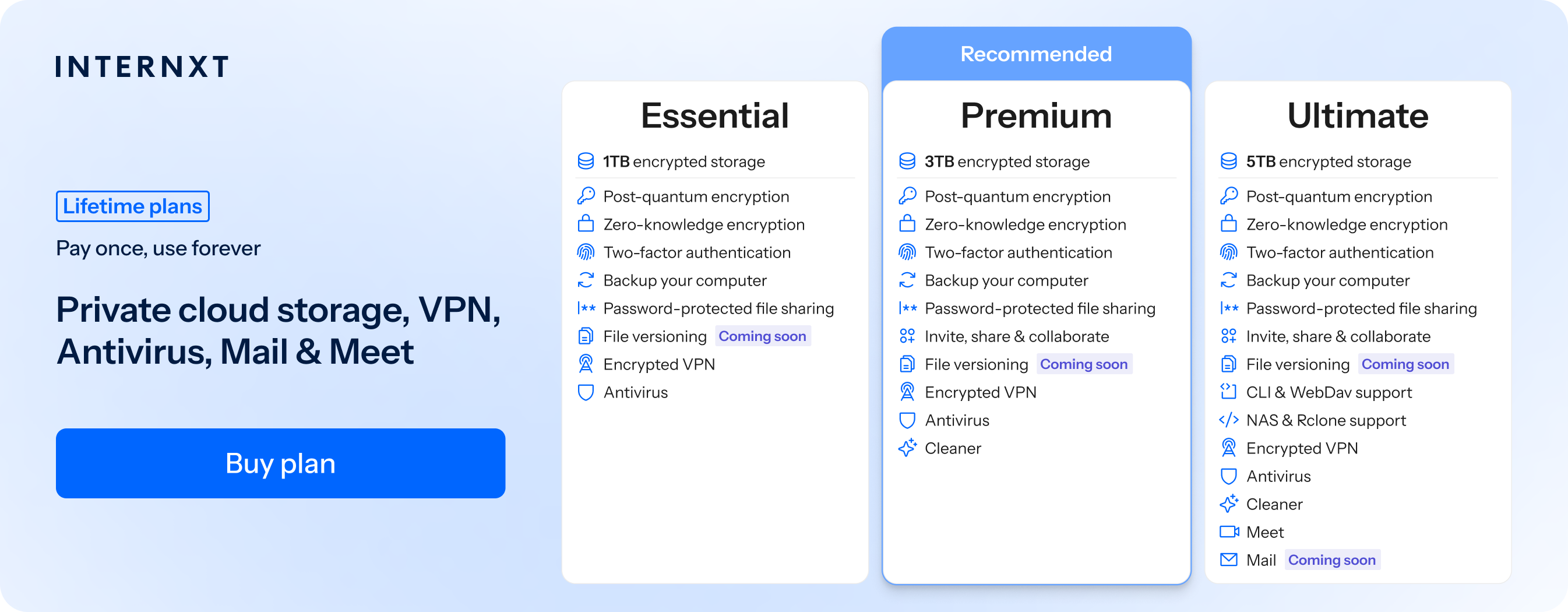
Therefore, if you want to host private video calls, interviews, or team meetings, Internxt Meet offers everything you need for secure and private video calls.
If you want to host larger meetings and more collaboration tools, the best options are Zoom, Teams, or Google Meet.
Try Internxt for free, or get 85% off our website with our exclusive special offer to check out what our plans have to offer to start protecting your personal files and online data.
Related articles