
What Is the Best Free Antivirus Software to Protect Your Device?

A lot of times, people only worry about the best antivirus software before it’s too late; they may have accidentally downloaded or opened a file containing malware, causing file corruption, data loss, or even encrypting their device.
There are many free antivirus software options, and the best antivirus products out there also offer additional features to help further protect your device.
In fact, if you’re also looking for a secure VPN, then the antivirus products on this list also include a VPN, with others offering cloud storage, cleanup tools, and more.
Therefore, if you’re in the market and wondering which is the best antivirus to meet your needs, by the end of this article, you will be able to pick the perfect one for you.
Table of contents
- How does an antivirus work?
- Advantages of using an antivirus
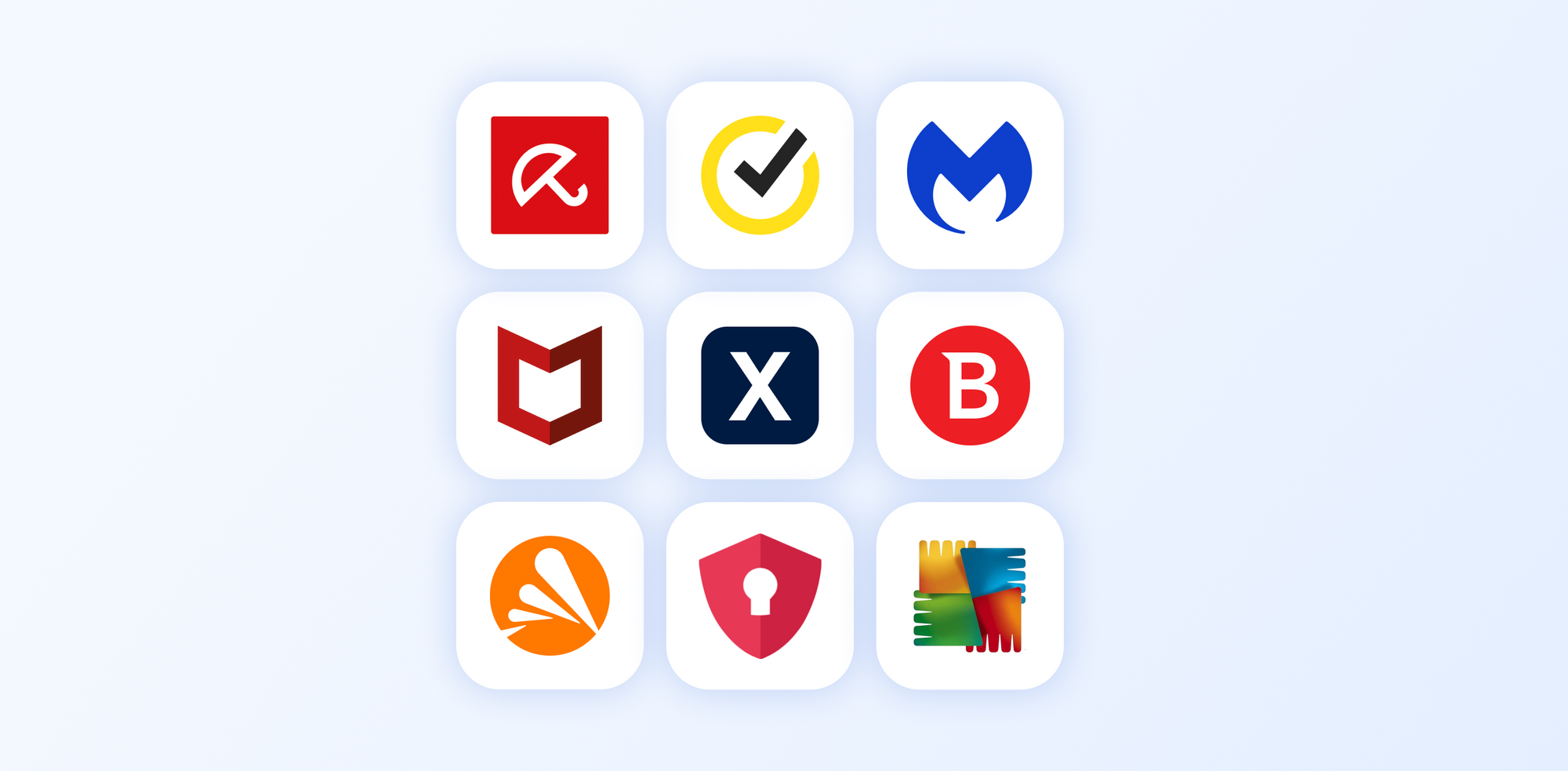
- Best Antivirus options of 2026
- Which is the best free antivirus software for you?
How does an antivirus work?
The best free antivirus software works by detecting, blocking, and removing malicious software from a device. Ideally, they are free from ads, pop ups, or any other means of collecting your data.
The type of malware it scans for includes:
- Viruses: malicious programs that attach themselves to legitimate files and spread when those files are shared or executed, often damaging or altering data.
- Worms: standalone malware that spreads across networks by exploiting security weaknesses, without needing to attach to a file or program.
- Trojans: these types of viruses disguise themselves as legitimate software to trick users into installing them, often creating backdoors for attackers.
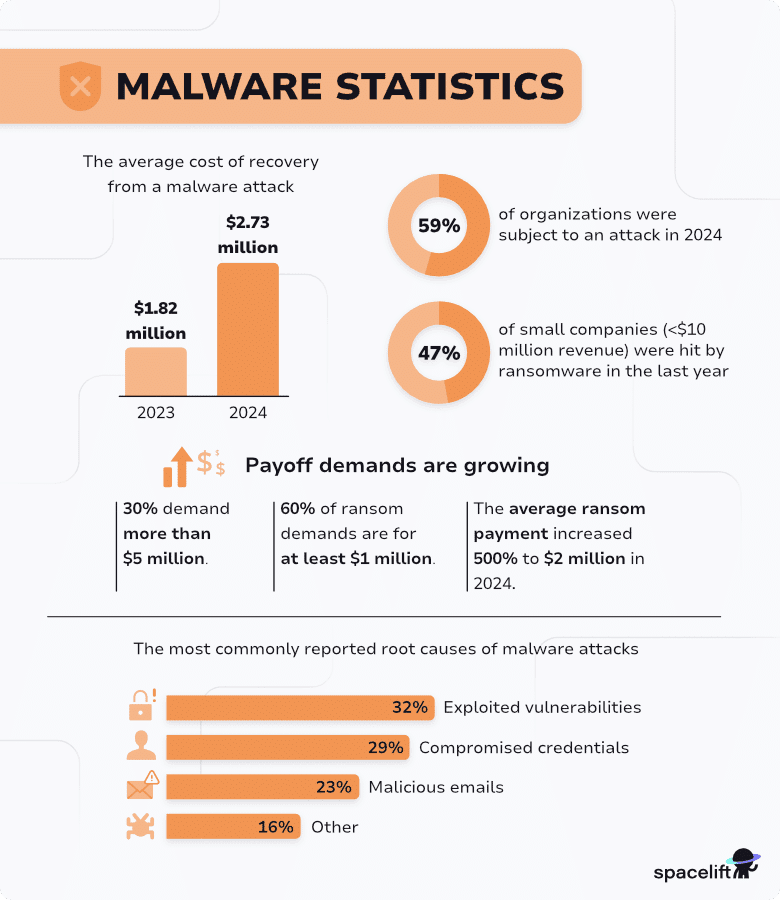
- Ransomware: one of the most common cyberattacks that target individuals, small businesses, and huge enterprises. Ransomware encrypts a user’s files or locks access to a system and demands payment in exchange for restoring access.
- Spyware: secretly monitors user activity and collects information such as passwords, browsing habits, or personal data.
- Adware: displays unwanted advertisements, often tracking user behaviour to target ads more effectively.
The first known virus in cybersecurity history was launched in 1971, and the first antivirus came in 1987.
Since then, antivirus software has become more advanced and now works by scanning files and programs on your computer and comparing them to a database of known malware signatures.
More modern antivirus software uses behaviour monitoring, heuristic analysis, and cloud-based detection to identify and stop both known and unknown threats by analysing how programs act, detecting suspicious patterns, and checking files against online threat data.
Some antivirus software often includes additional protection like web filtering, email scanning, and ransomware protection to prevent infections before they reach your system for increased online protection.
Advantages of using an antivirus
Protection against malware
One of the main and most clear advantages of having an antivirus is protection from malware. Without an antivirus, malware can corrupt your data, delete files, lock you out of your system, or allow attackers to take control of your device.
This can result in lost work, expensive recovery efforts, or permanent data loss. An antivirus prevents this by detecting malicious software early and removing or isolating it before it can cause serious damage.
Real-time threat detection
As viruses can strike at any time without you knowing and may be discovered after the damage is already done, it can cause your device to become encrypted and cause data loss.
Antivirus software constantly monitors your system, stopping suspicious activity as it happens, preventing malware from executing and causing damage to your files or device.
Protection from the latest threats
New malware is created constantly or even being sold on the dark web, so anybody can spread it even without advanced knowledge of hacking.
Providing you regularly check and update your antivirus software, it will use behaviour analysis to catch unusual activity, allowing it to stop new or modified threats even if they are not yet widely known.
Data and privacy security
Antivirus is often overlooked when it comes to protecting our privacy online, but it’s an essential tool to ensure you get maximum protection.
Certain types of malware target your sensitive information, like passwords, personal files, or financial data, which can be silently collected and sent to attackers via keyloggers or other advanced software.
Safer internet and downloads
Many infections happen when users unknowingly visit malicious websites or download infected files, particularly from phishing, AI scams, or other cyberattacks that target employees. Without protection, a single click can compromise the entire system.
Antivirus software warns against dangerous sites and blocks harmful downloads, reducing the risk of accidental infection.
System stability and performance protection
As malware often runs in the background, it will consume system resources and have a heavy impact on your device by slowing down performance or causing crashes and errors, so a reliable antivirus increases the longevity of your device.
The Best free antivirus software and paid options of 2026
Internxt Antivirus
Pros
- Run full or custom scans
- Includes Internxt Drive, VPN, Meet, Mail, and more
- Windows, Mac, Linux support
- Malware and virus detection
Cons
- No iOS or Android app
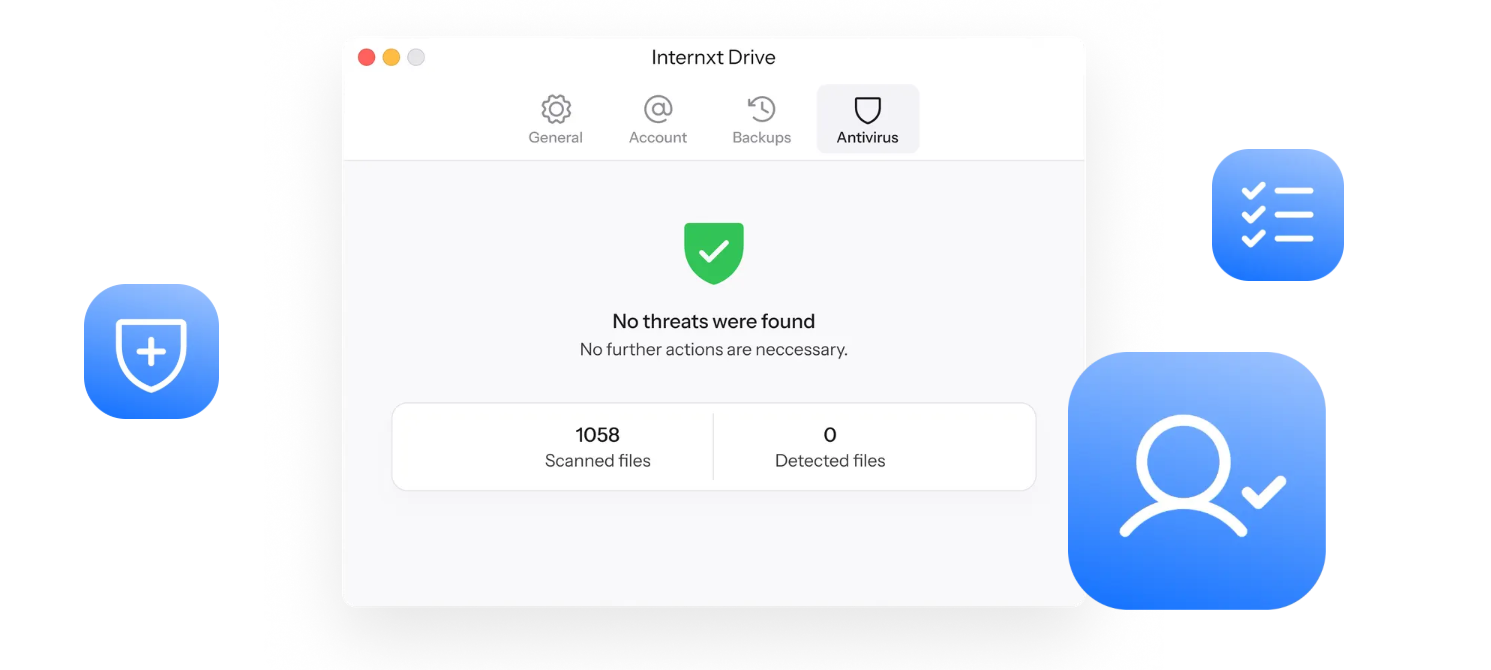
Internxt Antivirus is included in all Internxt annual and lifetime plans, which also include access to Internxt’s open source and zero-knowledge suite, including encrypted cloud storage with Internxt Drive and Internxt VPN, offering full protection for your device, data, and internet connection.
With Internxt’s Antivirus, you can run full or custom scans to remove spyware, ransomware, and other common threats to your device. Once complete, you will get a detailed report of the infected files to eliminate them from your device before they cause data loss.
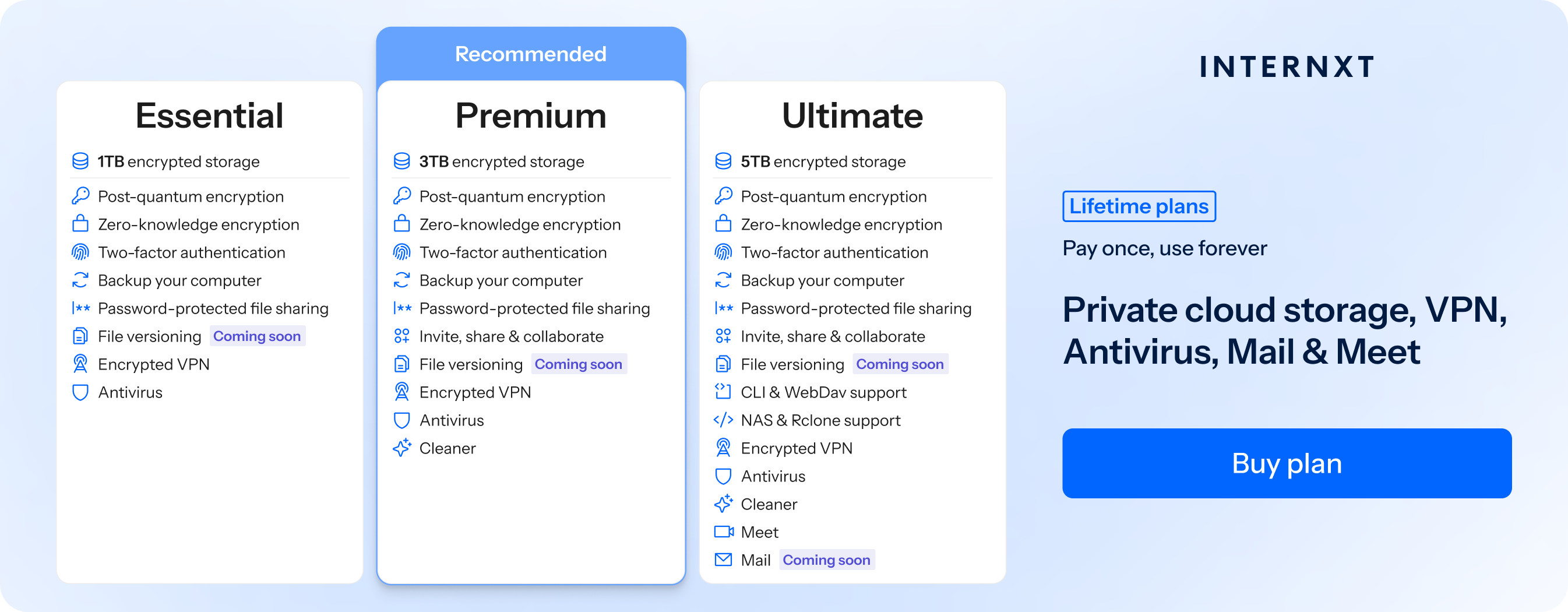
You can also combine Internxt’s Antivirus with other features from its paid plans, such as Cleaner, which eliminates duplicate and junk files from your computer, available with Premium and Ultimate plans.
Get started with Internxt for just €9.99 a month, or pay once with our lifetime plans which are 85% at the link below.
All scanned files managed by Internxt Antivirus are protected with zero-knowledge encryption to give you the best security and privacy compared to other competitors.
You can also use Internxt’s free virus scanner, the best free antivirus software to quickly scan documents you suspect may contain viruses from suspicious emails.
Avast
Pros
- Available for Android, iOS, macOS, and Windows
- Includes VPN
- Blocks scam websites and emails
Cons
- Not open source
- Privacy concerns related to data collection practices
- Intrusive ads and frequent upgrade prompts
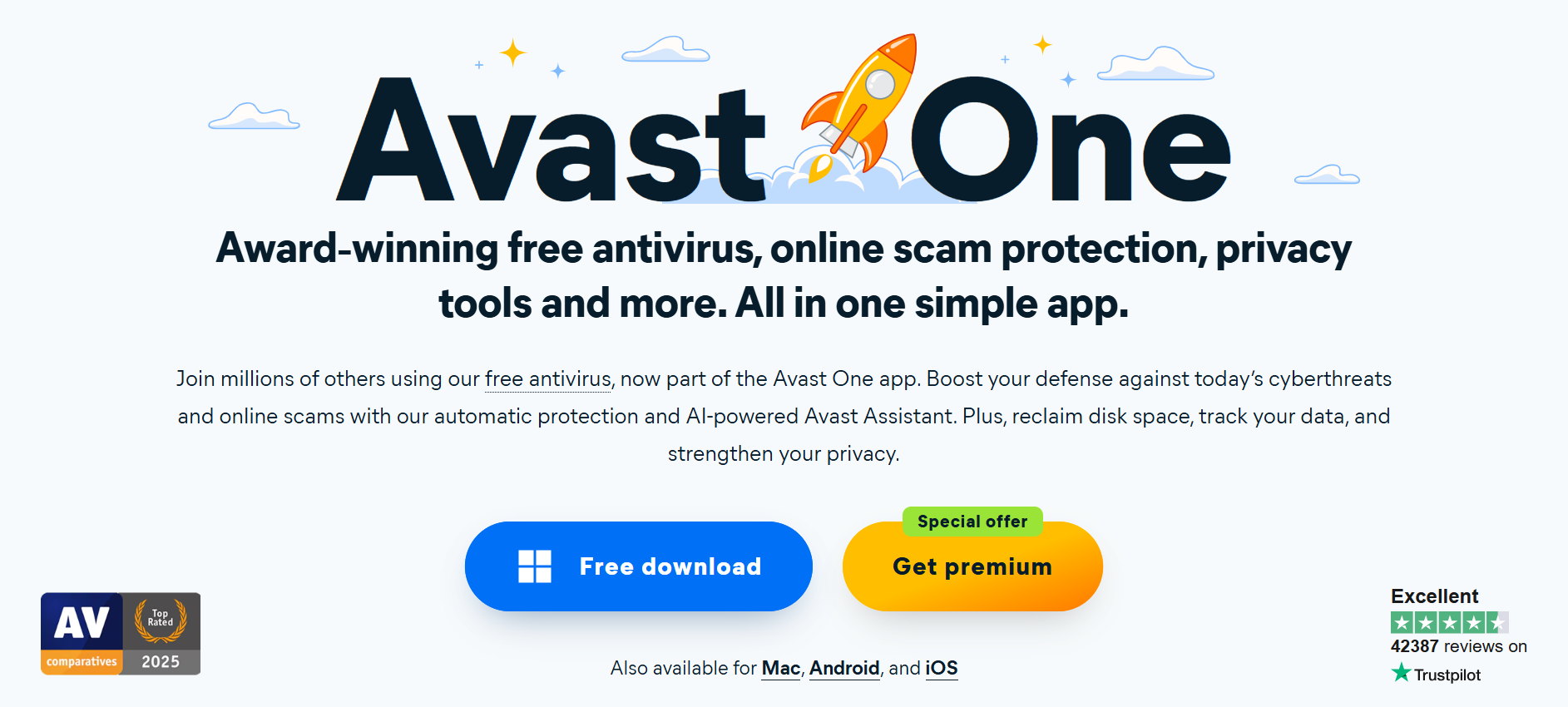
Avast is one of the well-known companies providing the best antivirus software. If you want the best free antivirus software with basic features to protect your device, which include:
- Malware, virus, and spyware protection
- Basic web protection
- Manual and scheduled scanning options
- File quarantine for suspicious items
On the free plan, you will get ads and other marketing prompts asking you to upgrade to the paid plan, which starts at €77.99 for a year, offering protection for 1 PC and mobile device.
It also includes other features such as spam calling protection and a VPN, but this is limited to a 5 GB-per-week bandwidth limit, approximately 730MB a day.
While Avast is a popular free antivirus, there are concerns about the level of intrusive ads in the free plan and worries about data collection practices, referring to the fact that Avast has been reported to collect and share certain user data, such as browsing behavior and usage patterns, through its analytics services.
AVG
Pros
- Includes Antivirus, VPN, and tune up
- Available for Windows, macOS, Android, and iOS
- Offers real-time malware detection using behavior-based analysis
Cons
- Free version includes limited features
- Known history of selling data
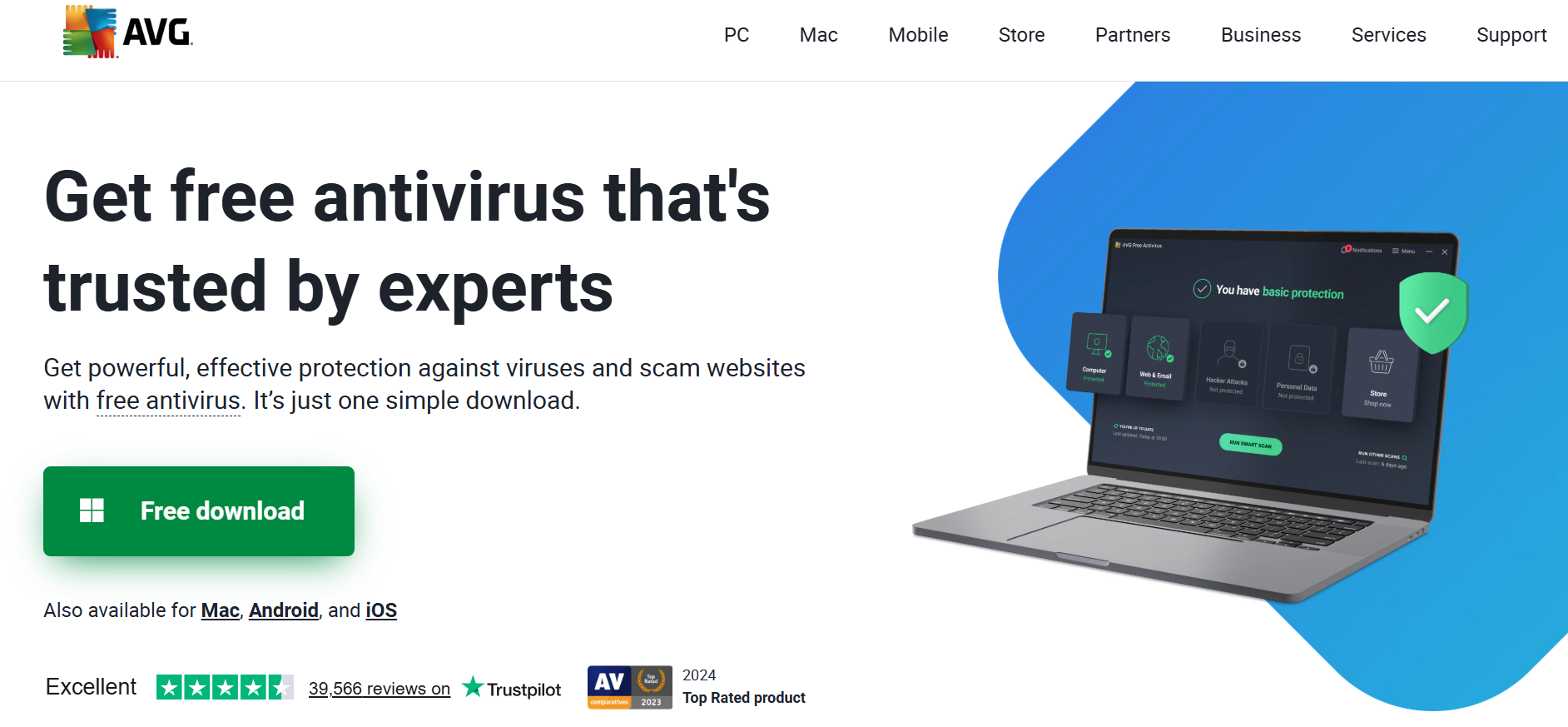
AVG offers a free plan for virus, spyware, ransomware, and malware protection, real-time security updates, and scanning. Paid plans start at €46.68 for the first year, and include spam protection, an enhanced firewall, and other features.
It may not be the best antivirus for a full stack of features compared to other paid services, and like Avast, many features of the free edition, such as identifying junk files or other performance issues, won’t be fixed unless you upgrade your plan.
AVG has also faced some controversies in the past, with a history of using browser extensions and antivirus data to collect detailed information about users’ online activity, including websites visited, search queries, and interaction patterns.
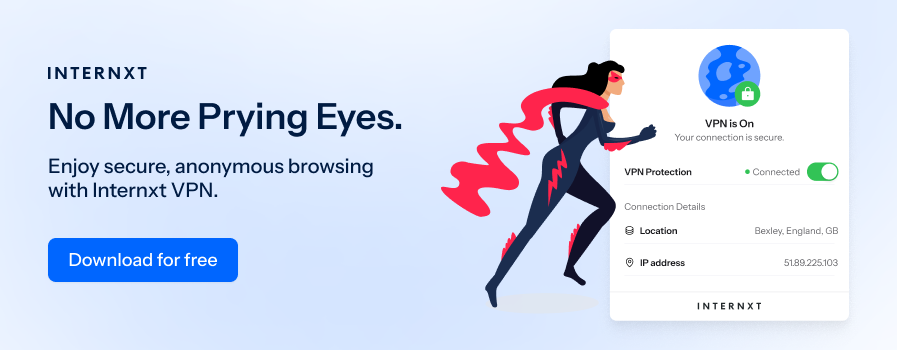
This data was then passed (in some cases in a re-identifiable or weakly anonymized form) to a subsidiary called Jumpshot, which packaged and sold this data to third-party companies for analytics and marketing purposes.
Bitdefender
Pros
- Free Antivirus features are the same as the paid version
- Malware recovery
- Includes free VPN
Cons
- Free version for Windows only
- Occasionally flags legitimate software as false positives
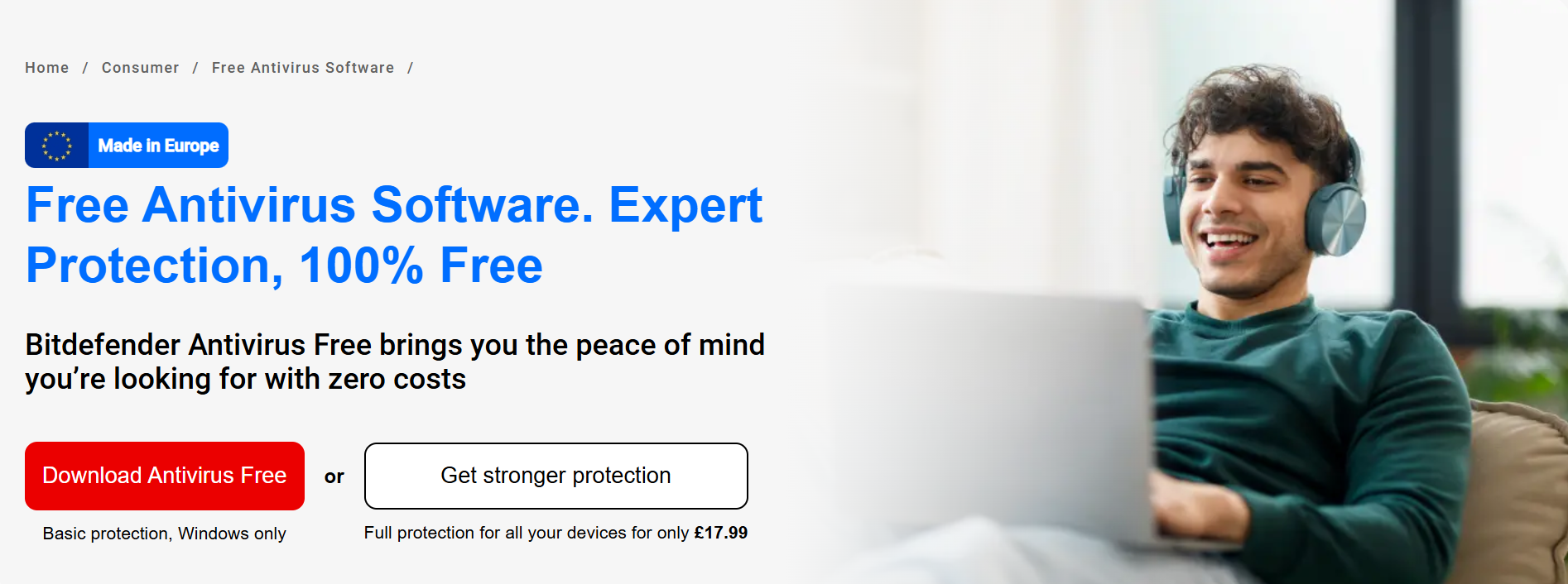
Bitdefender provides protection against viruses, malware, ransomware, and phishing. It offers a free version, but only on Windows, so this may be the best free antivirus software if you work exclusively on Windows.
Paid plans starting from €59.99 for one account and 5 devices.
Bitdefender combines traditional signature-based detection with AI and behavioral analysis to identify and block new threats in real time for Windows, macOS, Android, and iOS.
Malwarebytes
Pros
- Free version available for basic malware scanning
- Removes malware and potentially unwanted programs
- Lightweight and fast scanning
Cons
- The free version does not include real-time protection
- Can be resource-heavy depending on your device
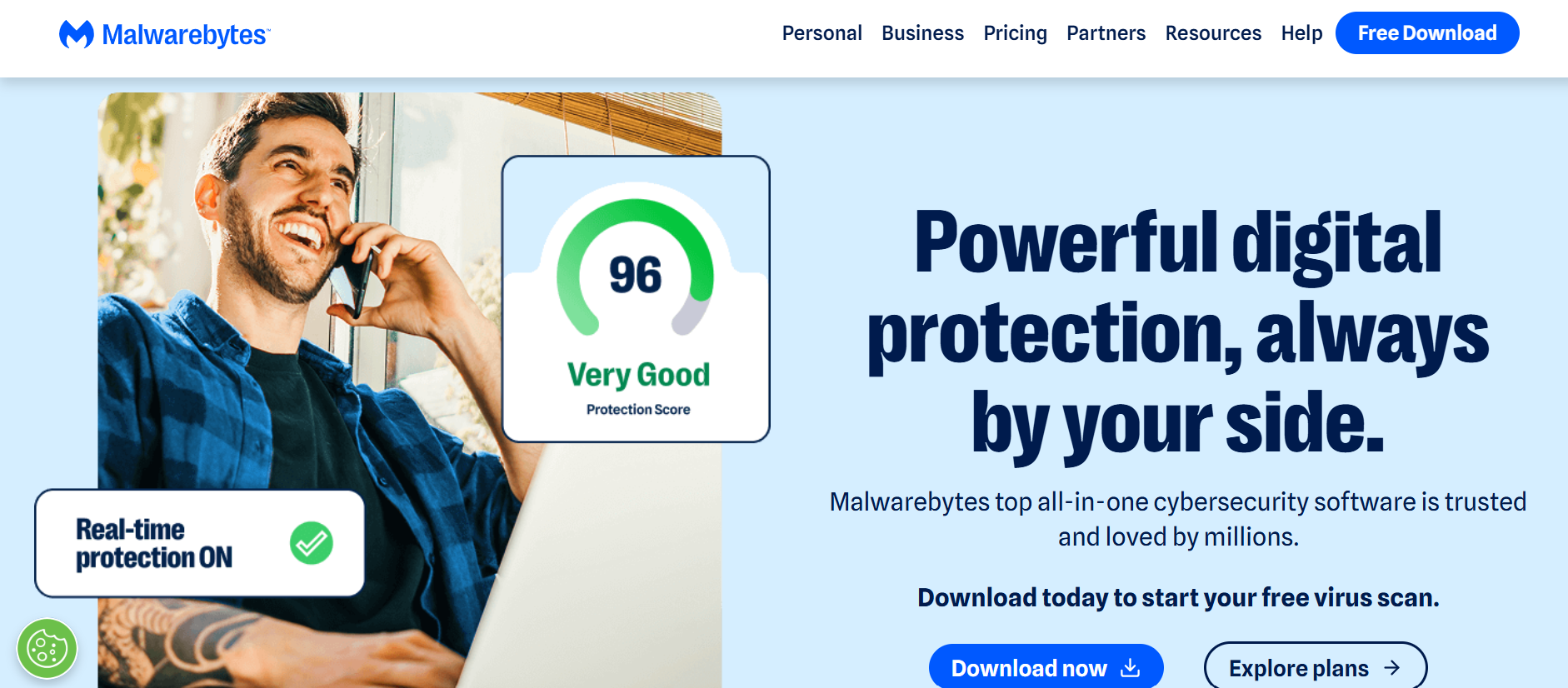
Malwarebytes provides protection against viruses, malware, ransomware, and phishing for individuals, small businesses, or enterprises.
It offers a free version for on-demand scanning, or paid plans starting from around €59.99 per year for three devices or €39.99 if you need protection for one device only. Paid plans include VPN, scam and ad blockers in your browser, and identity protection.
It is based in California, and isn’t open source, so the potential that the company can view your files or have other backdoors to your data is quite high, as the security or privacy of the platform cannot be verified.
McAfee
Pros
- Advanced AI protection against current AI attacks
- Identity monitoring and VPN
- Protection for up to 10 devices
Cons
- Reports of high CPU and RAM usage
- Intrusive pop-ups and ads
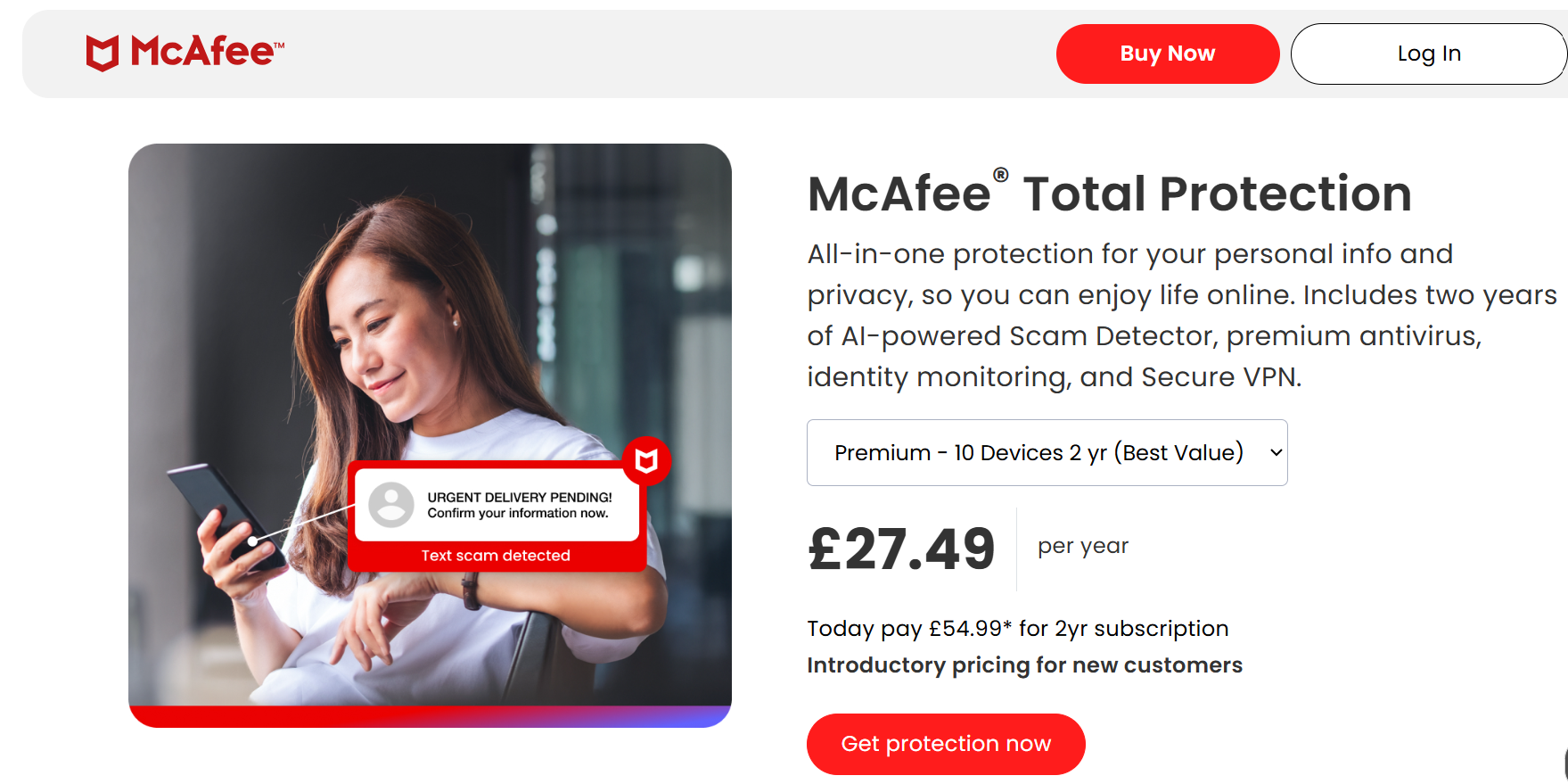
McAfee is one of the best antivirus software programs for automatically spotting and alerting you to scams, offering annual or bi-annual plans starting from €24.99/year for one device.
McAfee also offers additional products to secure your accounts online, including email, social security, and bank account monitoring, which alerts you in case any of your personal data has leaked online. It also offers online protection for children, as you can activate parental controls for your accounts.
One of the major complaints of McAfee users is the intrusive apps and difficulties of removing the software or cancelling your renewal plan, which becomes much more expensive after the first year.
Like other antiviruses on this list, McAfee is also based in California, so less stringent US privacy laws apply.
Norton
Pros
- High malware, virus, and spyware detection rates
- Password manager and dark web monitoring are included in paid plans
- Parental controls and cloud backup for premium plans
Cons
- The free version is limited and mainly for scanning only
- Some users report occasional false positives on safe files
Norton is also one of the best antivirus systems if you want a brand that has been around for a long time.
Norton 360 Deluxe and higher-tier plans provide additional features such as webcam protection, PC optimization tools, and advanced privacy controls.
Norton paid plans include advanced online privacy tools like deepfake, AI scams protection, phishing monitoring, identity theft restoration, and credit score reports. It also offers parental controls and social media monitoring, which is useful for parents worried about cyberbullying online.
Like Internxt, Norton is the only other antivirus service on this list offering cloud storage. However, it focuses on backups, only offers up to 200GB, and doesn’t use the same privacy-focused zero-knowledge encryption as Internxt.
TotalAV
Pros
- Anti-malware, ransomware, and spyware
- System tune-up tools
- Browser protection
Cons
- May cause system lagging
- Some users report occasional false positives on safe files
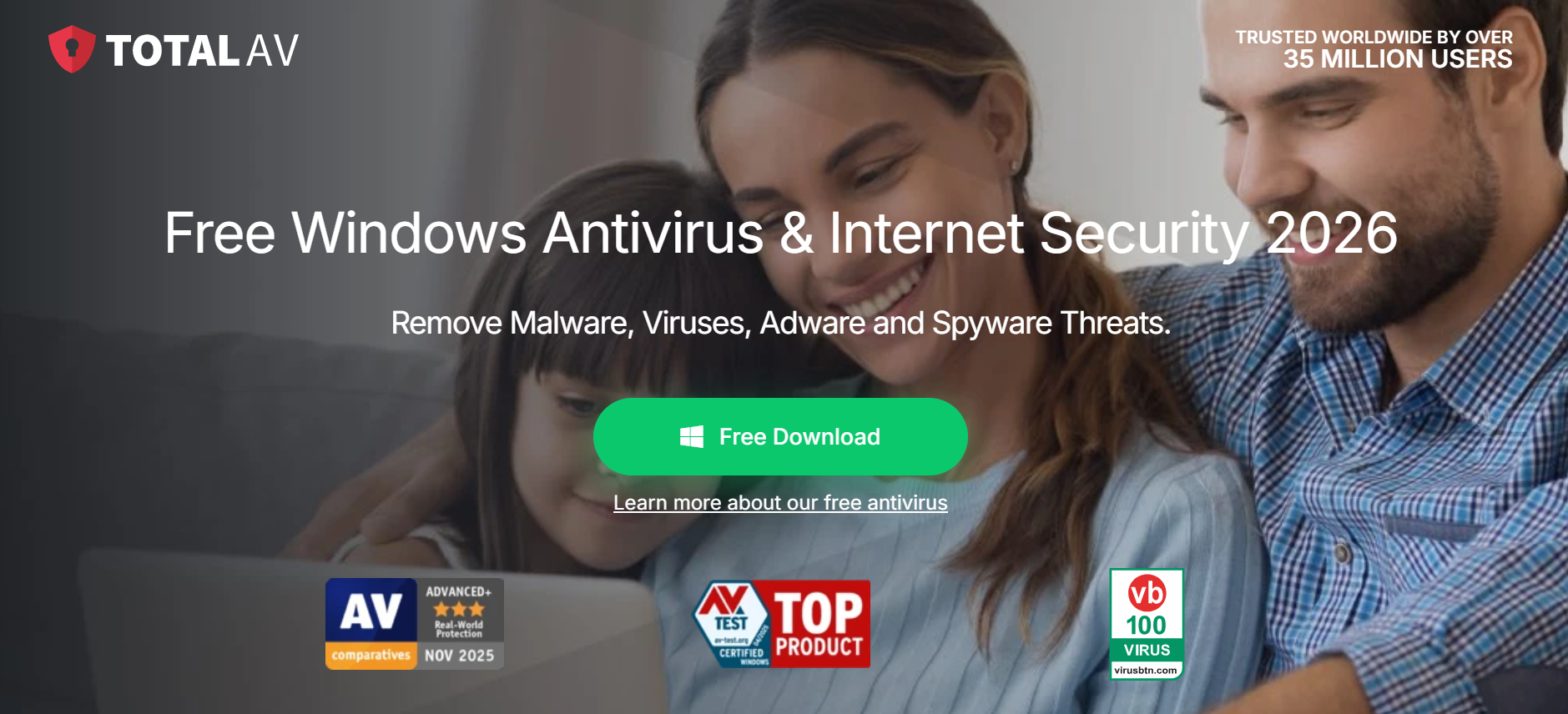
TotalAV is the final addition to make our list of the best Antivirus products available in 2026. IT advertises 100% malware detection for 100% of malicious samples in all tested sample sets, along with a 0% false positive score.
Aside from antivirus protection, you also get ad-blocker protection for browsers, schedule scanning, and data breach monitoring.
Prices start from €99/year for 3 devices up to €149/year for 8 devices.
Total AV also offers a VPN, which claims a no-logs policy, but its privacy policy allows some metadata collection and lacks a public independent audit and open source software, so its security claims cannot be verified.
Which is the best free antivirus software for you?
Internxt
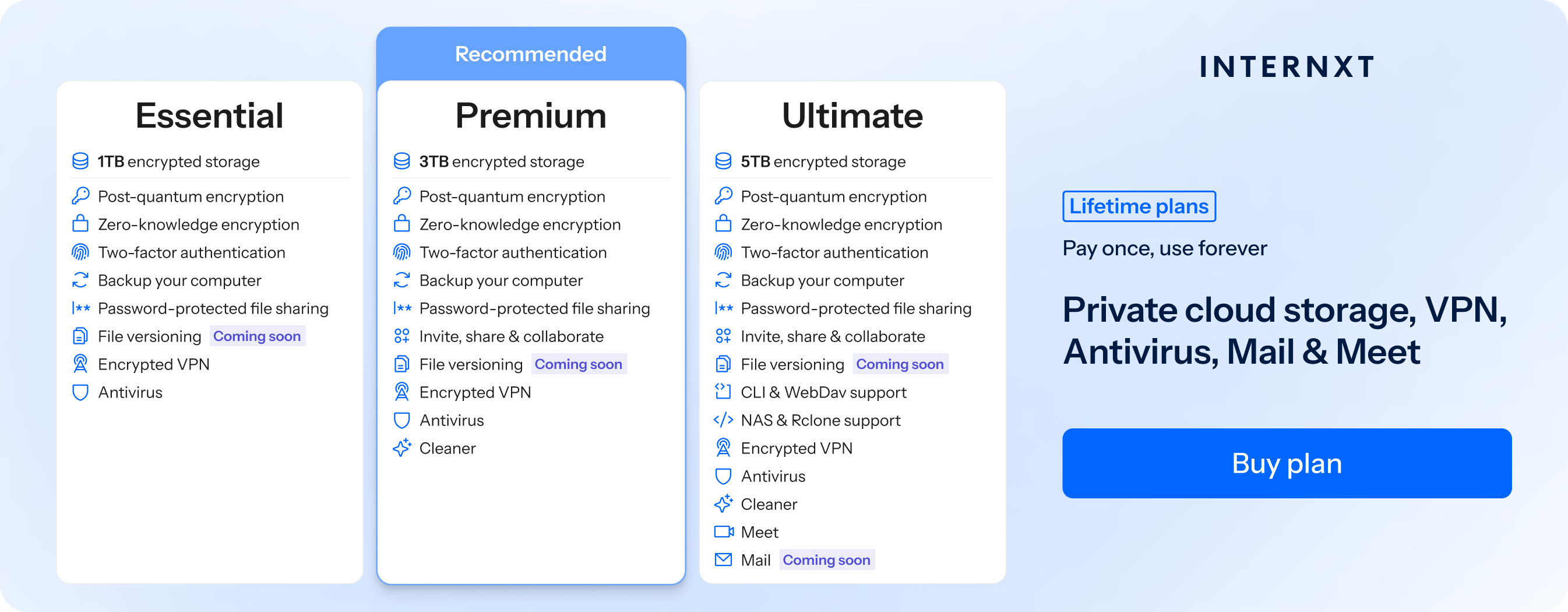
Best for users who want full privacy, lifetime plans, and open source software. Internxt Antivirus comes with Drive, VPN, Cleaner, Meet, Mail, and more, giving you everything you need to stay protected online in one lifetime plan or annual subscription.
Get 85% off any Internxt plan from our website, and to learn more about Internxt’s privacy mission.
Avast
Best for individuals who want a free antivirus with strong malware detection and additional security tools.
AVG
Best for casual users who need simple, lightweight protection combined with web and email threat scanning.
Bitdefender
Best for users looking for comprehensive protection with minimal system impact and advanced ransomware defenses.
Malwarebytes
Best for users who need a focused malware and spyware removal tool to complement other privacy tools.
McAfee
Best for families or small businesses who want multi-device protection with identity theft safeguards and VPN access.
Norton
Best free antivirus software for users seeking all-in-one protection, including VPN, cloud backup, parental controls, dark web monitoring, and identity protection.
TotalAV
Best for beginners who want a user-friendly interface with a focus on antivirus, but with added optimization tools and secure browsing features.
Related articles