
The Best AI Chatbots of 2026

AI has since become an integral part of our lives, whether it’s for work or personal use; we all use AI in some form or another.
However, deciding which is the best AI depends on how you want to use it. Whether it's for general questions, coding, deep research, or image creation, we’re lucky enough that there is an AI model available to help you out.
Therefore, if you’re looking to expand your AI knowledge and find out which is the best AI for you, this list has everything you need to choose the right service for privacy, research, or summarizing your documents, emails, or PowerPoints.
Table of contents
- How do AI chatbots work?
- How to choose the best AI tools
- Best AI chatbots overview
- The best AI chatbots of 2026
- Which is the best AI for me?
- Related articles
How do AI chatbots work?
AI models take your prompts you write and pass them to their AI model, which breaks down your text into small pieces (called tokens). The AI then returns the results to the app, so you can read them in a conversational style.
When the app sends your message to the model, it also includes your conversation history for context, hidden system instructions that shape how the model behaves, and sometimes extra data from tools like web search, databases, or document retrieval systems.
Many of the best AI tools are powered by multiple models. For example, one model might be optimised for fast responses, another for deeper reasoning, and others for specific tasks like image generation or coding.
You can also adjust settings such as creativity, strictness, or response length, which means different apps can give different answers even when using similar underlying models.
Depending on your prompt, AI will work in different ways.
Text prompts
For general messages/queries/ requests:
- Your message is converted into tokens, which are small pieces of text
- The tokens are turned into numerical data that the model can process
- The model predicts the next most likely token based on patterns learned during training
- It repeats this process, token by token, until a full response is generated
- The response is sent back to the app and displayed as natural language
- Conversation history is included so the model can stay consistent with earlier messages
Image generation
If the AI can generate images, it will take your request and perform the following actions:
- Your text prompt is converted into numerical representations (embeddings)
- A diffusion process starts with random visual noise
- The model gradually removes noise step by step
- Each step adjusts the image to better match the prompt
- The process continues until a final image is formed
- The result is decoded into a viewable image
Code
For developers, AI can help produce or debug code. When prompted, the AI takes the requests and does the following:
- Code is treated as structured text and split into tokens
- The model is trained on large datasets of programming languages and examples
- It predicts the next token based on common coding patterns
- It uses context from your prompt to choose the correct language and structure
- It can follow logical patterns like loops, functions, and APIs
- The final output is generated as executable or readable code
How to choose the best AI tools
Intelligence
The best AI is better at reasoning, following instructions, handling long or complicated prompts, and reducing mistakes. A weaker model may be faster or cheaper but can miss context, give shallow answers, or make more errors.
Some models may be outdated or give incorrect answers, so always check the sources.
Conversation ability
It’s important for an AI chatbot to use context and remember past prompts so it can respond appropriately and keep the flow coherent.
The best AI can track what you said earlier in the chat and use that context correctly without repeating itself or getting confused. It can also adjust its tone and level of detail based on how you respond.
Plug-ins
Some AI services, like CoPilot, can integrate into your workspace, such as email, messaging apps, or office workspace. In practice, this can mean drafting and sending emails, summarising long chat threads, creating meeting summaries, or generating task lists from conversations.
Pricing
All AI models offer a free version, but if you want extra features or more advanced models and answers, you would have to upgrade to either a monthly or annual plan.
ChatGPT subscriptions only focus on AI, whereas CoPilot and Google offer their AI with other features, such as cloud storage and video conferencing, like Internxt.
Internxt AI is completely free to use and has no limitations or restrictions on how you use its AI.
Privacy
Prioritizing your online privacy with AI is vital, especially if you want to analyze business data or other sensitive information. Still, you should always take great care with the information you share with AI chatbots and never share personal information about yourself or others.
This is because some AI models have humans that review chats, and although measures are taken to protect data, many people do not feel comfortable with this invasion of privacy.
Another thing to keep in mind is that some AI providers may use conversations to improve or train future models unless users opt out or use specific plans where data is not used for training.
Best AI chatbots overview
| AI | Best for | Standout features | Pricing |
|---|---|---|---|
| Internxt AI | Privacy, protecting your data, secure chats | Locally encrypted chats, deep research | Free, no login required |
| Gemini | Paid Google plans and integration with Google products | Image generation and workspace integrations | Free, or $19.99/month |
| ChatGPT | Overall use, research, coding, data analysis | Locally encrypted chats, deep research | Free, or from $20/month |
| Grok | Integration with X | Image and video creation | Free or €30/month |
| Copilot | Integration with Microsoft | Answer questions from your screen or camera | Free, or from $9.99/month |
| DeepSeek | Logic, math, and multi-step reasoning tasks | Open or partially open model availability | Free |
The best AI chatbots of 2026
Internxt AI
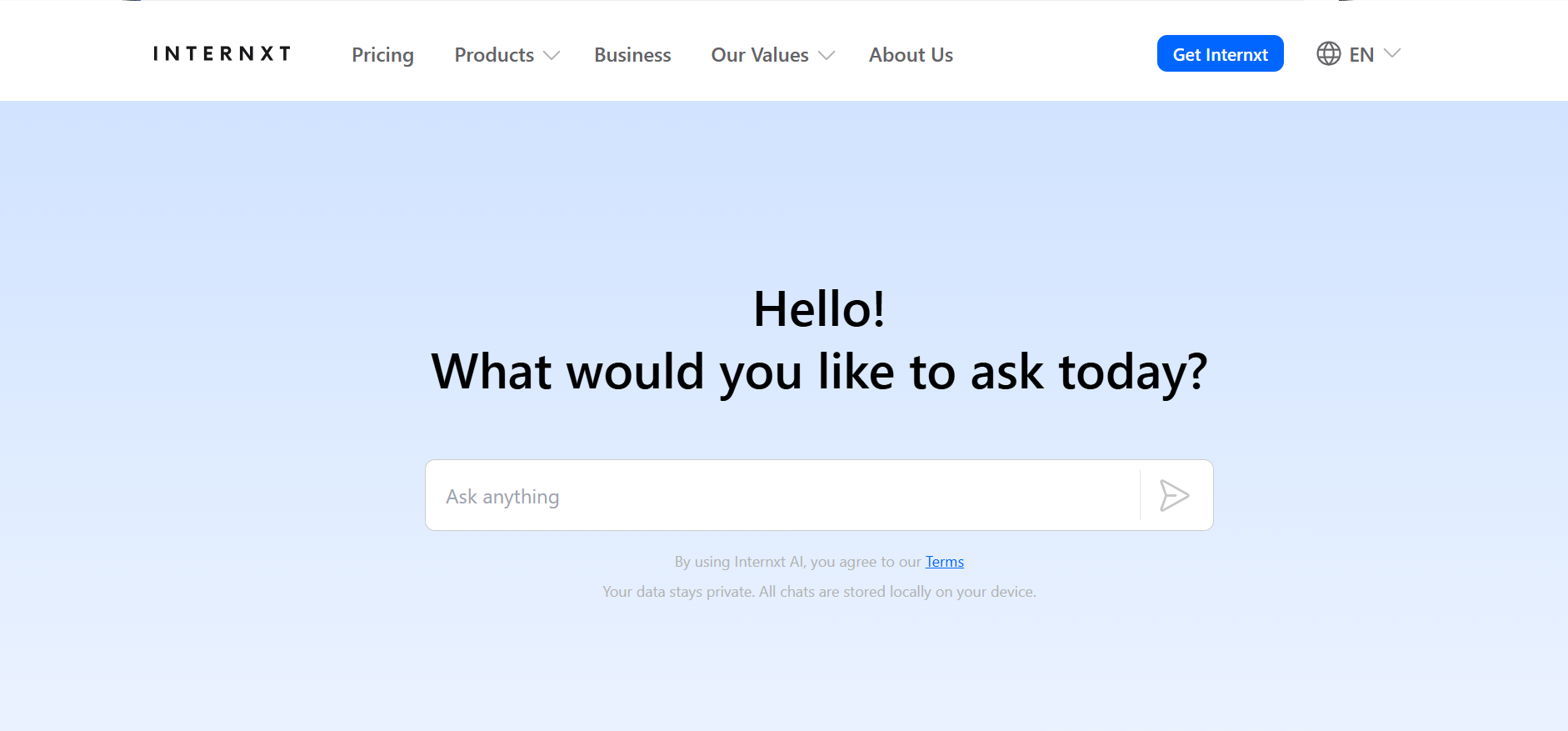
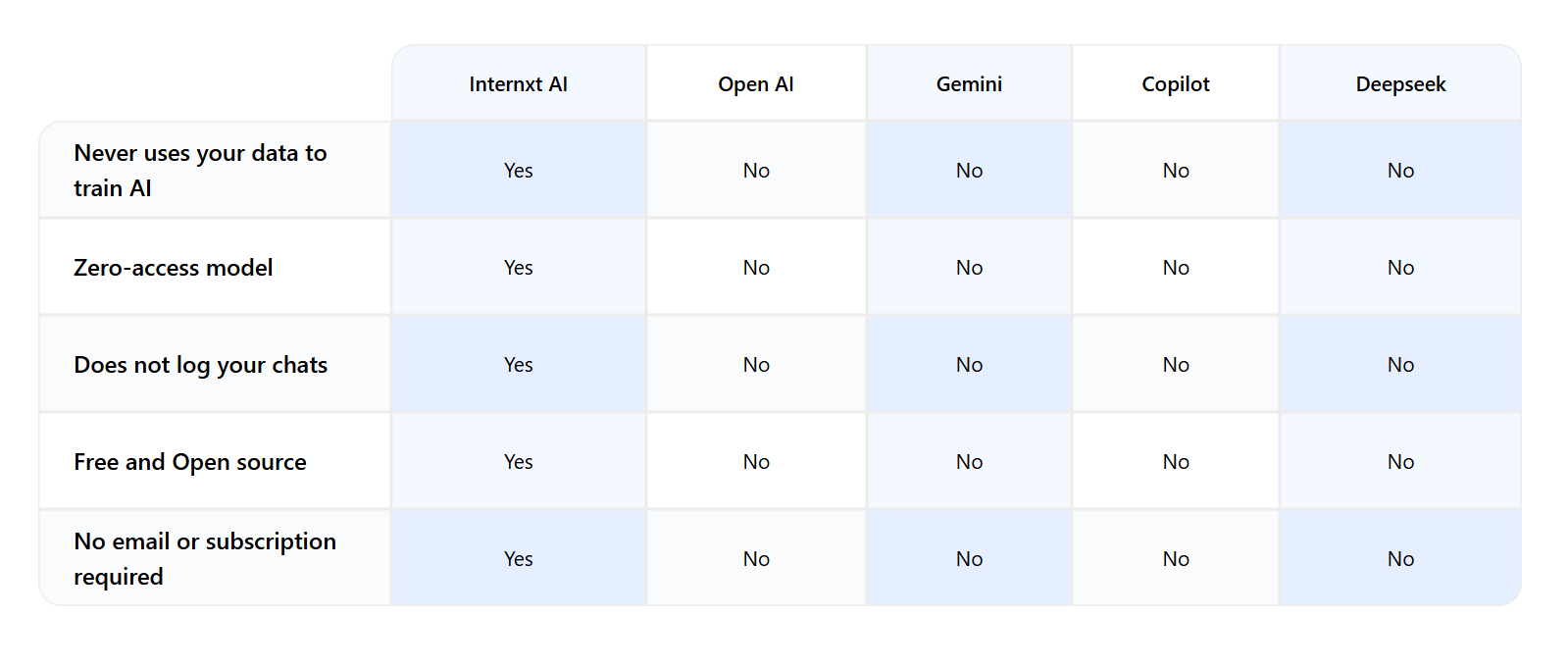
Internxt AI is the first European and open-source AI chatbot dedicated to protecting the privacy of your chats and data.
Internxt AI keeps your conversations fully private by encrypting your chats locally on your device, meaning nobody but you can access them. Due to these privacy measures, none of your data is used to train AI’s language learning models.
With Internxt AI, you can ask it anything about any topic, research advanced topics, or create code.
Internxt AI is free to use with no login or personal details required. Your chats are saved locally on your device to return to whenever you need, and you can clear the cache to delete them.
This AI is part of Internxt’s mission to create privacy-focused products for everyone to protect their data online, and our AI forms part of our flagship product, Internxt Drive, a secure and encrypted cloud storage solution.
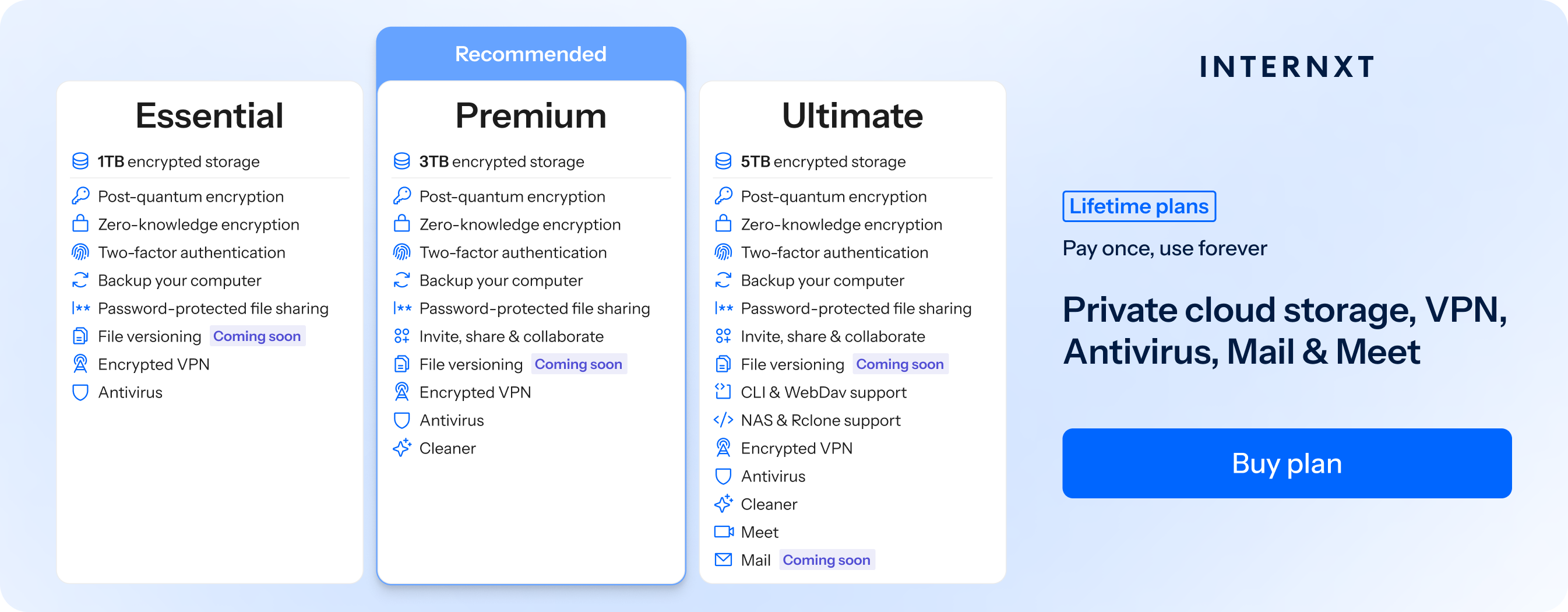
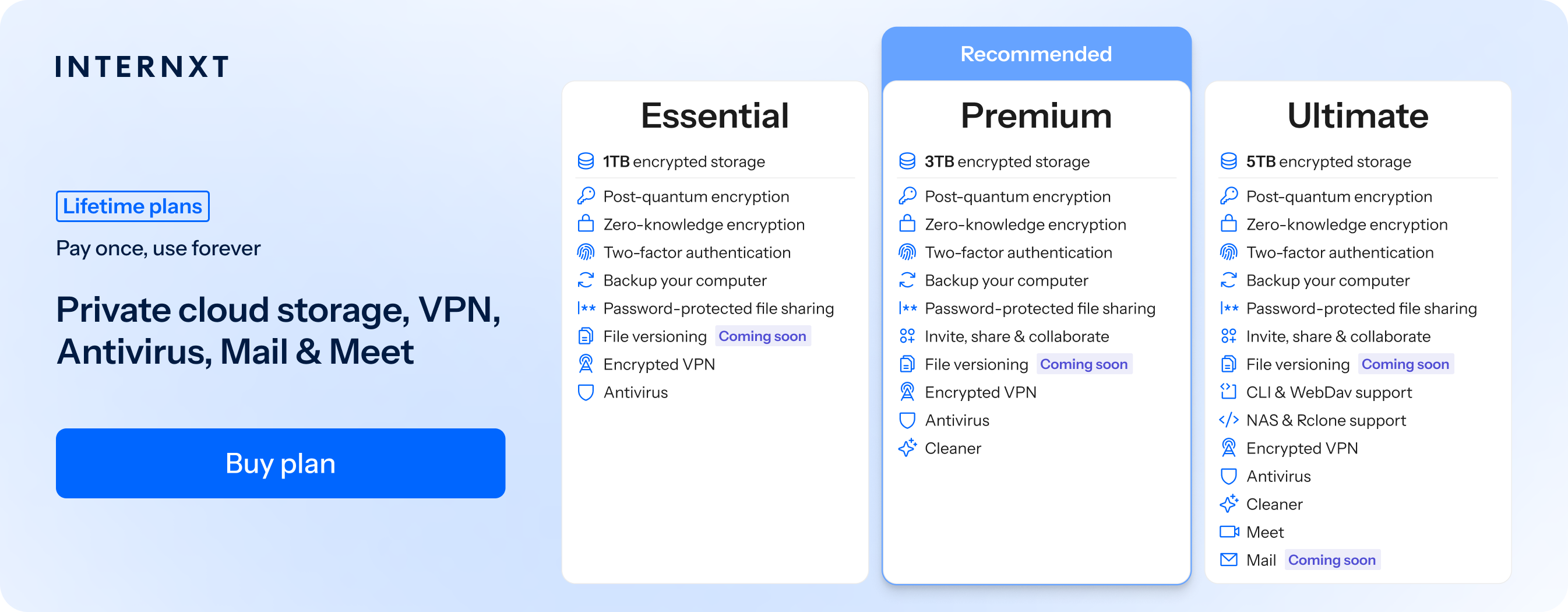
With a paid plan, you can also access VPN, Antivirus, Meet, Mail, and more for 85% off all annual and lifetime plans with the exclusive link below.
Gemini
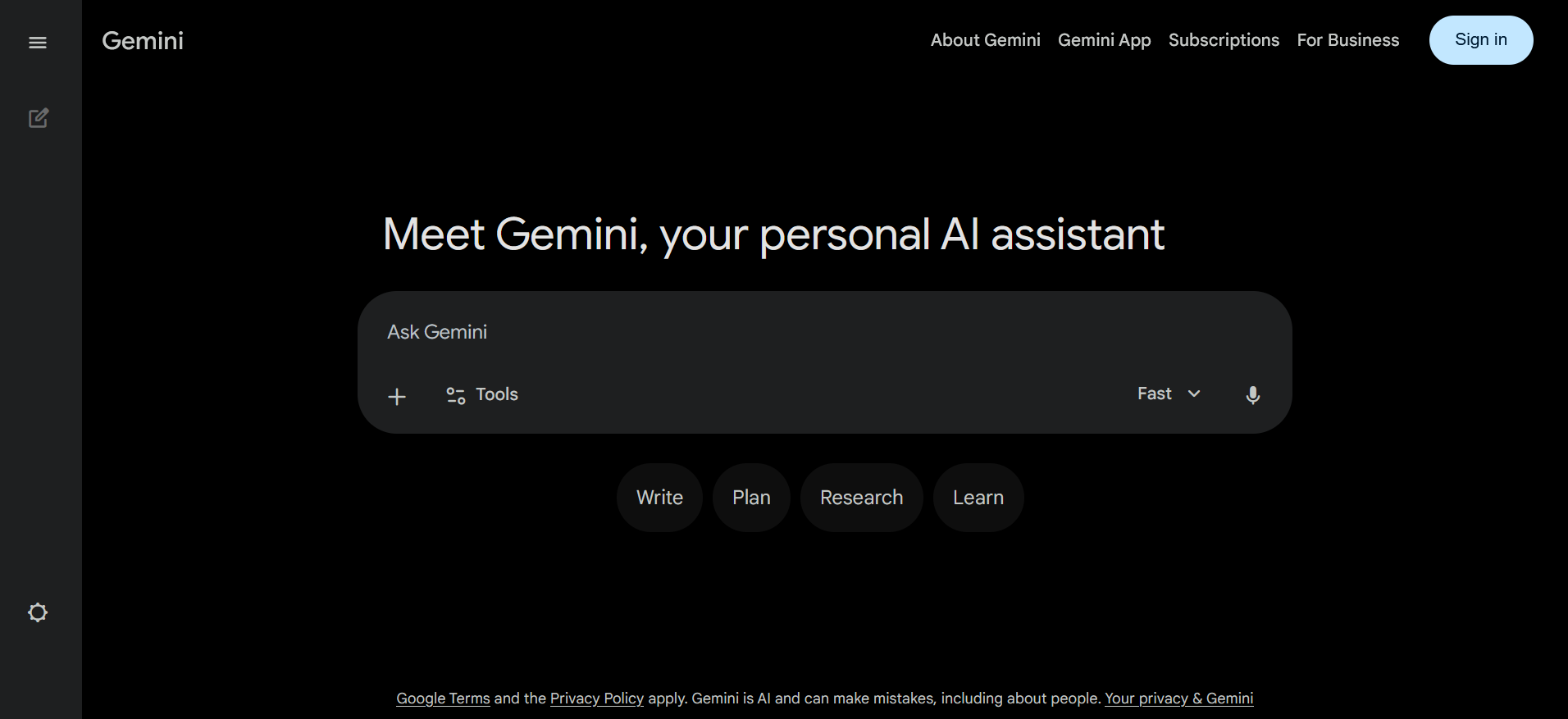
Gemini is part of the Google Drive and Google One workspace, offering prompts for writing, research, data analysis, image creation, and much more.
When you open the Apps settings in Gemini, you can integrate it into the Google Workspace to search your emails, calendar, or manage documents. For deep research, Gemini creates an in-depth report with sources that you can then convert to a web page, infographic, or audio overview.
Like ChatGPT, Gemini offers Gems, which are customized AI models designed to carry out specific tasks like coding assistants or writing assistants, customer support bots, or research tools.
However, despite its many features, Gemini falls short in one important area: privacy.
As part of Google’s services, Gemini falls under Google's privacy policy, which collects and monitors your data for profiling, and it can also decrypt and view your chats.
In fact, Gemini alerts you that humans can read and monitor, as shown below

To prevent human review in Gemini, go to your Google account:
- Open Data & Privacy
- Find Gemini Apps Activity (sometimes called “Keep activity”)
- Turn it off
If you want a fully private alternative to Gemini, try Internxt AI for free.
ChatGPT
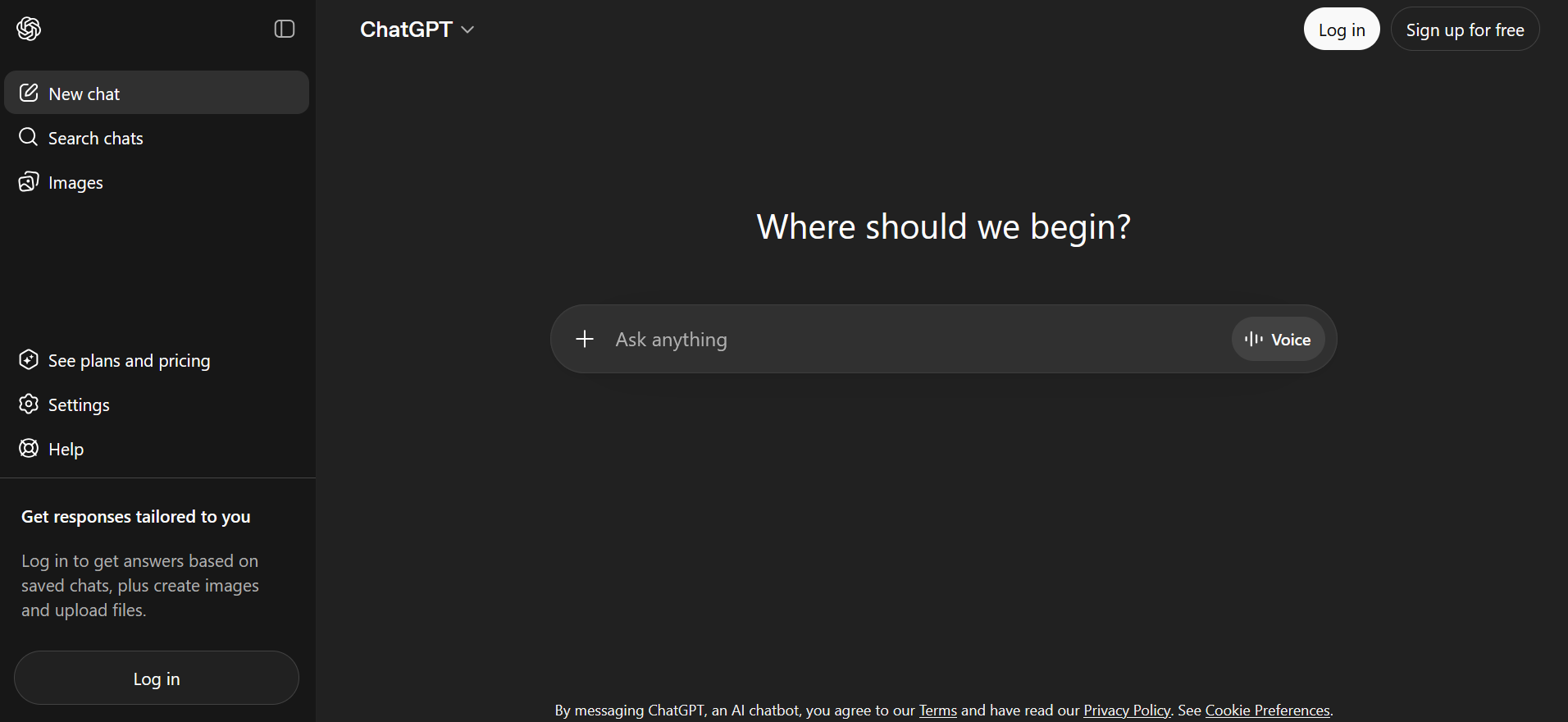
ChatGPT arguably started the AI boom when it was made available to the public in November 2022.
Since then, ChatGPT offers different models, and can base its answers based on the complexity of your question by giving itself more time to answer these questions. It also has a voice activation mode and a voice companion for you to have conversations with, which is useful for areas such as language learning.
You can also ask ChatGPT to search the web for you, so you get the best results based on your question.
However, ChatGPT has had security issues and vulnerabilities in the past, including:
March 2023 bug (ChatGPT)
- A software bug caused some users to see other users’ chat titles in the sidebar
- In rare cases, limited billing information was also exposed
2025 breach
- A third-party analytics provider used by OpenAI was compromised
- Attackers accessed data like names, email addresses, and user IDs
- OpenAI said no chat content or sensitive credentials were exposed
Grok
Grok AI was launched in 2023 and was developed to integrate into the X social media platform to combine normal AI reasoning with real-time information from X, which offers more up-to-date or live results compared to some other chatbots.
It can also create videos or images for you, and its model offers personality-driven responses that are often more informal or humorous, depending on how you use it.
The problem with this, though, is that X can scrape the social media platform to use content from user tweets, which could lead to false information or the use of users’ data without their knowledge.
The free model offers access to the core Grok AI chat features, while advanced plans offer higher or unlimited messages, priority access during peak times, and access to the more advanced Grok models for deeper search and analysis, which costs $30/month.
Copilot
Microsoft CoPilot is deeply integrated into the Windows ecosystem, so if you have a Windows device or OneDrive account, this may be the best AI tool for you as it is integrated into the following Windows apps:
- Word
- Excel
- PowerPoint
- Outlook
- Teams
Therefore, if you need AI to summarize emails, spreadsheets, or Word documents, CoPilot can do all of this for you, helping you to increase productivity. Aside from that, you can search the web, analyse files, create images, or ask questions as you would with a typical AI chatbot.
There is also Copilot Analyst for multi-step research or Copilot Groups for up to 32 people to collaborate with AI in a shared thread.
DeepSeek
DeepSeek is an AI model based in China, so the main concern regarding this service is privacy. As your data is handled by DeepSeek, it falls under Chinese law, which can require companies to provide access to your data under certain conditions without you realising.
Unlike Western companies like Google, Microsoft, or others, which must clearly state in their privacy policy how their data is used, with DeepSeek, this information is less publicly available.
Important privacy concerns, such as data retention periods, conversations used for model training, or how data is anonymized, are less clear with DeepSeek than with other companies, making it much harder to control your privacy with DeepSeek.
However, one of the main advantages of DeepSeek is that all its models are open source, meaning you can create your own self-hosted AI model for increased control over your privacy for free.
Which is the best AI for me?
Now that we have taken a look at the best AI models of 2026, you can switch between whichever models you like, as most offer free plans, and if you need more advanced features, you can choose the best one based on your device or current subscriptions.
- Internxt AI: best for privacy, 100% free and no login required, based in Europe, and all chats are encrypted and kept locally on your device.
- Gemini: best for productivity, research, and working across Google tools like Docs, Gmail, and Sheets, especially when using images, audio, or video as input.
- ChatGPT: best for general use such as writing, brainstorming, learning, coding help, and custom GPTs.
- Grok AI: best for X integration and real-time information, trending topics, and quick insights tied to live data.
- CoPilot: best for workplace productivity in Microsoft tools like Word, Excel, and Teams, especially for business and office tasks.
- DeepSeek: best for self-hosting and API access.
Internxt AI is the perfect tool for private chats. When combined with our secure cloud storage plans, you can get everything you need to stay safe online. Check out our plans and get 85% off all annual and lifetime accounts by following the link below!
Related articles