Outlook vs Gmail: Which Email Service Is Better in 2026?

Although the differences between Outlook vs Gmail may seem small at first, if you dive deeper, there are differences between the two, especially for encryption, business plans, and additional features.
To make things easier, this article covers both email providers, giving you all the information you need to help you understand more about:
- Gmail vs Outlook: pricing, security, features, and more
- Gmail vs Outlook for business email
- iCloud email vs Gmail vs Outlook comparison
- Alternatives to big tech emails
If your main focus is privacy, however, you may want to choose an end-to-end encrypted provider to ensure nobody can read your messages. For this, we will also cover the newly released Internxt Mail and how you can easily send emails without compromising your privacy.
Table of contents
- Gmail vs Outlook: What's the Difference?
- Gmail vs Outlook: Pros and Cons
- Outlook vs Gmail for Personal Email
- What is the best alternative to Outlook and Gmail?
- Gmail vs Outlook for Business Email
- iCloud Email vs Gmail vs Outlook
- Related products
Gmail vs Outlook: What's the Difference?
The main difference when comparing Gmail vs Outlook is the ecosystem. Gmail is designed around the Google Workspace, which includes Google Drive, Google Docs, Google Meet, and Google Calendar.
Outlook is closely connected to Microsoft 365, including Word, Excel, OneDrive, Teams, and Microsoft Calendar, and is designed around Microsoft’s productivity tools.
Gmail is mainly used via a browser or its mobile apps, whereas Outlook provides both a web-based service and a dedicated desktop application combined with calendars, contacts, tasks, and scheduling in one application.
Gmail vs Outlook: Pros and Cons
Below are the pros and cons to consider when comparing Gmail vs Outlook
Gmail pros and cons
Pros
- Built-in spam, phishing, and malware protection.
- Strong search features to find specific emails, attachments, senders, dates, and keywords.
- Available on the web, Android, and iOS.
- Strong integration with Google Drive, Docs, Sheets, Meet, Calendar, Chat, and other Google services.
- Google Workspace provides business email with custom domains, centralized administration, security controls, and collaboration tools.
Cons
- Standard Gmail does not provide end-to-end encryption by default. TLS protects email while it is being transmitted, but this is different from end-to-end encryption.
- Gmail does not have a dedicated Gmail desktop application.
- Advanced security, compliance, administration, and encryption features require paid Google Workspace plans.
Outlook pros and cons
Outlook pros
- The desktop version combines email, calendar, contacts, tasks, scheduling, and other productivity functions in one application.
- Strong integration with Microsoft 365, including Word, Excel, OneDrive, Teams, SharePoint, and Microsoft Calendar.
- Strong folder, rule, category, and multiple mailbox management.
Outlook cons
- Standard Outlook.com does not provide end-to-end encryption by default.
- Some advanced encryption and compliance features are primarily designed for business or Microsoft 365 environments.
- Free plans include built-in ads
Outlook vs Gmail for Personal Email
Pricing and free plan
Gmail itself is free with a Google account. You get 15 GB of free cloud storage shared across Gmail, Google Drive, and Google Photos.
If you need more storage, Google One starts with:
- 15 GB: Free, shared with Google Drive and Photos
- 100 GB: Google One Basic, $1.99/month
- 200 GB: Google One Standard
- Larger plans are also available, including AI plans with additional features, which you can check in more detail in our Google One pricing article
Outlook.com is also free for personal use. The free plan includes:
- 15 GB of Outlook email storage
- 5 GB of Microsoft cloud storage
- Web, desktop, and mobile access
If you want to upgrade your personal account, OneDrive plans start at €1.99/month for 100GB plans, and for more details, you can check our OneDrive pricing article.
Features
Gmail and Outlook offer many of the same core email features, including:
- Spam and junk filtering
- Google and Outlook Calendar
- Google Workspace and Microsoft Office
- Gemini AI and Copilot AI to draft and summarize emails
In 2026, Microsoft changed its service to include new Outlook and classic Outlook for Windows, and feature availability is not identical between them. Microsoft continues to add features to new Outlook, so some advanced functions may depend on which Outlook version you use.
If you had a qualifying Microsoft 365 subscription before 2024 and already had classic Outlook installed, you can continue using classic Outlook and switch to the new Outlook.
Security
Gmail and Outlook both provide strong baseline security, including spam and phishing protection, encryption in transit, and account security features such as two-step verification or multifactor authentication.
More advanced security features are available for business, which we cover in the Gmail vs Outlook for business section.
For more information, we cover is Gmail secure and is Outlook secure in our blog.
Privacy
Google and Microsoft are not open source, so you have to trust that both companies have the necessary protocols to protect your data.
Google and Outlook can technically process email content to provide features such as spam detection, search, automatic categorization, and smart features, as neither uses end-to-end encryption.
Gemini and Copilot are integrated into both email providers and can use your emails, files, chats, meetings, people, and other Microsoft or Google data from your emails to generate responses.
With Microsoft, one privacy concern is the personalized advertising for free accounts. Microsoft uses searches, purchases, Microsoft product usage, and online activity associated with your Microsoft account to personalize ads.
Aside from that, there are other privacy risks when using AI features with Outlook and Gmail, including:
- Personal information such as your name, email address, account details, contacts, device information, and, in some circumstances, location information.
- Email data, including message content, attachments, recipients, senders, and email metadata.
- How you use the service, performance information, device information, diagnostics, and interactions with features.
- Gemini can work with information from Gmail, Drive, Calendar, Contacts, and other connected Google services when users enable those features.
If you want a private, fully end-to-end encrypted email, free from AI and combined with secure cloud storage, Internxt Mail is the best alternative to Gmail and Outlook.
Encryption
Gmail and Outlook do not use end-to-end encryption as the default option for your emails. Instead, emails are encrypted in transit and on Google and Microsoft servers.
If you value the privacy of your emails but already have a Gmail and Outlook account, you can search for ways to learn how to send a secure email with your email provider.
Outlook is slightly better, as you can encrypt your email via the settings of your Outlook account, but Google doesn’t have this option. Instead, it offers confidential mode, but this is focused on controlling what the recipient can do with a message, rather than providing true end-to-end encryption.
It allows you to set an expiration date, revoke access, disable forwarding, copying, downloading, and printing, and optionally require an SMS passcode.
What is the best alternative to Outlook and Gmail?
If you’ve considered the pros and cons of Outlook vs Gmail, and your main focus is to send emails privately, then the best alternative to Outlook and Gmail is Internxt Mail.
With Internxt Mail, your messages are automatically encrypted with post-quantum cryptography before they leave your device, giving you maximum privacy for your emails, as nobody but you and your recipients can view your messages.
Internxt does not hold the decryption keys for your email, so it can never view the emails you send.
Internxt offers three custom email domains for you to choose from when you create your email:
Once you create your email, there are no complicated steps to send an encrypted email. Internxt takes care of everything for you, encrypting your message on your device, in transit, and on our servers.
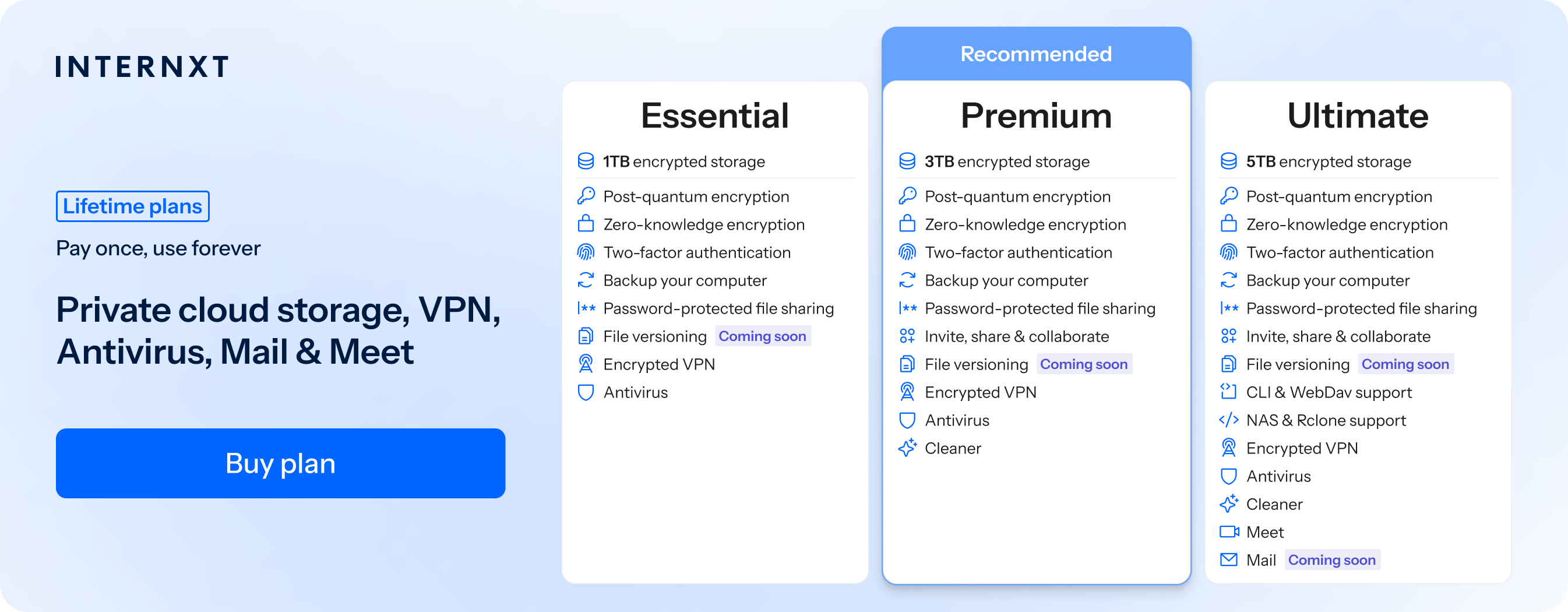
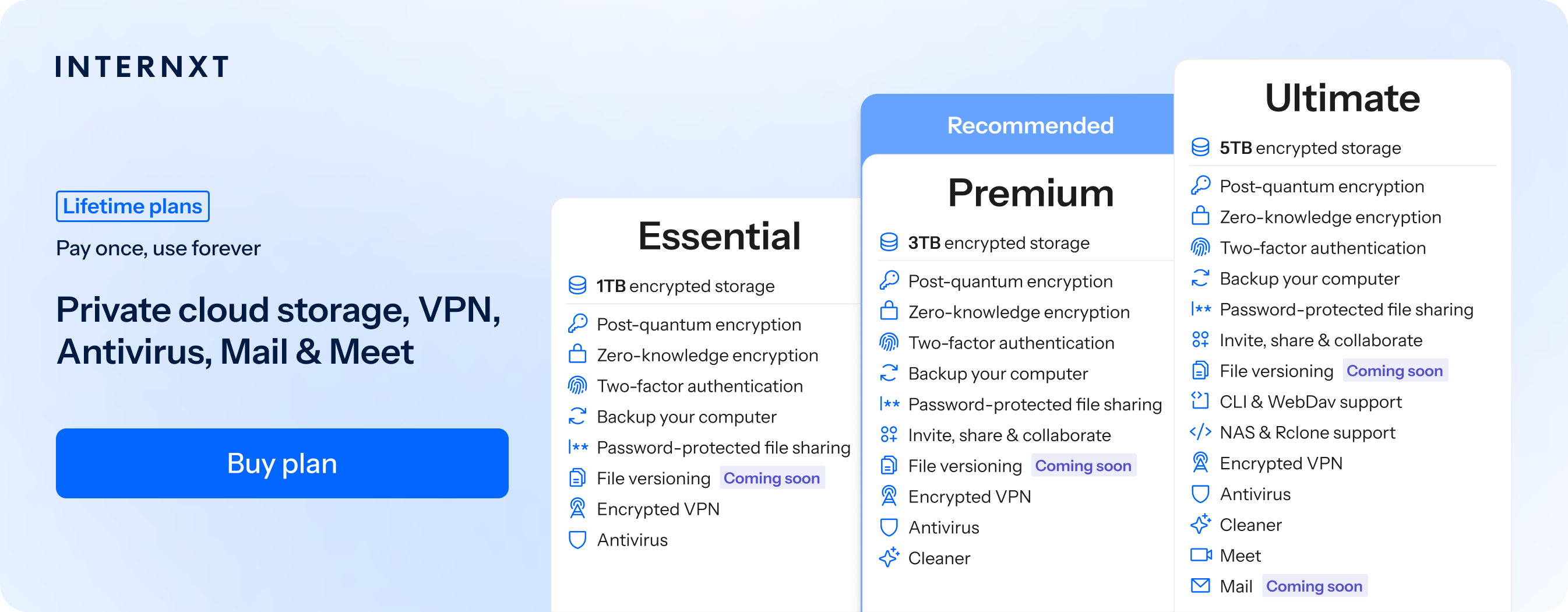
Mail is part of the Internxt Ultimate monthly or lifetime cloud storage plan, which you can get for 85% off with your exclusive special offer.
Take control of your privacy with Internxt, the best alternative to Gmail, Outlook, and other big tech companies, to give you total control of your data.
| Plan | Storage | Features | Annual (Paid monthly) | Lifetime Cost |
|---|---|---|---|---|
| Essential | 1TB | €1.99/month | €380 | |
| Premium | 3TB |
|
€3.99/month | €580 |
| Ultimate | 5TB |
|
€5.99/month | €780 |
| *Prices are correct at the time of writing and are subject to change. For latest prices, check https://internxt.com/pricing | ||||
Gmail vs Outlook for Business Email
Pricing
For Gmail business email, you need Google Workspace. The current Google Workspace plans are:
- Business Starter: $7 per user/month with an annual commitment. Includes 30 GB of pooled storage per user and a custom business email address.
- Business Standard: $14 per user/month with an annual commitment. Includes 2 TB of pooled storage per user.
- Business Plus: $22 per user/month with an annual commitment. Includes 5 TB of pooled storage per user and additional security and compliance controls.
- Enterprise: custom pricing, with additional security, compliance, administration, and storage options.
For Outlook, prices for businesses and enterprises are:
- Business Basic: $7/user/month, paid annually.
- Business Standard: $14/user/month, paid annually.
- Business Premium: $22/user/month, paid annually.
- Enterprise: custom pricing
Gmail vs Outlook for business compliance
For businesses looking to meet strict data protection standards for their data, Microsoft and Google meet the following compliance regulations:
Google Workspace supports standards and regulations including ISO 27001, ISO 27018, SOC 1, SOC 2 and SOC 3, as well as frameworks such as FedRAMP and HIPAA.
Google also supports GDPR requirements, although it has faced GDPR fines for violating GDPR standards for personal user data.
Microsoft 365 supports ISO 27001, ISO 27017, ISO 27018, ISO 27701, SOC 1, SOC 2 and SOC 3, as well as GDPR, HIPAA/HITECH, FedRAMP, PCI DSS, NIST-related frameworks and various industry-specific regulations. Microsoft also lists European frameworks including DORA regulation and Spain's ENS among its compliance offerings.
If your business plan includes either of these certifications, don't assume Gmail or Outlook is automatically compliant; the service must still be configured correctly to meet the requirements.
Encryption
For stronger email encryption, Google Workspace supports S/MIME and client-side encryption. This is the only option to gain private encryption with Google, as a Google Drive encrypted folder is not encrypted on your device.
S/MIME encrypts the contents of an email so that only the intended recipient can decrypt and read it. It can also digitally sign the email, allowing the recipient to verify that it really came from the stated sender and was not altered.
However, S/MIME encryption is not available in Business Starter, Business Standard, or Business Plus plans.
Microsoft 365 Business Premium includes Microsoft Purview Message Encryption. Microsoft also supports customer-managed encryption keys for certain Microsoft 365 services, although this is an advanced enterprise capability rather than a standard feature of every business plan.
iCloud Email vs Gmail vs Outlook
Another competitor to consider for email is iCloud email vs Gmail vs Outlook, especially if you are an Apple user integrated into the Apple ecosystem.
With iCloud email, you also have access to iCloud Drive and iCloud Photos, so it is similar to Google if you want to combine email with cloud storage for photos.
With iCloud email, you can create aliases, folders, rules, and Hide My Email. iCloud+ also allows users to use a custom email domain. However, iCloud Mail is encrypted in transit and while stored on Apple's servers, but Apple retains the encryption keys. This remains true even if Advanced Data Protection is enabled.
If you want end-to-end encrypted email, iCloud, Gmail, and Outlook do not provide this as the default option, whereas sending an encrypted email with Internxt Mail is automatic, protecting your emails with post-quantum encryption.
iCloud email vs Outlook vs Gmail: which one should you choose?
The first thing to consider when choosing between iCloud email vs Outlook vs Gmail is the type of devices you use on a day-to-day basis.
Choose iCloud Mail if you use Apple devices and need an email for personal use.
Choose Gmail if you want powerful search, flexible inbox organization, and close integration with Google Workspace.
Choose Outlook if you’re a Microsoft user and need an email that is particularly suited to businesses with a dedicated desktop app.
Choose Internxt if you want post-quantum encrypted email as the default, alongside a full suite of privacy products and encrypted cloud storage.
Related products