
How to Send a Secure Email with Gmail, Outlook, Yahoo, and More

Sending an email is easy, but sending an email securely with the right settings can be time-consuming or difficult if you’re unsure how to configure the right settings. Even so, securing your emails protects your business from phishing attempts and ransomware.
If you use an email for personal use, the same risks of email scams apply, so the techniques you learn in this article will keep your personal and business information secure from hackers.
This article will show you how to send a secure email in Gmail, Outlook, and Yahoo with the tools and features each offers to send secure emails online.
We’ll also explain how to send a secure email with Internxt Mail, which gives you post-quantum and zero-knowledge encrypted emails so nobody but you and your recipients can view them.
Table of contents
Why securing your emails matters
Our email is one of the most common entry points for cyberattacks. A compromised email account can expose private conversations, personal information, passwords, financial details, and access to other accounts.
Microsoft detected approximately 8.3 billion email-based phishing threats during Q1 2026, while 78% of email threats were link-based, so without the right email security protocols, your business and personal email could be at risk.
Advantages and risks of securing emails
Advantages
- Privacy: Keeps your emails, attachments, and sensitive personal or business information protected from unauthorized access.
- Protection from interception: Data encryption makes it much harder for attackers to read emails if they are intercepted.
- Reduced phishing risk: Strong security measures can help protect against malicious messages and account compromise.
- Compliance: Helps organizations meet data protection and privacy requirements (HIPAA, ISO, SOC 2)
Risks
- Phishing: Attackers can trick you into revealing passwords, financial details, or other sensitive information.
- Account takeovers: A compromised email account can be used to reset passwords and access other accounts.
- Data exposure: Insecure email can leave private messages, attachments, and personal information vulnerable to unauthorized access.
- Identity theft: Stolen personal information can be used to impersonate you or commit fraud.
- Financial loss: Compromised email accounts can be used to access financial accounts or facilitate fraudulent transactions.
- Malware: Malicious links and attachments can infect your device with malware or ransomware.
How to send a secure email in Gmail
Gmail is a secure email service; it does not use the end-to-end encryption that other services use, like Internxt Mail.
As a result, Google employees, or anyone with access to Google’s servers, can decrypt and view your emails. The steps below will cover how to send a secure email in Gmail to help you gain more security and peace of mind.
To learn more about security, encryption, and privacy in Gmail, check out our article below.
Confidential mode
Confidential mode isn’t end-to-end encryption, but it still uses the standard Google security techniques to protect your emails.
To enable confidential mode, follow these steps:
- Open Gmail and click “Compose.”
- At the bottom of the window, click the Confidential mode button (lock & clock icon).
- Set an expiration date and choose whether to require a passcode.
- Click “Save” and then “Send.”
Once enabled, this mode lets you:
- Set an expiration date so the email becomes inaccessible after a specific period.
- Revoke access at any time, even before the expiration date.
- Prevent recipients from forwarding, copying, downloading, or printing the email and its attachments.
- Require a verification code by SMS before the recipient can open the email.
This mode is mainly designed to reduce accidental sharing of emails; people can still take screenshots or photos of the message, and Google could still technically access your messages.
Enable S/MIME Encryption
If you have a Google One paid plan for business, you can use Secure/Multipurpose Internet Mail Extensions (S/MIME) encryption. This encrypts messages that can only be decrypted with a key and is one of the types of encryption businesses use to secure emails.
If you want to know how to send a secure email in Gmail with S/MIME encryption, the first thing you need to know is that it isn’t available for a normal Gmail account.
You need to be the administrator of your Google Workspace account and follow these steps:
- Sign in to the Google Admin console with an administrator account.
- Enable hosted S/MIME for the organization or the relevant organizational unit.
- Obtain an S/MIME certificate for each user. The certificate contains the user’s public key and is used to establish encrypted communication.
- Upload or configure the certificates according to your organization's S/MIME setup.
- Once configured, users can open Gmail and compose a new email.
- In the message window, select the message security option. Gmail will show whether enhanced encryption using S/MIME is available.
S/MIME does not necessarily encrypt everything associated with an email, such as some metadata like the sender, recipient, and subject.
Use a third-party encryption tool
If you want to send encrypted files via email, then you can use third-party tools like Cryptomator. However, the limit is quite small, so Gmail isn’t efficient if you want to share large video files online.
There are other third-party extensions available claiming to encrypt the contents of your Gmail, but you should use this with caution and verify their claims before downloading or using them.
How to send a secure email in Internxt Mail
Internxt Mail is part of Internxt’s encrypted cloud storage plans, and is an open source, end-to-end encrypted email to ensure only you and your recipient(s) can read your emails and view your attachments.
With Internxt Mail, everything is automatically encrypted with end-to-end and post-quantum encryption, the most advanced encryption available. There is no extra setup, tools, or configurations required; as soon as you hit send, your message is encrypted directly on your device.
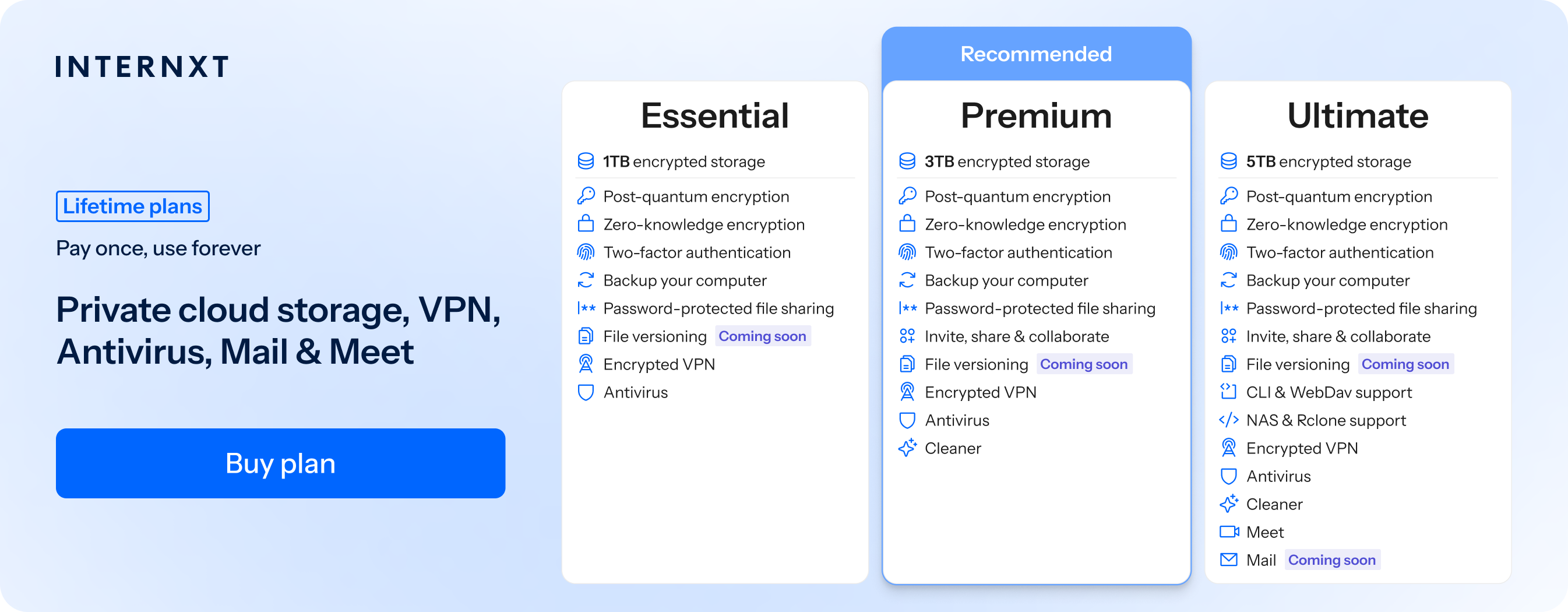
Internxt Mail is part of Internxt’s monthly and lifetime Ultimate plans, which provide everything you need to protect your emails, devices, and cloud storage online.
To get the best encrypted email for your privacy and access to all Internxt’s features, visit our plans and claim your exclusive 85% discount using the link below.
| Plan | Storage | Features | Annual (Paid monthly) | Lifetime Cost |
|---|---|---|---|---|
| Essential | 1TB | €1.99/month | €380 | |
| Premium | 3TB |
|
€3.99/month | €580 |
| Ultimate | 5TB |
|
€5.99/month | €780 |
| *Prices are correct at the time of writing and are subject to change. For latest prices, check https://internxt.com/pricing | ||||
How to send a secure email in Outlook
Encryption is available as part of OneDrive pricing plans in Outlook. It’s similar to Google’s confidentiality mode, with the added benefit of fully encrypted emails.
Here’s how to send a secure email in Outlook if you have a Microsoft subscription:
1. Click “Options” >“More Options” in the Outlook toolbar.
2. Select “Encrypt this message (S/MIME).
3. Click “OK.”
4. Finish your email and hit “Send.”
You can learn more about how to send a secure email in Outlook, plus additional security tips in our article below.
How to send a secure email in Yahoo
Finally, there’s Yahoo. Not the most popular email service, but if you’re a Yahoo user and want to know how to send a secure email in Yahoo, then Yahoo Mail does not have a built-in option for sending end-to-end encrypted emails.
Yahoo does use encryption to protect your connection and email while it is being transmitted, but this is different from end-to-end encryption.
You can find more about Yahoo email below.
In this case, there are third-party tools or encrypted email alternatives like Internxt.
Related products
Frequently asked questions
What is a secure email?
A secure email is an email protected against unauthorized access, interception, and misuse.
For sensitive information, end-to-end encryption provides stronger protection because only the sender and intended recipient can access the message content.
How do I know the emails I send are secure?
Gmail, Outlook, and Yahoo all use in-transit and at-rest encryption when you send emails with them. Unless you set up certain options, none of them are end-to-end encrypted, so for complete peace of mind, it’s best to use Internxt Mail.
Is Gmail confidential mode encrypted?
No, confidential mode is not encrypted; it’s designed to give you more control over sensitive emails by limiting actions such as forwarding, copying, downloading, and printing, as well as allowing you to set an expiration date or revoke access.
Can I encrypt email attachments?
With Internxt Mail, yes. If you use the providers mentioned in this article, you would have to choose a separate tool to share encrypted files.