
How Does iCloud Photos Work? Storage, Backups, Syncing Explained


iCloud Photos is part of Apple’s cloud storage, its purpose is to store, sync, and back up your photos from your camera roll.
If you’re interested in knowing how does iCloud Photos work compared to iCloud Drive or backups, this article covers everything you need to know about cloud storage vs syncing vs backup with iCloud, including security, encryption, privacy, and the benefits of choosing Internxt Photos to back up your photos with the protection of post-quantum cryptography.
Table of contents
- What is iCloud Photos?
- How does iCloud Photos work?
- Where are iCloud Photos stored?
- Is iCloud Photos safe?
- What is the best alternative to iCloud Photos?
- Related products
- Frequently asked questions
What is iCloud Photos?
iCloud Photos is Apple’s iCloud Drive cloud storage service for photos and videos to store, sync, and back up your files, allowing you to access your photo library across your mobile, tablet, or laptop.
iCloud in general is Apple’s broader cloud storage to store, sync, and back up files, contacts, notes, and app data, whereas iCloud Photos is specifically designed to manage your photos and videos.
When iCloud Photos is enabled, the photos and videos are automatically uploaded to the cloud and synchronized in the cloud.
Any photos you take, or changes you make to your photos, such as editing or deleting photos, are also synchronized across the devices where you are logged in with the same iCloud account, avoiding the need for manual transfers or uploading the edited file again.
iCloud Photos is available on the following devices:
- iPhone, iPad, Mac, Apple TV, Apple Vision Pro
- Windows PCs through iCloud for Windows
- iCloud.com using a web browser.
When you sign up for iCloud, you get 5GB of free storage. If you want to upgrade, iCloud pricing plans offer monthly payments for up to 12TB of storage.
iCloud vs. Photos vs Backups: What's the difference?
Apple’s cloud storage has three different functions when you store photos or any other files in the cloud: general iCloud storage, Photos, and backups. Each is similar, but works in different ways.
iCloud is the overall cloud storage system that allows Apple devices and apps to store, synchronize, and access information through Apple's servers. For example, contacts can be synchronized through iCloud so that the same contacts appear on an iPhone, iPad, and Mac.
iCloud Photos main purpose is to keep your photos and videos synchronised across devices when iCloud Photos is enabled.
For example, if you take a photo on your iPhone, it can appear on your iPad and Mac. In the same way, if you delete your photo, this will delete it across the other devices linked to your iCloud account. If you edit the photo, the edit can synchronize across your devices.
iCloud Backup creates a backup of your iPhone or iPad that can be used when restoring the device. If you lose your iPhone or buy a replacement, iCloud Backup can help you restore the backed-up information, photos, settings, and other relevant device data to the new iPhone.
Below is an overview of how iCloud Photos work, compared to cloud storage and backups.
| Service | What it is | What it does | How it differs |
|---|---|---|---|
| iCloud | Apple's broader cloud service | Stores and synchronizes different types of data, including photos, files, contacts, notes, and more. | iCloud is the overall service that includes features such as iCloud Photos and iCloud Backup. |
| iCloud Photos | A photo and video synchronization feature | Stores your photos and videos in iCloud and keeps your photo library synchronized across Apple devices. | It is designed for accessing and synchronizing your photo library, not for creating a general device backup. |
| iCloud Backup | A device backup service | Creates a backup of relevant iPhone or iPad data that can be used to restore the device. | It is designed for device restoration and is separate from the way iCloud Photos manages your photo library. |
How does iCloud Photos work?
1. Photos and videos are uploaded to iCloud
When you take a new photo or record a video on an iPhone with iCloud Photos enabled, the original photo or video is automatically uploaded to iCloud.
Apple stores the photos and videos in their original formats and at full resolution, rather than treating iCloud Photos as a simple low-quality copy of your library.
If you want to save storage space in iCloud Photos, you can visit our article on how to reduce file size on iPhone to optimize your storage so it doesn't fill up so quickly.
The upload happens in the background, so you normally do not need to manually transfer each photo to iCloud.
The time it takes depends on factors such as your internet connection and the size of your photo library. Once the upload has completed, the photo becomes part of your iCloud Photos library and counts towards your storage quota.
2. Photos are synced across devices
Once your photos are stored in iCloud Photos, the service keeps your library synchronized across compatible devices. If you use the same Apple Account and have iCloud Photos enabled, you can access the same library from your iPhone, iPad, Mac, and iCloud.com.
3. Edits and deletions are synced automatically
iCloud Photos does not just synchronize the original files. It also synchronizes changes you make to your photos and videos. For example, if you crop a photo on your iPhone, the edited version can appear automatically on your iPad, Mac, and iCloud.com.
When you delete a file, this is also reflected across your devices. Apple keeps these in the recently deleted section of iCloud Photos in case you want to restore them, but they will be permanently deleted after 30 days.
If you ever want to revert to the original photo, iCloud retains the original version, so you can go back to the first version.

Where are iCloud Photos stored?
iCloud Photos are uploaded and stored in Apple's iCloud infrastructure rather than being stored only on your iPhone, iPad, or Mac. If Optimize iPhone Storage is enabled, your iPhone can keep smaller, space-saving versions of your photos locally while the full-resolution originals remain in iCloud.
For users in the United States, iCloud data is subject to Apple's US privacy and data protection practices, as well as applicable US laws and regulations. Apple may store and process data using infrastructure located in the United States and other locations as part of its global cloud infrastructure.
For users in Europe, Apple's handling of personal data is subject to the General Data Protection Regulation where applicable, and Apple provides information about international transfers and the safeguards it uses when personal data is transferred outside the European Economic Area.
Is iCloud Photos safe?
Account security
The security of your iCloud account and Photos primarily depends on your password, but if this is compromised, Apple has additional measures in place.
Apple uses two-factor authentication when you sign in to your Apple Account on a new device or in a new location.
For additional security, Apple also uses trusted devices, which Apple recognizes as belonging to you and can verify your identity with verification codes to approve certain security-sensitive actions.
Standard vs Advanced Data Protection
iCloud has two modes of data encryption, standard and advanced, with standard being the default for your cloud, photos, and cloud storage backups.
Standard encryption means your data is encrypted in transit and at rest, but this is not end-to-end encrypted. Apple keeps the encryption keys to help with account and data recovery, and it is the same encryption used for Amazon Photos and Google Photos. Without end-to-end encryption, these providers could technically access your photos.
To learn more about iCloud and big tech companies, such as Google Photos, check out our Google Photos vs iCloud article.
Advanced Data Protection is optional but provides stronger protection and greater privacy. It makes iCloud Photos end-to-end encrypted, and the encryption keys are kept on your trusted devices so Apple cannot decrypt that protected data.
This is similar to Internxt’s secure cloud storage and Internxt Photos; the difference is that Internxt offers encrypted cloud storage as the default option, and Internxt is the first cloud storage to use post-quantum encryption to future-proof the security and privacy of your files.

Transparency
Apple is not fully open source, so the main disadvantage is reduced transparency. Users and independent security researchers must rely more heavily on Apple’s claims, security testing, and disclosures because they cannot examine the complete source code themselves and verify there are no backdoors to your data.
What is the best alternative to iCloud Photos?
Internxt Photos and Internxt Drive are the best alternatives to iCloud and other big tech companies, offering European cloud storage, open-source software, and end-to-end encryption.
Internxt Photos is part of Internxt Drive’s private cloud storage solution that backs up your photos automatically from your camera roll for iOS and Android.
Internxt secures your data and photos with zero-knowledge and post-quantum encryption for all plans, without any extra steps to set it up, making it the best end-to-end encrypted cloud storage for Photos.
With Internxt Photos, you can upload and back up photos from your Apple device and delete the originals knowing that a copy is stored with Internxt. When you store photos in Internxt, they are synced across the mobile, desktop, and web platforms.
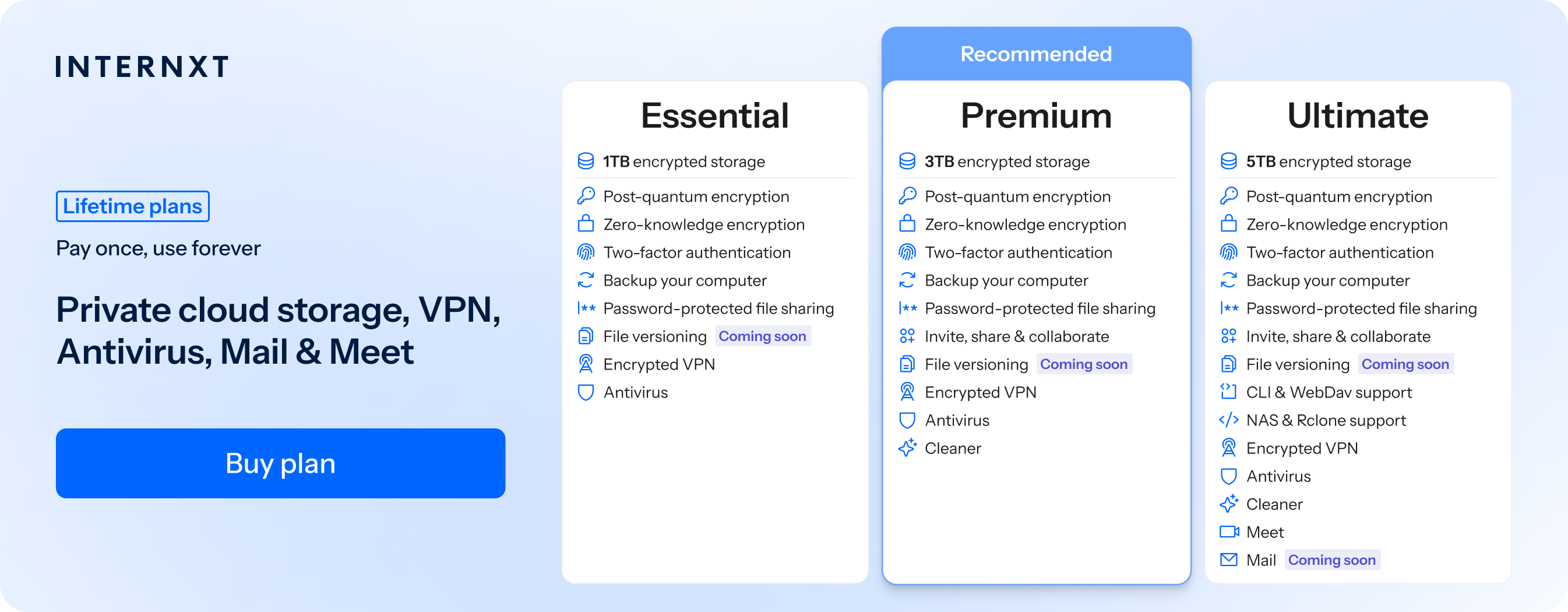
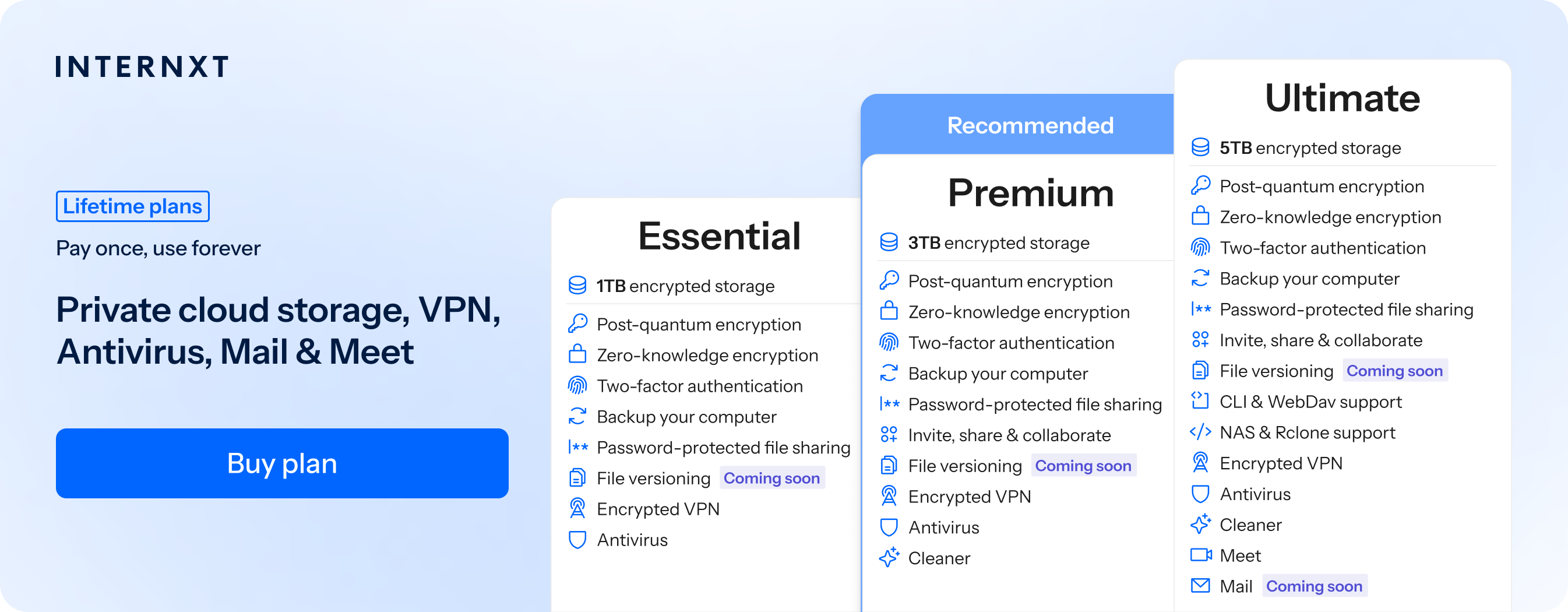
Internxt Photos is part of Internxt’s Ultimate product suite, which includes 5TB of storage, VPN, Mail, Meet, and advanced cloud management platforms such as NAS cloud backup support for QNAP and Synology, plus WebDAV and Rclone support.
To get started with Internxt Photos and more, claim your exclusive 85% discount on any monthly or lifetime cloud storage plan below.
| Plan | Storage | Features | Annual (Paid monthly) | Lifetime Cost |
|---|---|---|---|---|
| Essential | 1TB | €1.99/month | €380 | |
| Premium | 3TB |
|
€3.99/month | €580 |
| Ultimate | 5TB |
|
€5.99/month | €780 |
| *Prices are correct at the time of writing and are subject to change. For latest prices, check https://internxt.com/pricing | ||||
Related products

Frequently asked questions
Does iCloud Photos use end-to-end encryption?
iCloud Photos uses standard in-transit and at-rest encryption as the default, it is not end-to-end encrypted unless you activate Advanced Data Protection from your account settings.
Does iCloud Photos automatically save photos?
Yes. When iCloud Photos is enabled, new photos and videos are automatically uploaded to iCloud.
Are iCloud Photos stored in full resolution?
Yes. iCloud stores your photos and videos in their original, full-resolution format.
Does deleting a photo from iCloud delete it from my iPhone?
Yes. If iCloud Photos is enabled, deleting a photo on one device deletes it from your other synced devices as well. Deleted photos remain in Recently Deleted for 30 days.
Does iCloud Photos count toward storage?
Yes. Photos and videos stored in iCloud Photos use your available iCloud storage. iCloud comes with 5GB of free storage when you create an Apple account, which you can later upgrade.
Does iCloud Photos reduce photo quality?
No. iCloud Photos keeps the original quality. However, your iPhone can use Optimize iPhone Storage, which stores smaller versions on the device while keeping the full-resolution originals in iCloud.
Can I access iCloud Photos from Windows?
Yes. You can access iCloud Photos on Windows using iCloud for Windows or through iCloud.com.
Can I view iCloud Photos without an iPhone?
Yes. You can view your iCloud Photos through iCloud.com or on other Apple devices where iCloud Photos is enabled.
Is iCloud Photos a backup?
No. iCloud Photos is primarily a synchronization service, not a separate backup. Deleting a photo from iCloud Photos also deletes it from your synced devices, so it should not be treated as an independent backup.