
How to Send an Encrypted Email With Internxt Mail

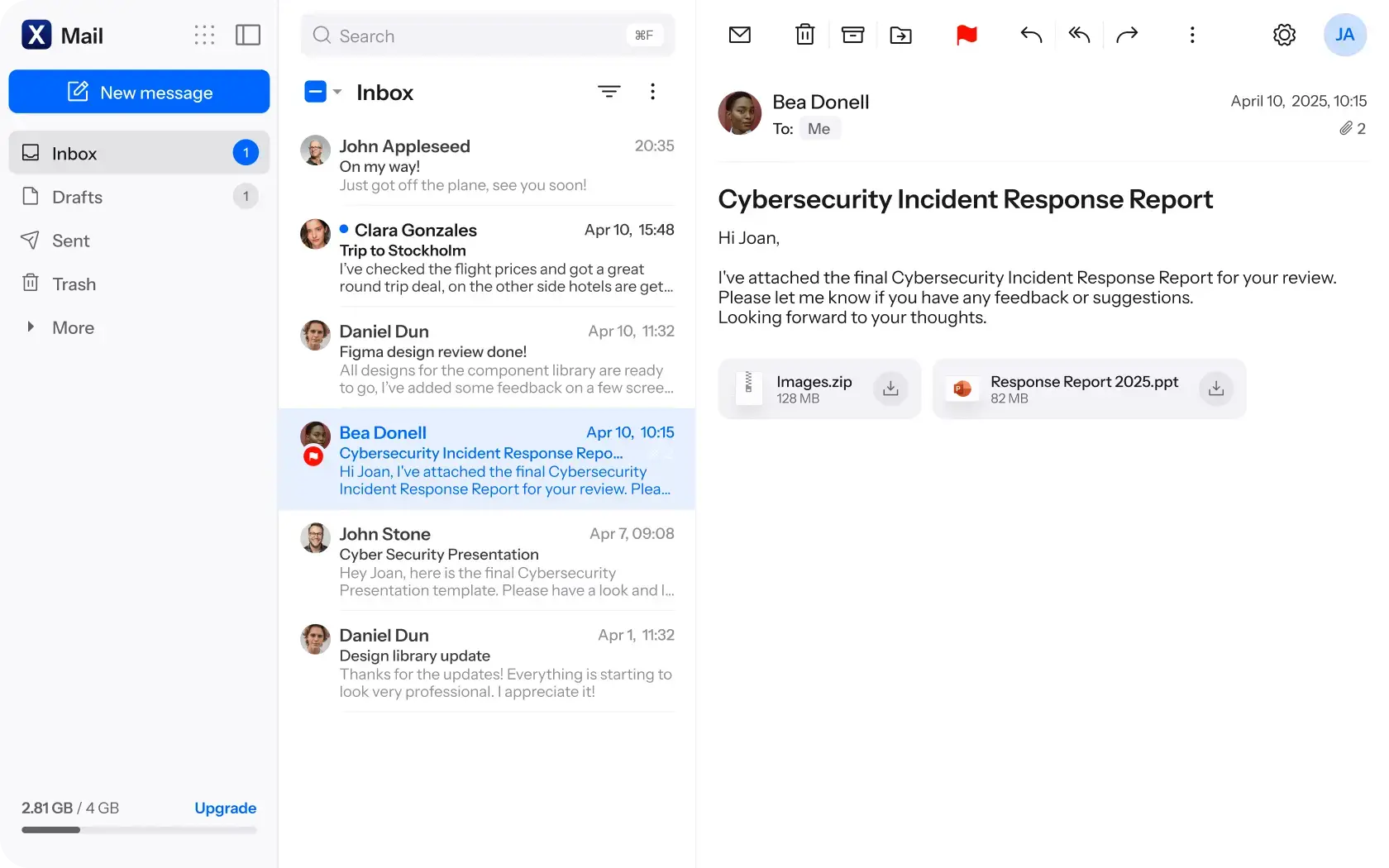
Internxt Mail is now available!
With this new release, the Internxt product suite is finally complete and offers you everything you need to protect your privacy online.
Internxt Mail is part of Internxt’s encrypted cloud storage, VPN, Meet, Antivirus, and Photos. With Mail, you can send end-to-end encrypted emails to ensure nobody but you and your recipients can view the contents.
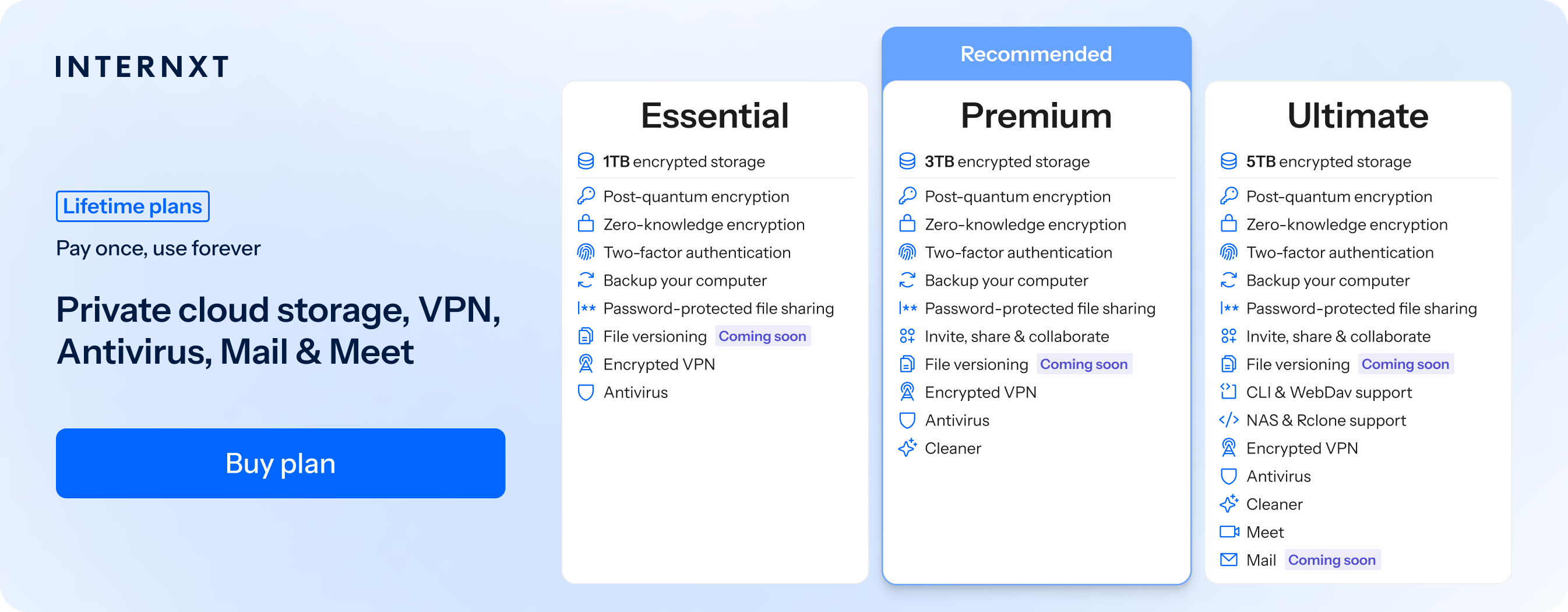
To get Mail, get 85% off all Internxt plans, including Ultimate plans using the link below.
Like Internxt Drive, Mail is fully end-to-end encrypted and protected with post-quantum and zero-knowledge encryption, so your emails are encrypted directly on your device before sending.
There are no additional steps to take, like sending a secure email via Gmail, Outlook, or Yahoo; end-to-end encryption is the default with Internxt Mail.
To start sending private emails with Internxt, this article will cover everything you need to know, including:
- How to send an encrypted email with Internxt
- How to set up your Internxt email address
- How to get Internxt Mail
- Features included with Internxt Mail
Before we cover how to send an encrypted email, first, you will need an Internxt account, which you can create from our website to access your free cloud storage and upgrade to get access to Mail, Photos, and more.
Table of contents
- How to create your Internxt Mail account
- How to send an encrypted email with Internxt
- Features included with Internxt Mail
- Frequently asked questions
How to create your Internxt Mail account
To access Internxt Mail, you will need an Ultimate plan from Internxt. You can choose from a monthly or lifetime plan and get 85% off using this link.
If you already have an Essential or Premium plan with Internxt, you can upgrade to an Internxt lifetime plan with the same 85% discount, and this will stack your storage and unlock the Ultimate features for your account, including Mail, rclone, Internxt Photos, and more.
Once your Ultimate plan is activated, follow these steps to send an encrypted email with Internxt.
- Go to https://mail.internxt.com/
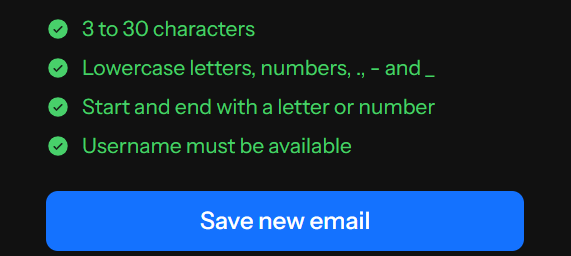
- Choose your email address; the following options are available: inxt.eu inxt.me and encrypt.eu
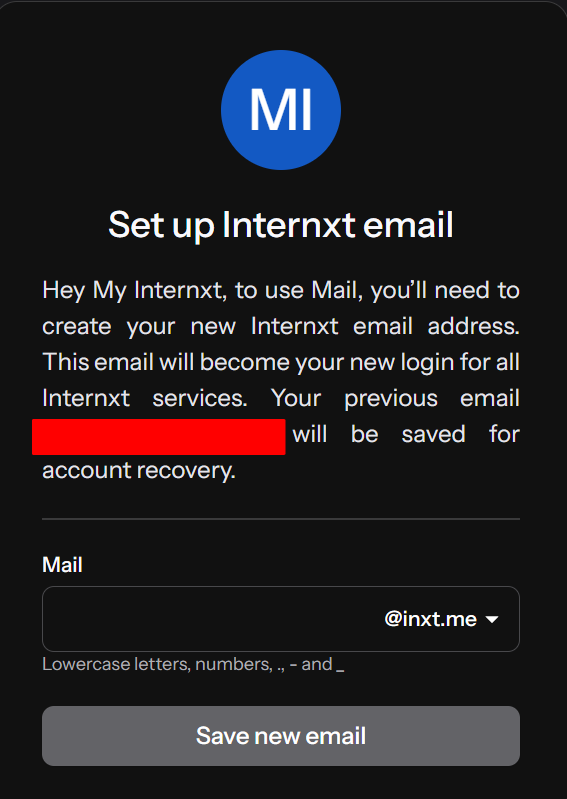
Once you have added your email, click “Save new email”
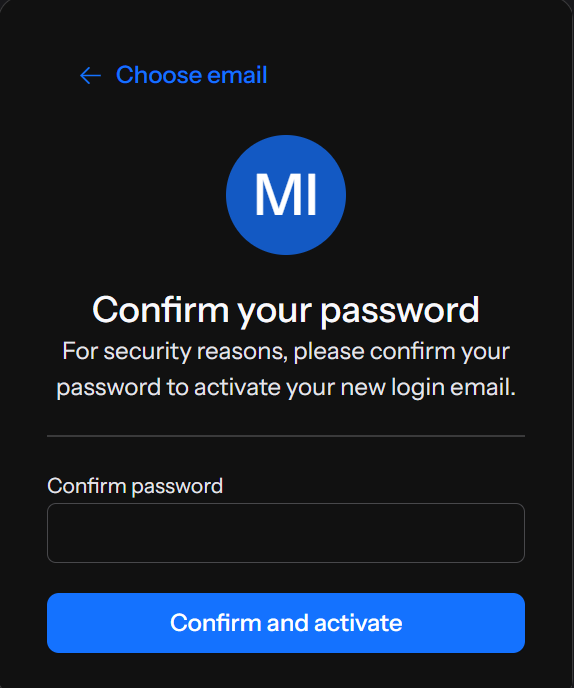
3. From there, confirm the password of your Internxt account and confirm to activate your new email address.
4. Once activated click “Save new email”
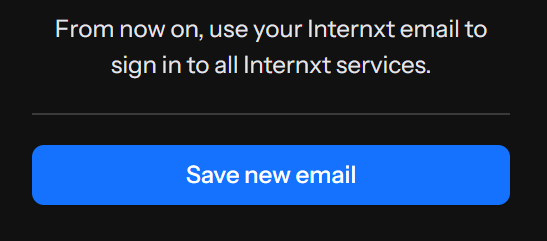
Now your Internxt email is ready; let's learn how to send an encrypted email with your new private email provider.
How to send an encrypted email with Internxt
Now that you’ve created an account, you can start sending end-to-end encrypted and private emails with Internxt easily by following these steps.
- Go to mail.internxt.com and create your account
- Click “New message”
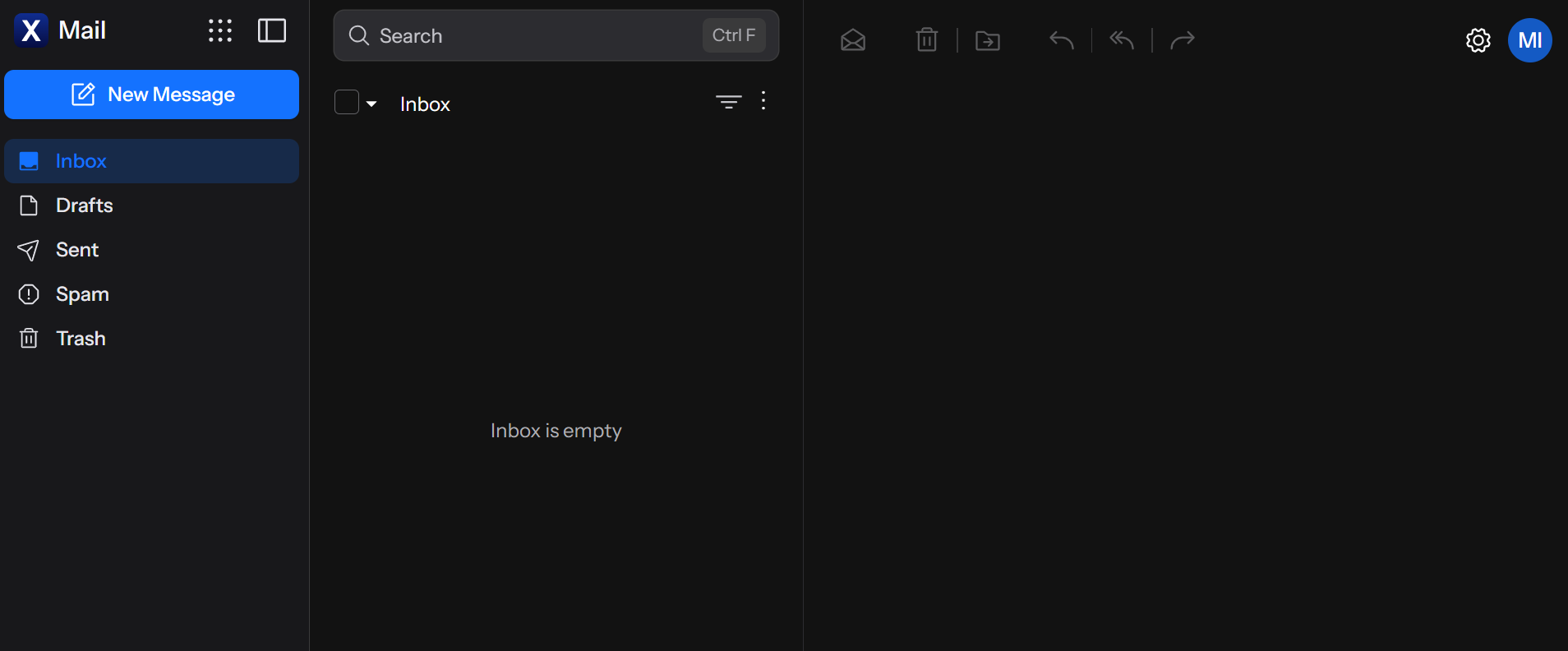
3. Add your recipient(s), subject, and message
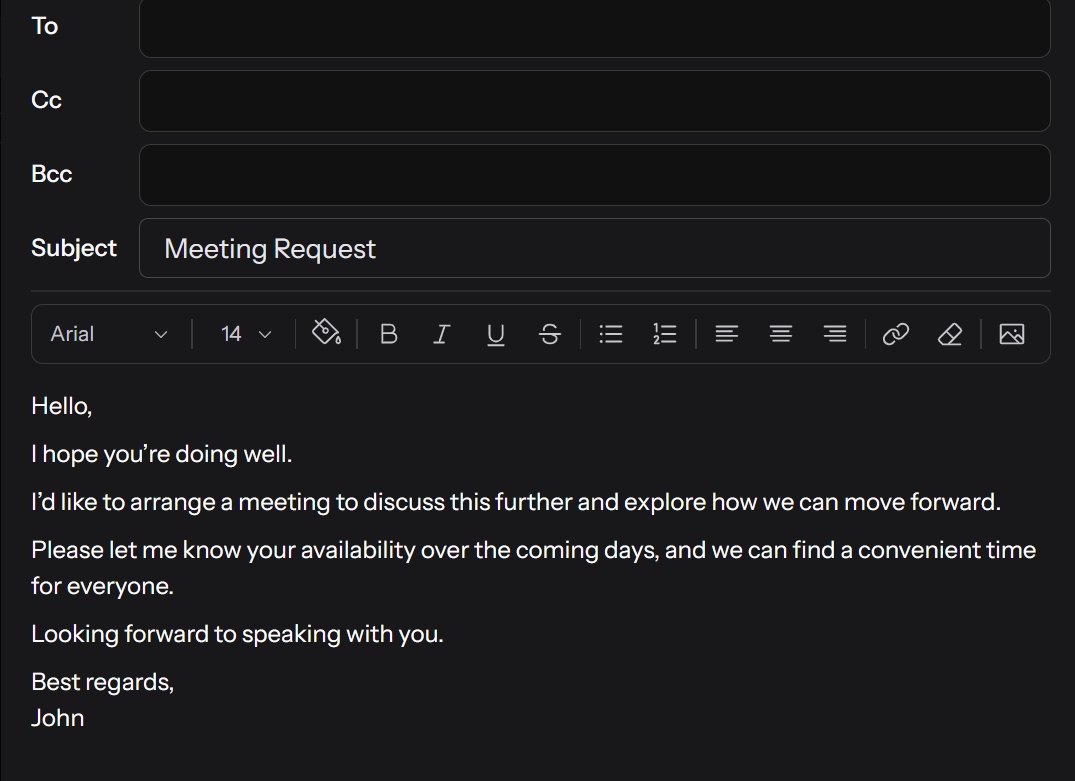
4. Click CC or BCC to add extra people you want to send the email to.
5. Add any attachments you need to send
6. Click “Send” and your encrypted email will be encrypted on your device and sent to your recipient
7. If you want to send the email later, then hit the cross button, and it will save to your drafts to send later, or you can delete it if it’s no longer needed.
And that’s how to send an encrypted email with Internxt: simply create your message, and hit send. We take charge of the encryption for you, so you can send secure emails knowing they can never be hacked or accessed by anyone but you and the people you send them to.
Unlike other email services, there are no extra steps to take to send secure emails, and even with Gmail, there is no option to send emails with end-to-end encryption unless you have a Google business plan.
If you have an email account with Gmail, Outlook, or Yahoo, and you want to combine it with your Internxt Mail, then below you can find out how to send an encrypted email in our article.
How to send a secure email with Gmail, Outlook, and Yahoo
For post-quantum encrypted emails, Internxt Mail is the best encrypted email for business or personal use to send messages in total privacy.
Features included with Internxt Mail
Internxt Mail is included with an Internxt Ultimate plan, which offers 5TB of secure cloud storage and the following features.
Internxt VPN: A secure, encrypted email
Internxt Antivirus: Protect your device from malware
Internxt Meet: Secure, encrypted video calls
Internxt Photos: Automatic backups for photos
NAS cloud backups: Access Drive from QNAP or Synology devices
WebDAV and Rclone support: Command-line access to Internxt Drive
With an Ultimate plan, you get everything you need as a Google Drive alternative, and alternatives to other big tech companies to protect your cloud storage and online privacy with a full privacy suite, which you can get for 85% off using the special offer link below.
Frequently asked questions
Is Internxt Mail end-to-end encrypted?
Yes, Internxt Mail uses post-quantum and zero-knowledge encryption that encrypts your emails and attachments directly on your device before they are sent to your recipients. Because of this, nobody, not even Internxt, can access your emails.
How do I access Internxt Mail?
Internxt Mail is included with an Ultimate plan available from the Internxt pricing page.
How much does Internxt Mail cost?
With an Internxt monthly plan, you can access Mail and all the features of an Ultimate plan for €4.49/month. You can also access all of Internxt’s products, including cloud storage and Mail with a one-time payment of €585.
How to send an encrypted email?
With Internxt Mail, encryption happens on your device from the moment you hit send. No need for third-party encryption tools or modifying your settings; everything happens automatically with Internxt’s encrypted email.
Is Internxt Mail an alternative to Gmail, Outlook, and Yahoo?
Yes, Internxt is a secure and private alternative to Gmail, Outlook, and Yahoo. It can never access your emails because of its encryption, and Mail is totally open source for complete transparency.