How to Make a New Email Address for Secure, Encrypted Messages

Making a new email address only takes a few minutes. But when creating a new email account, it's worth considering more than just how easy it is to sign up. Your email provider can determine how your messages, attachments, and personal information are protected.
This is why Internxt has added Internxt Mail to join its private cloud storage solution, VPN, and other products to guarantee your privacy online with end-to-end encryption.
So whether you’re a new user to Internxt or you currently have an Ultimate plan, this article will cover how to make a new email address so you can start sending private and encrypted messages and prevent big tech and AI surveillance of your private emails.
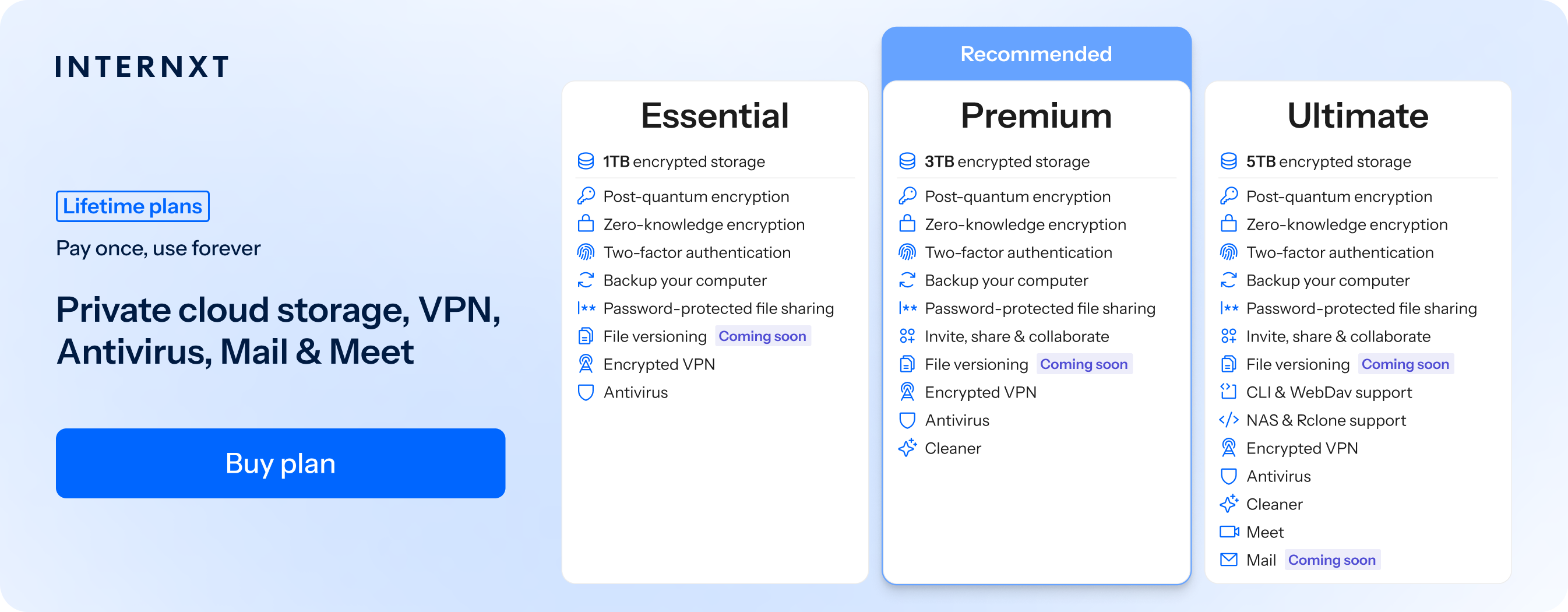
Table of contents
- Reasons to create a new, privacy-focused email
- How to make a new email with Internxt Mail
- Advantages of making a new, private email
- How to make a new email and keep it secure
- Get secure, private, and encrypted email for life
- Related products
Reasons to create a new, privacy-focused email
A privacy-focused email address can help reduce the amount of personal information you expose online and keep the messages you send confidential and only accessible between you and your recipients, protecting you from potential data breaches.
Creating a new email can also help reduce spam and unwanted marketing.
Keeping your main email address private and using a separate address for newsletters, shopping, sign-ups, and less trusted services means your primary inbox is less likely to become overloaded with promotional messages and reduces the risk of phishing attacks.
If you want to sign up to services without filling up your primary inbox or creating a new email account, then Internxt temporary email helps keep your email free from spam, marketing, and other unwanted emails.
If privacy is a priority, it is also worth considering how your email provider handles the contents of your messages.
Services such as Outlook, Gmail, and standard iCloud Mail generally do not provide end-to-end encryption for emails.
Messages are encrypted while being transmitted and stored, but the provider can generally access message contents because the service needs to process them on your behalf. If you want to send a secure email with Gmail, Outlook, or Yahoo, there are steps or plans available, but by default, these emails don’t offer true privacy
This is different from true end-to-end encrypted email services, offered by Internxt Mail.
The same way Internxt’s encrypted cloud storage uses end-to-end encryption, Internxt encrypts your emails before it leaves your device, and only the intended recipient can decrypt them.
As Internxt does not hold the necessary keys to read the contents, it can never see your files or emails.
Creating a new email account with Internxt Mail combines private cloud storage, encrypted email, and much more, keeping your information private online.
How to make a new email with Internxt Mail
If you have an Ultimate plan with Internxt and want to know how to make a new email, then we’ll explain how to get started below.
If you want to create a private email and don’t have an Internxt plan yet, get started with a monthly or lifetime cloud storage plan to access Mail with 85% off all Internxt plans.
Once you have your plan, you can create your new email by following these steps:
2. Enter the email address you want to create and choose between inxt.me, encrypt.eu, or inxt.eu
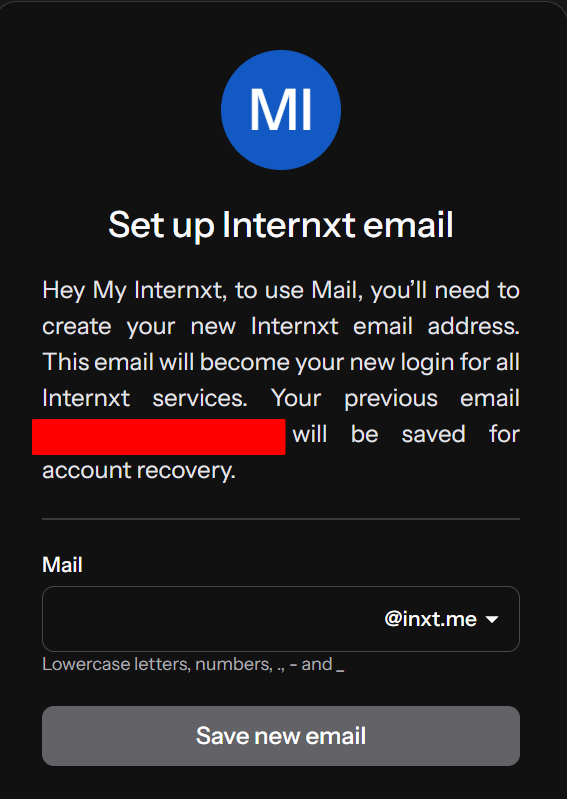
3. Create a strong password for your account and confirm your new email address
Once your email is created, you can send an encrypted email with Internxt straight away. There's no need to configure additional settings or take extra steps to encrypt your files; Internxt Mail encrypts your emails automatically on your device before they are sent.
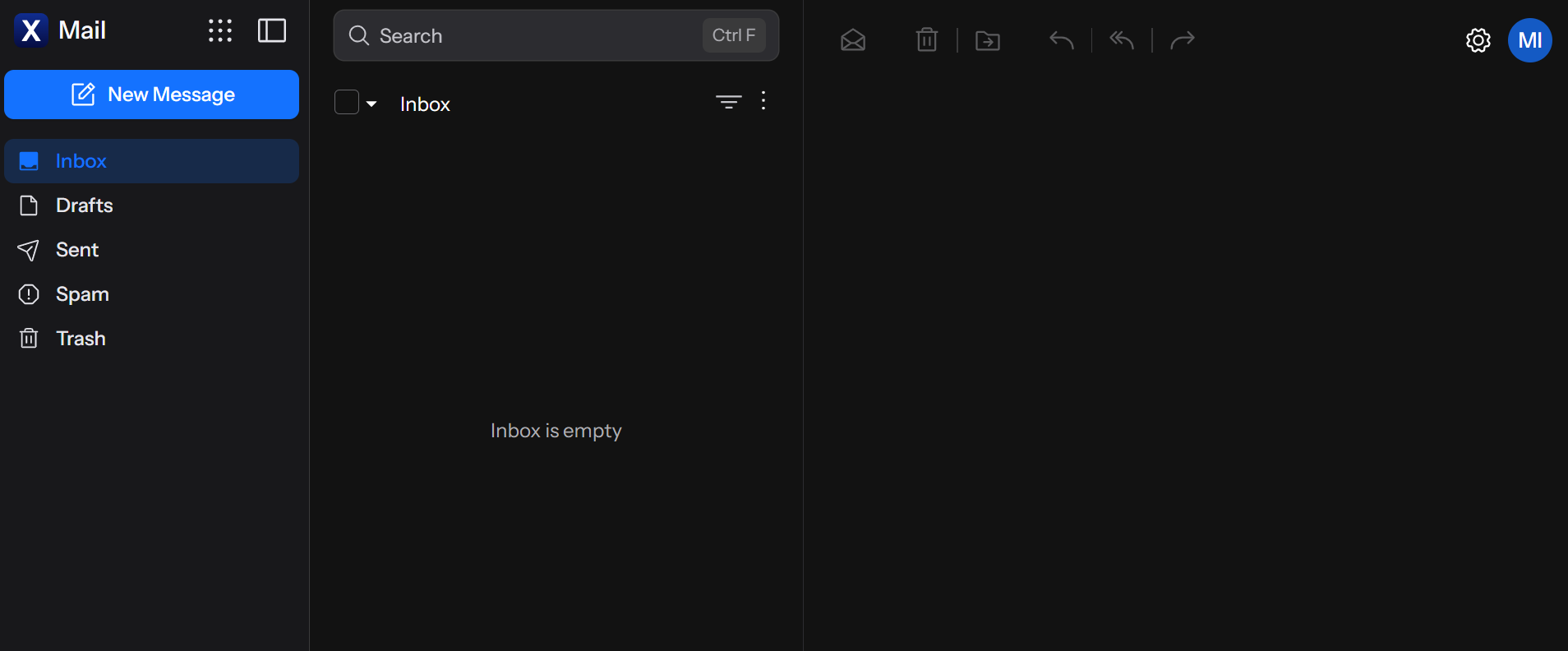
Once your email is created, you can send an encrypted email with Internxt straight away. There's no need to configure additional settings or take extra steps to encrypt your emails; Internxt Mail encrypts your emails automatically on your device before they are sent.
Benefits of Internxt Mail
Internxt Mail uses post-quantum and end-to-end encryption to protect your messages from big tech surveillance, data breaches, and hackers. As Internxt encrypts your email automatically, sending a private email is quick, easy, and secure.
If you want to switch from Gmail, Outlook, or Yahoo, or other email providers that don’t offer the end-to-end encryption you need to protect your emails, then Internxt Mail is the best alternative: fully open source, encrypted, and GDPR, ISO 27001, HIPAA, and SOC 2 compliant.
| Feature | Traditional email | Privacy-focused encrypted email |
|---|---|---|
| Email address | Yes | Yes |
| Send/receive email | Yes | Yes |
| TLS protection | Common | Yes |
| End-to-end encryption | Depends on provider/configuration | Core privacy feature |
| Zero-knowledge architecture | Not generally standard | Designed around it |
| Ad-free experience | Depends on provider | Internxt Mail promotes an ad-free experience |
| Open-source components | Depends on provider | Internxt says its products are open source |
| Post-quantum encryption | Depends on provider | Internxt Mail promotes post-quantum encryption |
What’s included with Internxt Mail
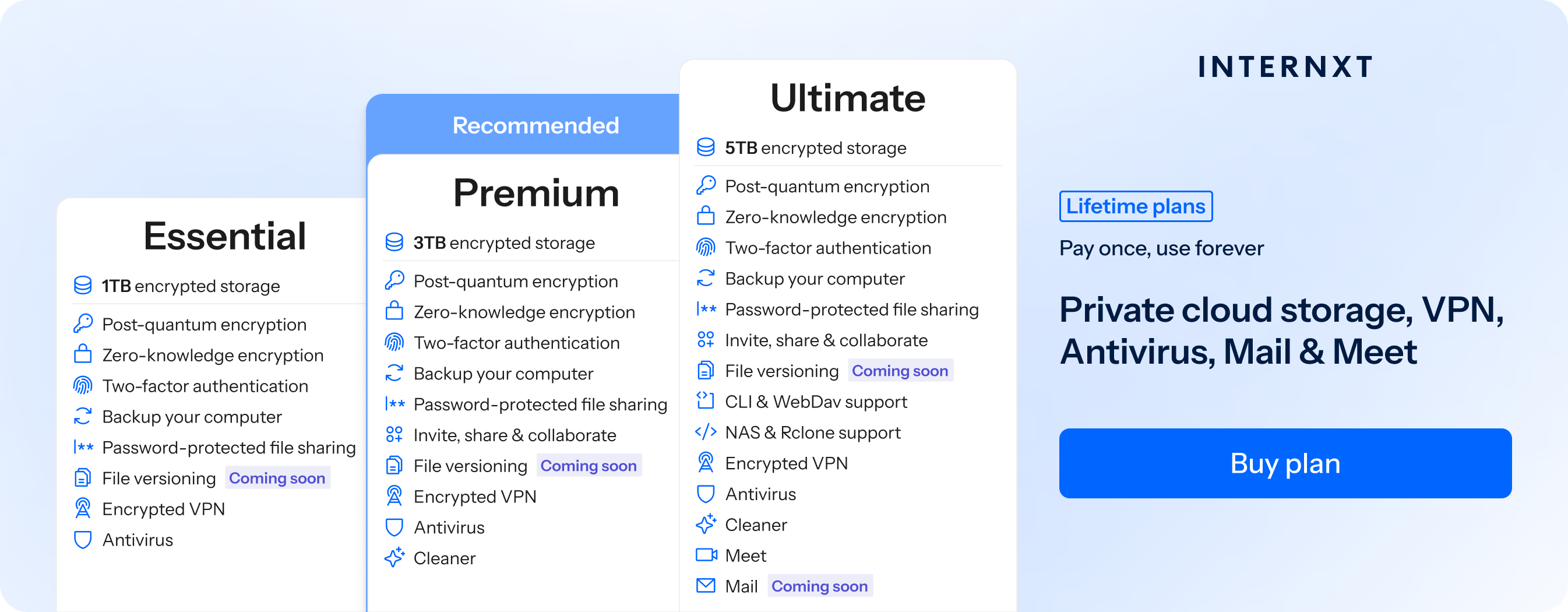
But it doesn't stop there. Internxt Mail is just the beginning of what Internxt has to offer. With Ultimate, you get 5TB of encrypted cloud storage, VPN, Meet, and Internxt Photos.
For advanced cloud management, Internxt also offers WebDAV and Rclone support. If you have a QNAP or Synology device, you can also access cloud backups for NAS systems.
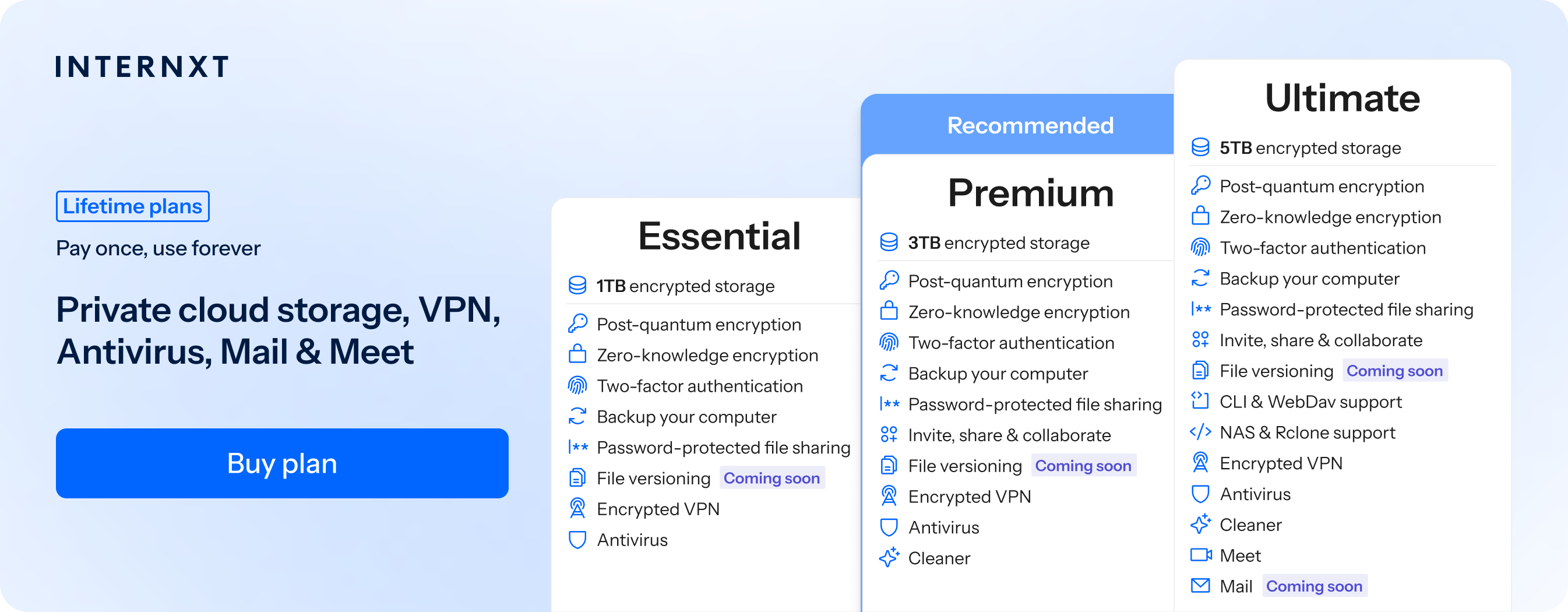
The full features of Internxt’s pricing plans are below, so you can choose the right plan to protect your privacy and claim your 85% discount below.
| Plan | Storage | Features | Annual (Paid monthly) | Lifetime Cost |
|---|---|---|---|---|
| Essential | 1TB | €1.99/month | €380 | |
| Premium | 3TB |
|
€3.99/month | €580 |
| Ultimate | 5TB |
|
€5.99/month | €780 |
| *Prices are correct at the time of writing and are subject to change. For latest prices, check https://internxt.com/pricing | ||||
Advantages of making a new, private email
Creating a new private email can provide several advantages beyond simply having another inbox. It can help protect your identity, reduce spam, limit tracking, and give you greater control over who has access to your personal information.
Anonymity and privacy
One major advantage is greater anonymity and privacy for your personal information. If you create a new email address with Internxt, you can use a pseudonym so you don’t reveal your real name when signing up for websites and online services. This makes it more difficult for companies, advertisers, and data brokers to link different accounts and activities back to you.
Reduce big tech surveillance
Another advantage is reducing tracking and profiling. Your email address is often used as an identifier across different services. Using a separate private address can make it harder for companies to build a detailed profile of your online activity.
Internxt Mail offers zero-knowledge encryption not offered by Gmail, Outlook, or iCloud Mail, which do not provide end-to-end encryption for personal emails, so they could technically access your emails and confidential messages.
Prevent data leaks
A separate email can also provide better protection against data breaches. If a website you registered with is hacked, the email address associated with that account may be exposed. Using a separate address limits the amount of information connected to your primary identity.
How to make a new email and keep it secure
When you create a new email with Internxt, the first thing to do to keep your email secure is to start with a strong, unique password or passphrase that is different from your other email accounts and store it in a reputable password manager.
Next, enable two-factor authentication (2FA) for your Internxt account with your preferred authenticator app to add another layer of protection if your password is ever compromised.
To protect your Internxt account, it is crucial to download a backup key in case you forget your password. Due to Internxt’s zero-knowledge encryption, if you reset your password without the backup key, your files will be lost because Internxt does not have access to your password or the keys needed to decrypt your files.
Finally, learn how to identify phishing emails and suspicious links. Even the strongest email security can be undermined if you accidentally click on a malicious link.
Get secure, private, and encrypted email for life
Now that you know how to make a new email with Internxt, you can choose an Internxt lifetime plan and avoid subscriptions by getting cloud storage, VPN, Antivirus, and much more, all in one package!
Get 85% off your new private cloud storage with the option to split your payment plan with Klarna, or pay in privacy with cryptocurrency.
Related products