
How Can You Protect Your Privacy Online in 2026?

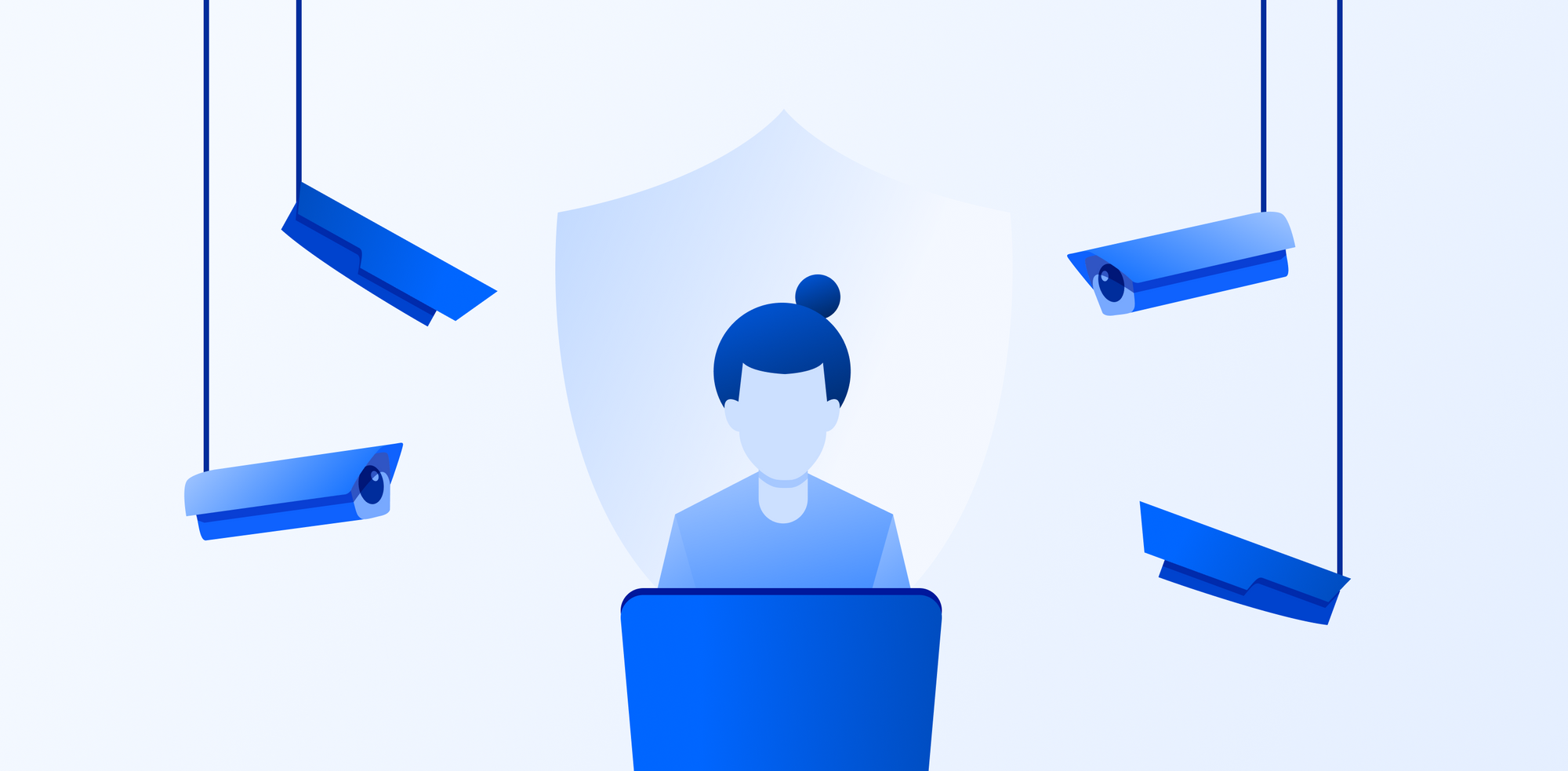
How can you protect your privacy online is a question many are asking in the age of data breaches, increased and more advanced cyberattacks, and concerns of social media and big tech corporations collecting, monitoring, and profiting from your data.
For this reason, Internxt is rapidly becoming the go-to platform for protecting people’s data and privacy online.
Thanks to Internxt’s combination of zero-knowledge and post-quantum encrypted cloud storage, which includes an advanced privacy suite of Antivirus, VPN, Meet, Mail, more people choose Internxt to protect their privacy online.
Internxt also offers a huge catalogue of free tools to ensure online privacy is available for everyone.
Within this article, we will look at:
- How can you protect your online privacy
- Common risks to your privacy and data
- Tools, products, and advice to protect your data and privacy online.
By the end, you will have everything you need to ensure you have full control over your data, and maximum privacy.
Table of contents
- Common risks to your online privacy
- How can you protect your privacy online?
- How can you protect your privacy online in the future?
- Related articles
- Frequently asked questions
Common risks to your online privacy
Before we answer how can you protect your privacy online, it’s important to know what we are protecting ourselves from, the risks, and what to do if you find yourself in a situation where you have to take quick action to protect your accounts.
Below are the common risks we face when we go online. We cover how they work and what to do if any of these happen to you.
Data breaches
So far in 2026, the global average cost of a data breach is projected to reach approximately $4.44 million to $4.88 million per incident, with U.S. costs significantly higher at over $10 million.
A data breach is when sensitive, private, or confidential information is accessed, exposed, or stolen by unauthorized parties.
Sensitive, private, or confidential information generally covers the following:
- Full names, addresses, or phone numbers
- Email addresses and account login details
- Passwords and security questions
- Credit card numbers and bank account information
- Social security numbers or national ID numbers
- Medical records and health information
- Private messages or personal communications
- Photos or documents meant to stay private
- Business secrets, source code, or internal company data
How do data breaches happen?
- Hackers exploit software vulnerabilities to gain access to systems or databases
- Phishing attacks trick users into giving away passwords or login details
- Weak or reused passwords are guessed or cracked through automated attacks
- Malware infects devices and steals stored data or login credentials
- Insider threats where employees or contractors intentionally or accidentally leak data
- Misconfigured servers or cloud storage that are left publicly accessible
- Stolen devices that contain unencrypted sensitive information
How to prevent a data breach:
- Use strong, unique passwords and a password manager
- Enable two-factor authentication on accounts and systems
- Keep software, apps, and operating systems updated to fix security vulnerabilities
- Encrypt sensitive data on devices and during data transfers
- Train employees or users to recognize phishing emails and scams
Companies collecting your data
Many companies, such as e-commerce, social media, and more, collect data to understand user behavior, improve services, and targeted advertising.
Sometimes the data is necessary for the service to function; other times, companies collect an excessive amount of data that can be combined to create detailed profiles about you without your full awareness or control.
For example, Google Drive collects the following information about you:
- Personal information: Your name, phone number, gender, date of birth
- Your email addresses
- Where you live
- Where you work
- Your interests
- Things you search for
- Websites you visit
- Videos you watch
- Ads you click on or tap
- Your location
- Places you've visited around the world
- Device information
- IP address and cookie data
- Your YouTube search history and recently watched videos
- What you've said to the Google Assistant, including via smart speakers
How can you prevent this?
- For Google and other services, you can go into your device settings and control your privacy settings to limit app permissions
- If you use Google Drive, switch to a private alternative, like Internxt Drive, which uses zero-knowledge encryption to ensure only you can access your files.
- Use privacy-focused search engines and browsers
- Install tracker blocking extensions or tools
- Clear cookies and browsing data regularly
- Use a VPN to hide your IP address from websites
- Read privacy policies to understand how data is collected and shared
- Avoid creating accounts unless necessary and use temporary emails when possible
AI and phishing scams
AI phishing scams are fake messages, websites, or emails designed to trick people into giving away sensitive information such as passwords or payment details.
They can target businesses, but they can also target individual users and can range from impersonating a bank to try to access your account, or even impersonating people in romance scams.
Since the launch of AI, phishing has become more advanced and difficult to identify due to AI phishing scams, making it easier to target people via email or even with video calls, as AI can be used to fake images, videos, and voices of scammers.
How AI phishing scams work:
- Attackers send fake emails, texts, or messages that appear to come from banks, companies, coworkers, or friends
- Messages often create urgency or fear to push victims into acting quickly
- AI tools can analyze public information to personalize attacks based on a person’s job, interests, or online activity
- Voice cloning technology can imitate someone’s voice to request money or sensitive information over phone calls or voice messages
- Deepfake videos can imitate executives, public figures, or known contacts to manipulate trustFake websites are created to look like legitimate login pages to capture usernames, passwords, or payment details
How to prevent them:
- Do not click links or open attachments from unknown or unexpected messages
- Verify urgent requests by contacting the organization or person directly
- Check email addresses and website URLs carefully for small differences or misspellings
- Be cautious of requests for money, gift cards, passwords, or verification codes
- Use email spam filters and updated security software
- Limit the amount of personal information you share publicly online
Ransomware
Alongside phishing, ransomware is one of the most common cyberattacks, and can cost companies millions, but it also targets individual users, too.
Ransomware is a malicious software that locks, encrypts, or blocks access to a device or files and demands payment in exchange for restoring access. Once this happens, you usually get a message on your screen informing you that your device is locked and your files have been encrypted, like the example below.
To unlock your device/files, attackers usually demand payment in cryptocurrency and may threaten to delete or leak data if the ransom is not paid. Even if you pay the ransom, it’s not guaranteed that you will regain access to your files or data.
- Keep operating systems and software updated to patch security vulnerabilities
- Use reliable antivirus and anti-malware protection
- Avoid clicking suspicious links or downloading attachments from unknown sources
- Regularly back up important files
- Limit user permissions so accounts do not have unnecessary access
How can you protect your privacy online?
So, while the number of risks online may leave you wondering how can you protect your privacy online against these advanced cyberattacks, luckily, there are quick and easy methods you can integrate into your online life to make protecting your privacy or anonymity online straightforward.
Check if your credentials have leaked online
The first thing you should do is check if your emails, names, phone numbers, or any other sensitive information have leaked online. In doing so, you can prevent further harm to your accounts and take measures to add more protection to your accounts.
Internxt has a free dark web monitor available exactly for this purpose. With it, you enter your email, and you will get a detailed report showing you if any of your credentials have leaked online in places such as the dark web, and how this breach occurred.
Try it for free below.
Create strong passwords
The first and most valuable piece of advice you can take or share with others is to create a strong password or passphrase for your accounts. Passwords are your first line of defence against hackers, who target weak passwords, dictionary attacks, or other advanced software.
- What makes a strong password or passphrase?
- At least 12 to 16 characters long
- A mix of uppercase and lowercase letters, numbers, and symbols
- Not based on personal information such as names, birthdays, or common words
- Not reused across multiple accounts
- Not easily guessable (uses your personal information) or found in common password lists
- Stored securely in a password manager
To make creating strong passwords or passphrases easy, Internxt has a free password generator that you can use below. Combine these with two-factor authentication for increased protection.
To check the strength of your password and find out if it is vulnerable to hackers, you can also use Internxt’s free password checker.
Use zero-knowledge cloud services
Cloud storage with zero-knowledge encryption is the number one way to protect your files, videos, and photos online, as everything is encrypted on your device.
This way, nobody but you can view or see your files, making zero-knowledge cloud storage a more private option than Google, OneDrive, or iCloud, as these hold the encryption keys to your files, and can view the contents of your accounts, or give access to law enforcement if requested.
Internxt is also the first cloud storage with post-quantum encryption, which protects against current and future cybersecurity attacks, ensuring that your online security and privacy is secure against any possible threat.
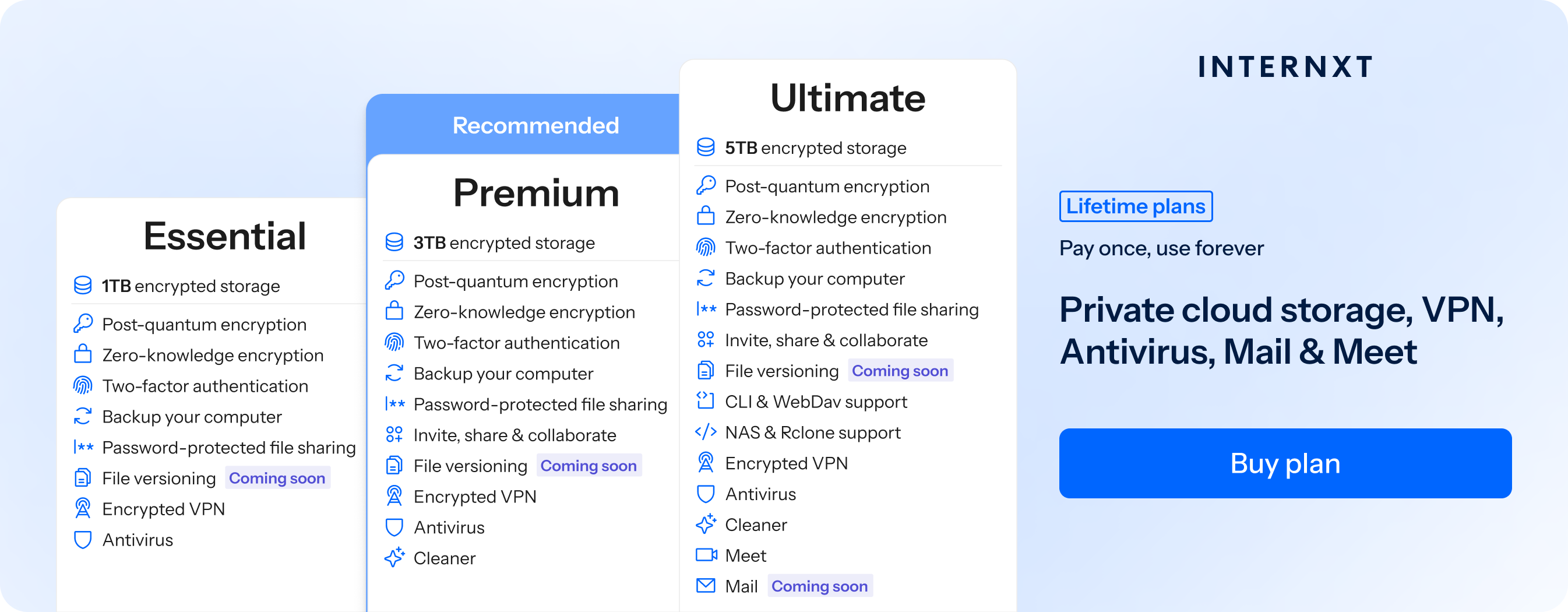
Aside from secure cloud storage, Internxt also offers a full product suite to protect your privacy online, including Antivirus, PC cleaner, VPN, Meet, Mail, file versioning, and more.
If you’re already a Google Drive, OneDrive, or Dropbox user, migrating your files to Internxt’s fully encrypted platform is easy. Just follow the steps in our help centre below!
Internxt plans start from €1.60 per month, with lifetime plans also available. You can check the full list of features below, and visit our website to get an exclusive 87% off all plans.
| Plan | Storage | Features | Annual Cost | Lifetime Cost |
|---|---|---|---|---|
| Essential | 1TB |
|
€18 | €285 |
| Premium | 3TB |
|
€36 | €435 |
| Ultimate | 5TB |
|
€54 | €585 |
Encrypt shared files
Internxt Drive also offers secure file sharing, which you can protect with a password, and revoke access whenever needed for increased control.
Internxt also offers a free file-sharing service, Internxt Send, which uses the same zero-knowledge encryption when sharing files online, to ensure sensitive and confidential documents are protected against hackers.
You can also use Internxt’s free Metadata remover for increased privacy to ensure no information is leaked when sharing files online.
Backup your files
Cloud storage backups work as insurance for your important files by creating an extra copy of your files stored in the cloud, which you can access in case of accidental data loss or ransomware.
With Internxt, you can back up your files in our Windows, Mac, or Linux apps, or via rclone, WebDAV, or NAS
Use a VPN
A VPN creates an encrypted connection between your device and a remote server before your traffic reaches the internet. This encryption prevents others hackers, internet service providers, or people on the same network from easily monitoring your activity online, or finding out your location, which is common in doxing attacks.
With Internxt VPN, you can protect your connection no matter where you are, whether you’re using your personal or public wifi. Internxt encrypts your connection, ensuring nobody can create a profile from your online data or hack your accounts.
Use an Antivirus
Phishing emails or messages often include malware, spyware, or ransomware, which can destroy your devices, cause data loss, and breach your accounts.
With Internxt Antivirus, you can run full or custom scans on your files whenever you need, and delete malware from your account.
For quick and free file scanning for suspicious files you may have received via email, you can check these with Internxt’s free file scanner below.
Use a temporary email
To keep your primary email protected against data breaches, you can use a temporary email to sign up for websites, trials, or services when you don’t want to share your personal email.
Temporary emails like Internxt’s free temp mail help reduce spam and limit how much personal information is linked to online accounts.
If you use a temporary email, be aware that once the email is no longer used, it is gone forever, so it is not recommended for important accounts.
Monitor your social media settings
If you’re an avid social media user, you should change your privacy settings to keep your profile as secure as possible, especially on Meta and X. X for example, may use Grok AI to scan and use your social media posts to train its AI model.
How to check and change your settings.
- Set profile to private
- Limit who can see your followers and following list
- Hide profile from search engines
- Turn off location sharing for posts and stories
- Disable location history if the platform tracks it
- Turn off personalized ad tracking if possible
- Review and remove third-party apps connected to your account
- Check login activity and remove unknown devices or sessions
- Limit who can send you direct messages or friend requests
- Block or restrict unknown accounts
- Limit who can see your followers and following list
- Hide profile from search engines if that option exists
- Restrict past posts to friends or approved followers
Use private browsers
Finally, private browsers are an alternative to Google Chrome as they can block ads, hide your IP, and do not track your online activity.
One popular option is Brave, which is well-liked in the privacy community due to its ad-blocking features and focus on privacy. Tor is another popular choice, but this is generally slower, and is focused more on anonymity, and may require more knowledge to ensure it works properly.
You can check out our list of Google Chrome alternatives below.
How can you protect your privacy online in the future?
While these services will give you everything you need to stay safe online, your online privacy requires constant vigilance, monitoring, and updates on new and emerging cyberthreats.
Therefore, it is crucial to update your passwords every few months, or if you suspect a breach, keep your software updated, and regularly monitor your account activity.
With Internxt, you will get a secure and encrypted cloud storage you can trust, and everything you need to stay safe online from hackers, cybercriminals, ransomware groups, and big tech companies.
Related articles
Frequently asked questions
How can you protect your privacy online quickly and easily?
The quickest and easiest way to protect your privacy is to use encrypted cloud storage, private browsers, and use strong passwords and 2FA for your accounts.
Is private or incognito browsing safe for privacy?
While incognito mode hides browsing history and cookies from being saved on your device, it does not hide activity from websites, internet providers, or networks. It mainly protects local device privacy.
How can I stop companies from tracking my data?
Adjust privacy settings on social media and apps, disable personalized ads, limit data sharing permissions, remove unused apps, delete old accounts, and review third-party app access regularly.
How do I protect my data on public Wi Fi?
Avoid logging into sensitive accounts on unsecured networks. Use HTTPS websites, enable a VPN for added protection, and turn off file sharing and automatic device discovery.
How often should I review my privacy settings?
At least every few months, or whenever platforms update their policies. Regular reviews help you catch new permissions, connected apps, or data sharing changes.