
Is WhatsApp Safe for Sending Private Photos?


WhatsApp encrypts every photo you send using the Signal Protocol, so the contents of your messages are protected in transit. WhatsApp itself cannot read them. For most users, that's sufficient.
The issue isn't the encryption. It's everything around it. WhatsApp collects metadata on every message you send (who you contacted, when, from which device, and how often) and shares that data with Meta.
Once a photo reaches the recipient's phone, WhatsApp's encryption ends entirely: the photo can be screenshotted, forwarded, or exposed if that device is compromised. And WhatsApp's cloud backups are not end-to-end encrypted by default, meaning photos backed up to Google Drive or iCloud sit outside the Signal Protocol's protection.
Whether WhatsApp is safe enough depends on what you're sending and to whom. This article covers exactly where WhatsApp's protection holds, where it doesn't, and when it makes sense to use a secure cloud storage alternative instead.
Table of contents
- Is WhatsApp safe for sending private photos in 2026?
- WhatsApp's privacy concerns: what Meta collects
- How to make WhatsApp safer for sending private photos
- Secure alternatives for sending private photos
- Frequently Asked Questions
Is WhatsApp safe for sending private photos in 2026?
How WhatsApp encrypts your photos
WhatsApp uses the Signal Protocol for end-to-end encryption, the same open-source protocol used by Signal itself and independently audited by multiple security researchers. When you send a photo, it is encrypted on your device using AES-256 before it travels across the network. The recipient's device holds the only decryption key. WhatsApp's servers relay the encrypted data but cannot read it.
The Signal Protocol's source code is publicly available and has been reviewed in multiple independent security audits. WhatsApp's implementation has held up to scrutiny.
WhatsApp's client app is proprietary, meaning its full source code is not publicly auditable. The underlying encryption protocol it uses is open-source. These are two separate things. What you can verify is the protocol; what you have to trust is that WhatsApp's implementation does not deviate from it.
What has gone wrong in the past
WhatsApp's encryption has not been the source of its major security incidents. The vulnerabilities have been elsewhere:
In 2023, a database of 487 million WhatsApp phone numbers was posted on a hacking forum. The exposed data was phone numbers, not message content or photos. The breach enabled phishing and smishing attacks (see our breakdown of WhatsApp scams for the most common patterns) but was not a failure of end-to-end encryption.
In 2024, security researchers identified that WhatsApp assigns persistent identity keys to linked devices that vary by platform: Android uses a 32-character ID, iPhone a 20-character prefix with four additional characters, and Windows an 18-character ID. These differences allow an attacker who has already compromised network traffic to identify a user's operating system, which can assist in targeting platform-specific malware. The photo content itself was not exposed.
What WhatsApp encryption does not protect
End-to-end encryption protects your photos while they are moving between devices. It does not protect:
Metadata. WhatsApp logs a detailed record of your communication activity and shares it with Meta. This includes account details, device identifiers, usage patterns, and contact information. The full breakdown is in the Meta privacy section below.
Cloud backups. If you back up WhatsApp to Google Drive or iCloud, those backups are not end-to-end encrypted by default. The backup sits on Google's or Apple's servers under their encryption, not WhatsApp's Signal Protocol. To encrypt your backup, you have to enable it manually in Settings. Most users have not done this.
The recipient's device. Once a photo arrives, it is decrypted and stored in plaintext on the recipient's phone. What happens next is covered in the endpoint risk section below.
The endpoint risk: what happens after the photo arrives
End-to-end encryption is a transit protection. The moment a photo lands on the recipient's phone, it is decrypted and stored as a normal file. From that point, the security of your photo depends entirely on the recipient and their device, not on WhatsApp.
The recipient can forward your photo without your knowledge. WhatsApp has no mechanism to prevent this. Once a photo is delivered, the recipient controls it completely.
View Once does not prevent screenshotting. WhatsApp's View Once feature deletes a photo after it has been opened once, but the recipient can take a screenshot during that viewing window. WhatsApp does not block or notify you when this happens on most Android and older iOS versions.
A compromised recipient device exposes your photos. If the recipient's phone has spyware or stalkerware installed, an attacker can read decrypted photos directly from WhatsApp's local storage. This is the same attack vector used in high-profile WhatsApp surveillance cases involving the NSO Group's Pegasus spyware.
Unlocked phones create physical access risk. If the recipient leaves their phone unlocked or shares it with others, anyone with physical access can open WhatsApp and view your photos.
Automatic media saving sends photos to the camera roll. By default on many Android devices, WhatsApp saves incoming photos to the device gallery. This means your photo may appear in shared photo libraries, cloud syncs, or app thumbnails outside of WhatsApp's interface.
WhatsApp's encryption does its job in transit. What happens to the photo after delivery depends on the recipient, their device, and their habits.
WhatsApp's privacy concerns: what Meta collects
Metadata WhatsApp shares with Meta
WhatsApp's end-to-end encryption protects the content of your messages and photos. It does not protect the data generated by using the app. WhatsApp collects and shares the following with Meta when sending private photos:
-
Account information: Your phone number, profile name, profile photo, status message, and last-seen timestamp.
-
Device information: Hardware model, operating system, battery level, signal strength, browser, mobile network, and device identifiers including IP address.
-
Usage information: How often you use the app, which features you use, and your activity log.
-
Connection information: Mobile operator, ISP, language, time zone, and the phone numbers and WhatsApp user IDs of contacts you have interacted with.
-
Diagnostic data: Crash logs and performance data from the app
The key point is that WhatsApp knows who you communicate with and when, even though it cannot read what you say. For most personal use, this is an acceptable trade-off.
For anyone whose communication patterns are sensitive (professionals handling confidential matters, or people in high-risk personal situations), metadata exposure is a genuine concern regardless of message encryption.
How Meta uses your WhatsApp data
Since 2016, WhatsApp has shared user data across Meta's family of apps. Meta uses this data to:
- Target advertising across Facebook, Instagram, and Meta's advertising network
- Build interest and demographic profiles linked to your account
- Improve product recommendations and content ranking across Meta platforms
- Comply with law enforcement requests, which can include metadata records
WhatsApp's privacy policy is transparent about this. Meta does not read your messages or see your photos. It does know the full shape of your communications: who, when, and how often.
If you are in the European Economic Area, GDPR restrictions limit some of the data sharing between WhatsApp and other Meta services. Users outside the EEA operate under a broader data sharing arrangement.
How to make WhatsApp safer for sending private photos
Enable end-to-end encrypted backups
These settings do not change WhatsApp's metadata collection, but they do reduce the risks associated with backups, device access, and photo retention.
Enable end-to-end encrypted backups
WhatsApp backups sent to Google Drive or iCloud are not covered by the Signal Protocol by default. To encrypt your backup:
- Open WhatsApp and go to Settings > Chats > Chat Backup
- Tap End-to-end encrypted backup
- Tap Turn on and follow the prompts to set a password or generate a 64-digit encryption key
- Tap Create to apply
Keep your password or encryption key stored securely. WhatsApp cannot recover an encrypted backup if you lose this. Once enabled, your backup is encrypted before it leaves your device and cannot be read by Google, Apple, or WhatsApp.
Use View Once for sensitive images
View Once sends a photo that is deleted from the chat after the recipient opens it once. To use it:
- Open a chat and tap the camera or attachment icon to select a photo
- Before sending, tap the 1 icon next to the send button
- Send the photo. It disappears from the chat after the recipient views it
Important limitation: View Once does not block screenshotting on most Android devices and older iOS versions. The recipient can capture the image during the viewing window. Use View Once to reduce persistent storage, not as a guarantee against the recipient saving the photo.
Additional privacy settings to enable
Disable automatic media saving. By default, WhatsApp saves incoming photos to your device gallery. To turn this off, go to Settings > Chats and disable Save to Camera Roll (iOS) or Media Visibility (Android). Ask recipients to do the same.
Enable two-step verification. This adds a PIN requirement when registering your WhatsApp number on a new device, reducing the risk of account takeover. Go to Settings > Account > Two-step verification.
Review linked devices. If you use WhatsApp Web or desktop, any linked device has access to your messages. Go to Settings > Linked Devices and remove any sessions you do not recognise or actively use.
Enable disappearing messages. For ongoing conversations where you share sensitive photos, disappearing messages automatically deletes messages after 24 hours, 7 days, or 90 days. This limits how long photos persist on both devices.
Secure alternatives for sending private photos
Three alternatives are worth considering depending on your needs: Signal and Threema for private messaging, and Internxt Drive and Send for share photos securely or are looking to get more privacy online.
| Feature | Signal | Threema | Internxt Drive / Send | |
|---|---|---|---|---|
| Encryption protocol | Signal Protocol (AES-256) | Signal Protocol (AES-256) | Proprietary (NaCl library) | AES-256, TLS 1.3 in transit |
| Zero-knowledge encryption | No | No | No | Yes (client-side) |
| Provider can access files | No (messages) / Yes (metadata) | No | No | No |
| Metadata collection | Yes (shared with Meta) | Minimal (phone number only) | None | None |
| Open source | Partial (protocol only) | Yes (full client + protocol) | Yes (audited) | Yes (GitHub) |
| Backup encryption (default) | No (opt-in) | Yes | Yes | Yes (always) |
| Independent security audit | No | Yes | Yes (Cure53, 2023) | Yes (Securitum, 2024) |
| Max file size | 2GB | 4GB | 1GB | 20GB (free), unlimited (paid) |
| Phone number required | Yes | Yes | No | No |
| Cost | Free | Free | €3.99 one-time | Free tier (1GB); Essential €24/year (1TB); Premium €48/year (3TB); Ultimate €72/year (5TB) |
| Best for | Everyday messaging with contacts you trust | Private messaging with maximum protocol transparency | Anonymous messaging, no phone number | Storing and sharing sensitive files with zero-knowledge and post-quantum encryption (1TB to 5TB plans) |
Internxt Drive
For sharing private photos where you need the strongest available privacy guarantees, the most secure cloud storage is the right tool rather than a messaging app.
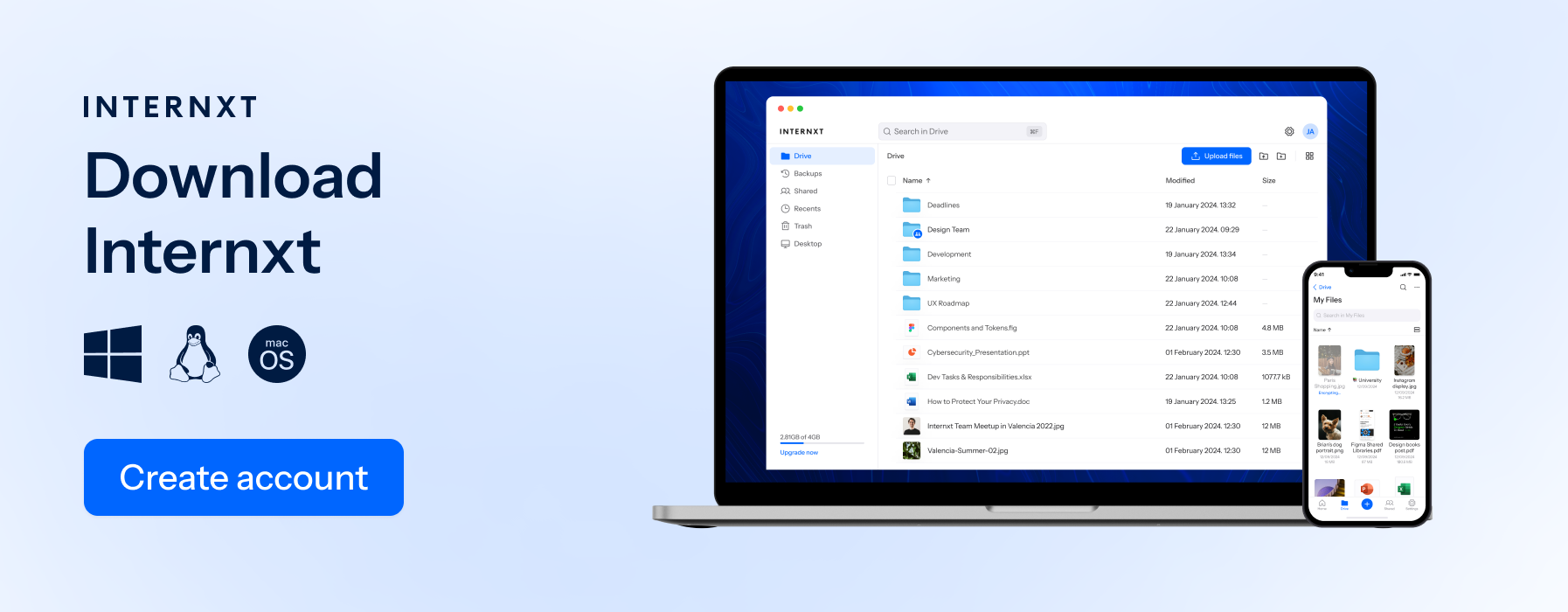
Internxt Drive uses zero-knowledge encryption: files are encrypted on your device before upload, and the decryption keys never leave your device. Internxt's servers store only ciphertext. The provider has no technical ability to read your photos, hand them to a third party, or produce readable content in response to a legal request.
This architecture has been independently verified by Securitum in a 2024 security audit, which confirmed the zero-knowledge implementation. Internxt is also ISO 27001:2022 certified and HIPAA compliant, making it suitable for sensitive personal files, healthcare records, and legal documents.
For a full comparison of privacy-focused cloud storage for photos, including how Internxt compares to Google Photos, iCloud, and OneDrive, that article covers the detail.
All paid plans include post-quantum encryption, two-factor authentication, password-protected file sharing, and computer backup. Plans start at €24/year for 1TB.
When you share a file from Internxt Drive, you control access completely: share via secure link or email invitation, set a password, set an expiry date, or revoke access at any time from the dashboard.
Internxt Send
The second option to share photos privately is Internxt Send, a secure alternative to WeTransfer.
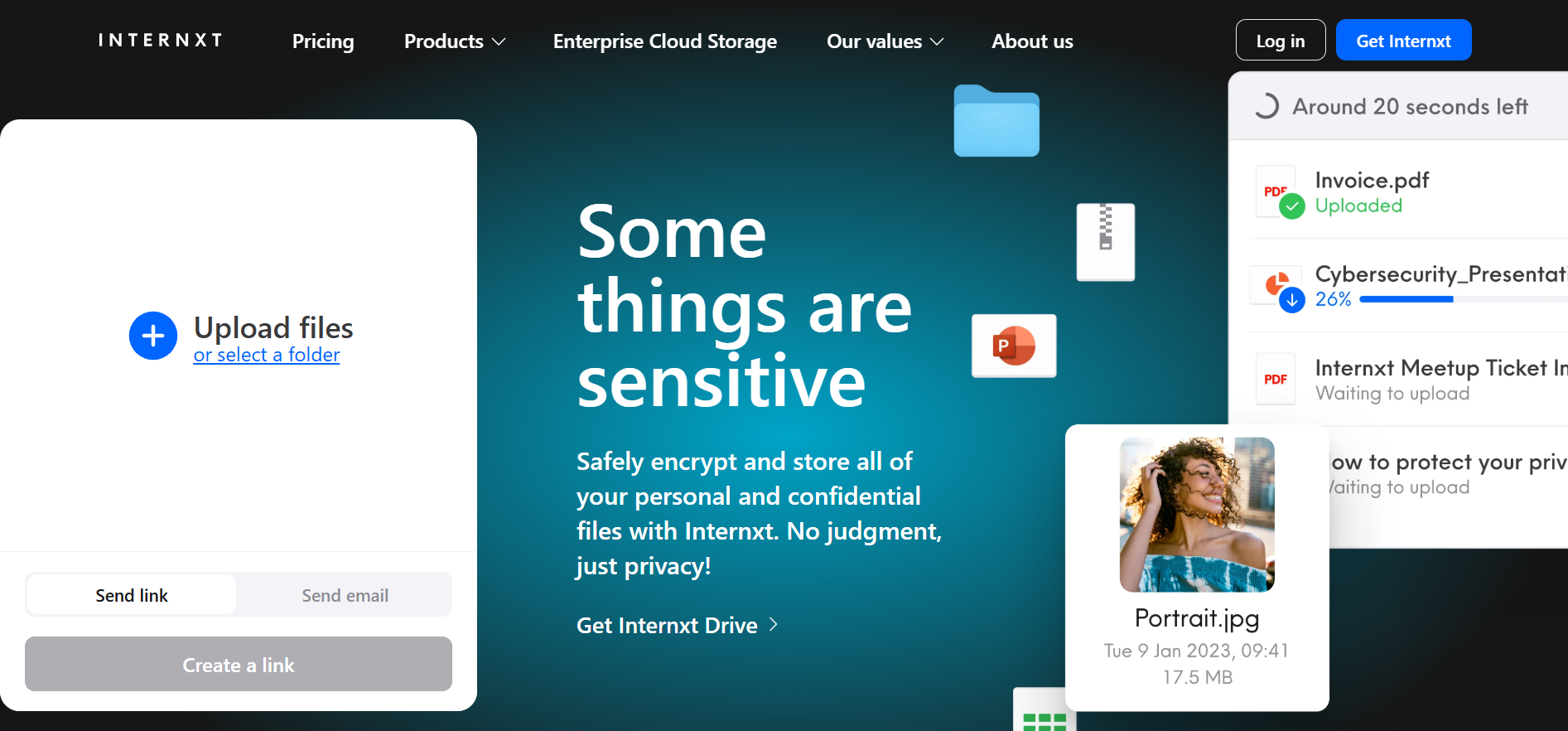
Send is a free service allowing you to send a large amount of photos, with a limit of up to 5GB of files for free. It uses the same end-to-end encryption as all of Internxt’s products, and you can choose to send your files via a secure link or email.
Internxt also offers a free file compressor tool; with it, you can compress video, photos, or documents without compromising your privacy. No sign-up or credit card is required, so you can use this tool as much as you like.
Internxt also offers a free file compressor tool; with it, you can compress video, photos, or documents without compromising your privacy. No sign-up or credit card is required, so you can use this tool as much as you like.
Internxt Photos
Internxt Ultimate plans also include Internxt Photos, a secure backup platform and alternative to Google Photos to protect your memories from data loss. With Photos, you can back up your family's memories from your iOS or Android device, and share them whenever you need to via Drive or Send.
Signal and Threema
If WhatsApp's metadata collection or Meta's ownership is a dealbreaker, two messaging apps provide stronger privacy without sacrificing usability.

Signal
Signal is the benchmark for private messaging. It uses the same Signal Protocol as WhatsApp for end-to-end encryption, but differs significantly in what it collects outside of message content.
Signal's data collection is minimal by design. The only personal information Signal stores is your phone number and the last date you connected to the service. It does not log who you message, when, or how often. Message content, photos, attachments, and call data are never accessible to Signal's servers. The full client and protocol are open-source and have been independently audited.
Key privacy features relevant to photo sharing:
- Note to Self: Store photos privately on your own device via Signal without sending them to anyone
- View Once: Photos and videos that disappear after being viewed once
- Screen security: Prevents Signal from appearing in the app switcher, reducing accidental exposure
- Disappearing messages: Configurable from 30 seconds to 4 weeks
- Incognito keyboard: Prevents keyboard apps from logging what you type
Signal's trade-off is network effect. It only works with contacts who also use Signal. For everyday photo sharing with family and friends already on WhatsApp, switching has a friction cost. For a broader comparison of private messaging options, see our guide to secure messenger apps.
Threema
Threema takes privacy further than Signal in one specific way: it does not require a phone number or email address to register. When you create a Threema account, you are assigned a randomly generated eight-character ID. Your account is not linked to any personal identifier by default.

Threema is based in Switzerland and stores minimal server-side data. Messages are deleted from Threema's servers immediately after delivery. The app has been independently audited by Cure53 (2023), and both the client and server code are open-source.
Threema costs €3.99 as a one-time purchase and has a smaller user base than Signal or WhatsApp. It is the right choice when the requirement is communicating without linking an account to a phone number: journalists, activists, or anyone who needs that separation.
Frequently Asked Questions
Is WhatsApp safe for sending private photos?
Yes, for most uses. The encryption is solid, but the risks are backups (not end-to-end encrypted by default), metadata shared with Meta, and what happens to the photo once it's on the recipient's device. If any of those matter, Internxt Drive is built around zero-knowledge encryption where none of those gaps exist.
Can Meta see my WhatsApp photos?
No, but Meta can see the metadata: who you contacted, when, how often, and from which device. That data is shared across Meta's platforms and used for advertising.
What encryption does WhatsApp use?
WhatsApp uses the Signal Protocol with AES-256 encryption. The protocol is open-source and independently audited; the WhatsApp client app itself is proprietary.
Is my WhatsApp backup encrypted?
Not by default. Go to Settings > Chats > Chat Backup > End-to-end encrypted backup to enable it. If you want backups that are zero-knowledge by default without manual setup, Internxt Drive encrypts everything on your device before upload.
Is Signal safer than WhatsApp for sending photos?
The encryption is identical: both use the Signal Protocol. Signal's advantage is metadata: it collects only your phone number and last connection date, while WhatsApp shares a much broader data set with Meta.
Can someone hack my WhatsApp photos?
Not through the encryption. No known attack has broken the Signal Protocol. Real-world incidents target the endpoint (spyware on the device) or the account (SIM swapping), not the encryption itself.
What is the safest app to send private photos?
For messaging, Signal. For storing or sharing files where the provider should have zero access, Internxt Drive uses zero-knowledge encryption independently audited by Securitum, and Internxt Send handles one-off transfers for free with no account required.
Does WhatsApp share data with Facebook?
Yes. Since 2016, WhatsApp shares metadata with Meta's family of apps, including Facebook and Instagram, but not message content or photos. EEA users have additional GDPR protections that limit some of this sharing.
Switching to a life of privacy for photo sharing and messaging
Most people asking this question are fine using WhatsApp. Turn on encrypted backups, disable auto media saving, and be honest with yourself about whether you trust the person on the other end. Those three things matter more than the encryption.
The Meta data sharing is the real reason to consider switching. Signal solves that without asking you to change how you message people. It works the same way, your contacts just need to have it installed.
If you're storing or sharing photos that genuinely cannot be seen by anyone else (medical images, legal documents, anything sensitive), Internxt Drive is built for that.
Whichever messaging apps you choose, combine them with Internxt Drive, Send, and VPN for a fully private experience online. And if you want to check whether your data from past breaches is already exposed, Internxt's dark web monitor scans for it.