
How Does Google Photos Work to Back Up and Sync My Files?

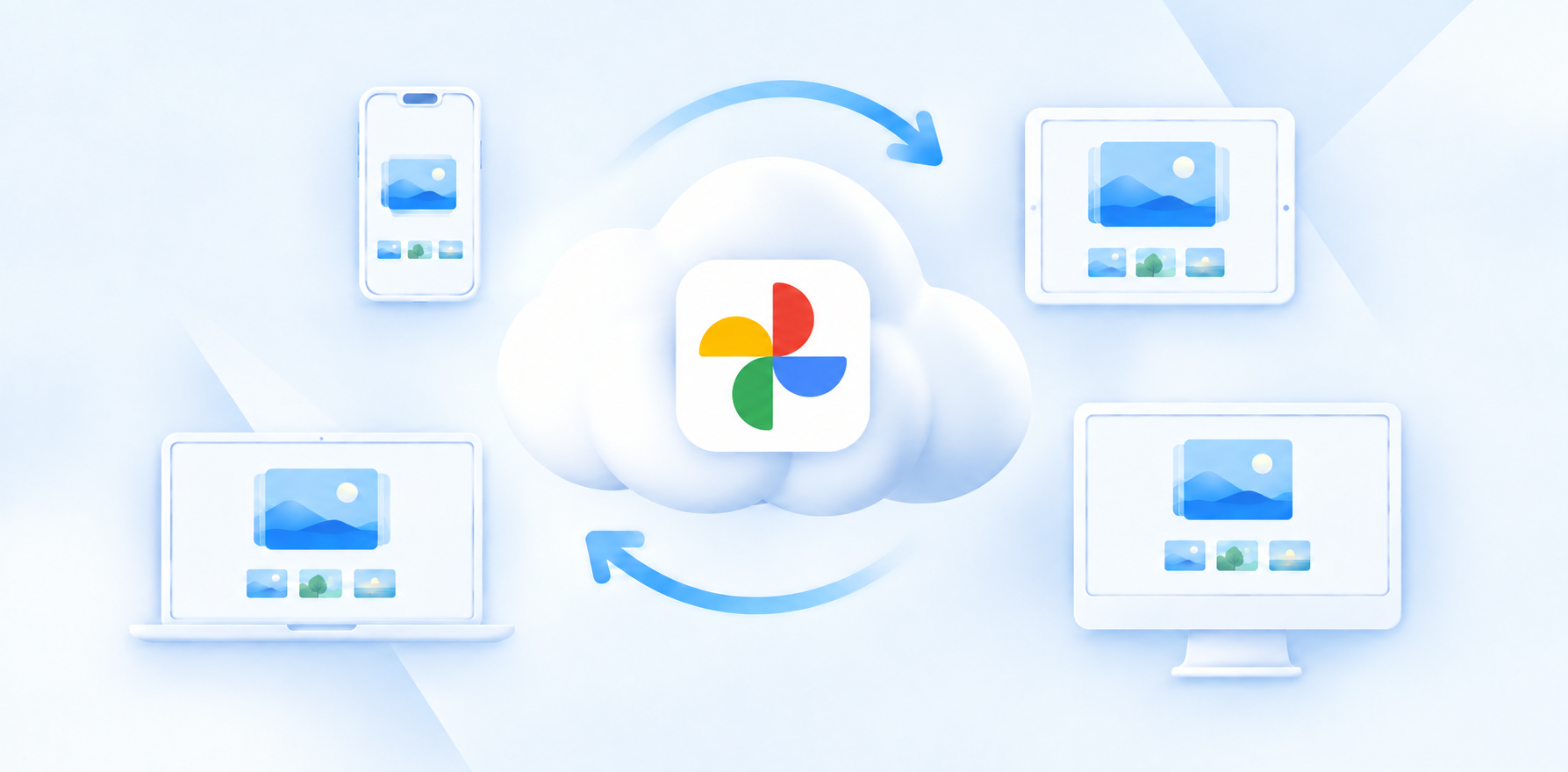
Google Photos is part of Google’s product suite, but works differently from Google Drive, which focuses on storing your files and collaboration with others.
So how does Google Photos work?
Google Photos is dedicated to protecting your photos from accidental deletion or data loss by automatically uploading your photos to Google Photos, backing them up in the cloud, and making them accessible across all devices.
If you’re looking to learn more about how does Google Photos work, this article covers how Photos work, plus more important information about how your cloud storage for photos works, pricing, extra features, encryption, and other alternatives to Google Photos.
Table of contents
- What is Google Photos?
- What’s the difference between Google Photos and Google Drive?
- How does Google Photos work?
- Where are Google Photos stored?
- Is Google Photos safe?
- What is the best alternative to Google Photos?
- Related products
- Frequently asked questions
What is Google Photos?
Google Photos is Google’s service for storing, organizing, viewing, and backing up photos and videos online. It is designed primarily for your personal photo and video library, rather than the general file storage Google Drive offers.
When backup is turned on in Google Photos, new photos and videos can continue to be backed up automatically as you create them without the need to manually upload, sync, or back up your photos.
If you don’t want Google to automatically back up your photos, you can stop this feature by checking out our how to stop Google Photos backup article.
If you have a free account with Google, this gives you 15GB of free cloud storage for Google Photos in a separate photo and video service, but the storage is shared between Google Drive and when you receive or sending secure emails with Gmail.
Google Photos also offers features such as automatic organization, smart search, albums, photo and video editing, and Gemini AI integration helps organize and search your library, edit photos, and recognize people, places, and objects.
What’s the difference between Google Photos and Google Drive?
Google Photos is specifically designed for storing, backing up, organizing, editing, and sharing photos and videos; it has a separate app, interface, and platform for managing your photos.
Google Drive is a general-purpose cloud storage service for storing and managing files and folders. You can upload documents, PDFs, spreadsheets, presentations, videos, photos, and other types of files. Drive lets you organize files into folders, share them with others, and access them across devices.
The key difference between Google Photos vs Google Drive is that Photos is optimized for managing a photo and video library, while Drive is designed for general file storage and organization.
How does Google Photos work?
Here is a simple overview of how it works:
- Sign in and enable backup: You sign in to Google Photos with your Google account and enable backup on your phone from your account settings.
- Google Photos detects your photos and videos: Once backup is enabled, Google Photos scans the photos and videos available on your device. It identifies which items need to be backed up and begins uploading them.
- Your photos and videos are uploaded to Google's servers: Google Photos transfers copies of your photos and videos over the internet to Google's cloud infrastructure. The data is encrypted during transfer and while stored on Google's servers.
- New photos are backed up automatically: After the initial backup, when you take a new photo or video, Google Photos can automatically upload it without you having to manually select it each time.
Once Google Photos has successfully backed up a photo or video, you can delete the local copy from your phone and keep the backed-up version in Google Photos, but you must make sure it has successfully backed up first to avoid accidentally deleting important photos.

Where are Google Photos stored?
Google Photos are stored in Google’s cloud infrastructure. When you enable backup, a copy of your photos and videos is uploaded to Google’s data centers and associated with your Google account.
The data is encrypted during transfer and while stored on Google’s infrastructure, so your photos are not end-to-end encrypted and could be decrypted by Google employees, severely limiting the privacy of Google Photos.
Google uses a global network of data centers, and data may be stored and processed across different locations depending on the service and your account.
The original photo can remain on your phone as a local copy. If you later delete the local copy after it has been successfully backed up, the cloud copy remains available in Google Photos.
Is Google Photos safe?
Yes, Google Photos is safe. It has many security protocols and features that you can activate for your account to gain extra security, including:
- Encryption: Photos and videos are encrypted while being transferred between your device and Google, and while stored on Google’s servers, but photos are not encrypted on your device.
- Account security: 2-Step Verification, Security Checkup, and Advanced Protection.
- Secure sharing: You can share photos securely with shareable links.
- Locked Folder: Sensitive photos can be placed in a protected folder that requires your device screen lock or authentication to access, but this vault is not end-to-end encrypted.
- Location privacy: You can control whether location information is included when sharing photos.
These controls keep your account secure, but not necessarily private. As we covered in our Is Google Drive secure article, neither Google Drive nor Google Photos uses end-to-end encryption.
This means Google can technically process the stored content to provide features such as search, organization, and AI-powered features.
Therefore, if you want to keep your photos with private cloud storage solutions that back up your photos with zero-knowledge encryption, Internxt offers the best alternative to Google Photos with post-quantum and end-to-end encryption.
What is the best alternative to Google Photos?
Internxt
Internxt is a European cloud storage provider offering encrypted cloud storage to store, sync, and back up your files in total privacy.
Internxt secures your data by encrypting photos directly on your device with post-quantum and zero-knowledge encryption for all plans. For transparency and peace of mind that your data is secure with Internxt, all products are open source, and Internxt is also GDPR, ISO 27001, SOC 2, and HIPAA compliant.

Aside from offering a private Google Drive alternative, Internxt also includes a full privacy suite and alternatives to other Google products, including
- Internxt Meet for secure video conferencing
- Internxt Photos for photo backups
- Internxt Mail, a private and encrypted email
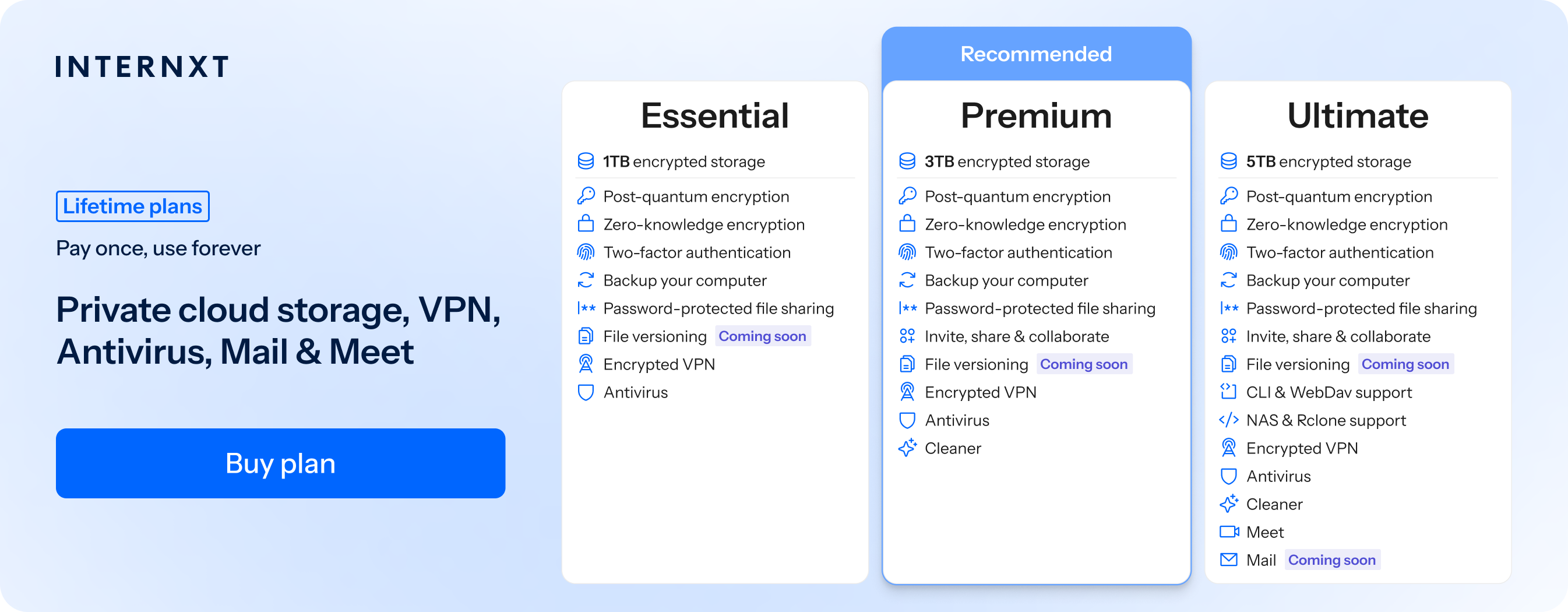
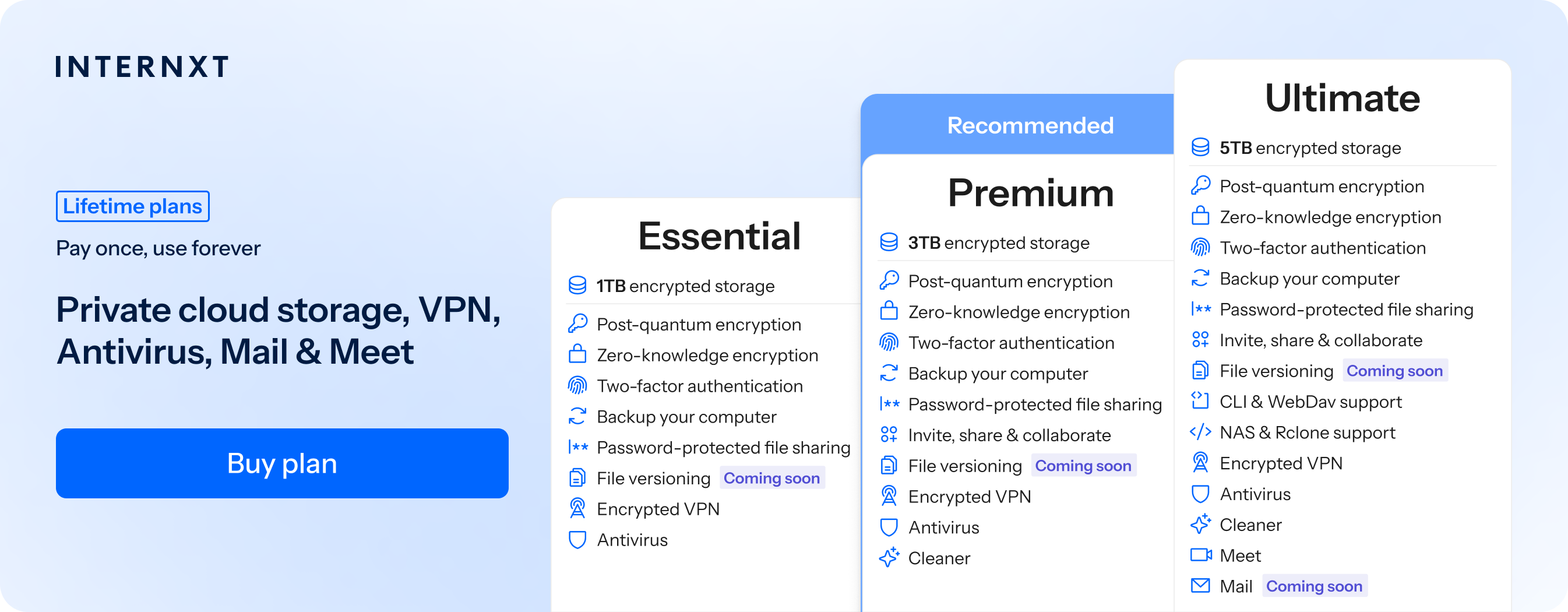
The full features of Internxt’s paid plans and features can be found below, and you can get 85% off any plan by following this link to get your exclusive 85% discount.
| Plan | Storage | Features | Annual (Paid monthly) | Lifetime Cost |
|---|---|---|---|---|
| Essential | 1TB | €1.99/month | €380 | |
| Premium | 3TB |
|
€3.99/month | €580 |
| Ultimate | 5TB |
|
€5.99/month | €780 |
| *Prices are correct at the time of writing and are subject to change. For latest prices, check https://internxt.com/pricing | ||||
Internxt Drive vs Internxt Photos
Internxt Drive is an alternative to Google Drive to store, sync, back up, and share folders online privately with zero-knowledge encryption.
Drive is available for web, Windows, Mac, and Linux, with advanced options available for WebDAV and Rclone, and NAS cloud backups for QNAP and Synology devices.
Internxt Photos is specifically designed around your photo library. It automatically backs up photos for Apple and Android devices, and is available with the Internxt Ultimate monthly or lifetime cloud storage plan.
Internxt vs Google
Below, you can view a quick comparison of Internxt vs Google Drive
| Feature | Internxt | |
|---|---|---|
| End-to-end encryption | Yes | No |
| Can access your photos | Never | Under certain circumstances |
| Open source | Yes | No |
| Password-protected file sharing | Yes | No |
| Maximum storage | 5 TB | 2 TB |
| Lifetime plans | Yes | No |
| Prices from | €1.49/month or €285 lifetime | €1.99/month or €16.99/year |
To get full privacy for your cloud storage, photos, emails, and more, make the switch to Internxt with 85% off to start migrating your files from Google to Internxt.
Related products

Frequently asked questions
What is Google Photos?
Google Photos is a cloud-based service that lets you back up, organize, manage, and access your photos and videos across your devices.
Is Google Photos free?
Google Photos can be used with a free Google account, which includes a limited amount of shared storage. Additional storage is available through Google One plans, which go up to 2TB.
How does Google Photos work?
Google Photos uploads copies of your photos and videos to Google’s cloud servers. Once backed up, you can access them from other devices by signing in to your Google account.
Does Google Photos automatically back up photos?
Yes. When Backup is enabled, Google Photos can automatically upload new photos and videos from your device. You can turn off automatic backups from your account settings.
Can I delete photos from my phone after backing them up?
Yes. Once you confirm that your photos are successfully backed up, you can remove the local copies from your device. Google Photos also has a Free up space feature that can help with this.
Can Google access my photos?
Google does not provide end-to-end encryption for standard Google Photos storage, which means Google’s systems can technically process your stored content. For private cloud storage for your photos with automatic backups, Internxt Drive and Photos offer the best secure alternatives to Google’s ecosystem.