
Carbonite vs Backblaze: Which is Better?

Carbonite and Backblaze both offer the same service: unlimited backups in the cloud.
But there are some differences to be aware of when choosing which one is best, so we will cover Carbonite vs Backblaze considering the following:
- Features
- Pricing
- Security and privacy
- Alternatives to both
Table of contents
- Carbonite vs Backblaze overview
- Carbonite vs Backblaze features
- Carbonite vs Backblaze pricing
- Encryption and security
- Where is your data stored with Carbonite and Backblaze?
- Carbonite vs Backblaze: which one should you choose?
- What is the best alternative to Carbonite and Backblaze?
- Related products
Carbonite vs Backblaze overview
Carbonite and Backblaze are cloud storage backup solutions that protect your files by automatically backing them up online.
Both offer methods to back up your files in the cloud, so you can recover your files if your device is lost, stolen, damaged, affected by hardware failure, or ransomware. With both services, you can recover your data, and nothing is lost.
Backblaze is known for its simplicity and unlimited cloud storage backups for a single computer. It automatically backs up files with minimal setup and offers options for restoring data through downloads or shipped drives.
Carbonite also offers automatic cloud backup, with plans designed for individuals and businesses. Its features vary by subscription, which we will cover next.
Both services primarily focus on backup, so if you want personal cloud storage with file syncing and backups, secure file transfer, and more extensive features, then you should consider cloud storage plans like Internxt.
You can also check out our article on cloud storage vs cloud backup vs cloud sync to find out which would best suit your needs.
Carbonite vs Backblaze features
Overview
As both services focus on backups, their plans are limited outside of this. Below is a comparison of what both services offer.
| Feature | Backblaze | Carbonite |
|---|---|---|
| Continuous Backup | Yes | Yes |
| Incremental Backup | Yes | Yes |
| External Drive Backup | No | Yes, but not on the Basic plan (all other plans) |
| NAS Backup | No | Yes, but only on the Safe Backup Pro plan |
| Unlimited Backup | Yes | Yes |
| Versioning | Yes | Yes |
| Private Encryption | No | Yes |
Platforms
Both are available on Windows and Mac, but not Linux. We cover Linux cloud backup solutions if you need a solution to back up files on your Linux system.
Neither offers backups for your mobile devices, but the Backblaze app is available on iOS and Android to view and manage your files via mobile.
Both services also offer NAS cloud backups, included with a Backblaze plan but only available with a more premium Carbonite plan.
File versioning
File versioning means that a cloud backup service keeps older copies of your files when you change them, so you can restore an earlier version if you make a mistake, overwrite something important, or need to recover previous content.
With Backblaze's 30-day retention, you can potentially recover a version from several weeks ago, but not one that has aged beyond the retention window.
With Carbonite's 12-version limit, you can potentially recover one of the 12 retained earlier versions. If you make changes frequently, the version you need could be pushed out sooner than you expect.
File sharing
For sharing large files securely online, Backblaze has this feature, whereas Carbonite does not. To share a file from Backblaze Computer Backup, you must enable Backblaze B2 Cloud Storage.
You can then select a backed-up file, choose “Share with Link,” and send the generated URL to someone else.
If file sharing isn’t an important feature for a Backblaze plan, you can choose other encrypted file sharing services from our best free file sharing services article.
Courier recovery
If you want a way to recover your device via physical hard drives, then both Carbonite and Backblaze will send you a USB to restore your files.
Backblaze offers this service for 256 GB or less with USBs and up to 8 TB with an external hard drive. Carbonite has no limit; the size of the hard drive depends on the amount you want to restore, so if you want to restore 1 TB, you’ll get a 1 TB Drive; if it’s 5 TB, you get a 5 TB drive, and so on.
For Carbonite vs Backblaze courier prices, Carbonite charges ~99 per request, regardless of the size, whereas with Backblaze it would cost you $99 for under 256 GB and $189 for up to 8TB.
Transparency
Neither provider is open source; they use proprietary software, so their code is hidden. This means you have to trust the encryption and security of the platforms and that there are no backdoors or access to your data and files.
Carbonite vs Backblaze pricing
Carbonite offers 1, 2, and 3-year plans, and the discount increases the longer your subscription.
Plans are broken down into Basic, Plus, and Prime, and all include unlimited storage for automatic backups in encrypted cloud storage; the prices for the annual plans are below.
- Basic $76.79/year
- Plus $85.79/year
- Prime $105.29/year
Backblaze offers a free trial before you sign up for a monthly, annual, or bi-annual plan, which all offer unlimited backups for PC and Mac.
Backblaze costs $9/month, $99/year, or $189 for two years, so it’s slightly cheaper than Carbonite’s most expensive plan, and slightly more than its mid-tier plan. If all you want is automatic backups, then Backblaze is the cheaper option overall.
Encryption and security
Backblaze and Carbonite both encrypt backed-up files during transmission and while stored in the cloud. In terms of end-to-end encryption, for both services, the answer depends on the product and encryption settings you use.
With both services, you have two options for encryption:
- The services manage the encryption key needed to restore your data. This means the service can facilitate file recovery without requiring you to manage a separate encryption key yourself. However, they manage the key; the default configuration does not provide strict end-to-end encryption in which only the customer holds the decryption key.
- Personal Encryption Key (PEK). When you enable it, you supply a passphrase that Backblaze does not store. The passphrase protects the backup's encryption key, and Backblaze states that it cannot decrypt or restore the backup without the passphrase.
So while both offer encrypted backups, the encryption process is not identical to a typical client-side E2EE cloud storage service.
For account security, both offer MFA to add security, which you should use combined with a strong password/passphrase.
Where is your data stored with Carbonite and Backblaze?
Both providers store your backups in the US, which is something you should take into account for the privacy of your files, due to the US’s poor cloud privacy laws such as the Patriot Act, the PRISM program, and the intelligence-sharing network, Five Eyes.
With Backblaze, you can choose to store your data in the Netherlands, but if you want a European provider for your backups, there are other options available. Such as Internxt, Filen or pCloud, and others listed in our European cloud storage providers article.
Carbonite vs Backblaze: which one should you choose?
If you need backups for your desktop (PC or MAC), both offer similar services, but based on your needs, you should:
- Choose Carbonite if you prefer its file-management interface, selectable restore options, and recovery features such as restoring files after a malware infection on eligible plans.
- Choose Backblaze if you want unlimited backup for one computer, support for external hard drives, file version history, and a simple way to back up large amounts of data without managing storage limits
You should choose an alternative to Backblaze and Carbonite if you want cloud storage backups that include syncing, collaboration, and other features to secure your files online.
What is the best alternative to Carbonite and Backblaze?
One popular alternative to Backblaze and Carbonite is iDrive, but for a European, open-source, and end-to-end encrypted solution for your cloud backups, Internxt offers two solid options.
Internxt Drive
Internxt Drive offers private cloud storage with post-quantum and end-to-end encryption. It has data centers located throughout Europe, where multiple copies of your files and backups are stored, and it is also fully open source.
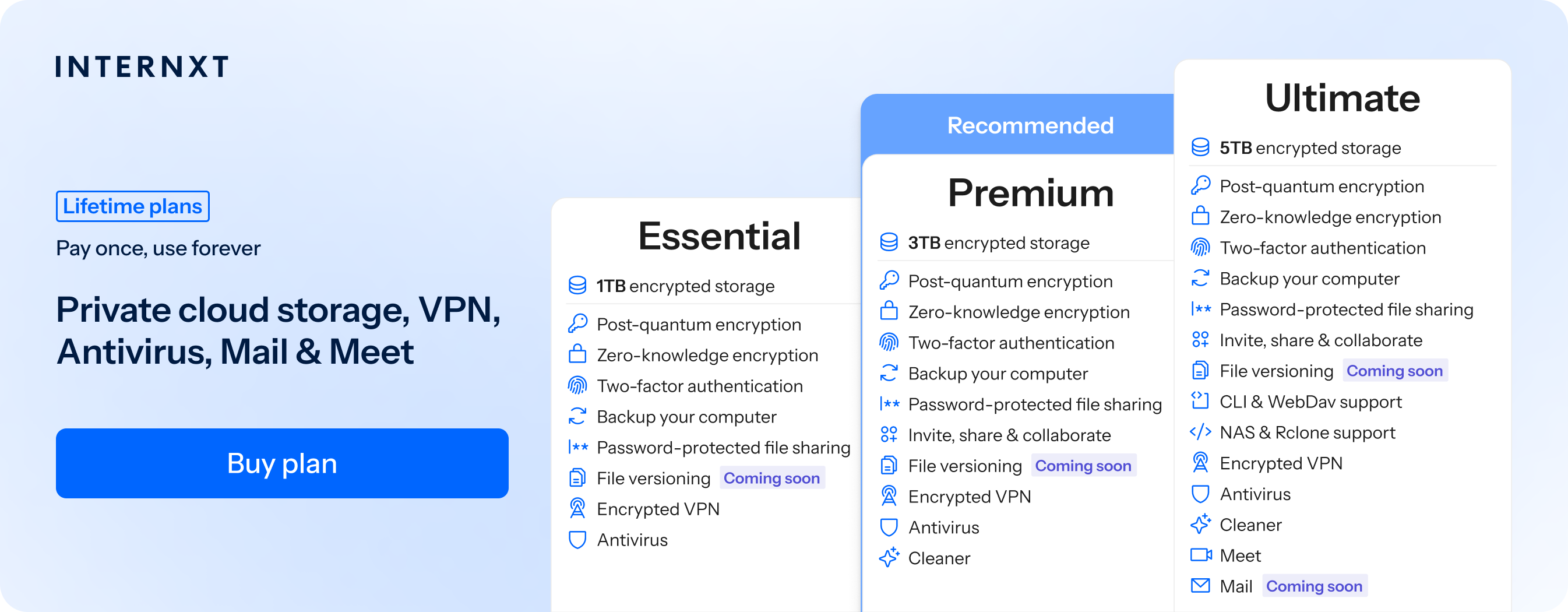
For backups specifically, Internxt offers file versioning and backups of files for desktop apps, including Linux, with the option to back up files via WebDAV, Rclone, or NAS. All files you store and back up in the cloud are end-to-end encrypted and cannot be accessed by Internxt, nor anyone else.
Internxt also includes Internxt Photos, an alternative to Google Photos for you to automatically back up your photos from your mobile, keeping them private and free from AI scanning.
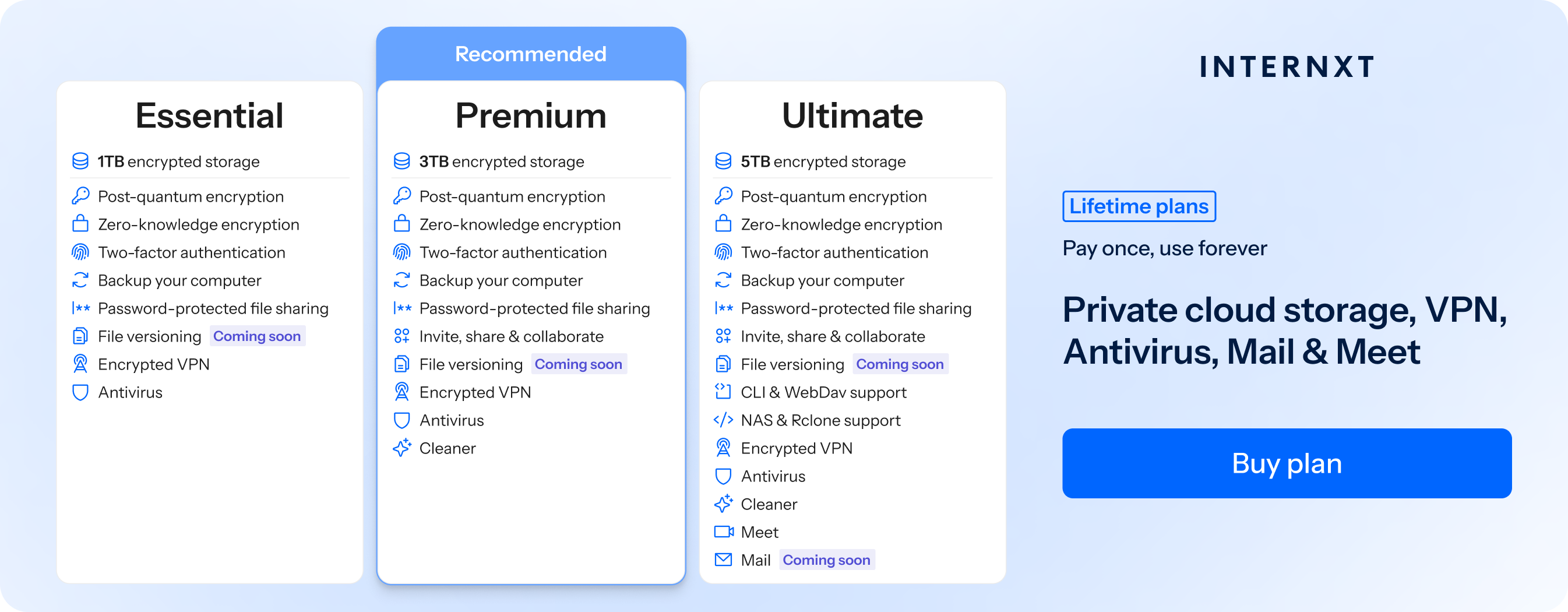
So if you need an alternative to Carbontie or Backblaze, with cloud storage, backups, and a full privacy product suite, Internxt plans start at €1.49/month for 1TB plans, with lifetime plans up to 3TB also available.
Plans also include an encrypted email, VPN, and much more, which you can get for 85% off from our special offer page.
| Plan | Storage | Features | Annual (Paid monthly) | Lifetime Cost |
|---|---|---|---|---|
| Essential | 1TB | €1.99/month | €380 | |
| Premium | 2TB |
|
€3.99/month | €580 |
| Ultimate | 5TB |
|
€5.99/month | €780 |
| *Prices are correct at the time of writing and are subject to change. For latest prices, check https://internxt.com/offerblogen | ||||
Internxt S3
For businesses who want greater flexibility and control over their storage setup, object storage can be an excellent alternative to Carbonite or Backblaze.
With Internxt cloud object storage, you can automate backups, file versioning, retention policies, and recovery from accidental deletion or data corruption. Internxt S3 also offers immutable backups, which prevent stored data from being changed or deleted during a defined retention period.
This object storage plan is fully scalable, so you can get petabytes of data at a fixed cost of €7/TB with no costs for moving data in or out of the cloud. To get started with the best enterprise cloud storage and backups for your business, visit our website to contact our sales team for more information.