
Is Cloud Sync Safe for Personal Files in 2026?

For those looking for Unlimited storage, there are a few options available, and one of the most popular ones is Sync.com.
However, before making your decision to trust a cloud storage with your personal or business files, you should ask yourself about the security, safety, and privacy of the platform.
For this, we can help make your decision easier by exploring Sync.com and covering the following topics:
- Is Cloud Sync safe?
- Pricing and features
- Security and privacy
- Best sync alternative
Table of contents
- About Sync cloud storage
- Is Sync Cloud secure?
- Is Sync Cloud private?
- Is Sync Cloud safe?
- What is the best alternative to Sync?
- Which alternative to Sync should you choose?
- Related articles
- Frequently asked questions
About Sync cloud storage
Sync cloud storage is based in Canada and has been in the cloud storage market since 2011.
The company provides online storage for individuals and businesses to securely save, access, and share their files across multiple devices.
Like Internxt, Sync focuses on privacy and security, using end-to-end and zero-knowledge encryption so that only the user can access their data, making it different from big tech companies like Google or Dropbox, who can access your files.
Sync offers personal file storage, while businesses rely on it for collaboration, document sharing, and protecting sensitive information.
Before we cover the topic of is cloud sync safe, we will look at what free and paid storage plans it offers.
Is Sync.com free?
Yes, you can use sync for free. When you sign up, you get 5GB of free cloud storage, which comes with certain features and restrictions.
With a free plan, you get access to:
- 5GB storage
- End-to-end encryption
- 5GB data transfer per month
- File versioning (30 days)
- File syncing and backups
- Password-protected file sharing
For more features, you can upgrade to a monthly or annual account. More details on these paid plans can be found below.
Features and pricing
Sync cloud storage breaks down its pricing into individual and business plans, each with different storage and features depending on your needs.
For Individuals
Personal:
1TB, $16/month or $144/year
Top features:
- End-to-end encrypted storage
- 1TB basic sharing
- 60-day file recovery
Pro Solo:
5TB: $32/month or $540/year
Top features:
- Unlimited storage
- Unlimited sharing
- 365-Day file recovery
- Custom branding
- Phone support
- Admin delegation
Pro Solo Unlimited
Unlimited storage - contact sales for pricing.
- Minimum 100 users
- Custom requirements
- Account manager
- Training options
Sync also offers a free trial for personal use.
This includes all the features of a free plan, but with 150GB of storage that you can try for free for 30 days and $4/month thereafter.
For teams
Pro Teams Standard
1TB: $8/month or $216/year
Top features:
- 1 TB secure storage
- 1 TB sharing
- 180-Day file recovery
- Administrator account
Pro Teams+ Unlimited
Unlimited storage: $18/month or $540/year
Enterprise
Unlimited storage - contact sales for pricing.
Top features:
- Minimum 100 users
- Custom requirements
- Account manager
- Training options
Is Sync Cloud secure?
Sync Cloud has security features included in its free plan to ensure your account is protected. It also includes other security features for paid plans, should you need extra security for your team or personal files.
However, Sync is not open source. This is a major drawback for users who care about security and privacy, as Sync’s platform cannot be verified for its security, so you have to trust the company that it protects your data.
Free security features
- Zero-knowledge encryption: Sync cannot access your files, as everything is encrypted on your device. This differs from other companies, such as Google Drive, and other companies like Icedrive or pCloud, where zero-knowledge encryption is a paid feature.
- Two-factor authentication: 2FA reduces the risk of your account being breached if your password has leaked online or someone attempts to hack your account.
- Password-protected sharing: Shared links can be locked with a password so only approved users can access them. However, there are restrictions on the number of downloads and transfers.
- Remote device and session control: Log out devices or sessions if you suspect someone else has access.
Paid features
- Extended file versioning and recovery: Increases the recovery window of changed files to several months, giving stronger protection against accidental changes or deletion.
- Account rewind: Allows you to restore your entire account to an earlier state after incidents like ransomware or accidental deletion.
- Administrative controls for teams: Enable role-based access and user management to control who can access what to avoid unauthorized access to sensitive files.
- Compliance support: Sync is based in Canada, so it mostly follows Canadian regulations, but if you’re from Europe, then GDPR regulations apply. Sync also has SOC and HIPAA compliance, with the latter being a paid feature.
Advantages:
- Free zero-knowledge encryption
- Includes basic security for free plans
Disadvantages:
- Advanced security features are locked behind a paid plan.
- Security features are limited to cloud storage only.
- Cannot verify security claims, as Sync is not open source.
Internxt vs Sync security
With Internxt, you get zero-knowledge encryption for all plans, but the added security of Internxt’s encryption is that it includes post-quantum encryption.
This advanced encryption is the best and most secure encryption available, as it future-proofs your files against future cybersecurity threats, which could break current encryption protocols.
Internxt is also fully open source and has been independently security audited to ensure maximum transparency and trust in the platform’s security.
The NIST recommends that companies switch to PQE by 2035, so by choosing Internxt, you get the best, most secure, and private encryption available.
Other security features include:
- 2FA: Add more security to your accounts.
- Password-protected file sharing: share and encrypt files securely.
- Password backup key: Ensure you can access your accounts in case you forget your password.
- GDPR, HIPAA, and SOC 2 compliance: security and data protection for all data types and businesses.
Extra features:
- Antivirus: Protect your device from malware
- VPN: Encrypt and secure your internet connection
- File versioning: Restore files to previous versions to protect against data loss
- Cleaner: Delete duplicate and junk files to increase device performance
- Meet: Host encrypted and private video calls
- Mail: Send private and encrypted emails
- Photos: Automatic syncing and photo backups
Who wins? Internxt has more secure encryption and a more advanced product suite designed to protect all aspects of your online privacy outside of cloud storage.
Internxt has also been independently audited twice by Securitum to verify the security of its platform and ensure your data has the updated security protocols necessary to protect your data.
Is Sync Cloud private?
In terms of privacy, Sync has the following features to protect your privacy online
- Minimal data collection: Sync collects only what is required for account creation and service operation, not extra personal data.
- No user profiling: Sync does not track your activity for advertising or analytics purposes.
- Anonymous account metadata: File names, folder structures, and other metadata are encrypted or handled in ways that reduce personal identification.
Internxt vs Sync privacy
Internxt’s mission for increased online privacy is reflected in its product suite, encryption, and how it handles your data.
- Internxt protects your data with GDPR compliance, and only collects the necessary data to create your account, and does not monitor or track your data.
- All data is encrypted on your device, meaning nobody except you can view your files.
Internxt also includes several free tools dedicated to increasing your online privacy, which include:
- Temporary email: Protect your personal email from unwanted spam.
- Password generator and checker: Ensure your passwords are strong and protected from hackers.
- Dark Web Monitor: Check if your personal information has leaked online.
- Metadata remover: Delete hidden information from files, such as author names, editing history, location data, and other embedded details that could reveal personal or sensitive information.
Who wins? Internxt and Sync both have the same values of privacy for your files, with limited data collection. Internxt takes the edge as it offers more free tools to give you extra privacy online.
Is Sync Cloud safe?
If you’re wondering is Cloud Sync safe for your personal files, Sync includes the following safety features to protect your accounts, data, and cloud storage.
- Anti‑brute‑force protections: Sync monitors login attempts and limits repeated failures to prevent automated tools from guessing passwords.
- Account lockout and recovery safeguards: Unusual activity may trigger additional verification steps or limit access until identity is confirmed, helping prevent account takeover.
- Shared link safety controls: Shared links can be revoked or disabled at any time to cut access if a link was shared incorrectly or compromised.
Internxt vs Sync safety
For your account safety, Internxt follows the following safety measures:
- Device protection and optimization: Malware protection and Cleaner ensure your device is protected from cyberattacks and phishing attempts, and keep your device clean from junk or duplicate files.
- Accidental deletion protection: File recovery and version history allow restoring earlier versions or recovering deleted items within the configured window.
- Shared link safety controls: Shared links can be revoked or disabled at any time to cut access if a link was shared incorrectly or compromised.
- Advanced session management: real-time login notifications and detailed remote session monitoring (client, OS, IP, location, last active time). (Business plans)
- Session monitoring: Track who has signed in, uploaded, or modified files, giving you total control and ensuring data security across your team. (Business plans)
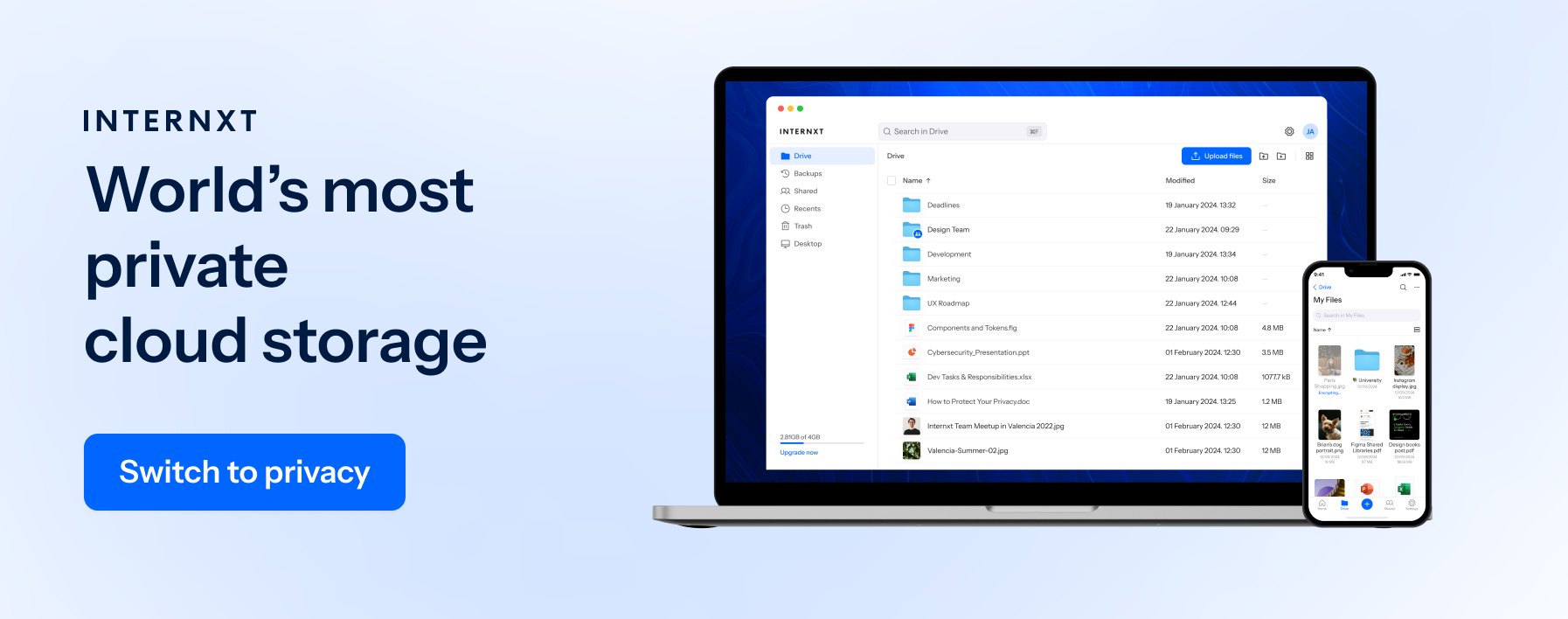
Who wins? Both Sync and Internxt place a strong emphasis on account safety, but if you want additional protection for your device, Internxt’s Antivirus and Device Cleaner gives you better device safety.
That being said, both have advanced safety controls for individual and business plans, so you don’t have to worry about device safety.
What is the best alternative to Sync?
Now that we have covered is Cloud Sync safe, you may be wondering if there is a better, more affordable alternative to Sync.
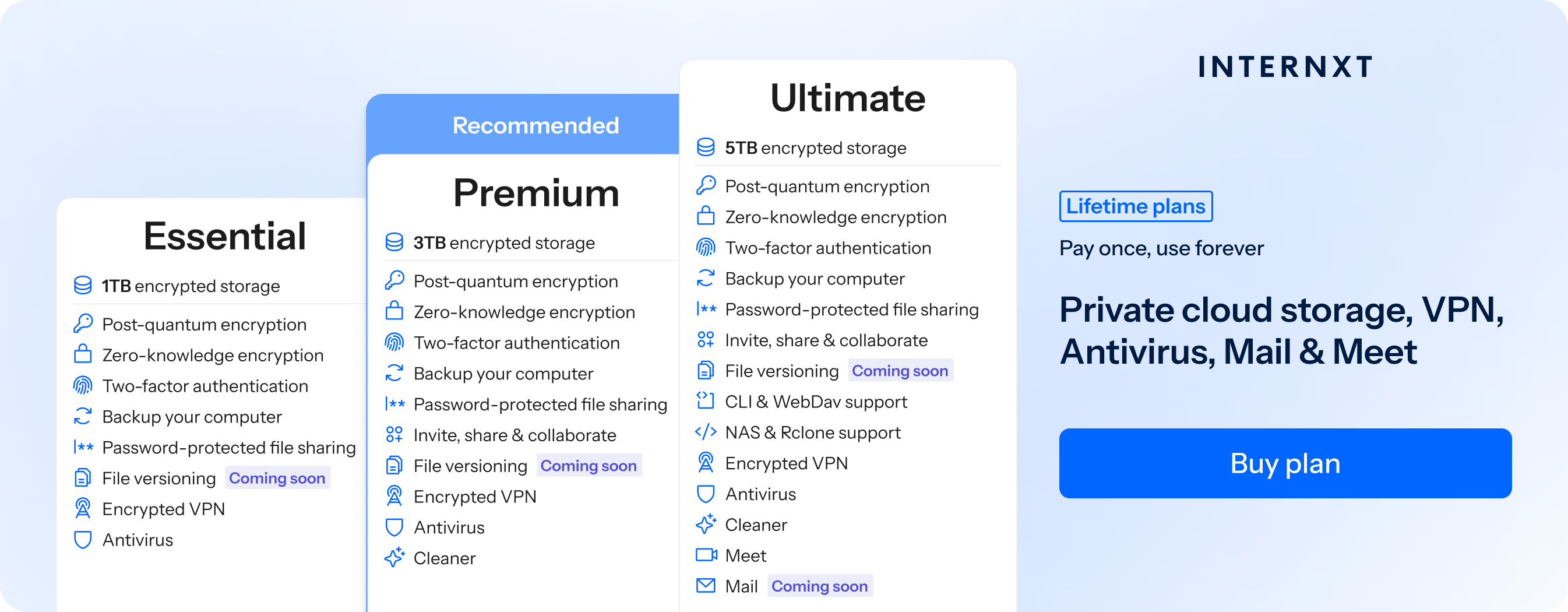
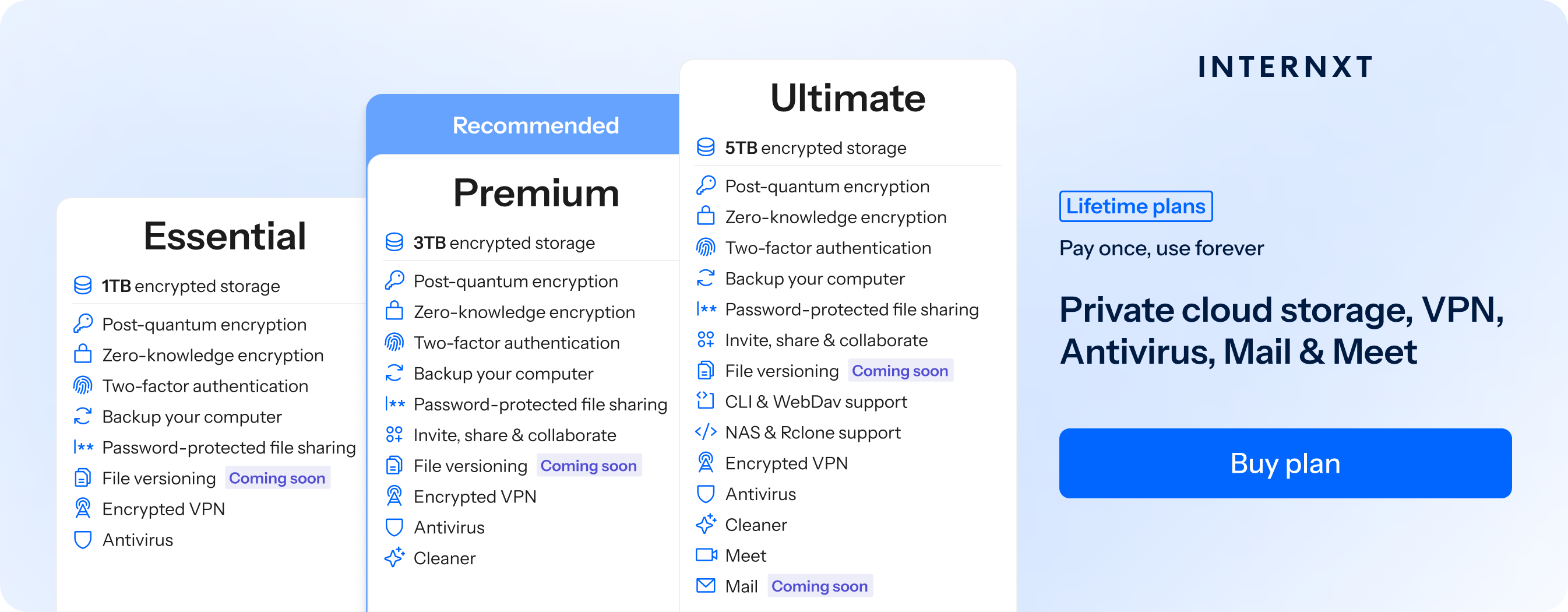
Internxt is the best alternative to Sync thanks to its post-quantum encryption, advanced product suite, and advanced cloud management features not offered by Sync, such as WebDAV, rclone, and NAS support.
Below, we will compare both services, including features and pricing, so you can choose the best option to protect your privacy online.
Internxt vs Sync
| Feature | Internxt | Sync.com |
|---|---|---|
| Maximum storage | up to 100TB | unlimited |
| Pricing | from €18/year | from €108/year |
| Lifetime plans | ✔ | ✖ |
| Post-quantum encryption | ✔ | ✖ |
| NAS, WebDAV, rclone support | ✔ | ✖ |
| Features | Antivirus, Meet, Mail, and more | Limited to cloud storage |
| Independently audited | ✔ | ✖ |
To check out the full features of Internxt’s plans, you can get 85% off any annual or lifetime plan from the link below.
Which alternative to Sync should you choose?
For a full privacy suite and the first cloud storage with post-quantum encryption, Internxt is the best choice for security, privacy, and safety.
Internxt also offers more affordable and expanded products to Sync, offering the following savings if you choose a 1TB annual plan with Internxt:
- Internxt first year €24
- Sync first year €108
- Savings with Internxt: 77.78%
Interxt also offers lifetime plans, with 1TB plans starting from €380. By investing in a lifetime plan with Internxt, you would get the following return on your investment when compared with Sync’s 1TB annual plan.
| Year | Sync Cumulative Cost (€) | Internxt Cumulative Cost (€) | ROI Achieved? | Annual Savings (€) |
|---|---|---|---|---|
| 1 | 108 | 380 | No | 0 |
| 2 | 324 | 380 | No | 0 |
| 3 | 540 | 380 | Yes | 160 |
| 4 | 756 | 380 | Yes | 376 |
| 5 | 972 | 380 | Yes | 592 |
Internxt is best for: Private cloud storage with a combination of zero-knowledge and post-quantum encryption, NAS and rclone support, and a full privacy product suite at the most affordable prices.
Sync is best for: Individuals or teams looking for unlimited cloud storage.
Related articles
Frequently asked questions
Is Sync Cloud safe?
Yes, cloud sync can be safe if the service uses strong security measures such as end-to-end encryption, secure data centers, and two-factor authentication. However, safety also depends on using strong passwords and keeping your devices secure.
What’s the best alternative to Sync.com?
Internxt is the best open-source and zero-knowledge encrypted cloud storage and an alternative to Sync. Internxt prices are up to 77% cheaper, and it offers a number of products and free tools to give you maximum protection online.
How much does Sync.com cost?
Sync.com offers a free plan with 5GB and paid plans that start at €108 per year for 1TB. With Internxt, you can get the same amount of storage, with even more features, for just €24/year.
Is Sync.com open source?
No, Sync.com is not open source; its software and clients are proprietary, meaning you have to trust the security of the platform, and there are no backdoors to your data.