
What is Cloud Security?

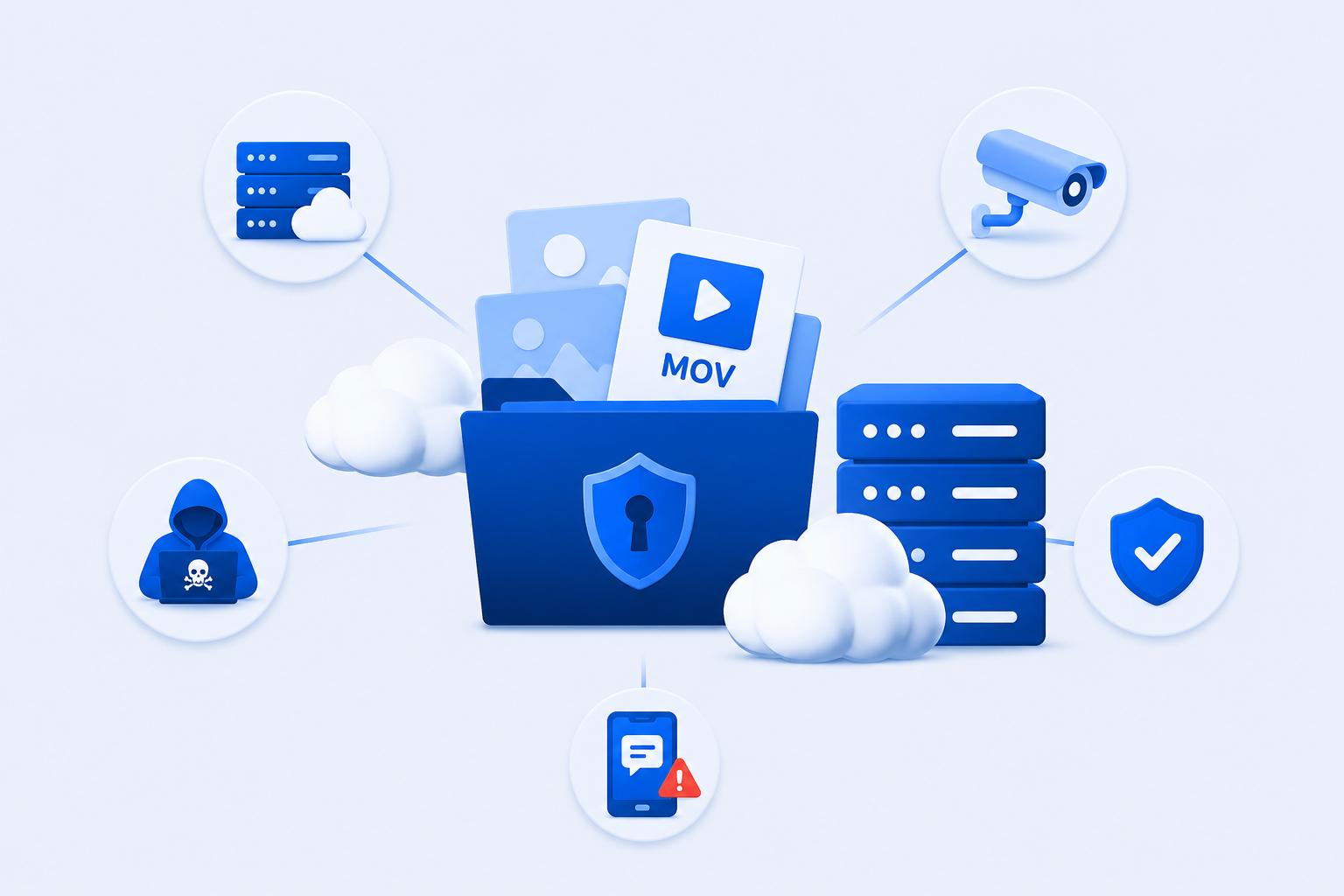
Many people assume that cloud storage is automatically private, but in reality, security levels vary widely between providers.
Understanding the differences between cloud security, privacy, and what kind of cloud storage meets your needs is essential if you want to protect personal or business information from unauthorized access, data leaks, or misuse.
To make this topic easier, we will take an in-depth look at cloud security, how the cloud is secured by providers and users, and how to get the best privacy and security for all your cloud accounts.
Table of contents
- Cloud security definition
- What is cloud security?
- How does cloud security work?
- Why you should care about cloud security
- How to get the best cloud security with Internxt
- Related articles
- Frequently asked questions
Cloud security definition
Cloud security is a branch of cybersecurity focused on protecting data, applications, and infrastructure that operate in cloud computing environments.
It ensures that all information stored and processed online remains secure, private, and available while being accessed over the internet.
The responsibility of cloud security mainly lies with the cloud provider, as they provide the infrastructure and encrypt your data. Having said that, the customer and end user need to take measures to protect their cloud, such as creating strong passwords, 2FA, and backing up their files.
Cloud security can be broken down into the following categories:
- Data security: one of the most crucial aspects of cloud security, as it protects stored and transmitted information through encryption and security protocols.
- Identity and access management: controls who can access shared files, and what actions they can perform depending on their access.
- Governance and risk management: defines security policies, monitoring, and threat response strategies.
- Data retention and business continuity: which ensures data is properly stored, backed up, and recoverable after incidents.
- Compliance: ensures cloud systems meet legal, regulatory, and industry requirements.
Now let’s take a look at what cloud security is, and why it’s important.
What is cloud security?
Cloud security is the collection of technologies, protocols, and best practices used to protect cloud computing environments, including the cloud infrastructure, applications, and data that operate in the cloud.
It defines how cloud systems are secured and how different parts of the environment are protected depending on who manages them.
Cloud security covers multiple layers of a cloud environment, each of which needs protection depending on how responsibility is shared between providers and users:
Below are the technologies, protocols, and best practices used in cloud security:
- Physical hardware: the physical machines and infrastructure found in data centers, including servers, networking equipment, power systems, and cooling infrastructure
- Storage systems: the hardware and services used to store data, such as disk arrays and cloud storage services, where information is saved and retrieved
- Servers: computing systems that process data and run cloud services, including both physical and virtual servers
- Virtualization platforms: software layers that create and manage virtual machines, allowing multiple operating systems to run on shared physical hardware
- Operating systems: the core software that manages hardware resources and provides the foundation for running applications in the cloud
- Middleware: software that connects different applications and services, often handling communication, authentication, and API management
- Runtime environments: the execution layer where applications actually run and perform tasks within the cloud environment
- Applications: end-user software services hosted in the cloud, such as email platforms, business tools, and productivity applications
- Data: all information stored, processed, or transmitted in the cloud, including files, databases, and user content
- End-user devices: the hardware used to access cloud services, such as laptops, smartphones, tablets, and IoT devices
What can make cloud security complex is that different parts of cloud security are managed by either the provider or by you.
To make it easier to understand, cloud security responsibilities are usually grouped into two main viewpoints: what the cloud provider secures and what the customer secures.
Cloud service types
Cloud service types describe the different ways cloud computing services are delivered and what level of control the user has over the system.
The three main cloud service types are:
- Infrastructure as a Service (IaaS): provides basic computing infrastructure such as virtual servers, storage, and networking. The user manages the operating system, applications, and data, while the provider manages the physical hardware and virtualization.
Example: hosting websites or running custom applications.
2. Platform as a Service (PaaS): provides a managed environment for building, testing, and deploying applications. The provider manages the infrastructure, operating system, and runtime environment, while the user focuses only on the application and data.
Example: It is commonly used by developers to build software without managing servers.
3. Software as a Service (SaaS): delivers fully built applications over the internet that users access through a browser or app. The provider manages everything, including infrastructure, platform, and application, while the user simply uses the software.
Example: email services, office tools, and online storage platforms.
Cloud environments
Cloud environments describe the infrastructure and deployment models used to run cloud services, applications, and data. They define where cloud resources are hosted, who manages them, and who can access them.
The main cloud environments are:
- Public: one of the most popular options for most users, the cloud resources are owned and operated by a third-party provider and shared among multiple customers over the internet.
Advantages: Public clouds offer scalability, flexibility, and lower upfront costs.
2. Private cloud: Often used by businesses and is a cloud infrastructure dedicated to a single organization. It can be hosted on-premises or by a third-party provider.
Advantages: offers greater control, customization, and security.
3. Hybrid: combines public and private cloud environments, allowing data and applications to move between them as needed.
Advantages: flexibility, performance, and security requirements.
4. Multi-cloud: involves using services from two or more different cloud providers at the same time, using a blend of on-site private and public clouds.
Advantages: higher availability, greater resilience, improved flexibility, optimized costs, and stronger disaster recovery.
How does cloud security work?
Cloud security has the purpose of protecting your data in the following ways:
- Enable data recovery in case of data loss (backups)
- Protect storage and networks against malicious data theft (encryption and access controls)
- Prevent human error or negligence that causes data breaches (permissions management and security policies)
- Reduce the impact of any data or system compromise (threat detection and incident response)
Data security and encryption
Cloud security protects data by controlling who can access it and by encrypting it while it is stored in cloud data centers and transmitted from your device.
Encryption converts readable information into unreadable ciphertext that can only be accessed with the correct decryption key, helping prevent unauthorized access even if data is intercepted or exposed by hackers in a cyberattack.
With standard encryption like that used by Google Drive, Dropbox, or OneDrive, the cloud provider encrypts your data and manages the encryption keys on its servers.
This protects data from external threats, but the provider can technically access the data if required because it controls the keys.
With zero-knowledge encryption, like that used by Internxt Drive secure cloud storage, only the user holds the encryption keys. With Internxt, data is encrypted with AES-256 and Kyber 512 postquantum encryption on your device before it leaves the user's device.
The encryption keys are managed by you, so Internxt, nor anybody else, can access or view your files.
Identity and access management (IAM)
Identity and access management (IAM) in cloud security is the system of policies, tools, and controls used to verify user identities and manage their access to cloud resources to prevent unauthorized access to sensitive data.
IAM enforces authentication for users, confirming who they are, their access level, and the permissions they have within the cloud environment.
It ensures that only authorized users can log in and that each user is limited to the specific data, applications, and actions they are allowed to use. This is important as it prevents employees from accessing confidential data or accidentally deleting backed-up files.
IAM protocols include password management, MFA, and other methods to prevent account misuse or data breaches.
Governance
Governance in cloud security is the set of policies, rules, and processes controlling how cloud resources are used and managed. It ensures that cloud environments operate securely, efficiently, and in line with an organization’s standards and legal requirements.
Governance also helps organizations monitor activity, enforce consistent security practices, and reduce misconfigurations that could lead to vulnerabilities or data exposure.
While it mostly applies to organizations, individual cloud storage users can still benefit from monitoring all of their online accounts in case of any security vulnerabilities by updating passwords and ensuring all their software is up to date.
Data retention and business continuity planning
Data retention (DR) and business continuity (BC) planning in cloud security refer to how data is stored over time and how systems stay operational during disruptions.
Data retention defines how long data is kept, where it is stored, and how it is securely archived or deleted when requested by the user or when it’s no longer needed, ensuring compliance and efficient storage management.
Business continuity planning focuses on keeping services running during incidents such as cyberattacks, system failures, or disasters. It includes backups, redundancy, and recovery strategies to restore data and maintain access to critical systems with minimal downtime.
Compliance
Compliance laws are designed to protect user data by legislative bodies. For many businesses, the compliance laws they have to follow depend on their location (GDPR for Europe, CCPA for California).
Compliance also depends on the type of data stored, for example, HIPAA for healthcare data.
For cloud security with multiple compliance and maximum cloud security, Internxt complies with GDPR, ISO 27001, SOC 2, and HIPAA, offering the best data protection regardless of industry or types of data stored.
Why you should care about cloud security
As more sensitive information is stored online, it becomes a bigger target for cybercriminals who constantly try to exploit weaknesses in cloud systems to access sensitive information, which can be sold on the dark web, used in phishing attacks, or other popular online scams.
Protecting all this data may seem unmanageable, but with the right security protocols, your data in the cloud can remain secure against hackers and private from big tech companies.
Knowing how cloud companies protect your data, it will help you take the best measures to secure your files.
For example, if you want cloud storage with zero-knowledge encryption to keep videos, photos, or documents private, you can choose a company like Internxt, which encrypts files on your device to ensure they remain inaccessible.
On the user side, backing up files regularly, monitoring account activity, and securing your accounts are the best methods to combine with cloud security features to keep your data in the cloud secure.
How to get the best cloud security with Internxt
Internxt Drive
Internxt secure cloud storage offers the best cloud security for your files with a combination of post-quantum and zero-knowledge encryption - the first cloud storage to protect against future cybersecurity threats of quantum computers.
The key cloud security features Internxt Drive offers are:
- Encrypted backups: Schedule and back up important files in the Internxt Drive app for Windows, Mac, or Linux to protect against data loss.
- Multiple compliance: GDPR, ISO 27001, SOC 2, and HIPAA
- Advanced file sharing: Password protection and controlled file access
- Two-Factor Authentication: Increased security for your account
- Open source and audited: All code can be verified by cloud security experts, and Drive has been independently audited to confirm its data protection and security protocols
Alongside encrypted cloud storage, Internxt goes beyond cloud security by offering a full suite of privacy products included in its paid plans. Depending on the plan you choose, you can access:
- Antivirus: Scan your files and delete malware to protect your device from malware.
- VPN: Encrypt and secure your connection to avoid browsers collecting or spying on your activity.
- Cleaner: Remove junk files from your device to optimize your storage and improve performance.
- Meet: Encrypted and private video meetings for friends, family, or colleagues
- Mail: Encrypted email to send emails privately, protected with zero-knowledge encryption
- Photos: Automatically back up and sync your photos and albums in the cloud
There are free tools available, too, which are:
- Internxt AI: A private AI chatbot that keeps your chats private and doesn’t use your chats or data for machine learning
- Internxt Send: A free and secure file sharing service to send large files via a secure and private encrypted link, which you can send via message or email.
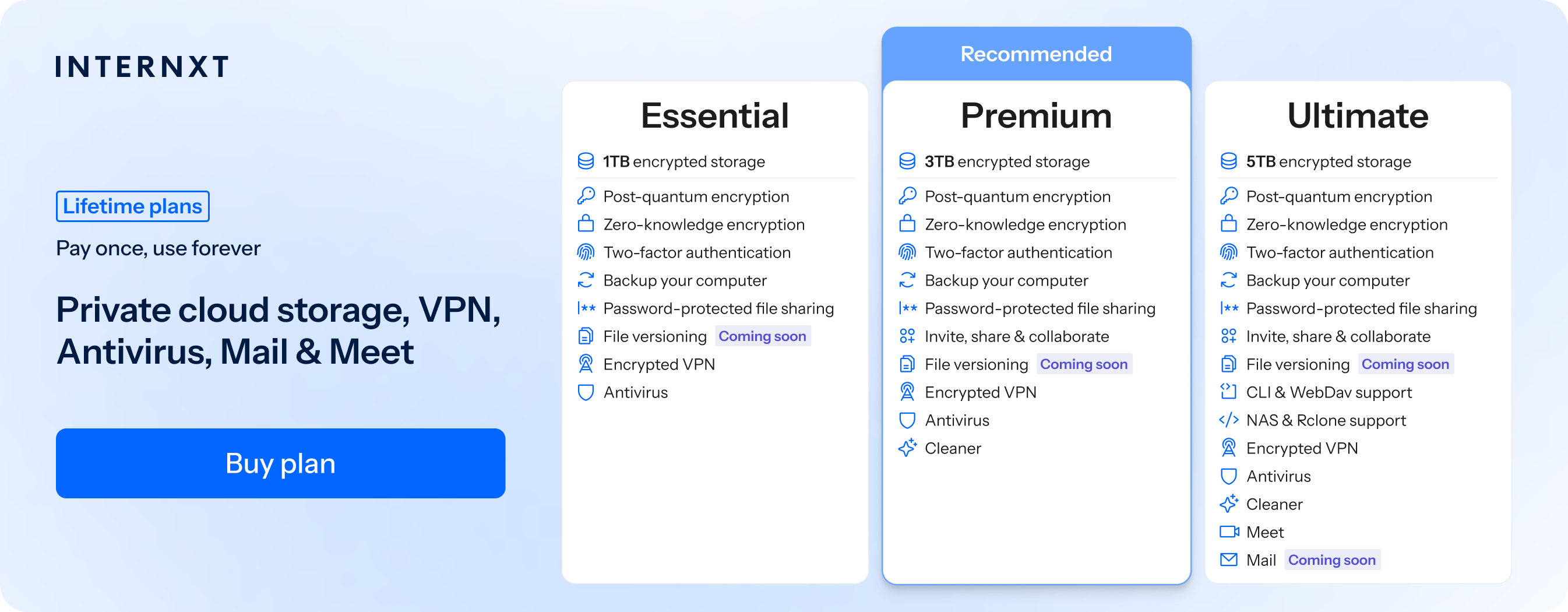
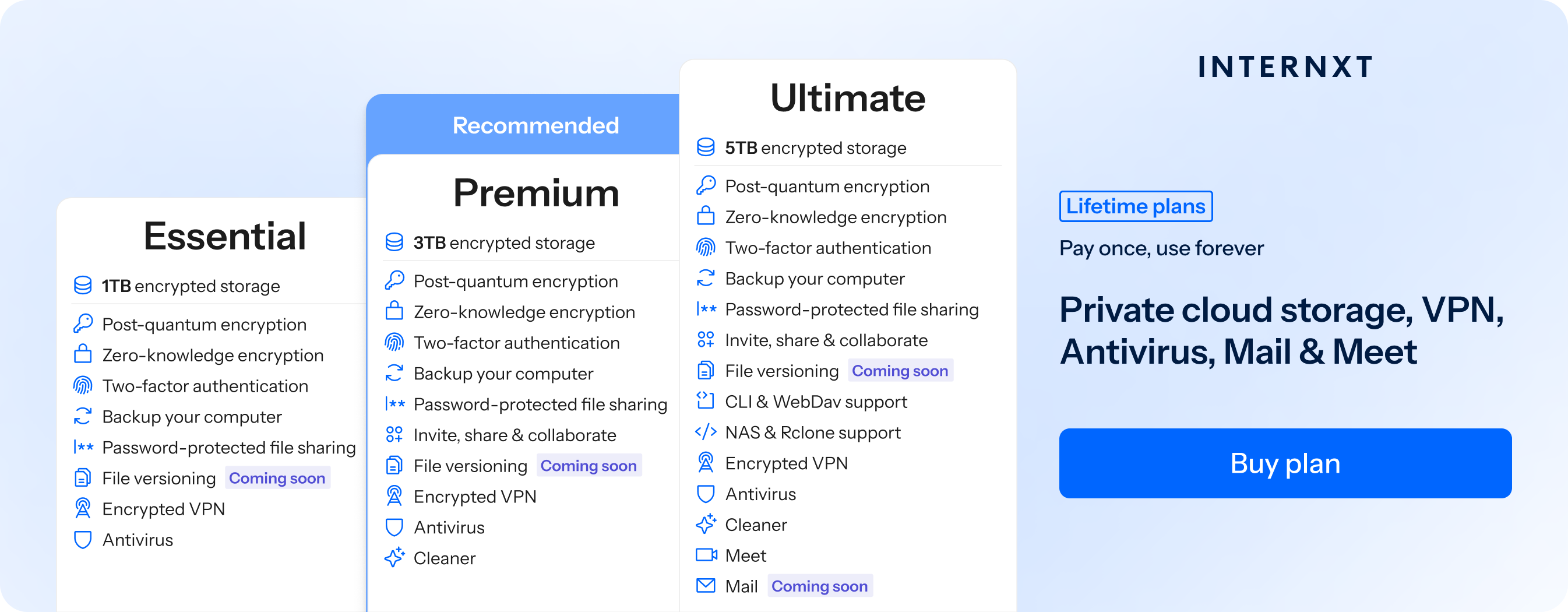
To get started with an annual or lifetime Internxt plan, visit our website or click the link below to get 85% off all plans.
| Plan | Storage | Features | Annual (Paid monthly) | Lifetime Cost |
|---|---|---|---|---|
| Essential | 1TB | €1.99/month | €380 | |
| Premium | 3TB |
|
€3.99/month | €580 |
| Ultimate | 5TB |
|
€5.99/month | €780 |
| *Prices are correct at the time of writing and are subject to change. For latest prices, check https://internxt.com/pricing | ||||
Hybrid cloud security
Hybrid cloud storage combines the privacy of your own cloud device with a public cloud. It is used by smaller businesses, but it can be easily set up in a home setting with a Network Attached Storage (NAS) system.
With Internxt Ultimate plans, you can get NAS support for QNAP and Synology to set up a secure hybrid cloud storage solution with NAS and Internxt Drive.
You can store and back up your files directly to your NAS, combining the privacy of a NAS and cloud storage for maximum cloud security and privacy.
Enterprise cloud security solutions
Finally, Internxt S3 cloud object storage offers security for enterprises looking to store petabytes of data.
With object storage, you can store and back up your files and access large amounts of data quickly.
Unlike AWS, Azure, or Google Cloud, Internxt S3 charges a flat fee of €7/TB/month with no additional data transfer fees, so you can scale your storage needs to meet your budget without worrying about additional costs.
Related articles

Frequently asked questions
What is cloud security?
Cloud security is the set of technologies, policies, and controls used to protect data, applications, and infrastructure in cloud computing environments from unauthorized access, data breaches, and cyber threats.
Why is cloud security important?
Cloud security is important because more data and services are stored in the cloud, making them a target for cybercriminals. It helps protect sensitive information, ensure service availability, and reduce the risk of data loss or theft.
How does cloud security work?
Cloud security works by combining encryption, identity and access management, monitoring, and compliance controls to protect data and systems. Security responsibilities are shared between cloud providers and customers.
What are the main types of cloud security?
The main types include data security, identity and access management, network security, application security, and compliance management.
What are the biggest risks in cloud security?
The biggest risks include data breaches, misconfigured cloud settings, weak passwords, unauthorized access, insider threats, and insecure APIs.
How can cloud security be improved?
Cloud security can be improved by using strong passwords, enabling multi-factor authentication, encrypting data, regularly updating systems, and monitoring access logs.
What is cloud data encryption?
Cloud data encryption is the process of converting data into an unreadable format so only authorized users with the correct key can access it.
What is the difference between public and private cloud security?
Public cloud security is managed partly by a third-party provider and shared with multiple users, while private cloud security is dedicated to a single organization with greater control and customization.
What is zero trust in cloud security?
Zero trust is a security approach that assumes no user or system is trusted by default, requiring continuous verification for every access request.
What are examples of cloud security tools?
Examples include firewalls, intrusion detection systems, identity and access management platforms, encryption tools, and security monitoring services.
Is cloud storage secure?
Cloud storage can be secure if proper security measures like encryption, access control, and monitoring are in place, but risks still exist if it is misconfigured or poorly managed.